Save 30% yearly

Hair Color Filters — Find Your Shade

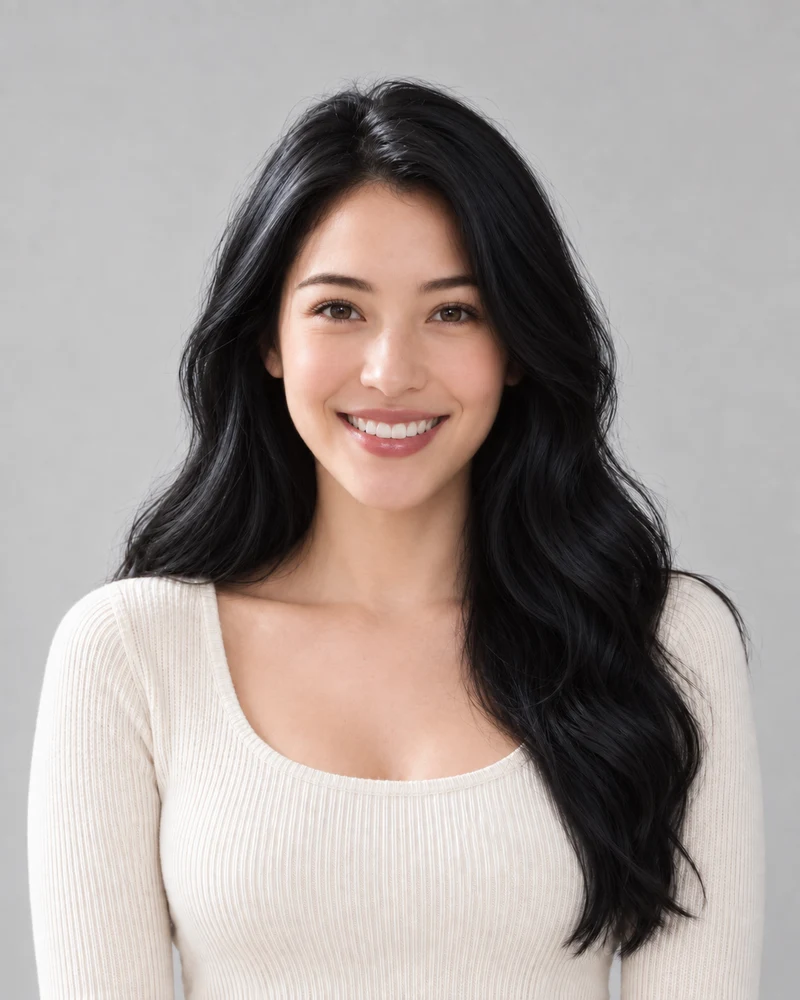
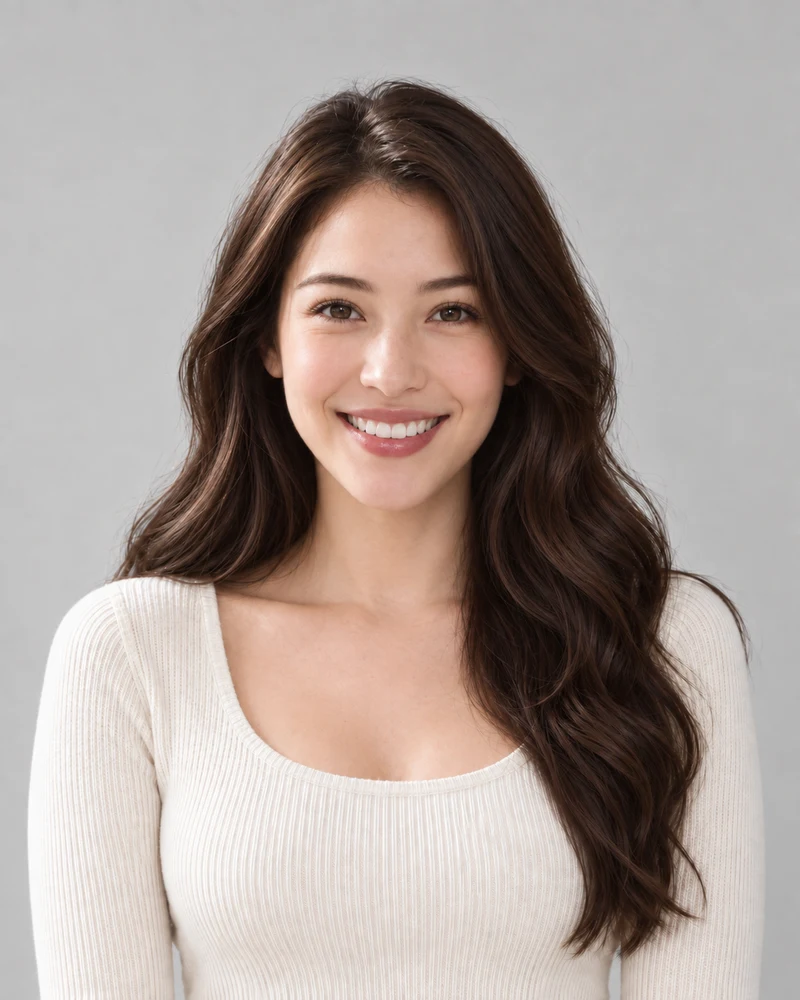
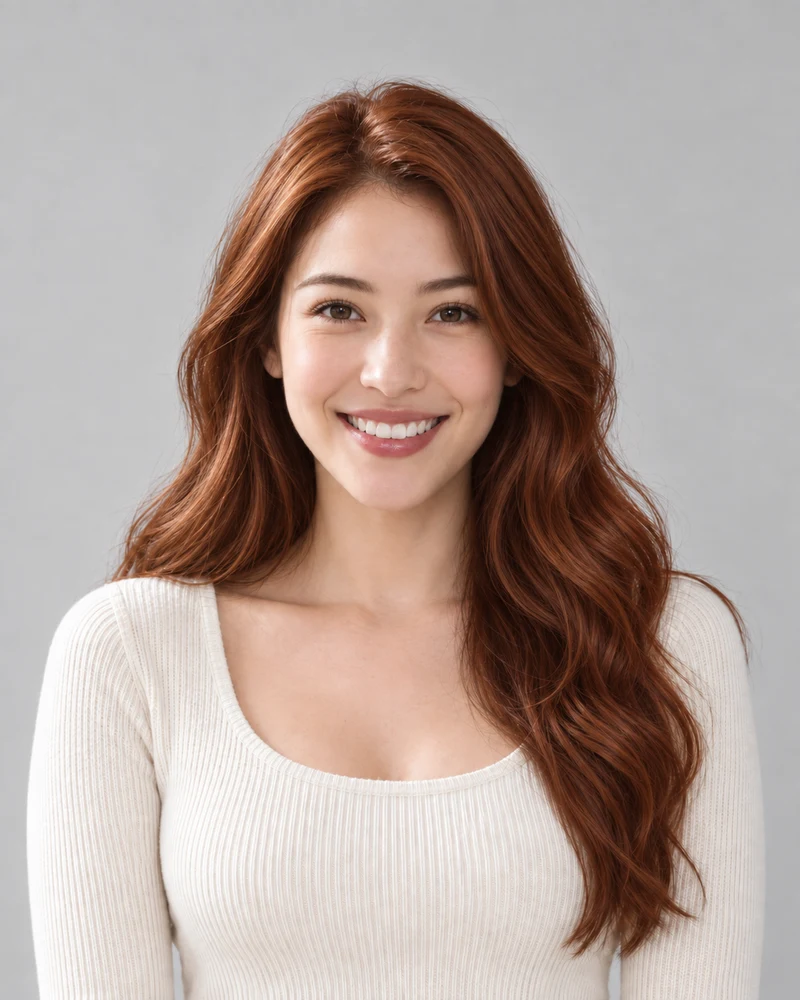
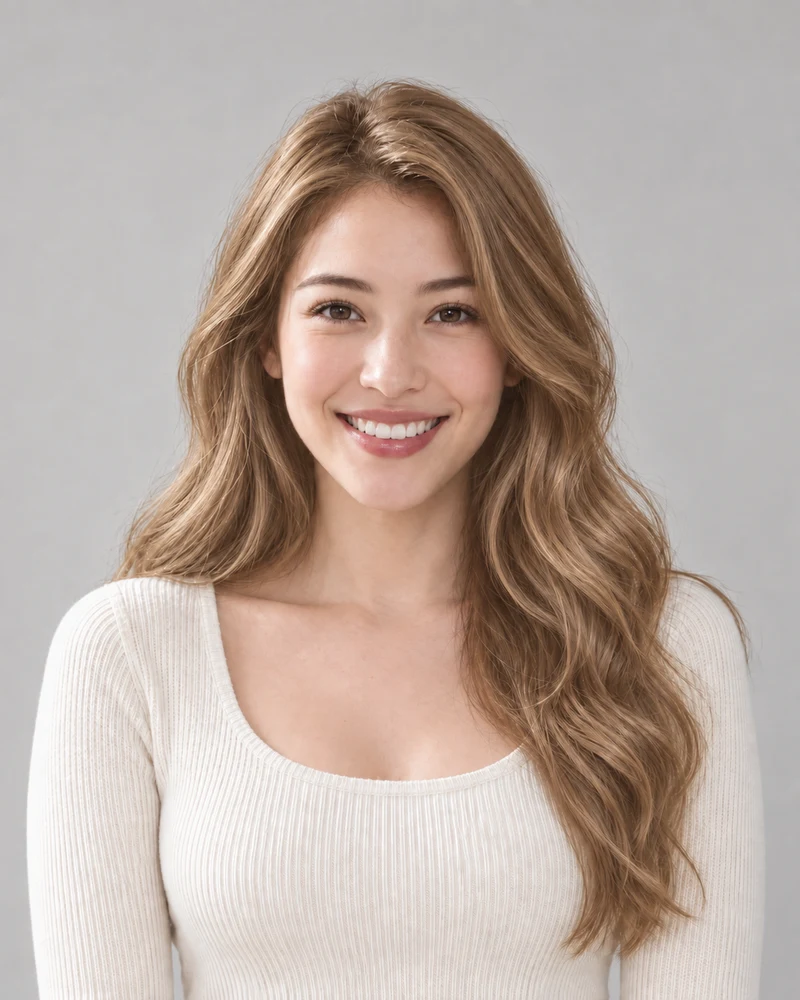
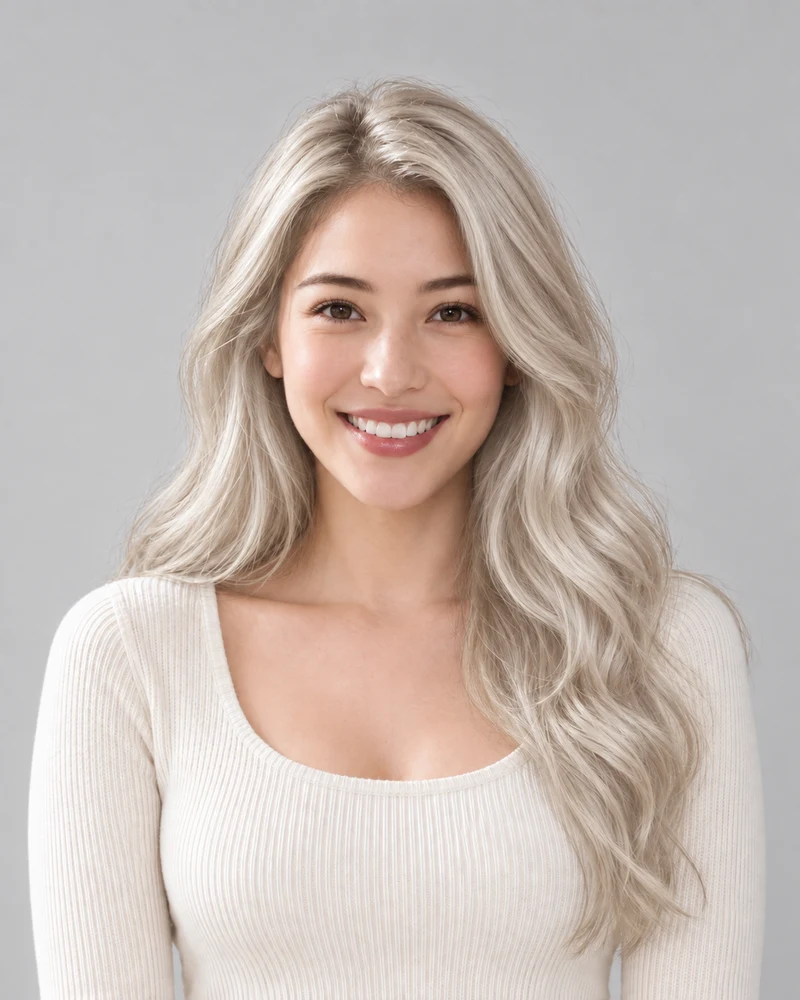
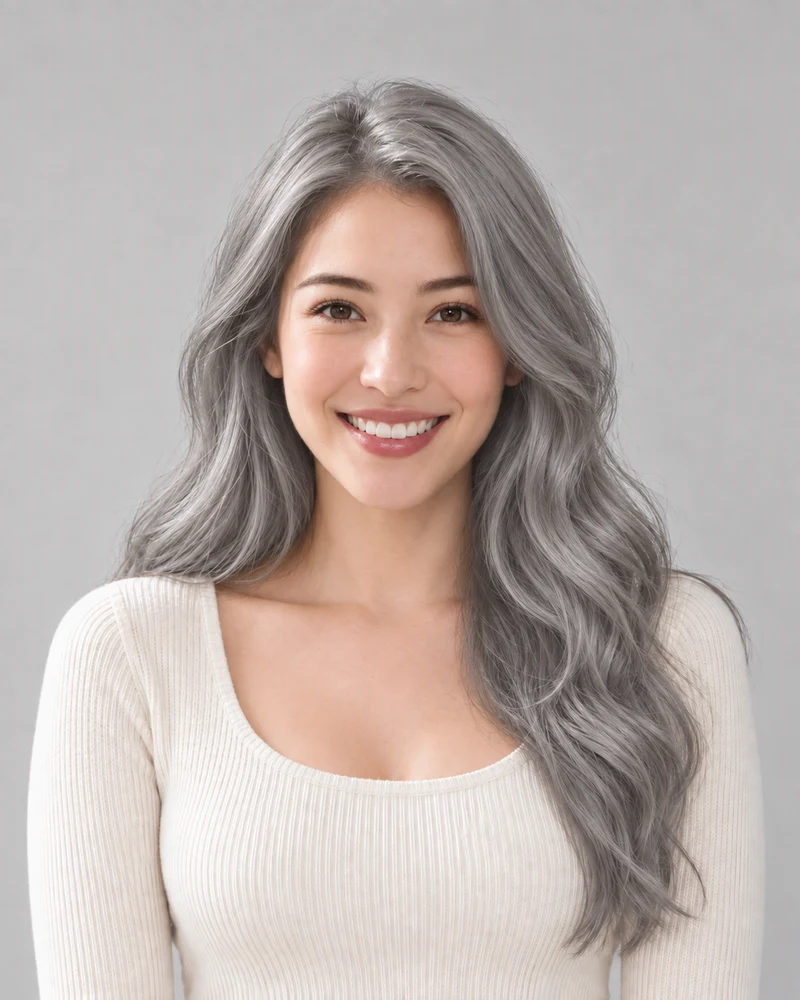
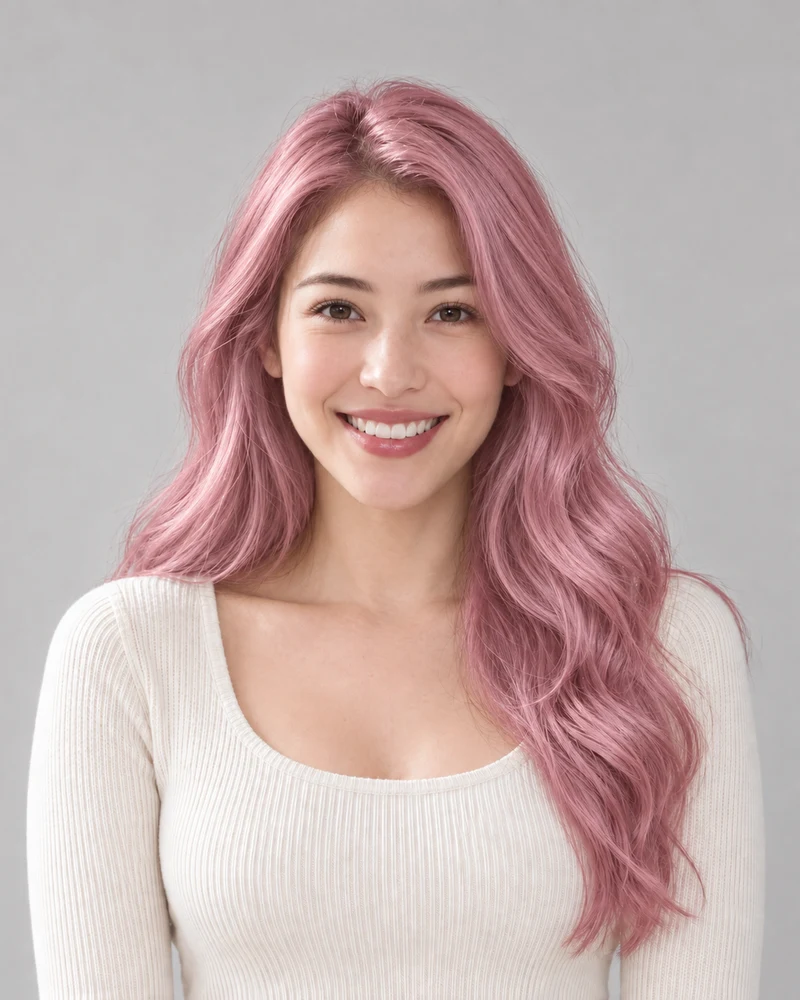
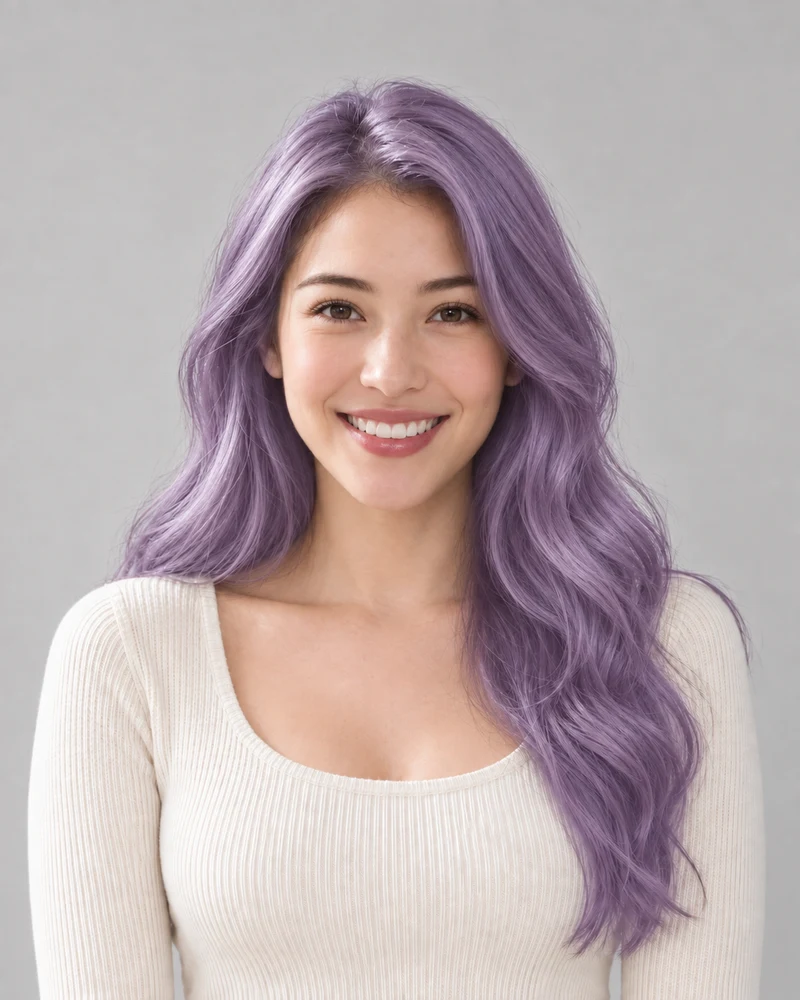
Start with six colors from different families, or browse all 59 shades below. Preview any of them on your photo and compare it with your original.

No photo handy? Try a sample:

Pick a Starting Color

All 59 shades and custom colors

Selected:Copper

Use a clear photo with your full hair visible. Check the preview against your original.

10 color families · 59 shades · Credits shown before generation

EVERY SHADE

Browse All 59 Hair Color Shades

Choose a family, then a shade. Your pick is added to the tool at the top so you can preview it on your photo.

Shades in this family: 6

The same female model previewing Copper, an AI example

Selected shade

Copper

Red hair · Warm · Level 7

Selecting a shade adds it to the tool at the top. Nothing is generated until you press the generate button there.

Red hair filter page
  • Black hair: Levels 1–2
  • Brown hair: Levels 3–6
  • Red hair: Levels 4–8
  • Blonde hair: Levels 7–9
  • Platinum blonde: Levels 9–10
  • Gray hair: Levels 7–10Plus 2 natural graying looks
  • Pink hair: Levels 6–10Lightened base level
  • Purple hair: Levels 4–10Lightened base level
  • Blue hair: Levels 5–10Lightened base level
  • Highlights: Levels 6–10Lightest pieces

One dot per shade.

Catalog levels describe different things for different families; they do not predict your result or a bleaching plan.

01 · LIGHT OR DARK

Hair Color Depth by Family

These ranges summarize the catalog levels for each family. Natural shades describe depth; fashion shades describe a lightened base, which can be much lighter than the finished color. Read each range with its label rather than treating all colors as equally light.

  • Black and brown have deeper targets; platinum has a pale target. A dark fashion color can still be listed with a light base.
  • Highlights show their lightest pieces, not a whole-head color, and natural graying has no single depth.
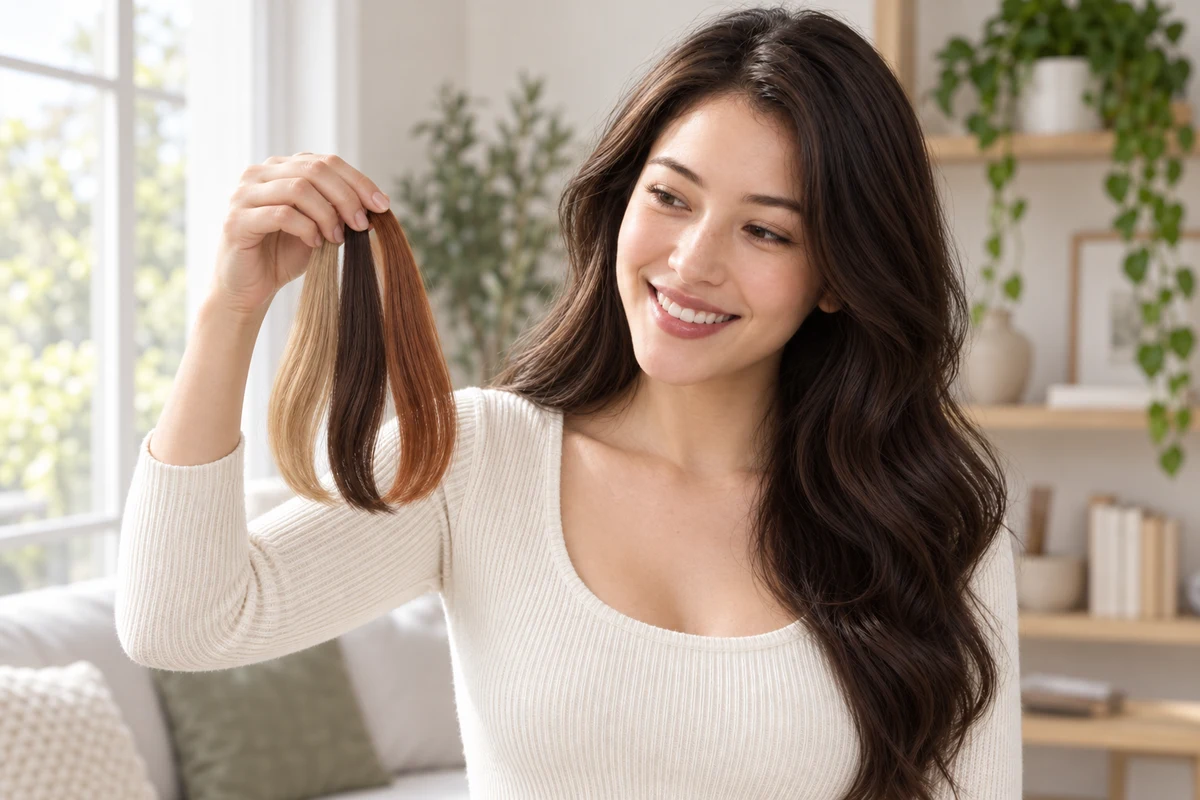
A woman by a window comparing blonde, dark brown and copper hair swatches beside her own dark brown hair
An AI illustration of comparing swatches from three color families.

02 · YOUR SHORTLIST

Compare Two or Three Families

Pick the families you keep coming back to and preview one shade from each on the same photo. Then open each family page to compare its closer shades.

  • Use the same photo and light for every preview so the families are compared fairly.
  • In person, hold physical swatches beside your hair in indirect daylight; a screen preview and a swatch are different references.

Your Hair Color Filter in Three Steps

One photo, one selected shade, and your original to compare with.

1

A Clear Starting Photo

Upload an evenly lit portrait with your hair fully visible, or choose a sample.

2

A Family, Then a Shade

Start from a color in the tool or pick any shade from the full list. Check the credit cost before generating.

3

A Side-by-Side Decision

Compare the result with your original and download a reference to keep.

Hair Color Filter Details

Families, shades, credits and what to expect from a preview.

It recolors the hair in a photo you upload, or in a sample portrait, using the shade you select. The result is a still-photo preview to compare with your original, not a live camera effect.

Start with the family you keep saving photos of, or the one closest to the change you have in mind. Each family page compares six related shades; the full list on this page shows every shade side by side.

The full list on this page groups every shade the tool offers by family. Selecting one adds it to the tool at the top; a preview is generated only when you press the generate button. For a custom HEX color, use the hair color changer on the homepage.

The filter runs in your browser on a computer or phone. Upload a photo or pick a sample, choose a shade and generate a preview; there is no app to download.

Browsing families, shades and example photos costs nothing. Generating a preview on a photo uses credits; the amount is shown on the generate button before you start, and the pricing page lists what new accounts receive.

Camera effects on TikTok or Snapchat tint a live video feed. This filter edits a still photo instead, so you can compare the result with your original and download it. Lighting and image quality still affect how a shade reads.

Meta closed its Spark AR platform in January 2025, and third-party AR effects, including many hair color filters, were removed from Instagram and Facebook. A photo-based filter like this one works in a web browser instead.

The edit aims to change hair color while retaining your appearance. AI may alter small details, so compare your face, brows, hairline and texture with the original.

A preview can show a much lighter family, such as platinum or pastel pink, on a dark-haired photo. It does not assess your hair's condition or color history, and it cannot tell how a salon would reach that shade.

Upload a male portrait or choose the male sample under the upload area. Short cuts show less hair, so compare the result with your brows and facial hair in even light.

Still have a question? Email us at support@haircolorchangeai.com.

Your Next Color Starts with a Photo

Choose a family or any single shade and see a preview before deciding on a change.