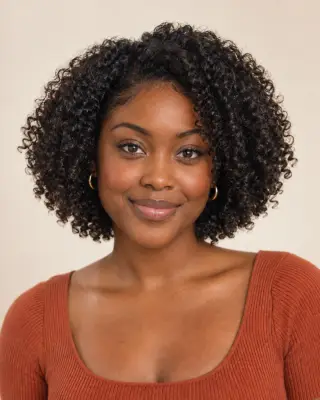


Your virtual bob preview
Bob Filter — See Yourself with a Bob
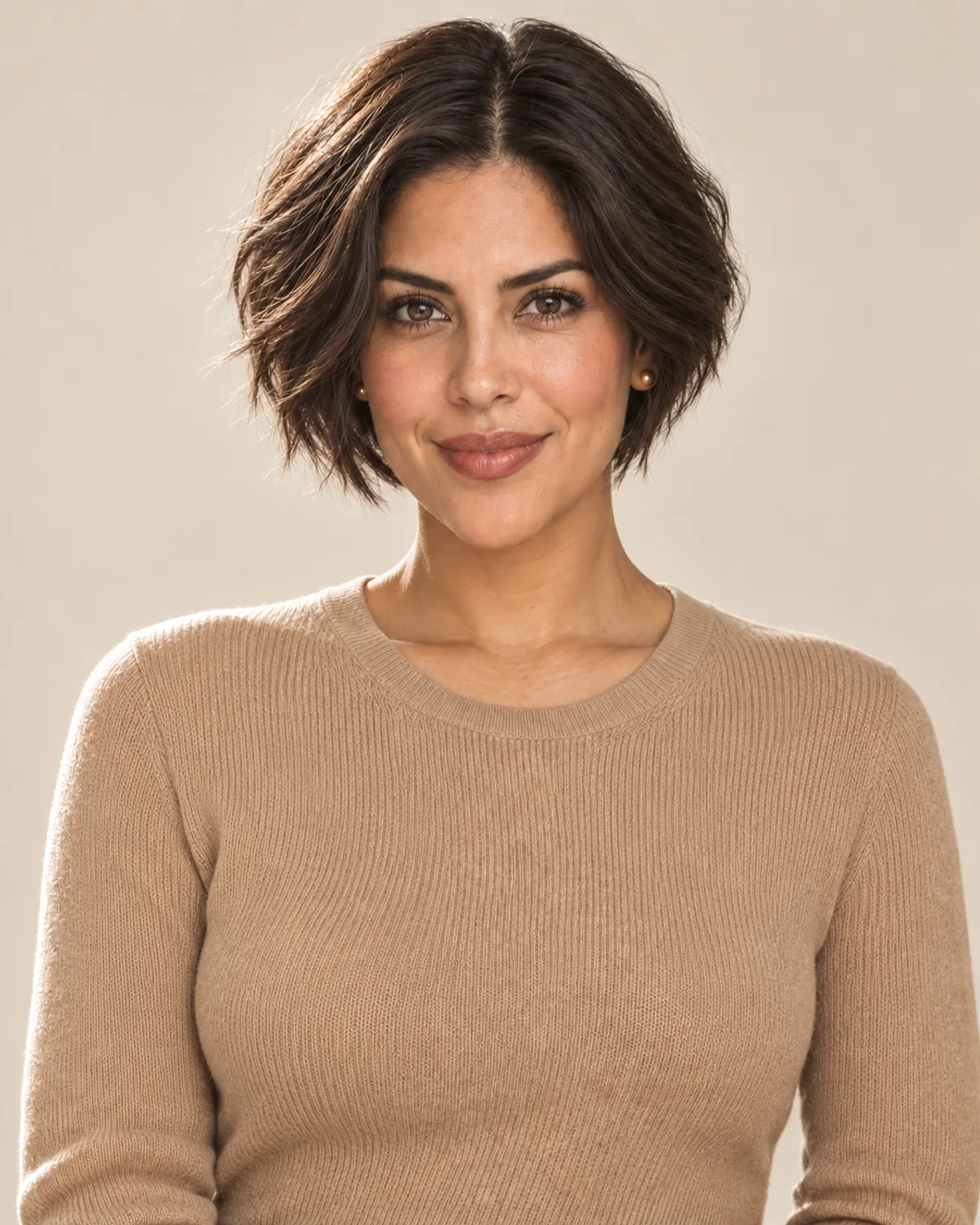
Preview blunt, A-line, Italian, layered and micro bobs on your photo. Compare the length and shape before you book the cut.
No photo handy? Try a sample:
Choose a Bob for Your Photo
Selected:Blunt bob
Designed to change the length and shape of your cut while keeping the rest of your look.
8 bob styles · Straight, wavy and curly hair · Free credits for new accounts
The bob edit
Explore 8 Bob Haircuts, from Micro to Lob
Compare where each bob ends, its shape and the styling it needs. Five bobs share one portrait; the layered, stacked and micro bobs use their own examples on curly, gray and straight blonde hair.
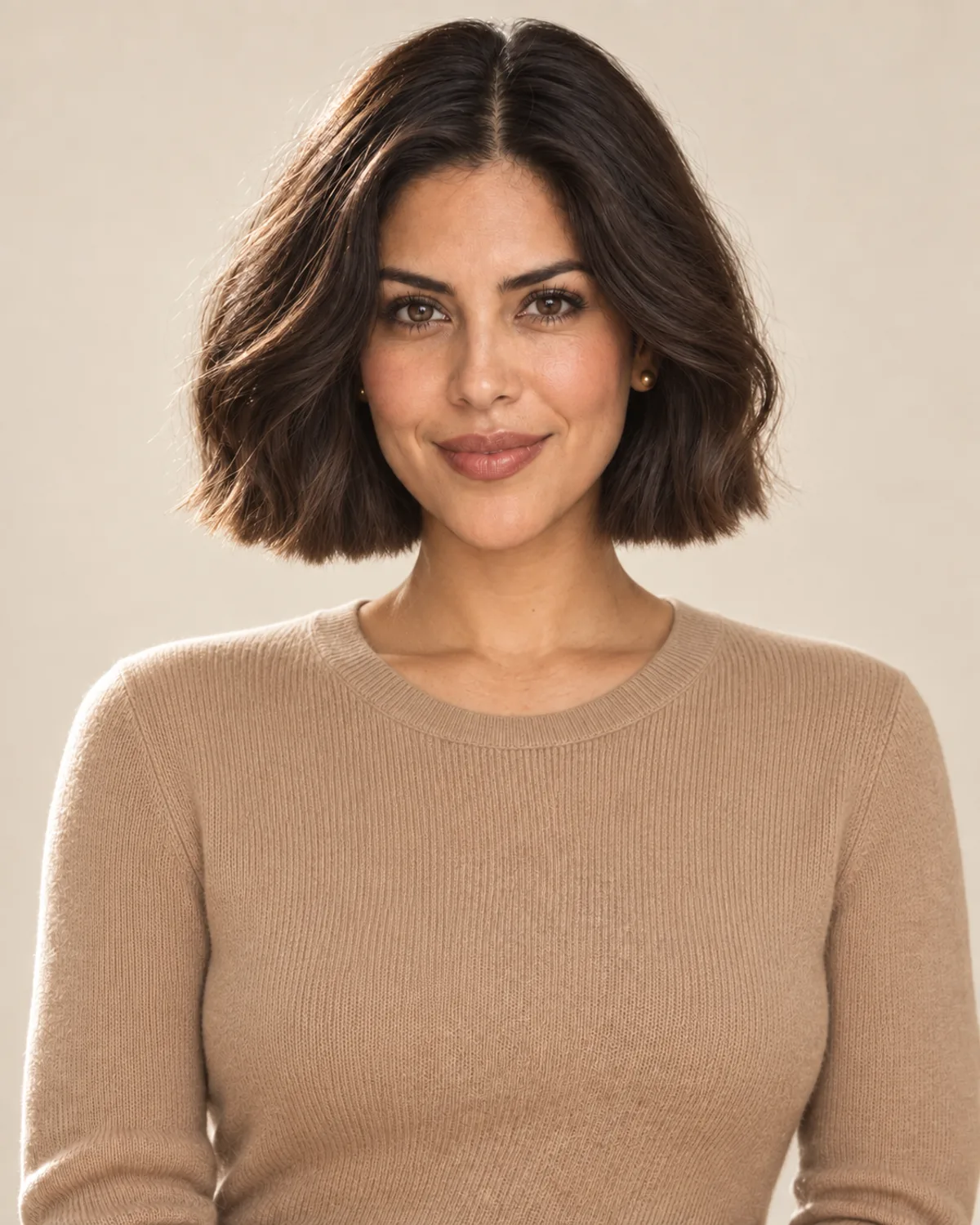
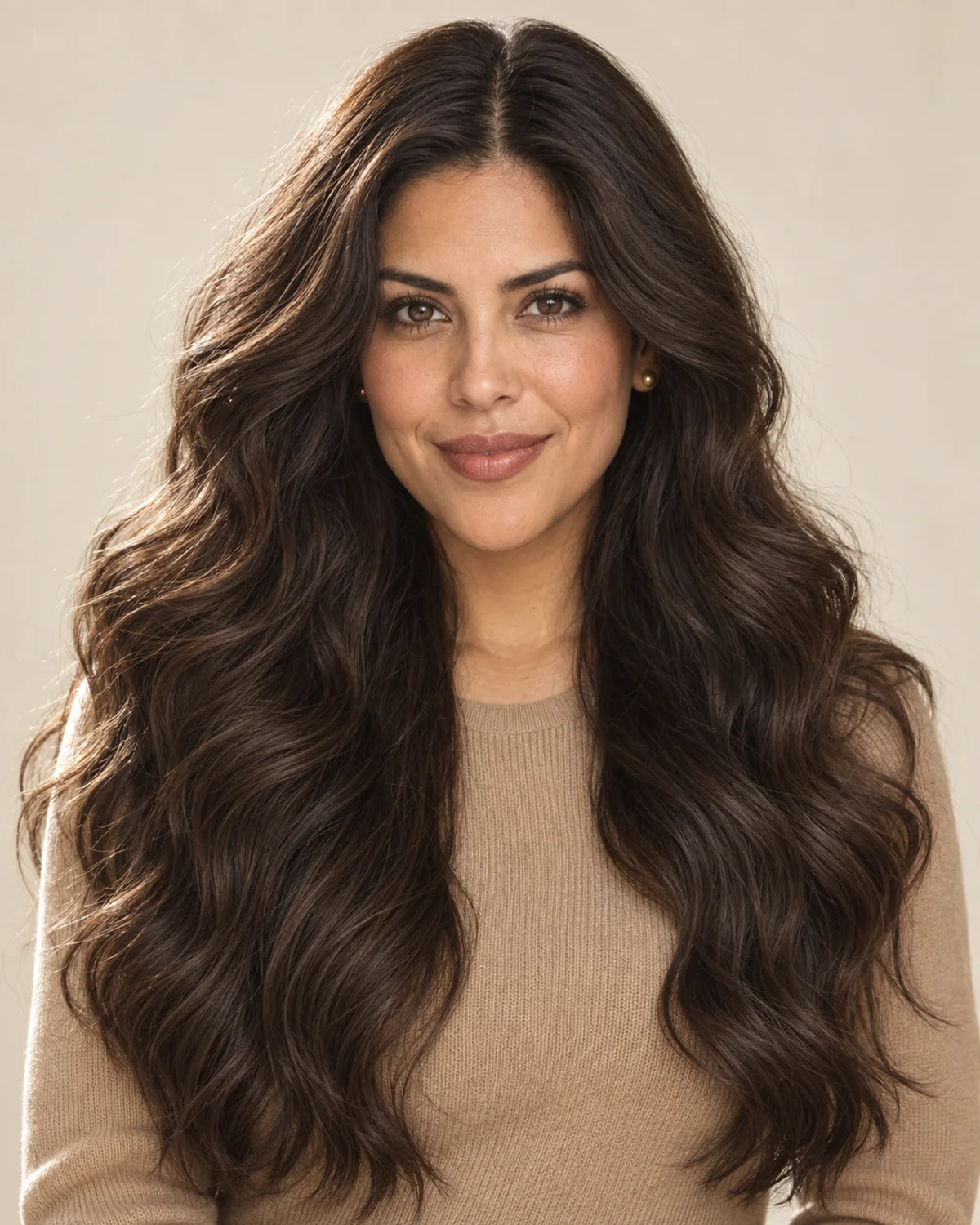
Blunt bob
One clean line with a polished, graphic finish.
- Where it ends
- At the jawline, the same length all the way around.
- The shape
- No layers, so the weight sits at a crisp, level edge.
- Everyday styling
- Straight or wavy hair can often air-dry; a flat iron sharpens the edge.
Bob Before & After on Different Hair Types
Compare AI-created bob previews on long blonde hair, natural curls and a gray-streaked bob. Drag each slider to see the change.

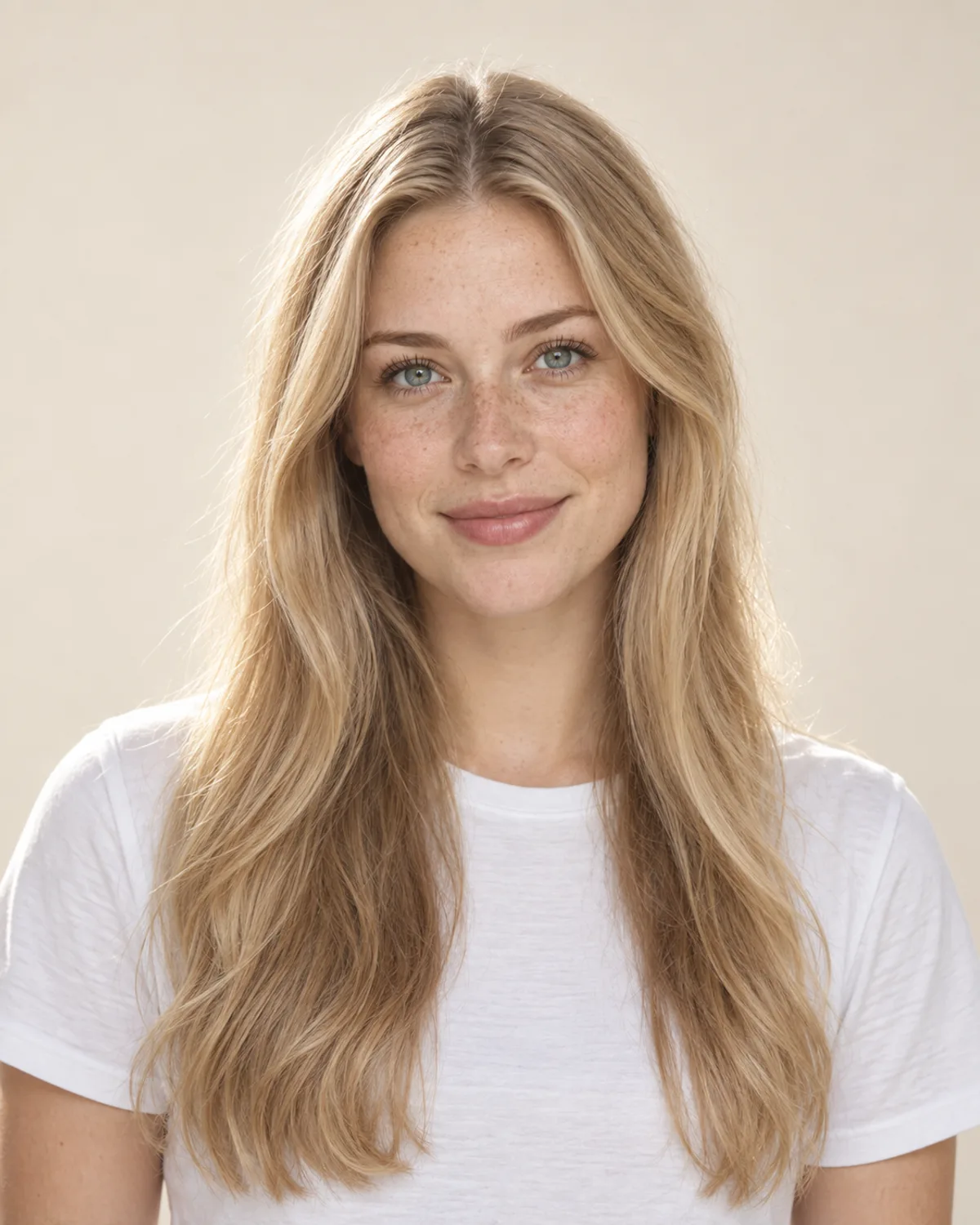
From Long Blonde Hair to a Micro Bob
The biggest change on this page: long, straight hair cut to the earlobes. Compare how much of the neck and jaw the short line reveals.
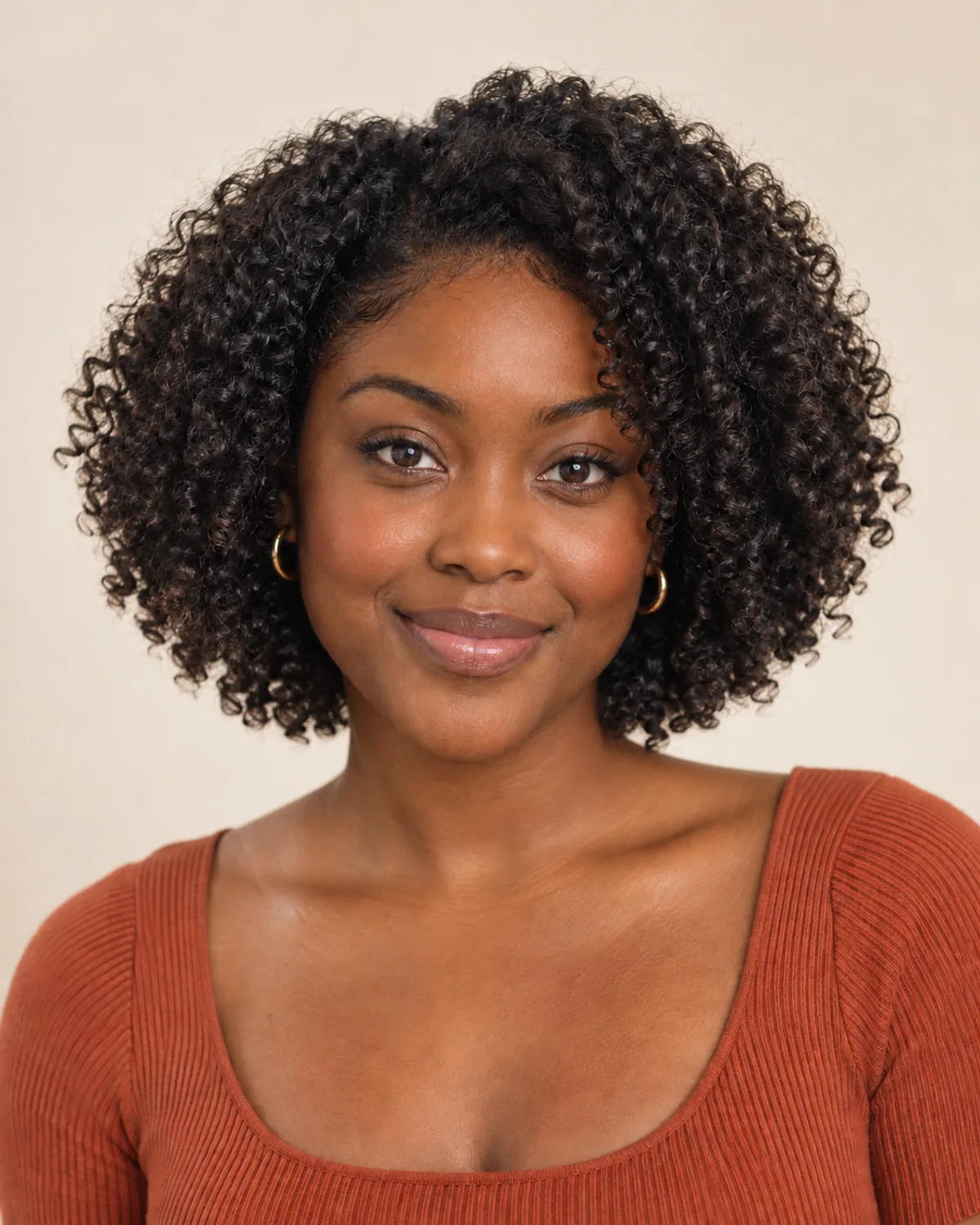
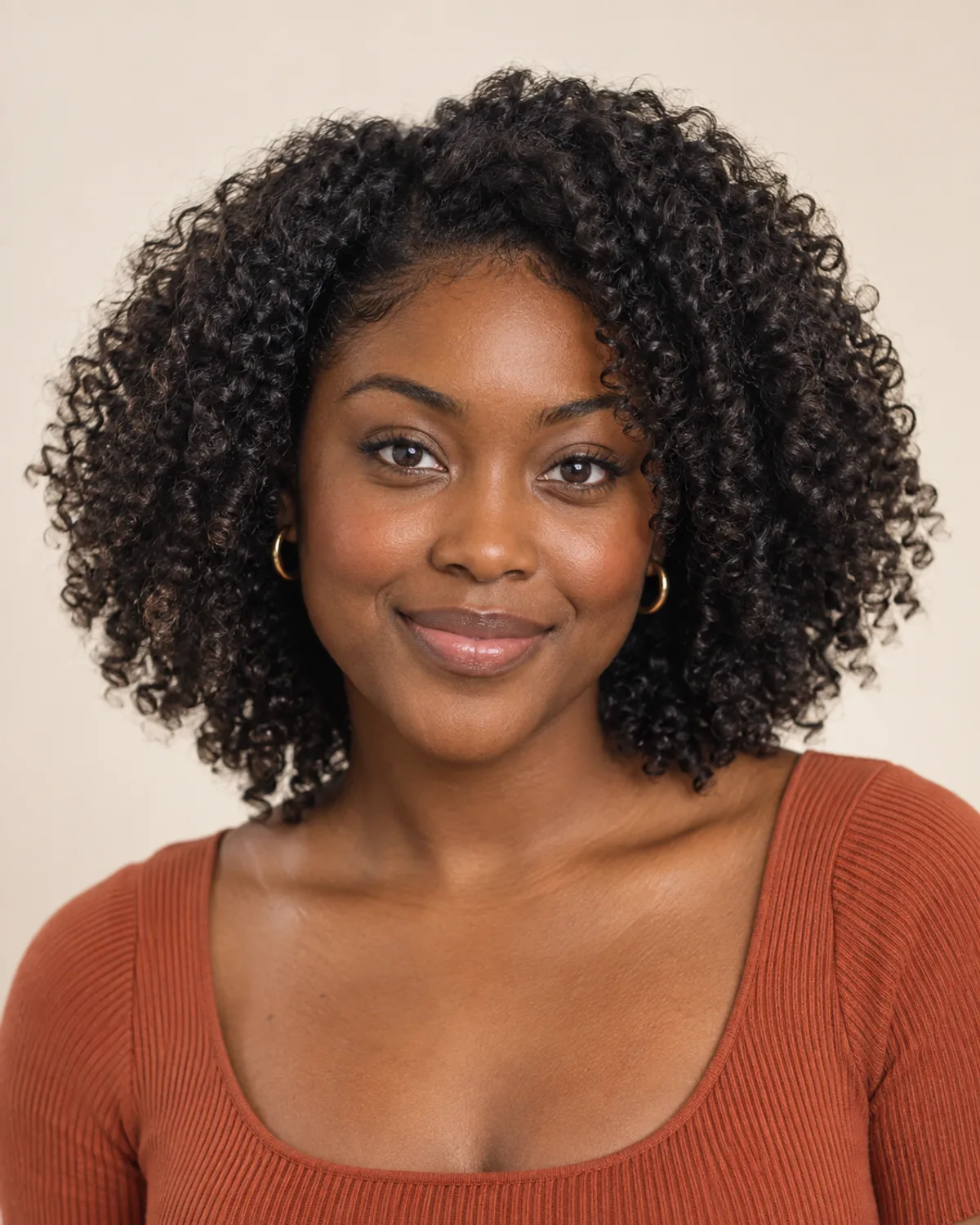
A Layered Bob on Natural Curls
Rounded layers shape the curls at jaw length while the curl pattern stays the same. Notice how the width stays balanced.


A Stacked Bob with Natural Gray
Graduated layers at the back lift the crown of a grown-out bob. In this example, the gray strands stay where they were.
Choose Your Bob Cut with 6 Simple Checks
Length, texture, part and routine all change how a bob sits. Check these details before you book the cut.
A bob draws a line where it ends. A jaw-length cut shows off the neck and jawline, chin length softens the frame, and a collarbone lob keeps the most length and flexibility.
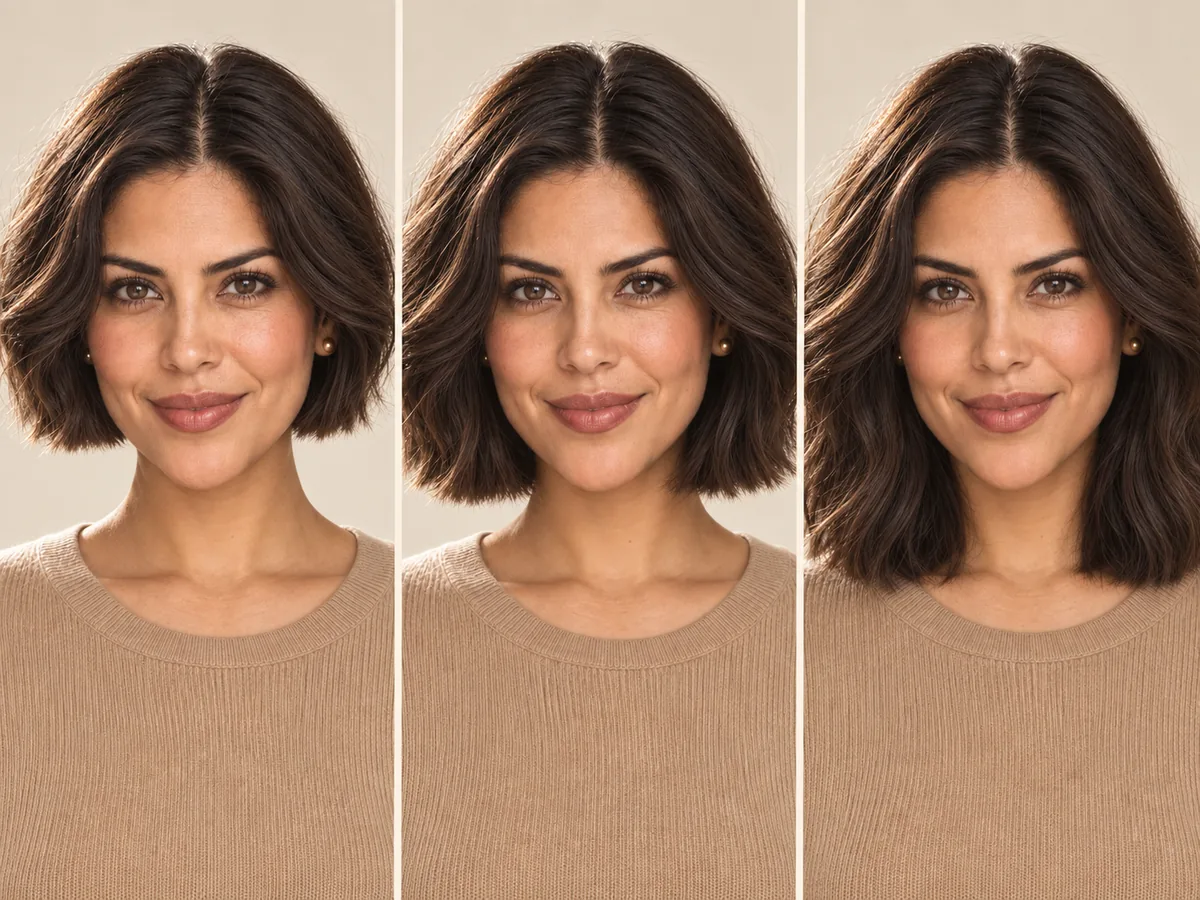
One face, three end points. Notice where the line meets the jaw, chin and neck.
Fine, straight hair often looks fuller in a one-length blunt bob. Thick hair may need weight taken out, and curls usually keep a better shape with layers and extra length for shrinkage.
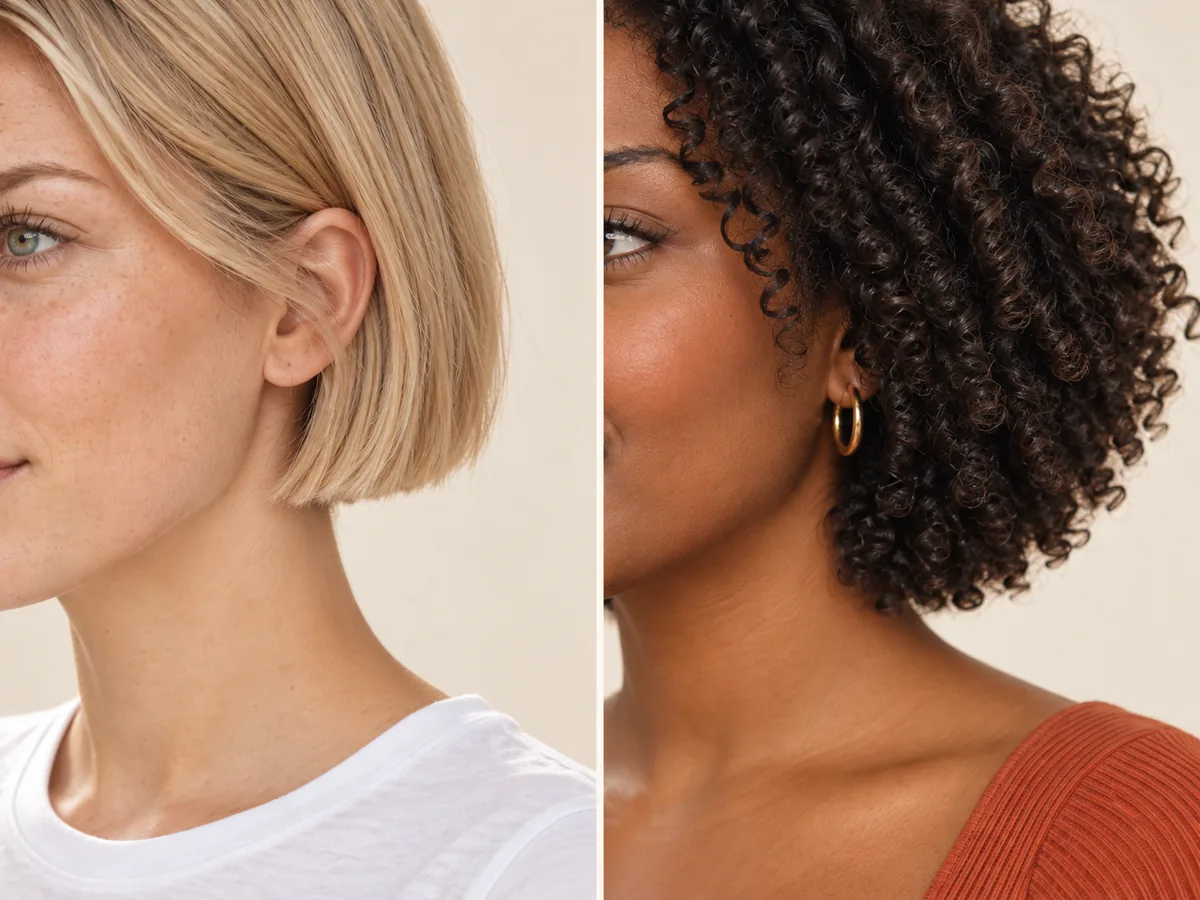
Same cut, different hair: density and texture change how the ends sit.
A middle part makes a bob look symmetrical; a side part adds lift and softness. Comb your hair while it's dry to see where it naturally falls, and check the nape for a cowlick.

Try your part both ways before the cut. It changes how the sides fall.
A blunt bob stays level and full at the ends. Layers remove bulk and add movement. An A-line bob angles longer toward the front, which you see best in profile.
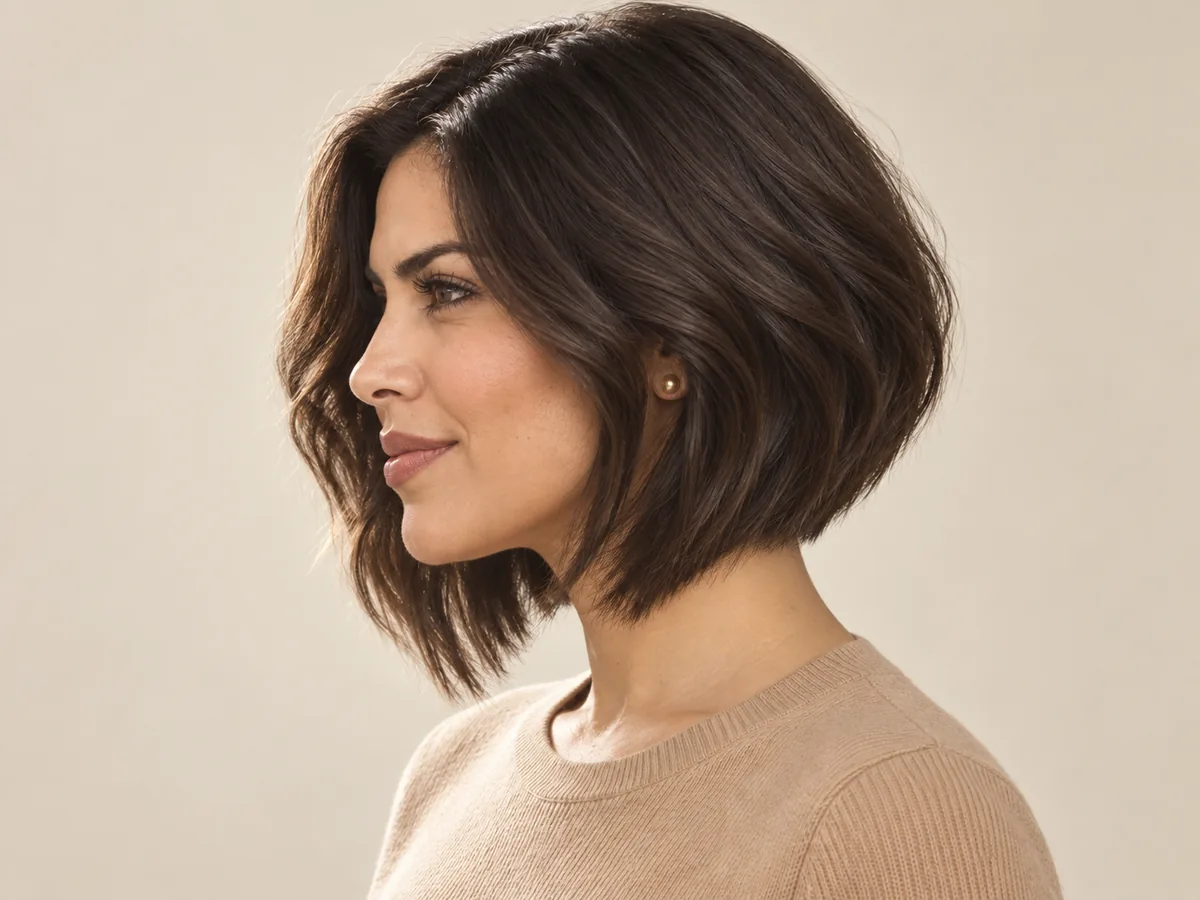
In profile, an A-line bob slopes from the nape down to longer front pieces.
Straight and wavy bobs can often air-dry. A full Italian bob usually needs a round-brush blow-dry, and curly bobs may be diffused. With most bobs, there's little length left to tie back.

Choose a shape that fits the time and tools you want to use each morning.
A bob loses its line as it grows. Stylists often suggest a trim every six to eight weeks; micro and stacked bobs may need one sooner, and a lob can often wait longer.
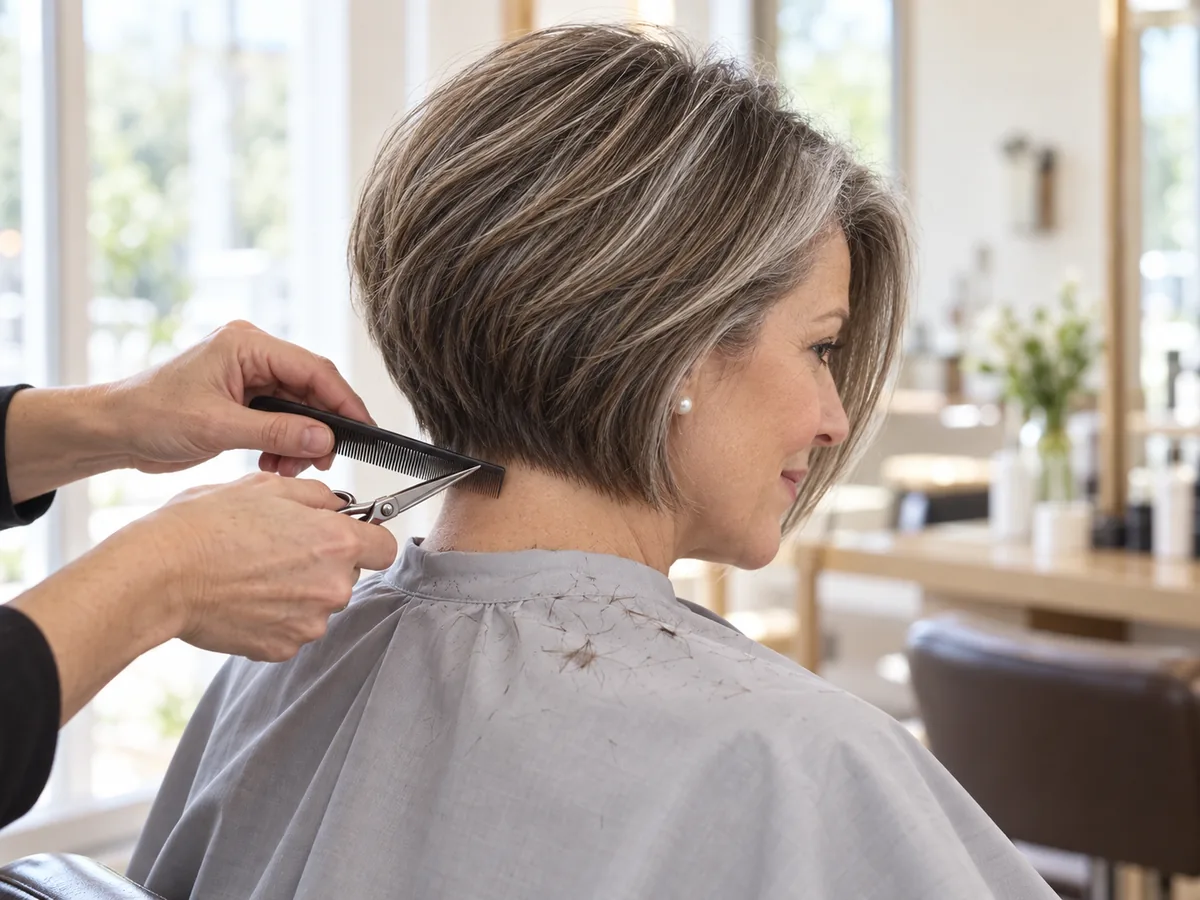
Regular tidy-ups keep the line crisp. Ask your stylist how often your cut needs one.
How to try on a bob
See How You'd Look with a Bob in 3 Steps
Upload a photo, choose a bob and compare your preview.
Step 01
Start with a Clear Photo, Hair Worn Down
Use a front-facing portrait with even light and your hair down, so your face, neck and shoulders are visible. You can also start with a sample photo in the tool.
- Even light, hair down, neck visible.
- JPG, PNG or WebP · Up to 10 MB

Step 02
Choose the Bob You Want to Preview
Choose from eight bobs, from a micro bob to a long bob. Generate a preview to see the cut on your photo.
- Blunt, A-line, Italian and more.
- Select a bob, then generate your preview.

Blunt bob

A-line bob

Long bob (lob)
Step 03
Compare the Cut and Save a Favorite
Compare your preview with the original, then download a result to keep or discuss with your stylist.
- Check where the bob ends and how it frames your face.
- Save a result, or try another bob.
Before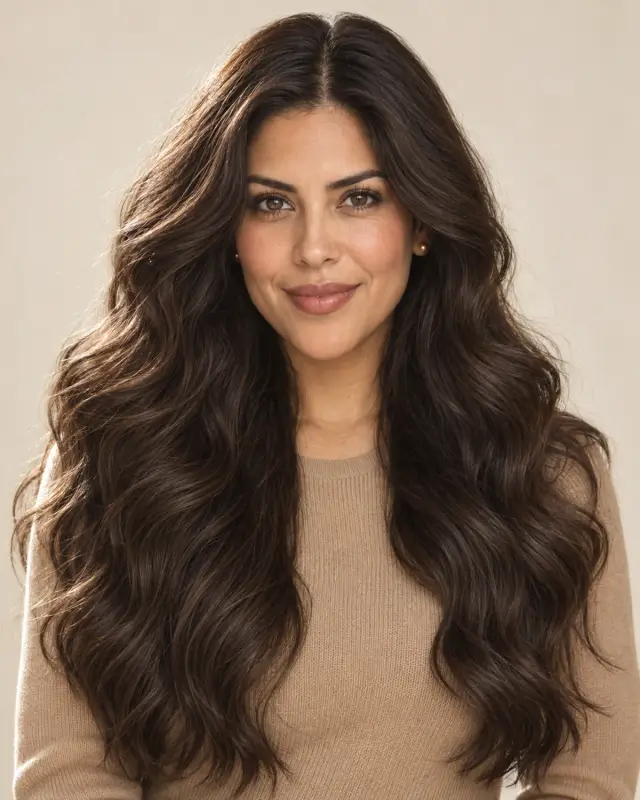 After
After
AI-created illustrations. Your preview will depend on your photo.
Beyond the preview
Take Your Bob Haircut Preview to the Salon
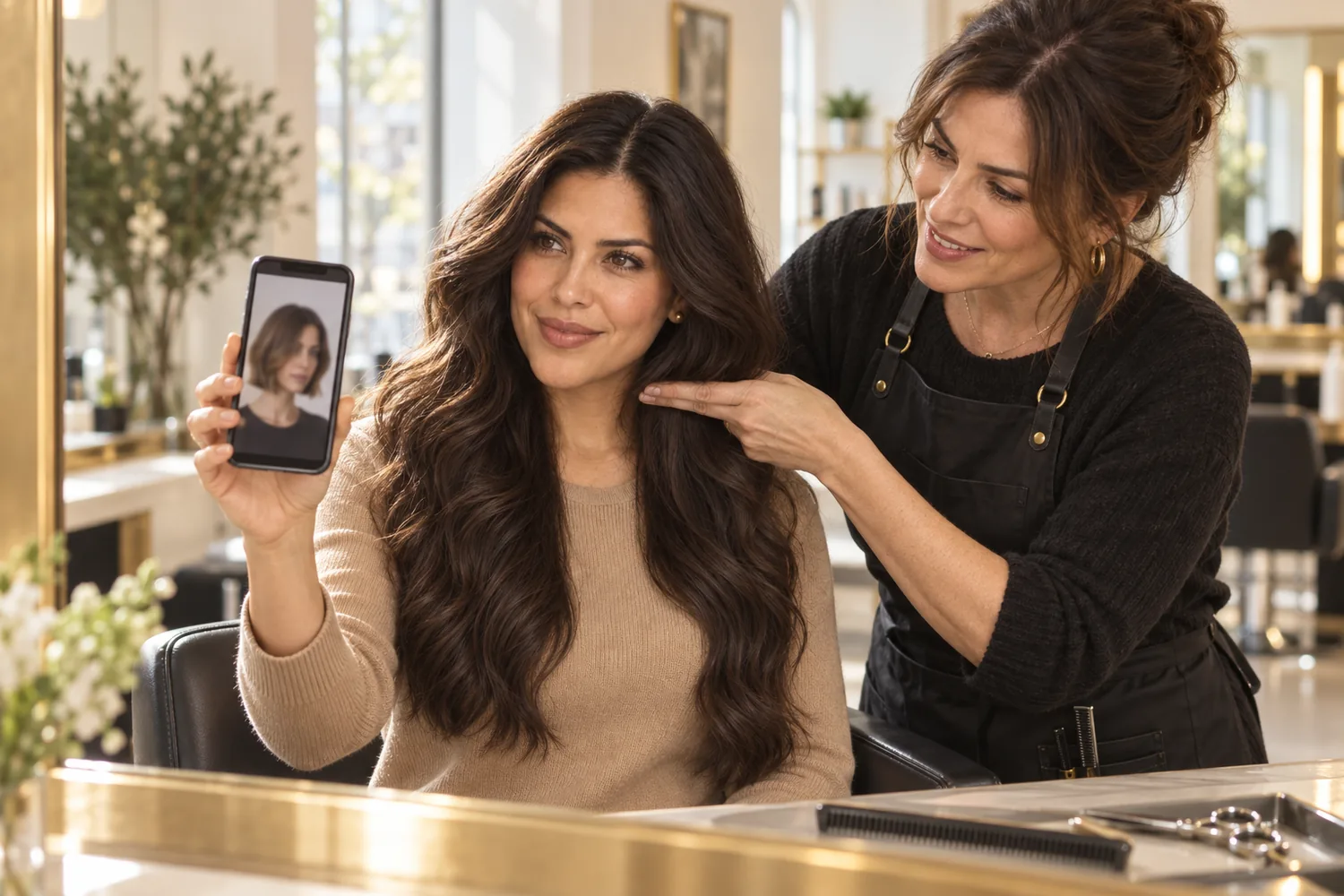
Save a preview and talk through these four details with your stylist, who can adapt the cut to your hair.
Where It Ends
Show the length you like — jaw, chin or collarbone — and whether the front should be longer.
Weight and Layers
Ask whether your density suits a blunt line, soft layers or weight taken out inside.
Part and Fringe
Say where you usually part your hair and whether you want bangs.
Styling and Trims
Be clear about your morning routine and how often you can book a trim.
Bob Filter Tips and Common Questions
Preview details, credits and photo requirements.
Upload a photo, choose a bob and select Cut to a bob. Compare the preview with your original or try another length. AI previews help you explore a look; the final haircut depends on your real hair.
New accounts receive free credits to try the tool. Generating previews uses credits; check the amount shown in the tool before generating. You can review additional credits on the pricing page.
If your hair is long now, a long bob that grazes the collarbones is a gentle first step, and you can go shorter later. Compare two or three lengths on your photo, then consider your texture, part and styling routine.
Face shape is only part of it. A shorter bob puts more focus on the jaw and neck, while a longer or angled front draws the eye down. Preview a few lengths on your own photo and discuss the details with your stylist.
The edit is designed to follow your existing texture, so curls should stay curly in the preview. AI results can vary; check the curl pattern and volume, and ask your stylist about layers and cutting curls dry.
The tool is designed to change the length and shape of your cut while preserving the rest of your photo. Generative edits may introduce small differences, so compare the result with the original before deciding which preview to keep.
A bob preview shows a cut, not how your hair will grow. Growth speed varies from person to person, and returning to long hair after a short bob can take many months. If you're unsure, a lob keeps the most length.
Use a sharp, front-facing photo with even light, your hair worn down and your neck and shoulders in frame. Avoid hats, ponytails and heavy shadows. The tool accepts JPG, PNG and WebP files up to 10 MB.
Still have a question? Email us at support@haircolorchangeai.com.
Explore More Short Cuts and Fringes
Preview a shorter cut or a new fringe.


Find Out What You'd Look Like with a Bob
Choose a bob, compare your preview and save a reference for your next haircut.
Free credits for new accounts · Previews use credits