

Your virtual mustache preview
Mustache Filter — Try Before Growing
Preview a chevron, pencil, handlebar and more on your photo. Compare the shape and width before you spend weeks growing one.
No photo handy? Try a sample:
Choose a Mustache for Your Photo
Selected:Chevron mustache
Designed to add a mustache while keeping your face, hair and background.
7 mustache styles · From a pencil line to a handlebar · Free credits for new accounts
The mustache edit
Explore 7 Mustache Styles on Your Photo
Compare the shape, growth and upkeep of each mustache. Five styles share one portrait; the pencil and stubble looks use two other examples.


Chevron mustache
The classic full mustache most people picture.
- The shape
- Thick across the whole upper lip, angled down to the corners of the mouth.
- Growth to plan for
- Often four to six weeks, depending on how fast and evenly yours fills in.
- Everyday upkeep
- Trim along the lip line about once a week so it stays off your mouth.
Mustache Selfie Before & After Comparisons
Compare AI-created mustache previews on a clean-shaven face, light stubble and a short beard. Drag each slider to see the change.
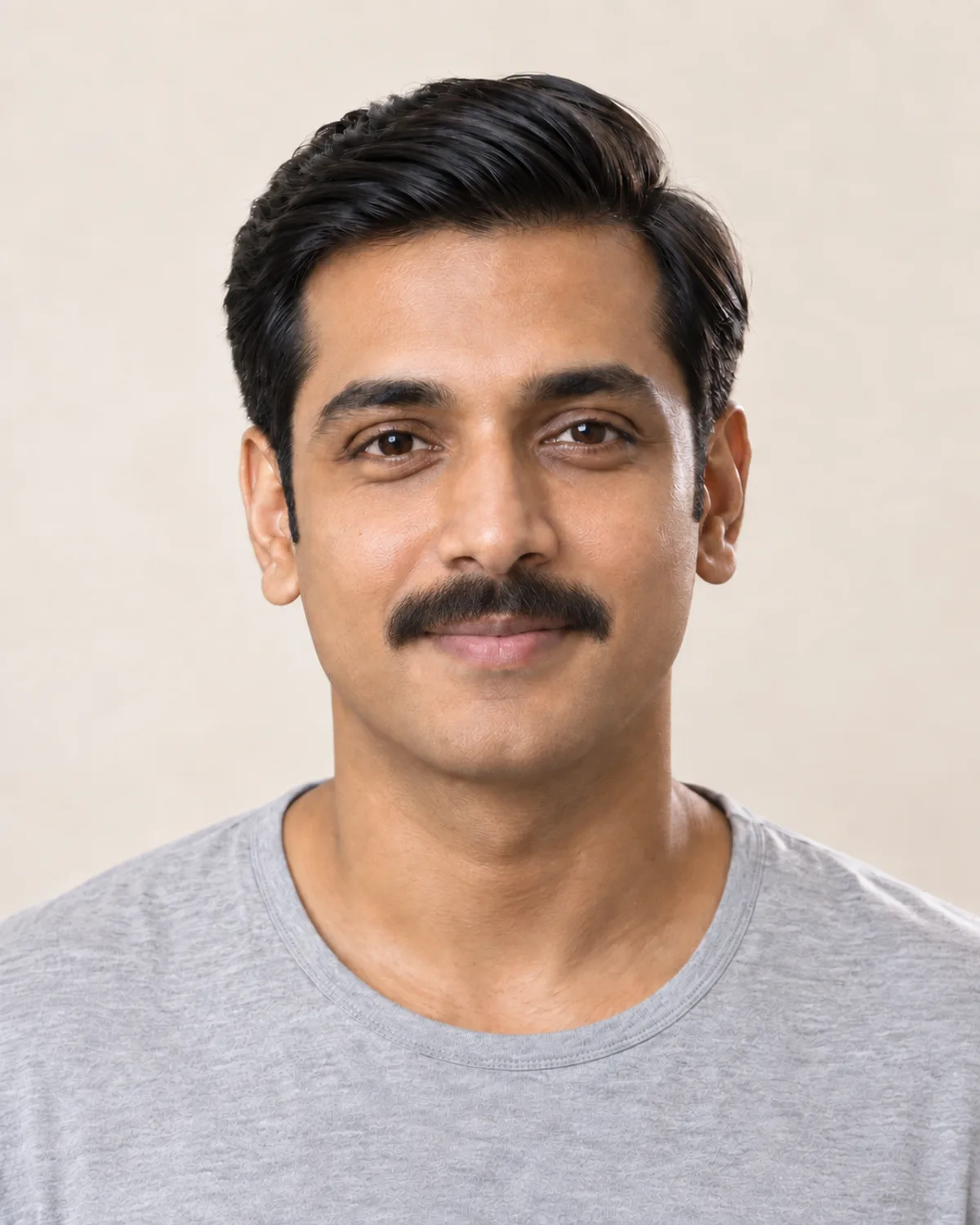

A Chevron on a Clean-Shaven Face
The full, lip-covering mustache most people picture. Check how it balances the nose and jaw before you grow it.
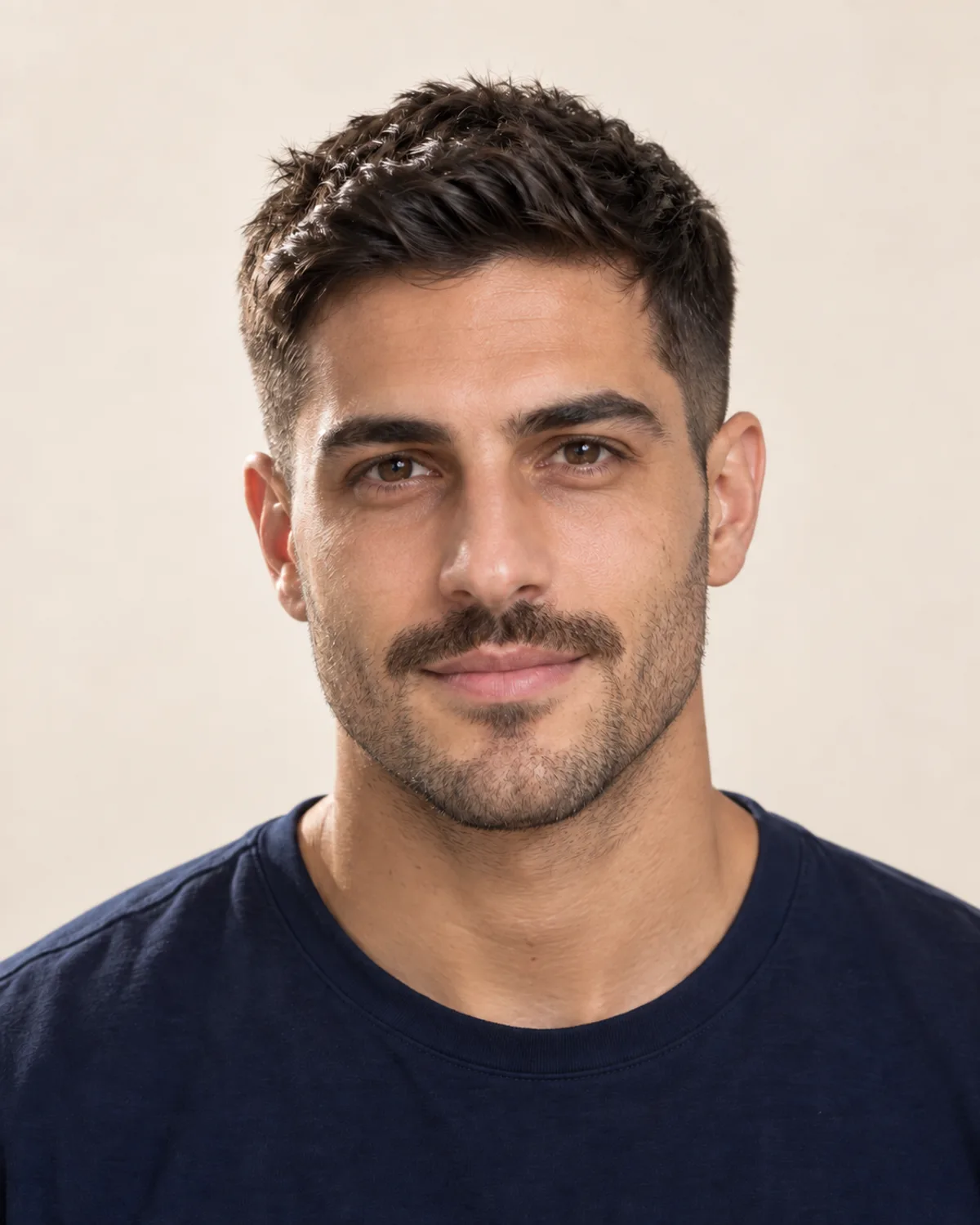
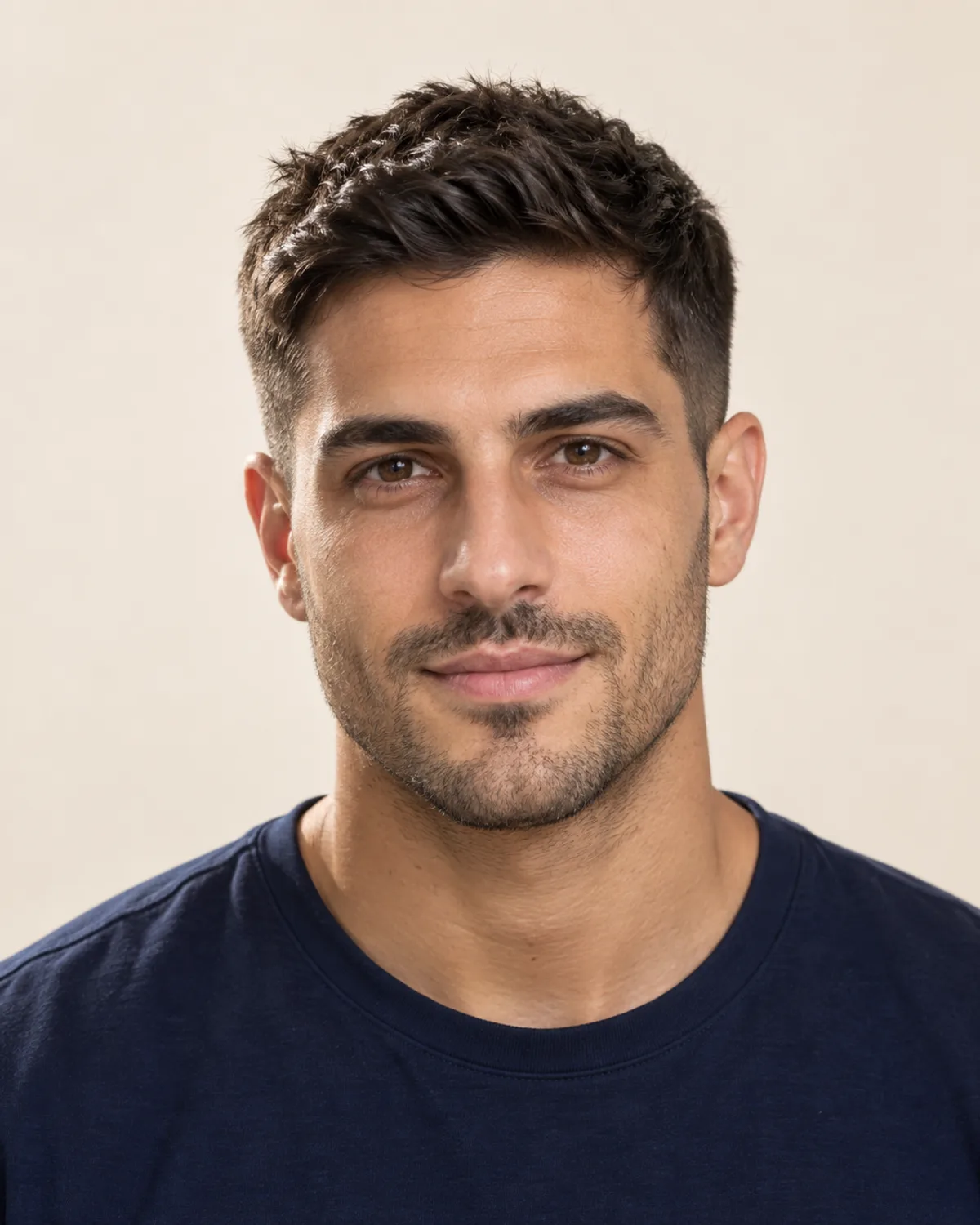
A Stronger Mustache Over Light Stubble
Already wear stubble? A longer mustache over it becomes the focus. Compare the balance before you change your trimmer routine.
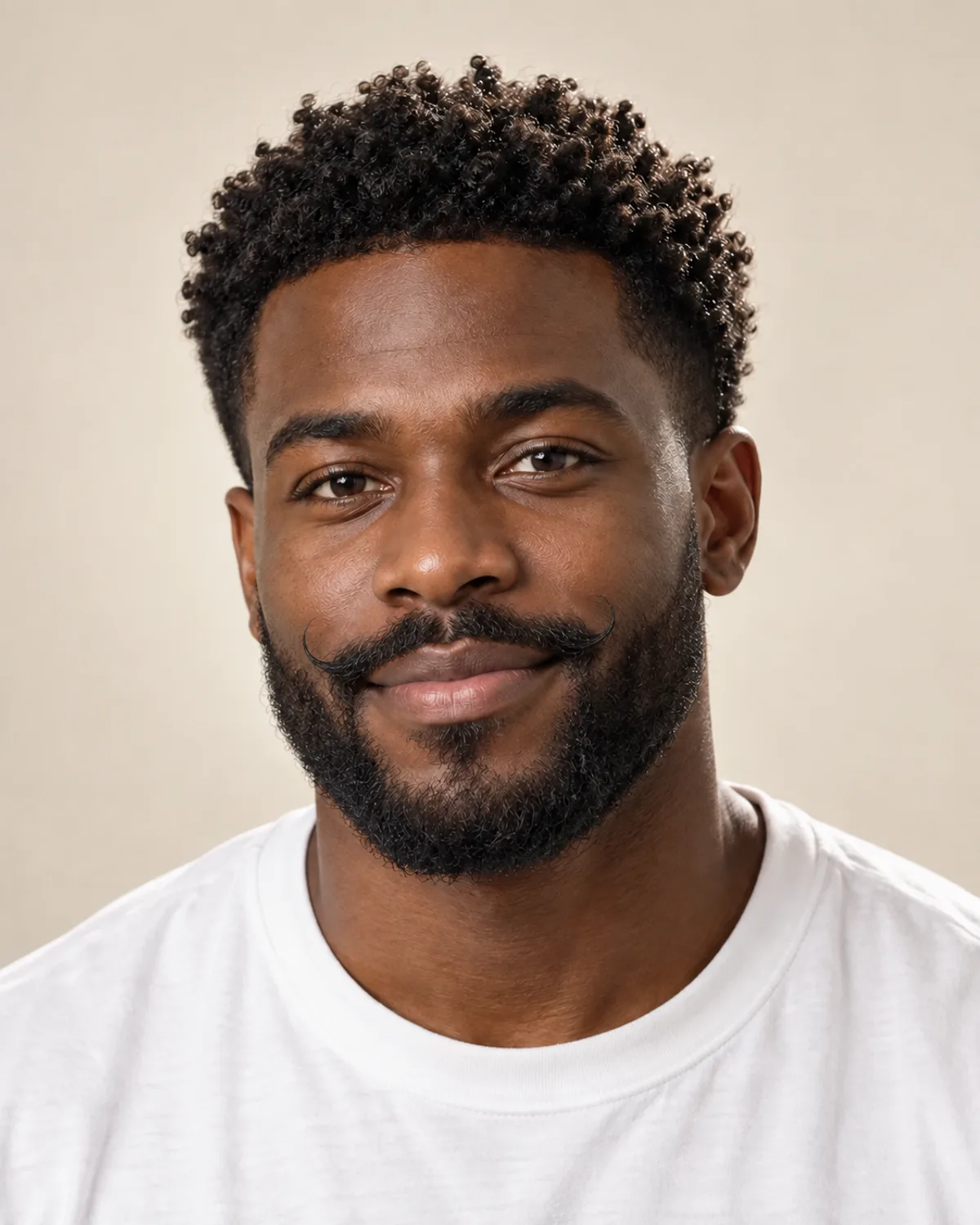
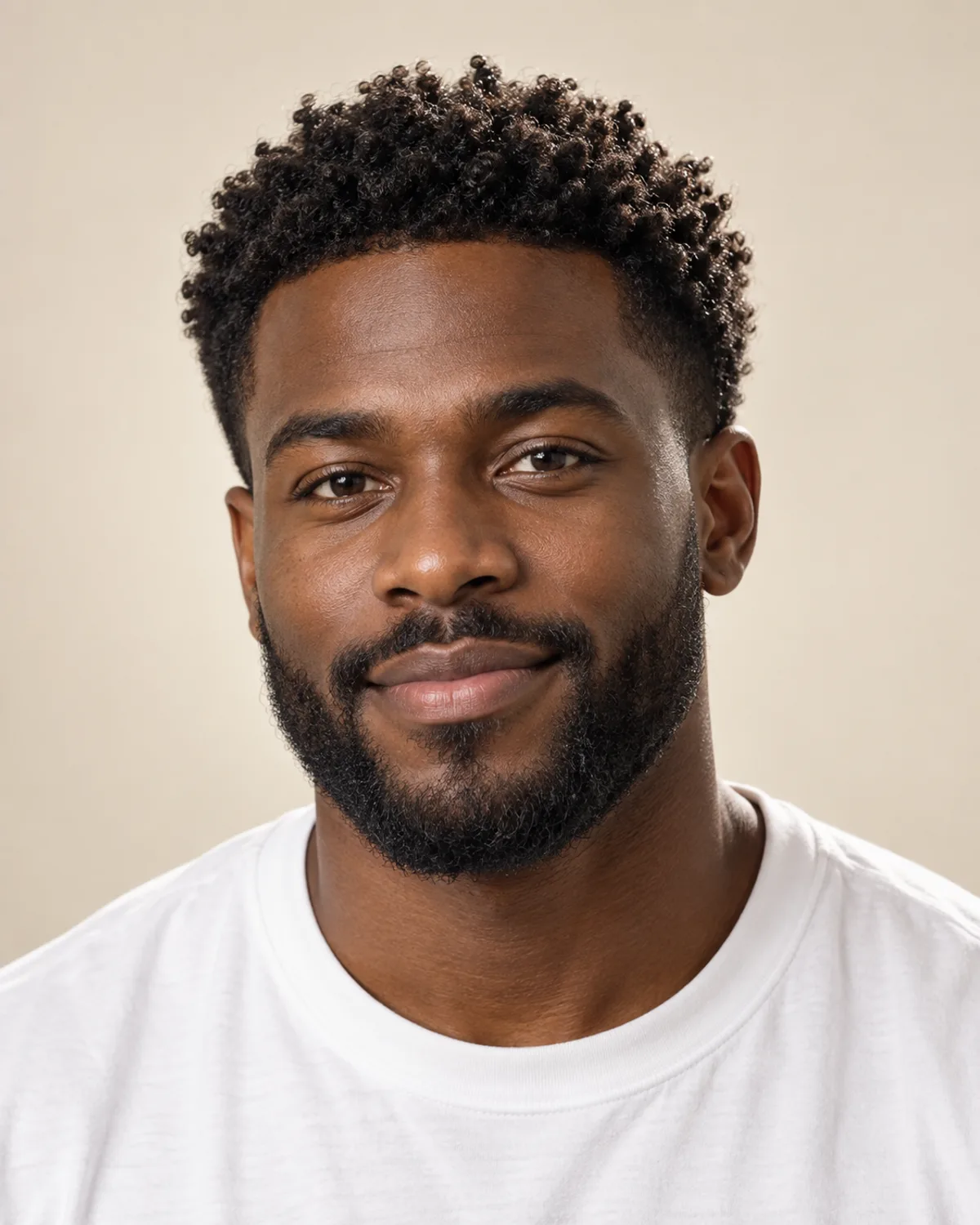
A Handlebar Grown from a Short Beard
The edit is designed to keep an existing beard and reshape only the mustache, here into waxed, upturned tips.
Choose Your Mustache with 5 Simple Checks
A real mustache takes weeks to grow and a few minutes a day to keep in shape. Check these details before you stop shaving your upper lip.
A taller upper lip has room for a full chevron or walrus; a short one or thin lips often suit a pencil or English mustache. On a wide face, a horseshoe's bars add length; on a narrow face, sideways tips add width.
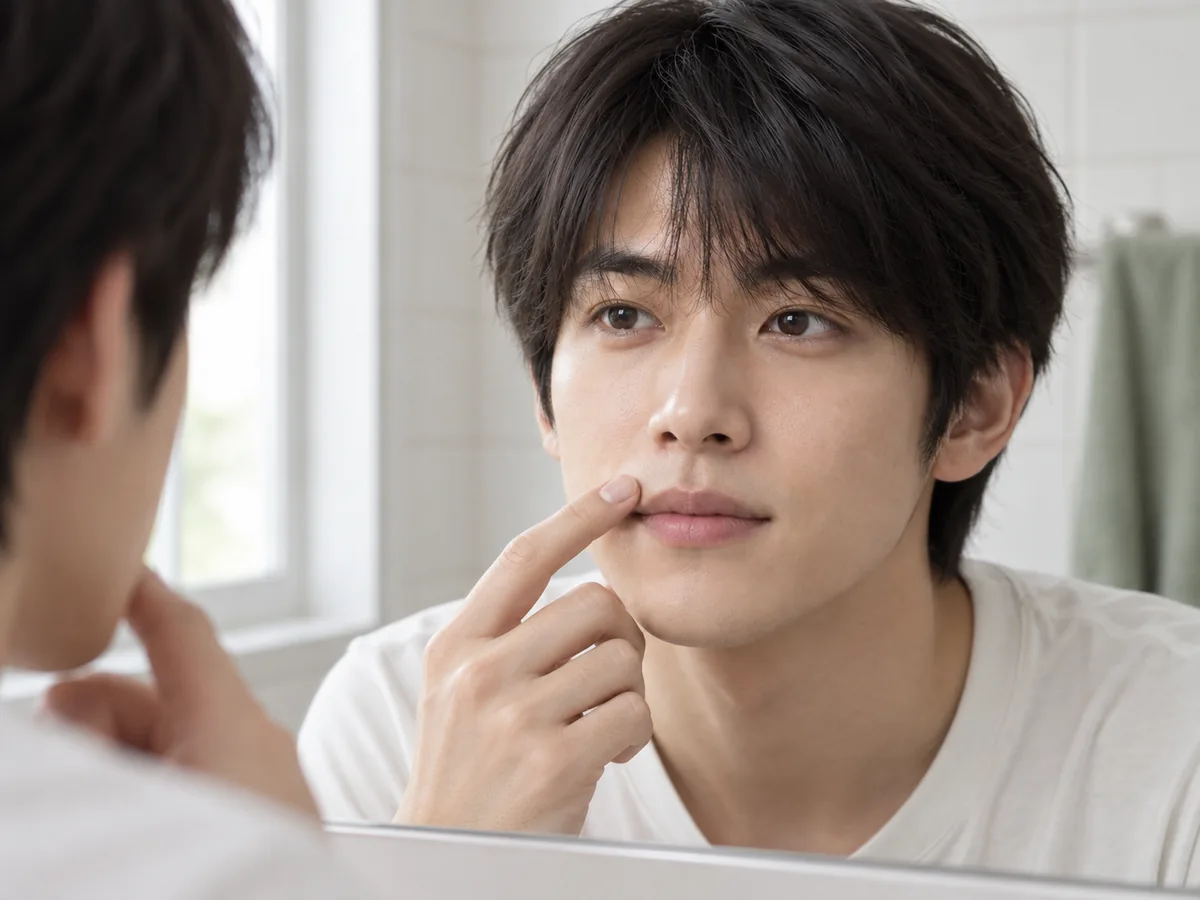
Look at the space between your nose and lip: it sets how much mustache it can hold.
Decide where the mustache should stop: a sharp line above the lip, a clean edge at the lip line, or hair that falls over it. Longer styles hide more of the lip but need more combing and trimming at the mouth.
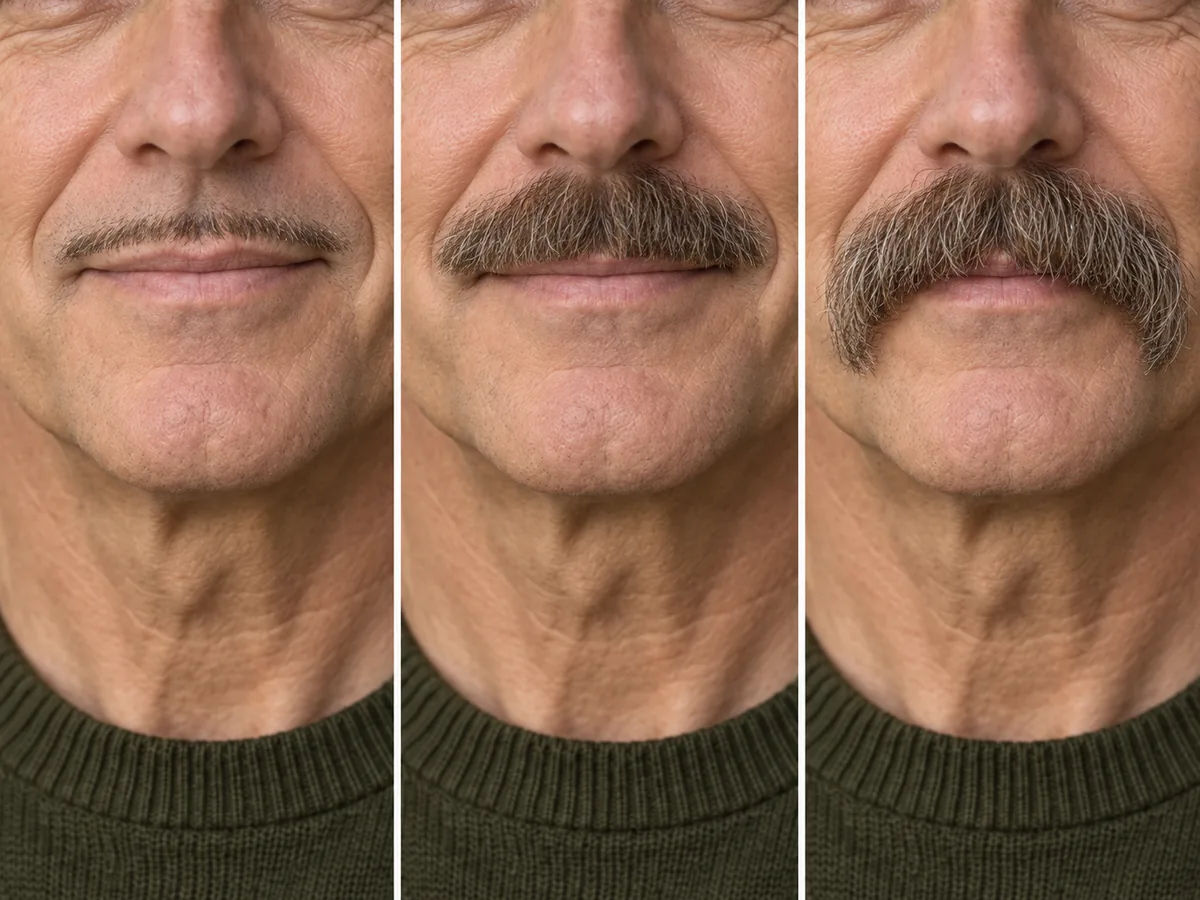
One mouth, three edges: above the lip, at the lip line and over it.
Skip shaving your upper lip for a week or two and look closely. Dense corners suit a chevron, horseshoe or walrus; a sparse or patchy lip is easier to wear as a pencil line or with stubble. The preview shows a finished look, not how your hair will grow.
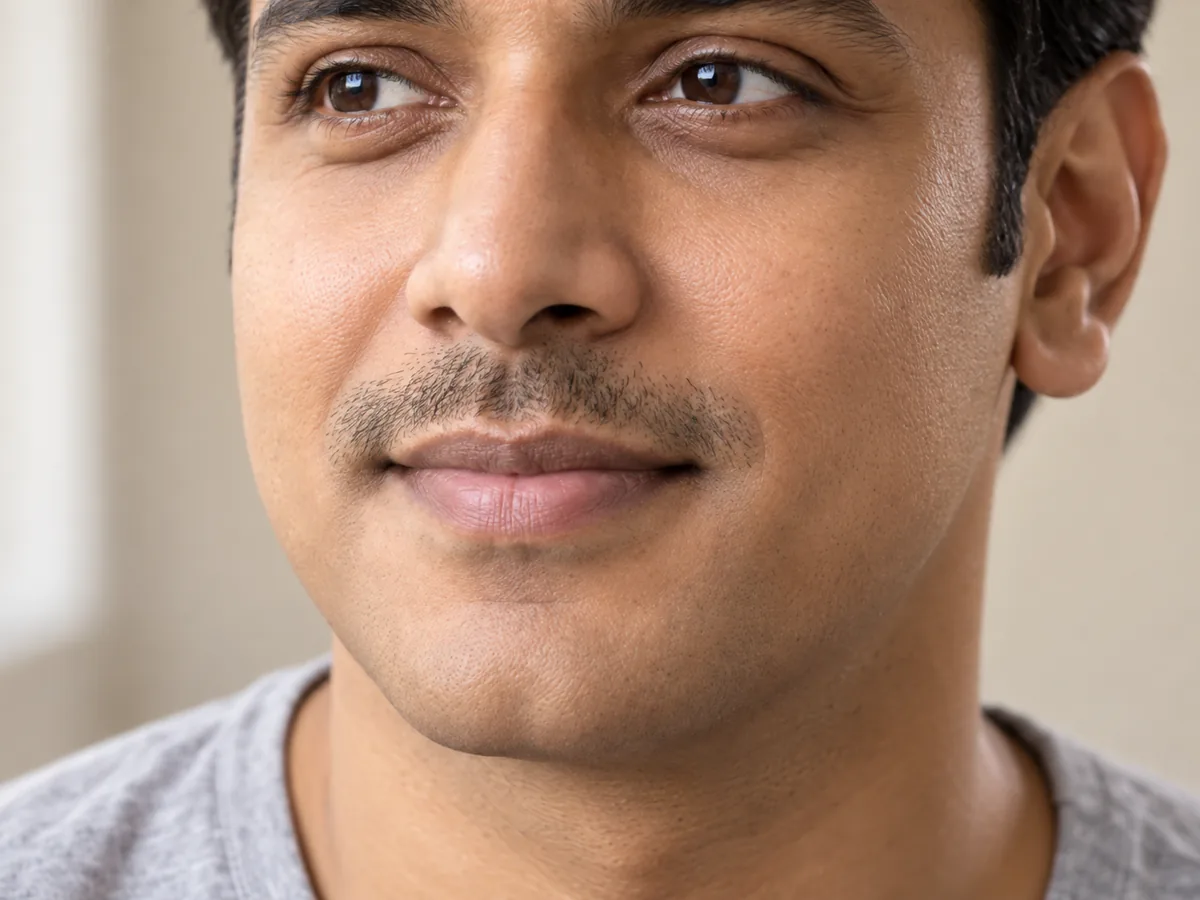
A couple of weeks of real growth shows where your mustache fills in first.
Mustache hair often grows in lighter, redder or grayer than the hair on your head. The edit is designed to match your brows and hair, so compare the preview with a week of real growth before you plan a full style.
Brown mixed with gray, like his brows and temples. Your own growth may come in a shade lighter or grayer.
A pencil line needs a razor every day or two; handlebar and English tips need wax every morning. Every mustache needs a trim along the lip line about once a week, so choose one you will enjoy keeping.
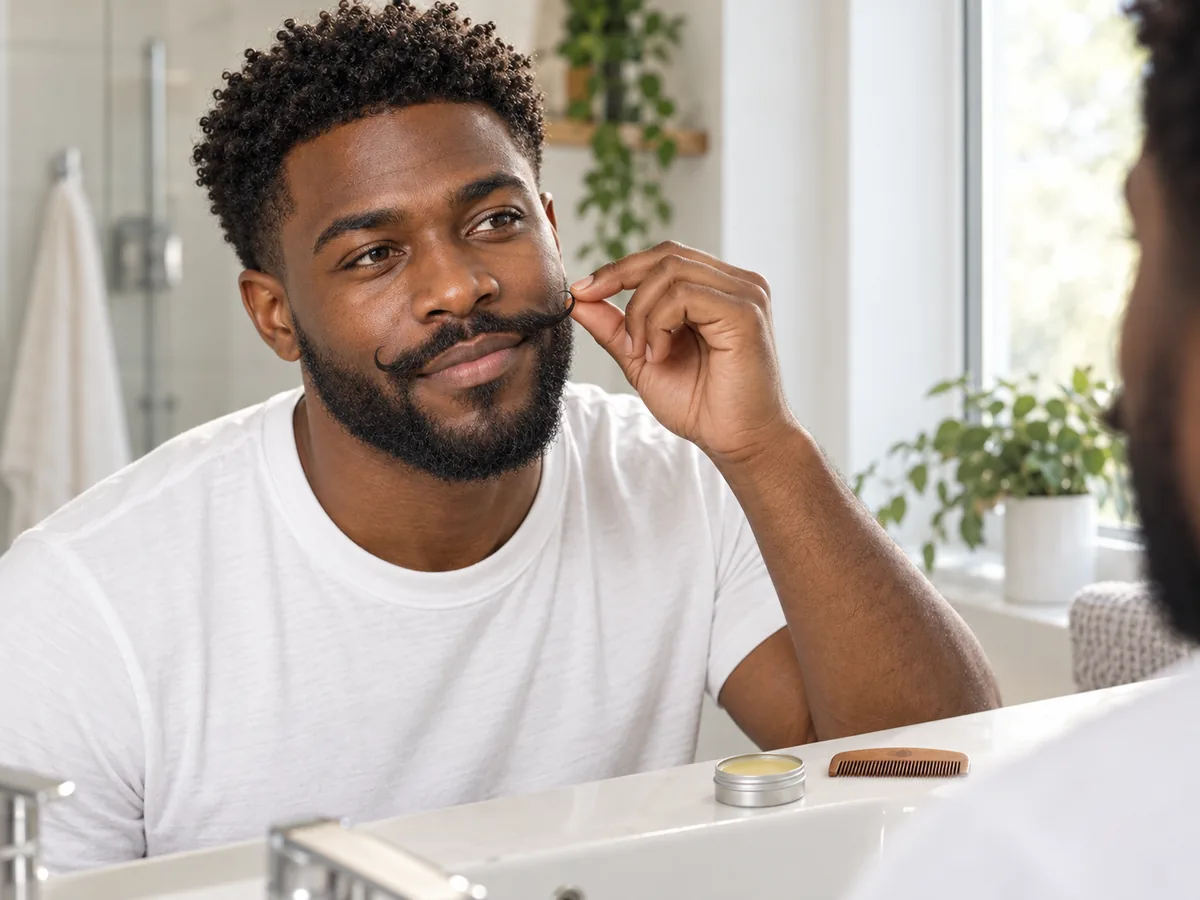
Waxed tips are part of the morning routine. Plan for it before you grow them out.
How to add a mustache to a photo
Put a Mustache on Your Photo in 3 Steps
Use the mustache adder in three steps: upload a selfie, choose a style and compare your preview.
Step 01
Start with a Clear, Front-Facing Selfie
Use a sharp portrait in even light, with your mouth relaxed and your upper lip fully visible. You can also start with a sample photo in the tool.
- Even light, a relaxed mouth, nothing covering your lip.
- JPG, PNG or WebP · Up to 10 MB

Step 02
Choose the Mustache You Want to Preview
Choose from seven styles, from a pencil line to a handlebar. Generate a preview to see the mustache on your photo.
- Chevron, pencil, handlebar and more.
- Select a style, then generate your preview.

Chevron mustache

Pencil mustache
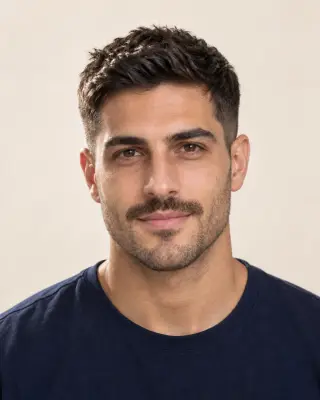
Mustache & stubble
Step 03
Compare Your Look and Save a Favorite
Compare your preview with the original, then download a result to keep or show your barber.
- Compare the shape, the width and the color against your brows.
- Save a result, or try another style.
Before After
After
AI-created illustrations. Your preview will depend on your photo.
Beyond the preview
Bring Your Mustache Preview to the Barber
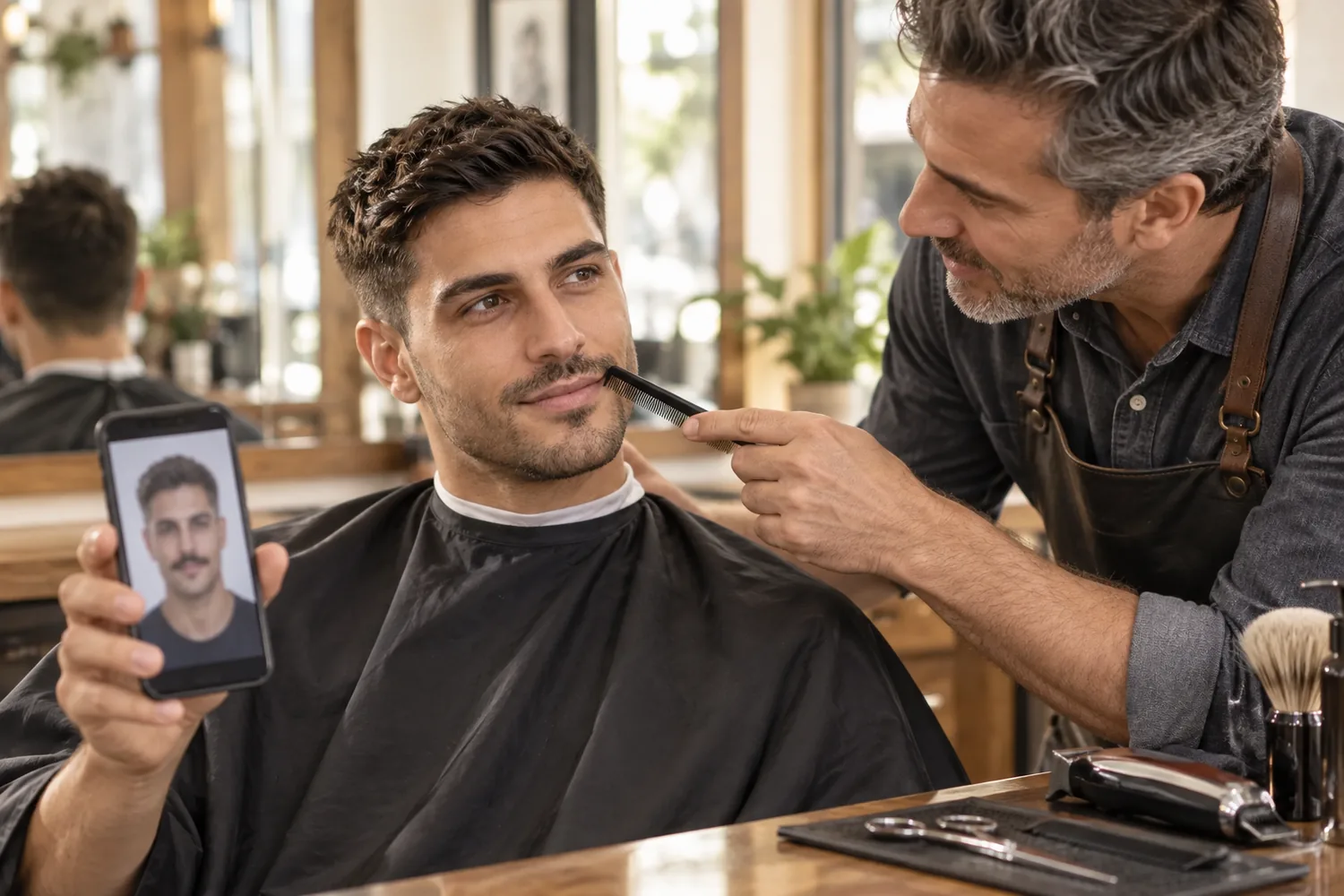
Save a preview and talk through these four details with your barber, so the shape suits the way your mustache really grows.
Shape and Width
Show where the mustache should start and stop at the corners of your mouth.
The Edge at Your Lip
Agree whether it sits above the lip, at the lip line or falls over it.
A Growing-Out Plan
Ask what to trim, and what to leave alone, while it fills in.
Daily Upkeep
Be clear about the razor work, combing and wax you are happy to do.
Mustache Filter Tips and Common Questions
Preview details, credits and photo requirements.
Upload a front-facing photo, choose a style and select Add mustache. Compare the preview with your original or try another style on the same photo. AI previews help you explore a look; a real mustache depends on how your own hair grows.
New accounts receive free credits to try the tool. Generating previews uses credits; check the amount shown in the tool before generating. You can review additional credits on the pricing page.
As a rule of thumb, a chevron suits most faces, a horseshoe's bars add length to a round or square face, English or handlebar tips add width to a long, narrow face, and a pencil mustache suits finer features and a thin upper lip. Compare your favorites on your own photo, then consider your growth and routine.
The edit is designed to match the mustache to your brows and the hair on your head, including any gray. Real mustache hair often grows in lighter, redder or grayer than head hair, so your own color may differ.
The preview shows a style fully grown in. It can't tell you how thick your mustache will grow, whether it will fill in at the corners of your mouth or how long it will take; that depends on your own hair. Use it to choose a goal. If your upper lip fills in slowly, a pencil mustache or a mustache with stubble is often a more realistic target.
The edit is designed to replace only the mustache and keep the stubble or beard on your cheeks and chin, so you can see a fuller mustache over stubble or a handlebar with your beard. To change the whole beard, use the beard filter; to preview a clean shave, use the no beard filter.
The tool is designed to add a mustache while preserving your face, lips, hair and background. Generative edits may introduce small differences, so compare the result with the original before deciding which preview to keep.
Use a sharp, front-facing photo in even light, with your mouth closed or relaxed and your upper lip fully visible. Avoid hands or masks near your mouth, wide grins and heavy shadows under the nose. The tool accepts JPG, PNG and WebP files up to 10 MB.
Still have a question? Email us at support@haircolorchangeai.com.
Explore More Beard and Men's Hair Looks
Preview a beard, a clean shave or a new cut.

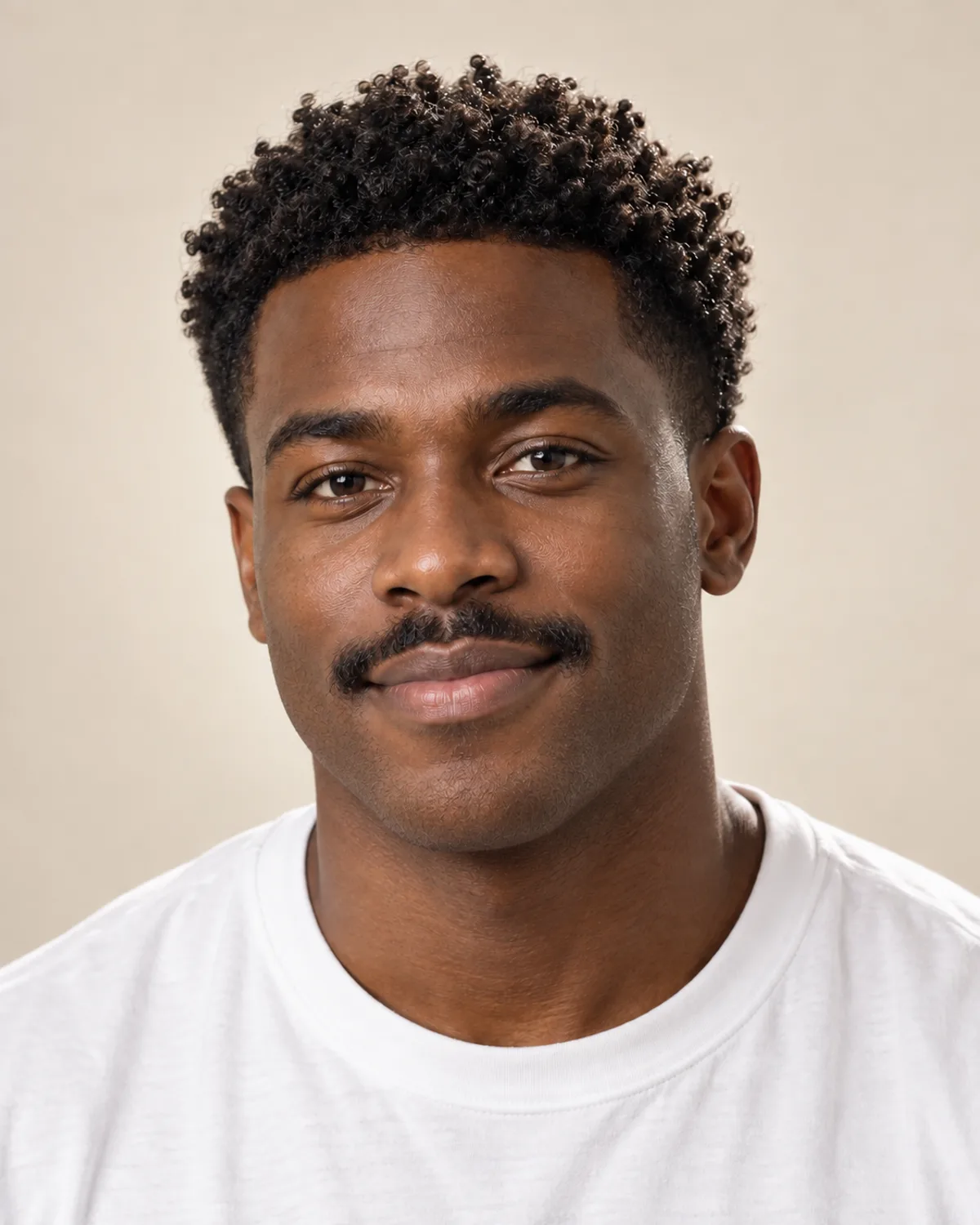
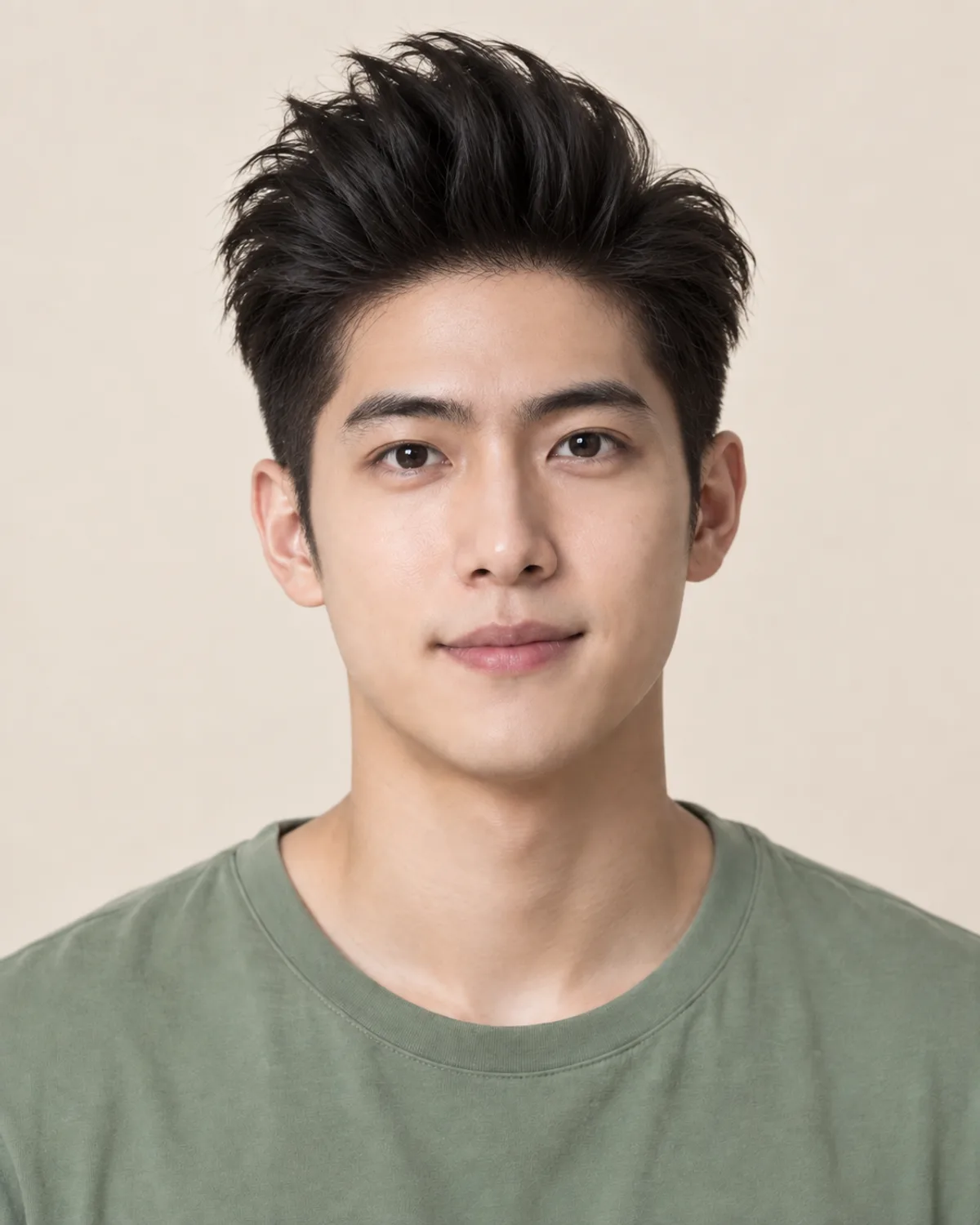
Try the Moustache Filter on Your Selfie
Choose a mustache, compare your preview and save a reference for your next barber visit.
Free credits for new accounts · Previews use credits