

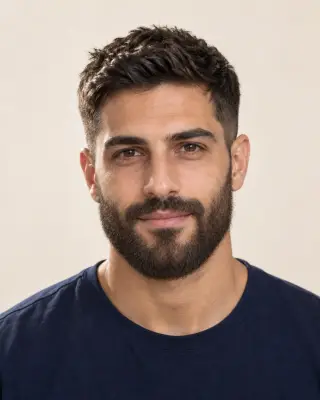

Your AI beard preview
Beard Filter — Try Before You Grow
Preview stubble, a goatee, a full beard and more on your photo. Compare the length and outline before you stop shaving.
No photo handy? Try a sample:
Choose a Beard for Your Photo
Selected:Full beard
Designed to add facial hair while keeping the rest of your look.
6 beard styles · From light stubble to a long beard · Free credits for new accounts
The beard edit
Explore 6 Beard Styles on Your Photo
Compare the length, outline and upkeep of each beard, from light stubble to a long beard. All six AI-created examples start from one clean-shaven portrait.


Full beard
Fuller coverage with a rounded shape.
- Length
- About 3–4 cm, joined to a full mustache.
- Outline
- A rounded shape that follows the jaw.
- Trimming and upkeep
- Wash, condition and shape it with regular trims.
Add Facial Hair to Photos: Before & After
Compare AI-created beard previews on three different men: a goatee, stubble grown into a full beard and a salt-and-pepper boxed beard. Drag each slider to see the change.
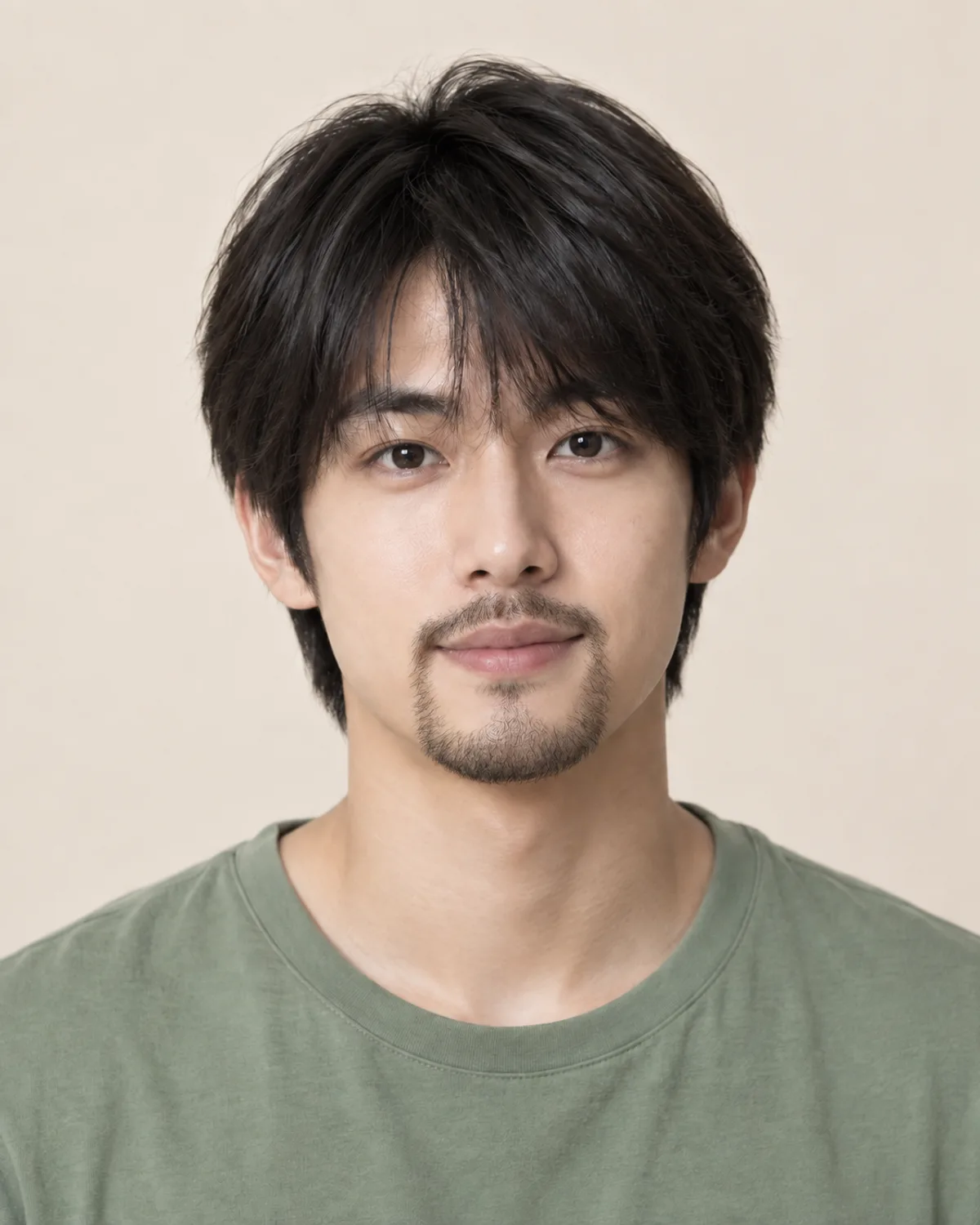
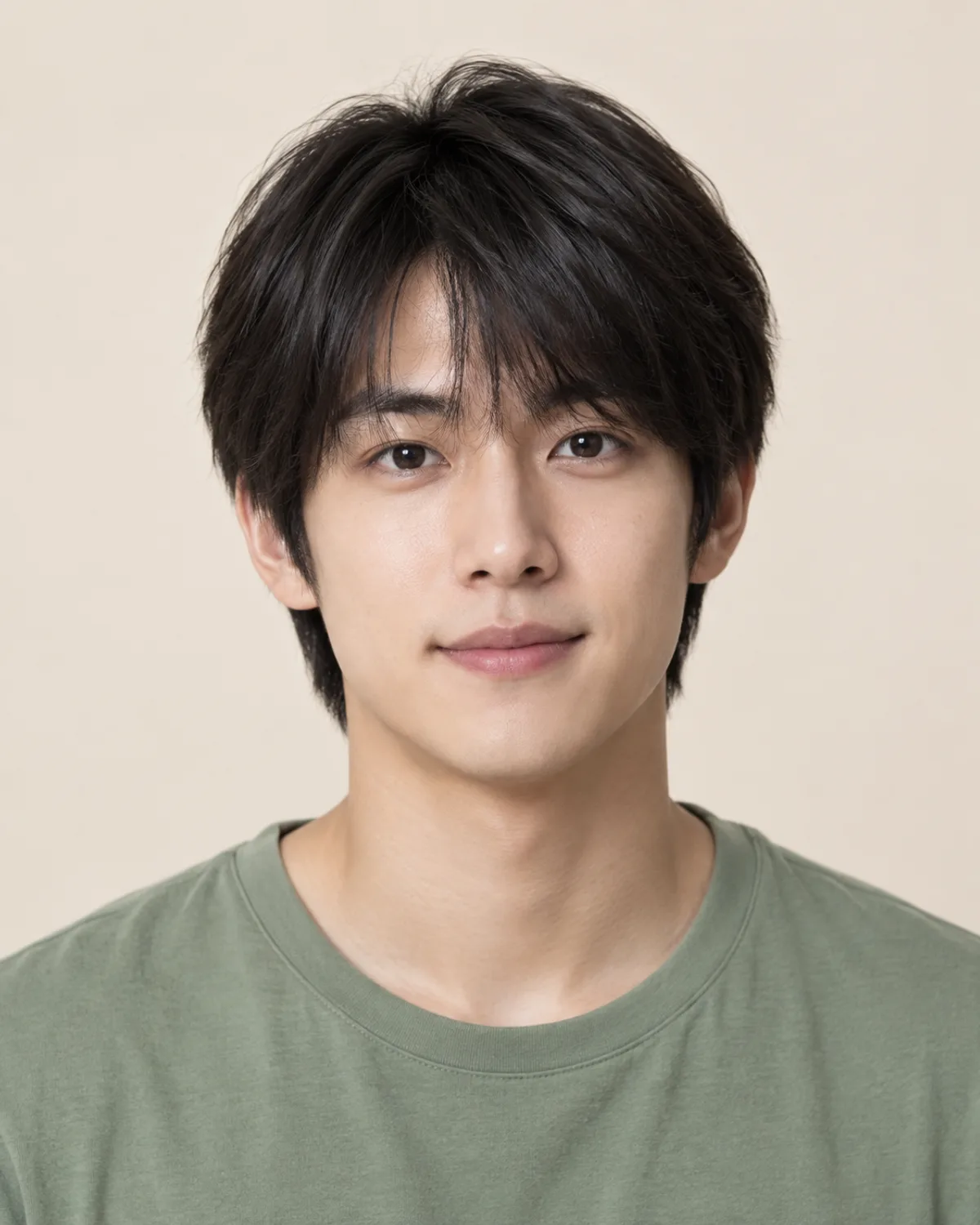
A Goatee on a Clean-Shaven Face
A goatee keeps the cheeks shaved and adds shape at the chin. Compare how it changes the lower face.
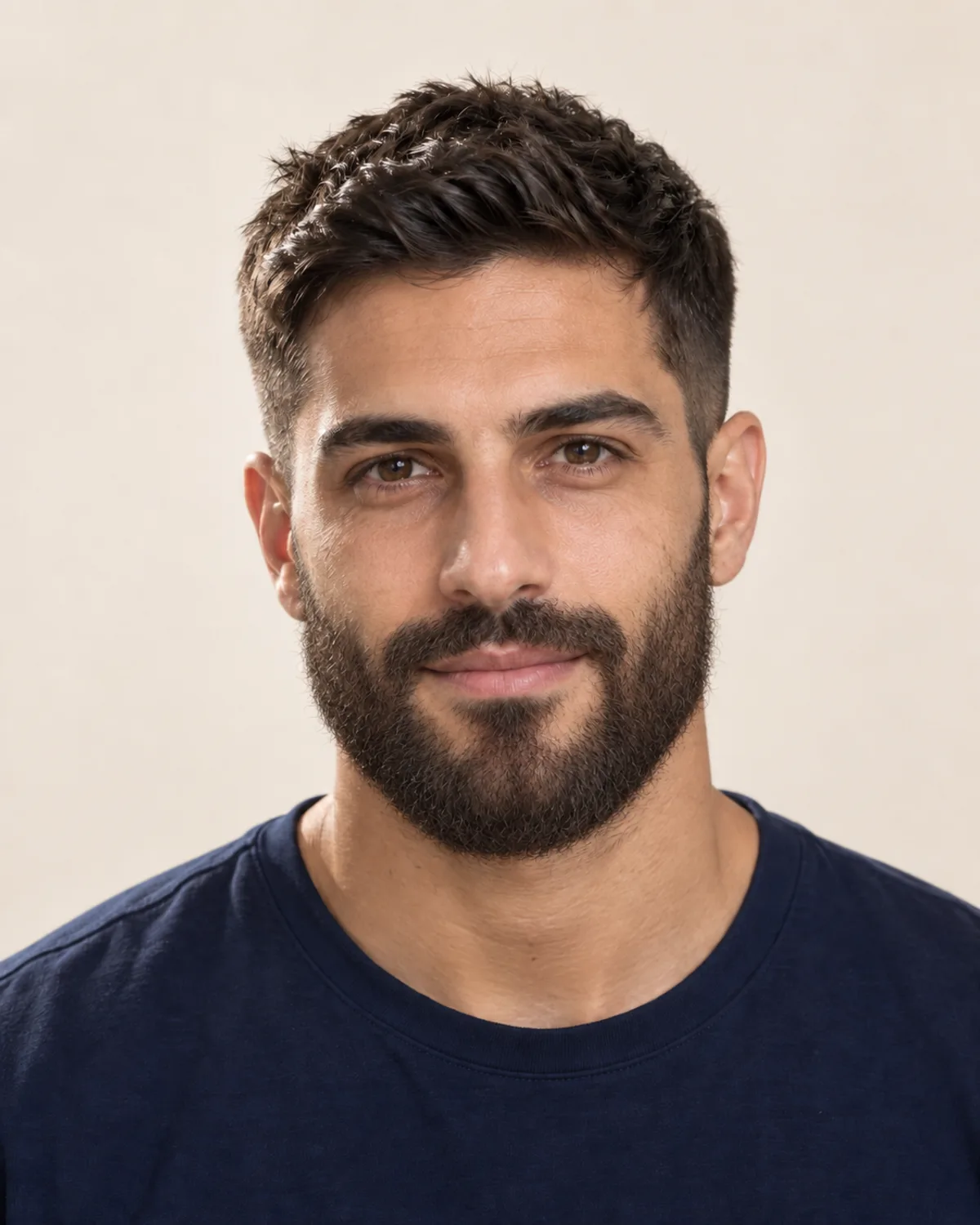
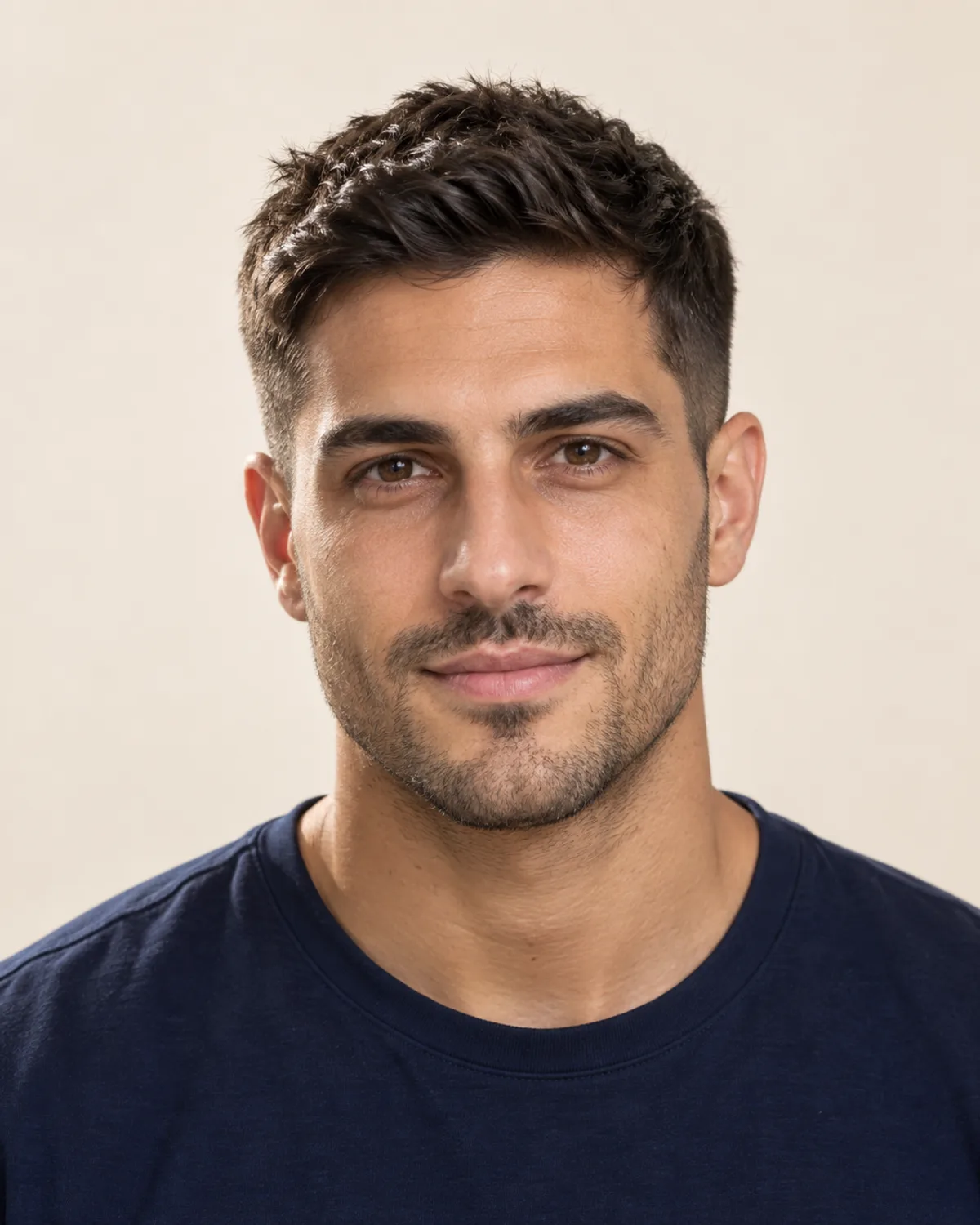
From Light Stubble to a Full Beard
Existing stubble becomes a full beard in the preview. Compare the fuller jawline and the connected mustache.


A Salt-and-Pepper Short Boxed Beard
The preview aims to match his mix of brown and gray. Compare how a crisp, short outline frames the jaw.
Choose Your Beard Style with 5 Checks
Growth, face shape and grooming time all affect how a beard works for you. Check these details before you stop shaving.
Skip shaving for a week or two and look closely at your cheeks, chin and upper lip. Even growth opens up fuller styles; lighter cheeks may suit stubble or a goatee.
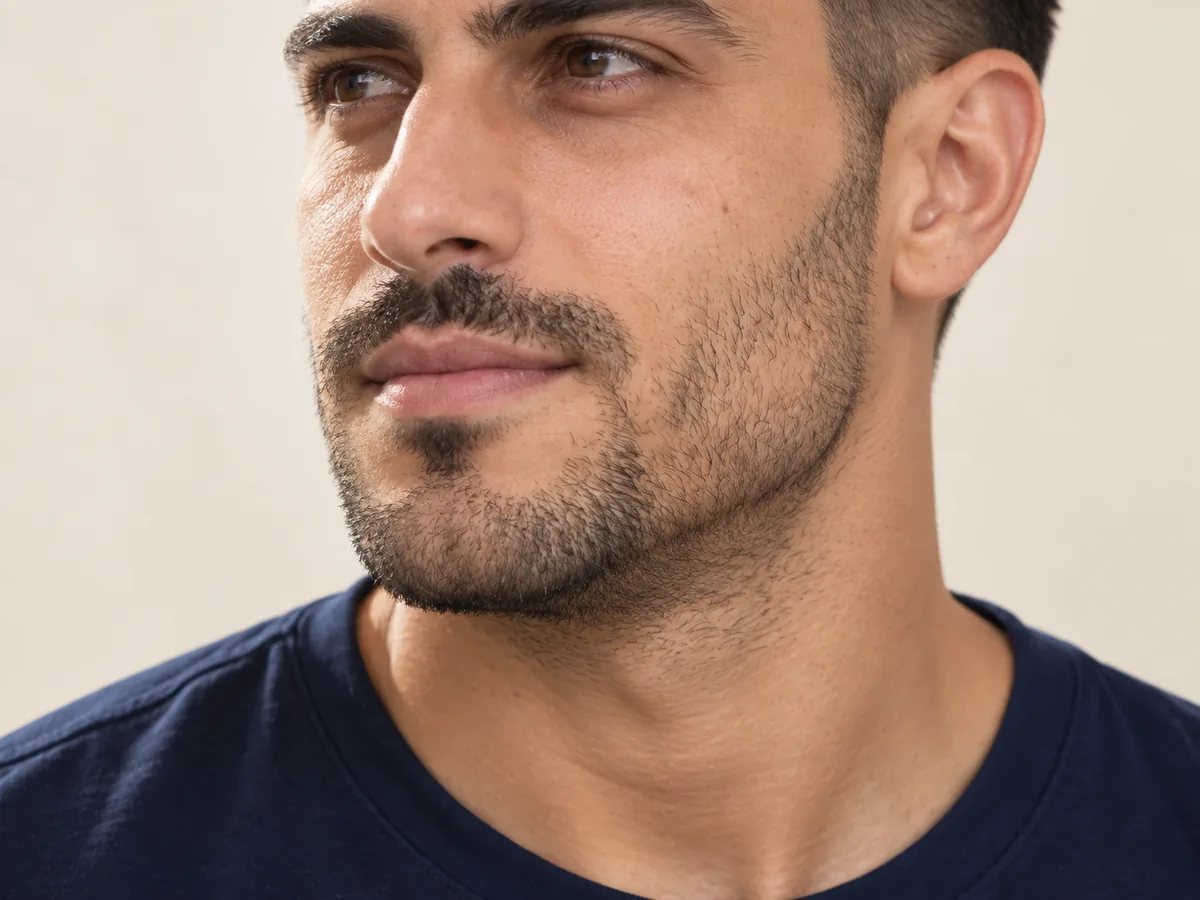
Density often varies across the face. Look at the cheeks, chin and mustache area separately.
Length and outline change your proportions. A goatee draws the eye down the center of the face; a fuller beard adds width along the jaw. Compare a short and a fuller shape on your own photo.
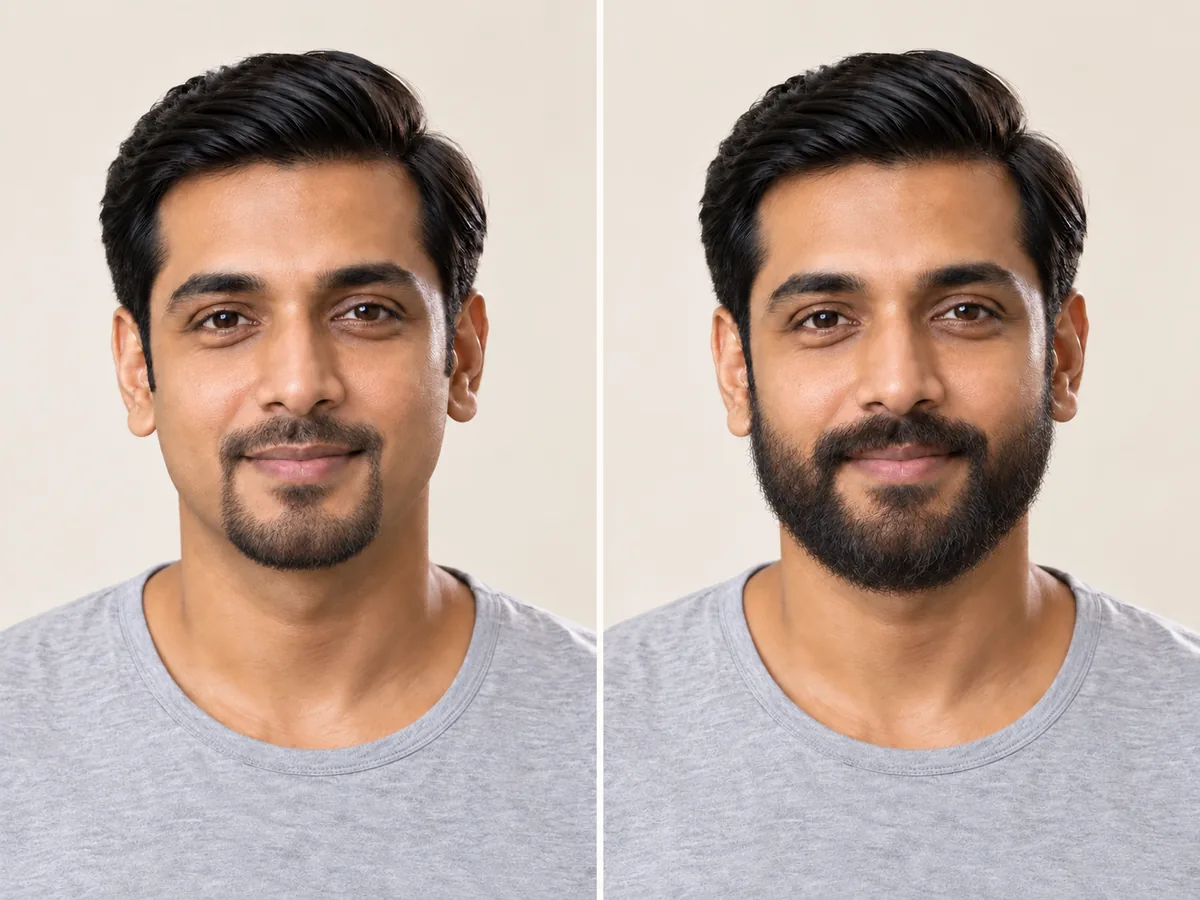
One face, two outlines: notice how each beard changes the shape of the lower face.
Longer styles take weeks or months to reach their length, and the in-between stage can look uneven. A preview shows a finished style, not how your own beard will grow.

The in-between weeks often look uneven. Keep a preview as a reference for the shape you're working toward.
The edges decide whether a beard looks deliberate. Keep the cheek line natural or lightly cleaned up, and set the neckline just above the Adam's apple rather than at the jaw.
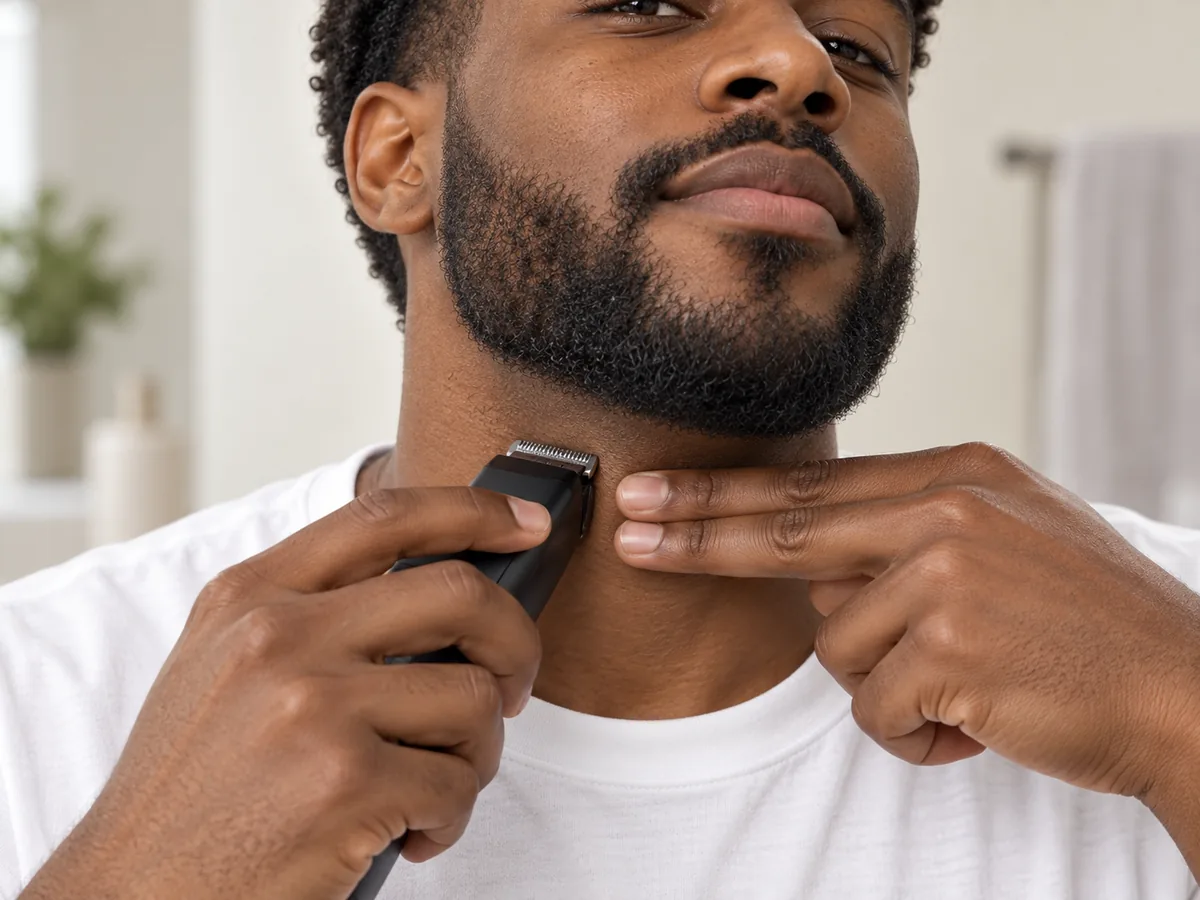
Two fingers above the Adam's apple is a common starting point for the neckline.
Stubble needs a trimmer every few days; a full or long beard needs washing, conditioning and regular shaping. Choose a style that fits the time you want to spend.
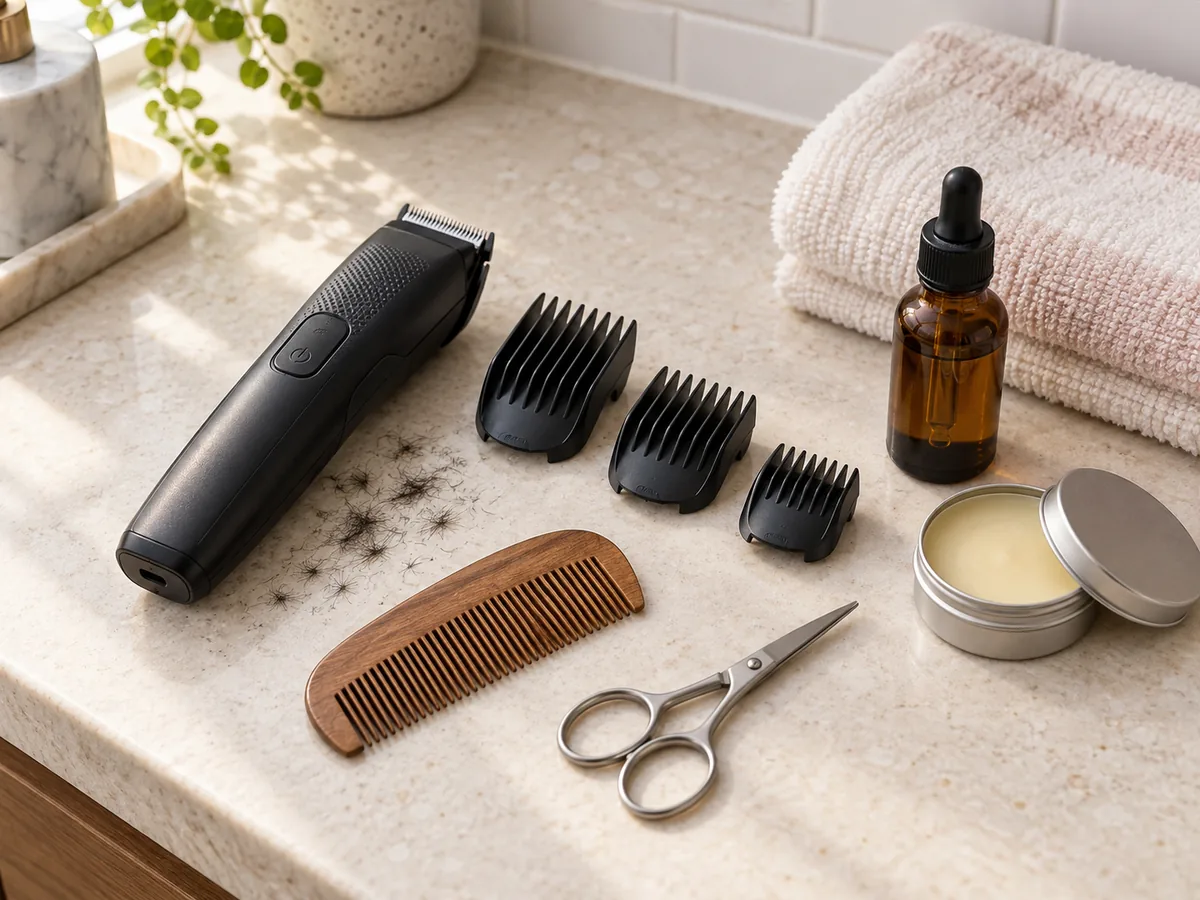
Longer beards usually need more tools and more time. Match the style to your routine.
How to add a beard to your photo
Use the AI Beard Generator in 3 Steps
Upload a photo, choose a beard and compare your preview.
Step 01
Start with a Clear, Front-Facing Photo
Use a front-facing portrait with even light and your jaw, chin and neck visible. You can also start with a sample photo in the tool.
- Even light, a visible jaw and neck, no hands on your face.
- JPG, PNG or WebP · Up to 10 MB

Step 02
Choose the Beard You Want to Preview
Choose from six styles, from light stubble to a long beard. Generate a preview to see the facial hair on your photo.
- Stubble, goatee, boxed, full and long.
- Select a style, then generate your preview.

Designer stubble

Goatee

Full beard
Step 03
Compare Your Look and Save a Favorite
Compare your preview with the original, then download a result to keep or show your barber.
- Compare the length, cheek line and neckline.
- Save a result, or try another style.
Before After
After
AI-created illustrations. Your preview will depend on your photo.
Beyond the preview
Bring Your Beard Preview to Your Barber
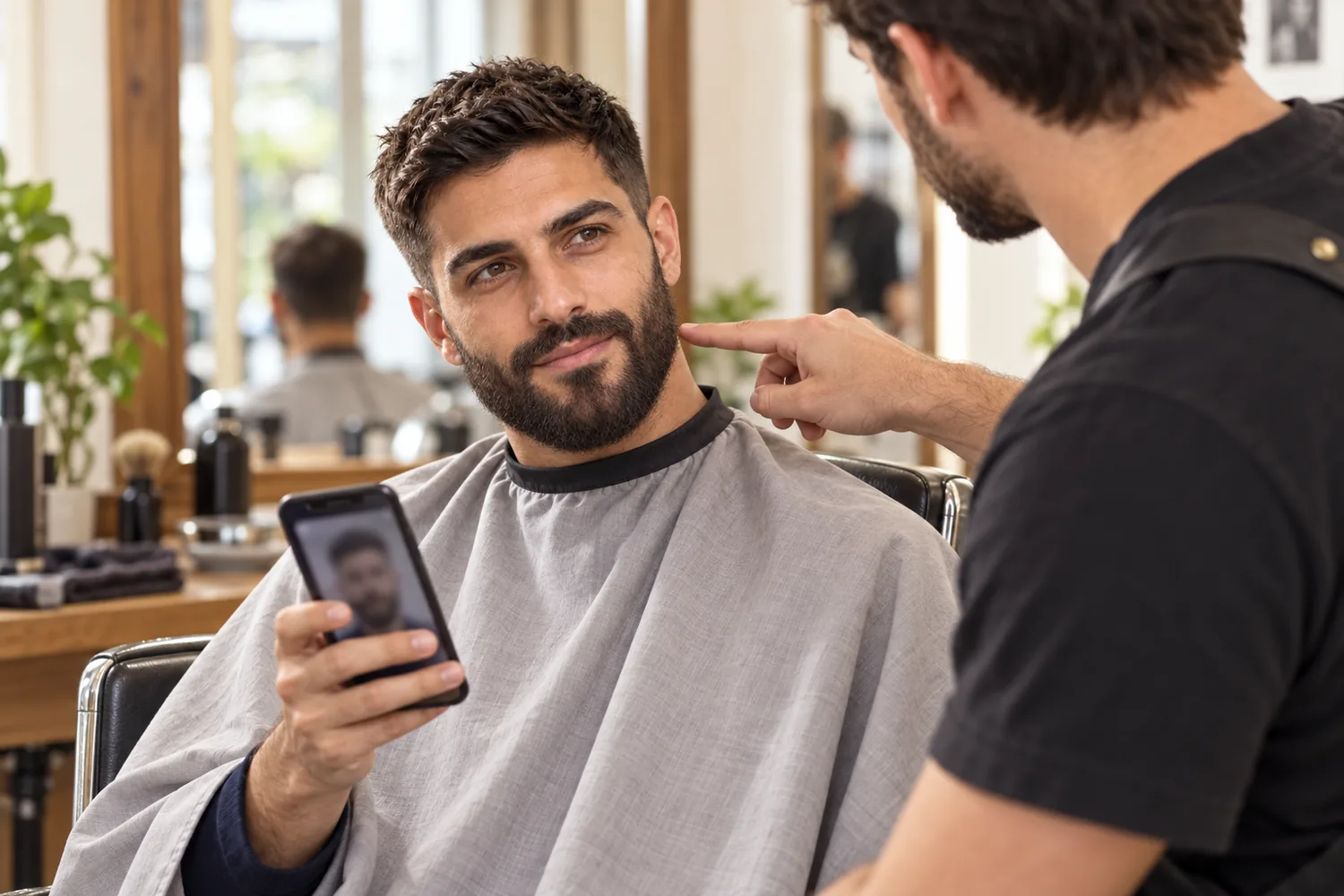
Save a preview and talk through these four details with your barber to adapt the style to your own growth.
Target Length
Agree on the length you want for the cheeks, chin and mustache.
Cheek Line
Choose a natural line, a light clean-up or a crisp, defined edge.
Neckline
Decide where it sits above the Adam's apple and how it curves toward the ears.
Growing and Upkeep Plan
Ask what to leave untrimmed while it grows, and how to keep the shape at home.
Beard Filter Tips and Common Questions
Preview details, credits and photo requirements.
Upload a photo, choose a beard style and select Add beard. Compare the preview with your original or try another style. AI previews help you explore a look; they do not show how your own beard will grow.
New accounts receive free credits to try the tool. Generating previews uses credits; check the amount shown in the tool before generating. You can review additional credits on the pricing page.
A goatee keeps hair on the chin and around the mouth, with shaved cheeks, and draws the eye to the center of the face. A full beard covers the cheeks and jaw and adds width along the jawline. Preview both on the same photo, then consider how evenly your cheeks grow.
The preview shows a style as if it has already grown in evenly. Your real density, patchy areas and growth direction depend on your own facial hair and on time, so the tool cannot predict how your beard will grow. Use the preview as a style reference; if your cheeks fill in slowly, stubble or a goatee may be an easier goal.
The tool is designed to change only the facial hair while preserving your face, haircut, skin and background. Generative edits may introduce small differences, so compare the result with the original before deciding which preview to keep.
The edit aims to match the beard to your hair and eyebrow color. Real beards can grow in lighter, redder or with more gray than the hair on your head, so your own shade may differ from the preview.
If your photo already shows stubble or a beard, the tool is designed to replace it with the style you choose, so you can compare a longer beard or a shorter, cleaner outline. To see yourself clean-shaven instead, use the no beard filter.
Use a sharp, front-facing photo with even light and your jaw, chin and neck visible. Avoid hands on your face, scarves, high collars and heavy shadows under the chin. The tool accepts JPG, PNG and WebP files up to 10 MB.
Still have a question? Email us at support@haircolorchangeai.com.
Try More Facial Hair and Haircut Filters
Preview a mustache, a clean shave or a shorter haircut.

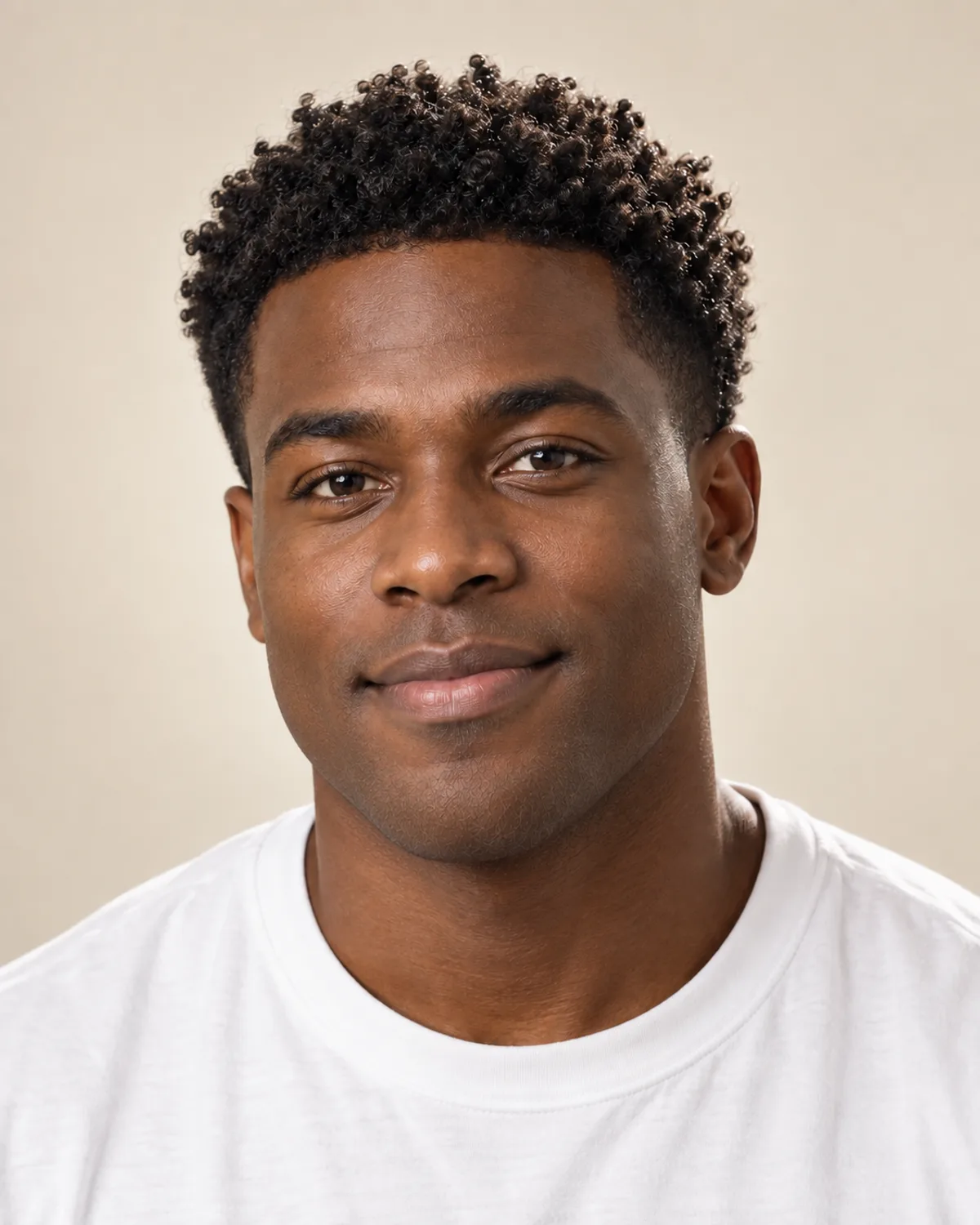
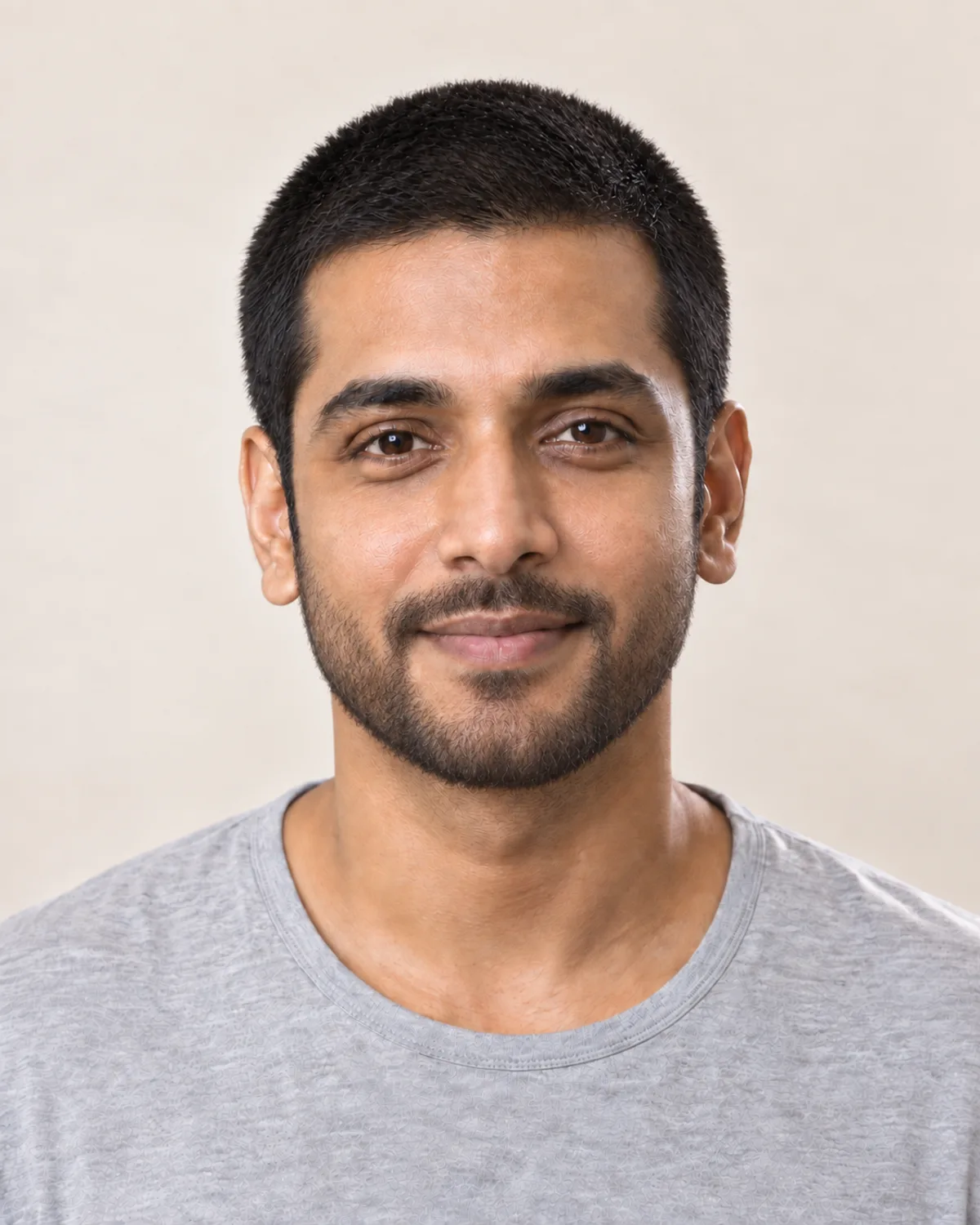
See How You Would Look with a Beard
Choose a style, compare your preview and save a reference before you stop shaving.
Free credits for new accounts · Previews use credits