Save 30% yearly

Red Hair Filter — Find Your Shade

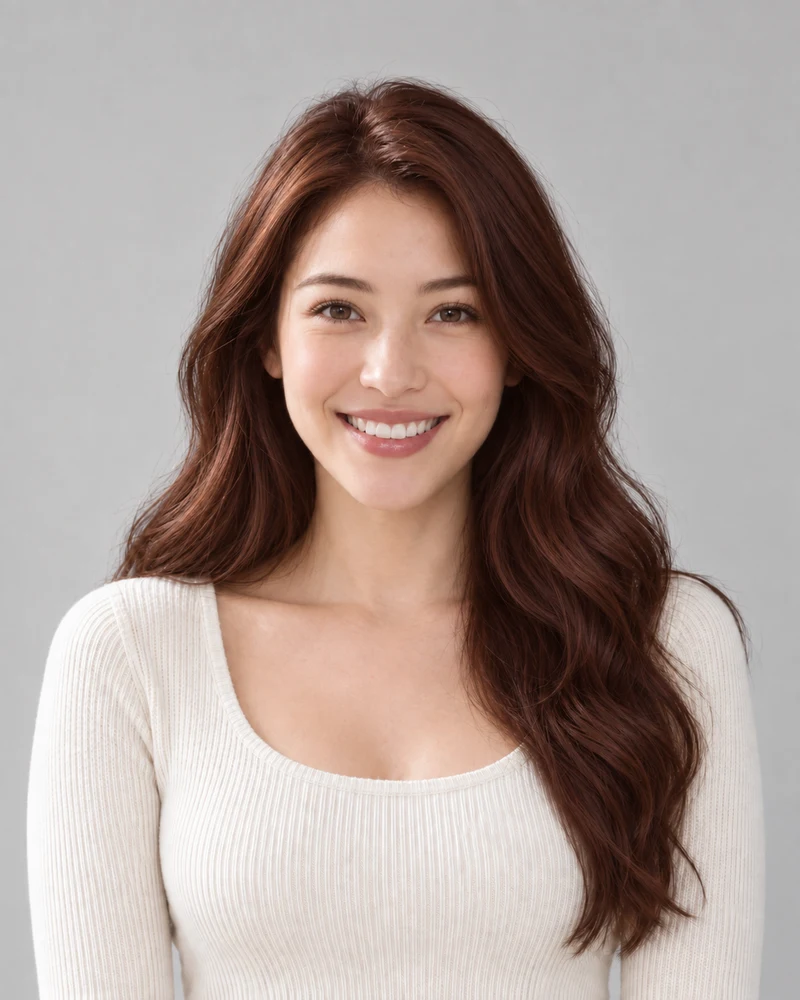
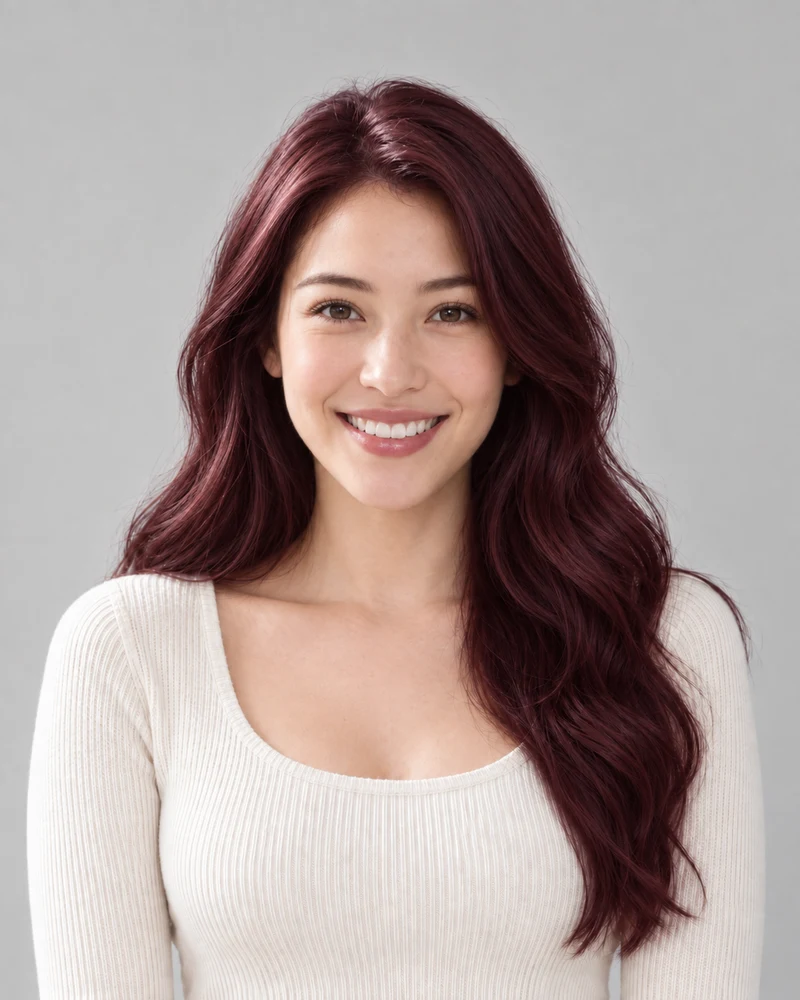
Explore six reds, from bright ginger and copper to deep mahogany and burgundy. Try a red on your photo and compare it with your original before choosing a change.

No photo handy? Try a sample:

Choose a Red Shade

All 59 shades and custom colors

Selected:Copper

Use a clear photo with your full hair visible. Check the preview against your original.

6 red shades · Your photo, your choice · Credits shown before generation

THE RED PALETTE

Six Red Hair Shades on One Photo

Reds differ in two ways: whether they lean orange or blue, and how bright or deep they are. Select a shade to see its character, then preview it on your own photo.

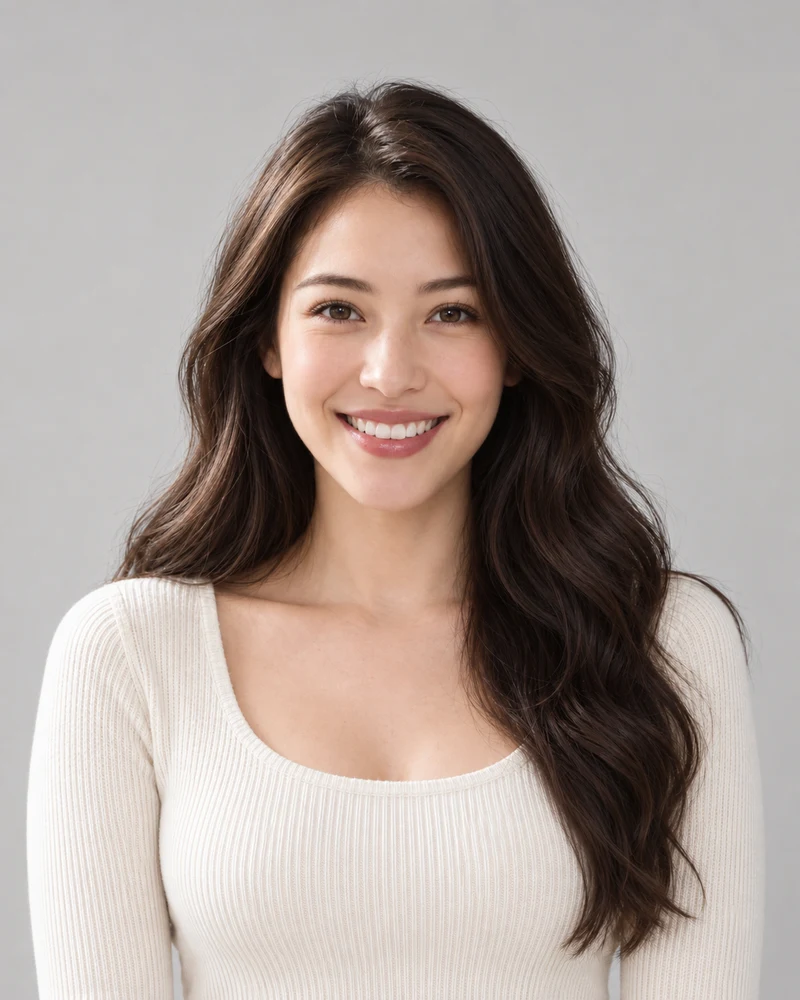
The female example model with her original dark brown waves

Original

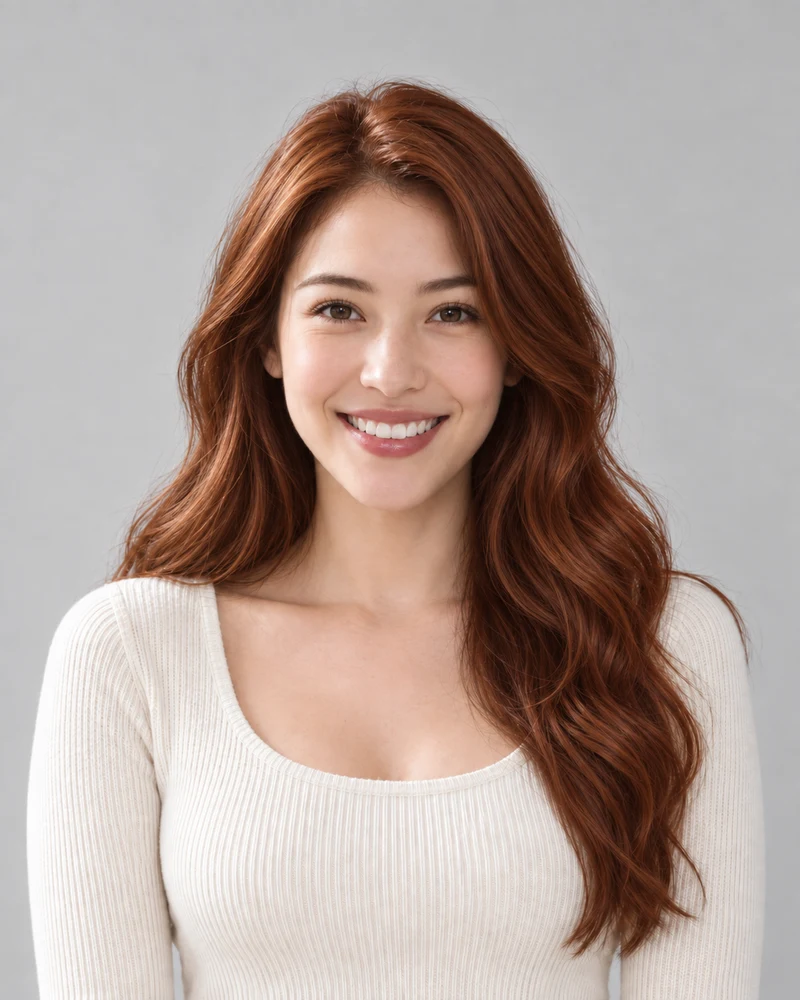
The same model previewing Copper with matching pose and lighting

Copper

AI examples on one model. Your preview depends on your photo; it is not a prediction of a salon result.

Copper

A bright orange-red with a penny-like, metallic warmth. In depth it sits between ginger and auburn.

Compare: copper and cherry red, a similar depth with an orange base versus a blue base.

Select a shade to update the palette above.

Positions follow each shade's color and depth; your starting color can be different.

01 · LEAN AND DEPTH

Orange-Red to Blue-Red Hair

Each red is placed by which way it leans, toward orange or toward blue, and by its depth. Select a shade here to update the comparison and the tool above.

  • Ginger and copper are the brighter orange-based reds; mahogany and burgundy sit at the deep end.
  • The chart describes the shades, not your hair; how big the change looks depends on your starting color.
A close crop of Copper strands from the same model portrait
Copper
A close crop of Cherry red strands from the same model portrait
Cherry red
Matching crops from the same model, with no added color filters.

02 · A CLOSER LOOK

Copper vs Cherry Red Hair

Copper and cherry red sit at a similar depth but lean opposite ways: copper toward orange and gold, cherry red toward blue and wine. Matching crops make the difference easier to see in the strands.

  • Compare an orange-based and a blue-based red on the same photo before deciding which way you lean.
  • A skin-tone label is a starting point, not a rule; your own preview is the better test.
The female example model with her original dark brown waves
Original
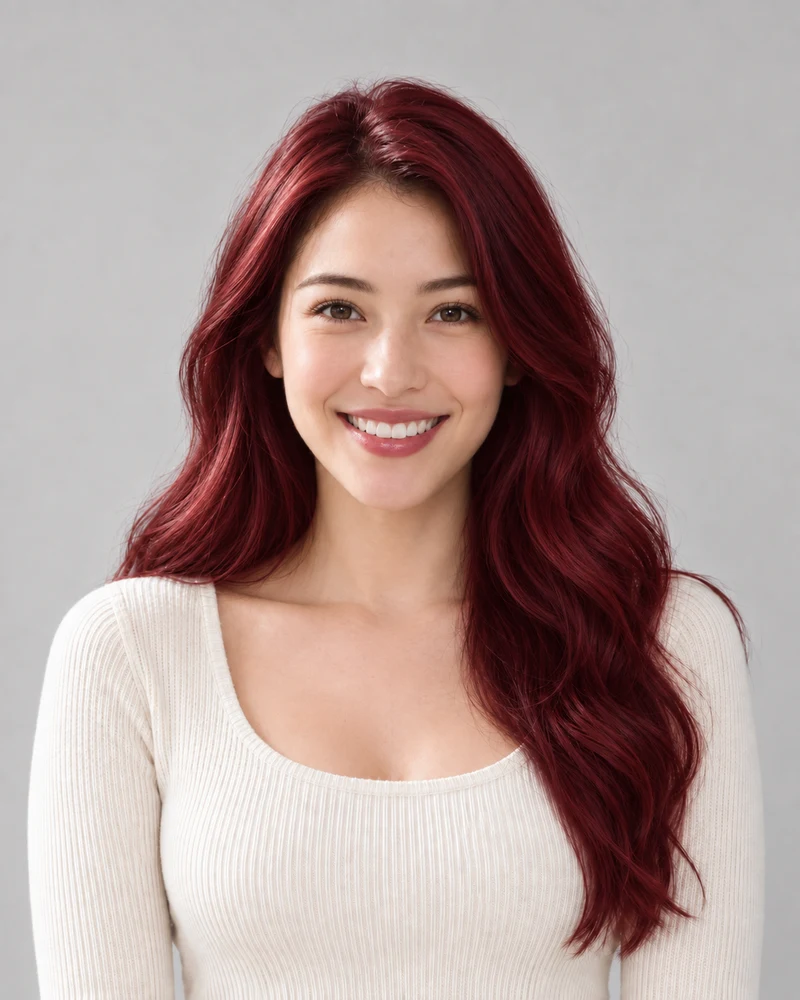
The same model previewing Auburn with matching pose and lighting
Auburn
The same model previewing Burgundy with matching pose and lighting
Burgundy
AI examples on one model, next to her original photo.

03 · THE DEEPER REDS

Deep Red Hair vs the Original

Auburn and burgundy are deeper reds. On this example's dark brown hair they keep a dark overall look and add a red-brown or wine cast rather than a bright change.

  • Auburn leans warm and brownish; burgundy leans cool, toward wine.
  • How much a deep red shows depends on your starting color, so preview it on your own photo.

Your Red Hair Preview in Three Steps

One photo, one selected red, and an original to compare with.

1

A Clear Starting Photo

Upload an evenly lit portrait with your hair fully visible, or choose a sample.

2

Your Selected Red

Choose one of six reds. Review the credit cost before generating your preview.

3

A Side-by-Side Decision

Compare the result with your original and download a reference to keep.

Red Hair Filter Details

Photo tips, shade choices and what a preview can and can't tell you.

Upload a portrait, select one of the six reds and generate a preview. Use the result comparison to check the change against your original.

Select ginger, the lightest and most orange-leaning of the six reds. Compare it on the same photo with copper, which is a step deeper with a similar orange base.

Copper, ginger, auburn and mahogany lean warm, toward orange or brown. Copper is the bright, penny-toned option among them; preview it next to auburn to compare a brighter red with a browner one.

Cherry red and burgundy lean cool, toward blue and wine; the other four lean warm. Try one of each on the same photo rather than treating a skin-tone label as a rule.

These are the deepest reds of the six. Auburn and mahogany read as red-browns, while burgundy leans toward wine. Compare each with your original to see how much red shows on your photo.

The preview can show any of these reds on a dark or previously colored photo. It does not assess your hair's history or condition; ask a colorist how a red would take on your hair and whether lightening would be involved.

A photo preview can't show how a red will fade or what care it needs. How a red holds up depends on the product, your hair and your routine, so ask a colorist what to expect for the shade you choose.

The edit aims to change hair color while retaining your appearance. AI may alter small details, so compare your face, brows, hairline and texture with the original.

Browsing shades is free. Photo generation uses credits; check the amount shown on the generate button and your account balance before starting.

Upload a male portrait or choose the male sample. Check how the red looks next to your brows and facial hair, and compare it with your original.

Still have a question? Email us at support@haircolorchangeai.com.

Your Next Red Starts with a Photo

Choose a red shade and see a preview before deciding on a change.