Depth: level 1 to 10
How light or dark the hair is, on the colorists' 1–10 scale. Lighter levels take more lightening in real life.
A hair dye simulator you mix yourself: set the depth, tone and vividness, compare it with the nearest catalogue shade, then preview the color on your own photo.
No photo handy? Try a sample:
Start from a popular mix:
Your mix
Level 7 · Soft warm · Rich
#AD7322
Past 50% vividness, fashion hues open up: pink, red, green, teal, blue and purple.
Selected:My mix, Level 7 · Soft warm · Rich (#AD7322)
Only your hair color changes. Your photo is used for this edit and never shown publicly.
Mixing is free, no account · Every mix has a HEX color and a nearest catalogue shade · Previews use credits
Three sliders
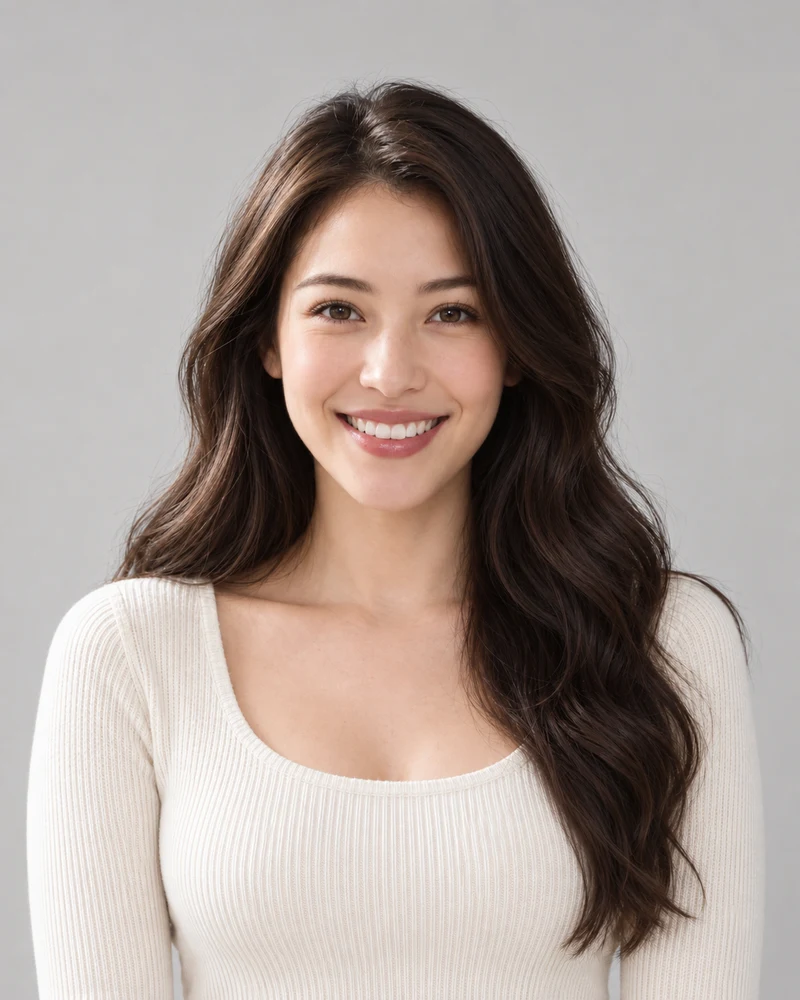
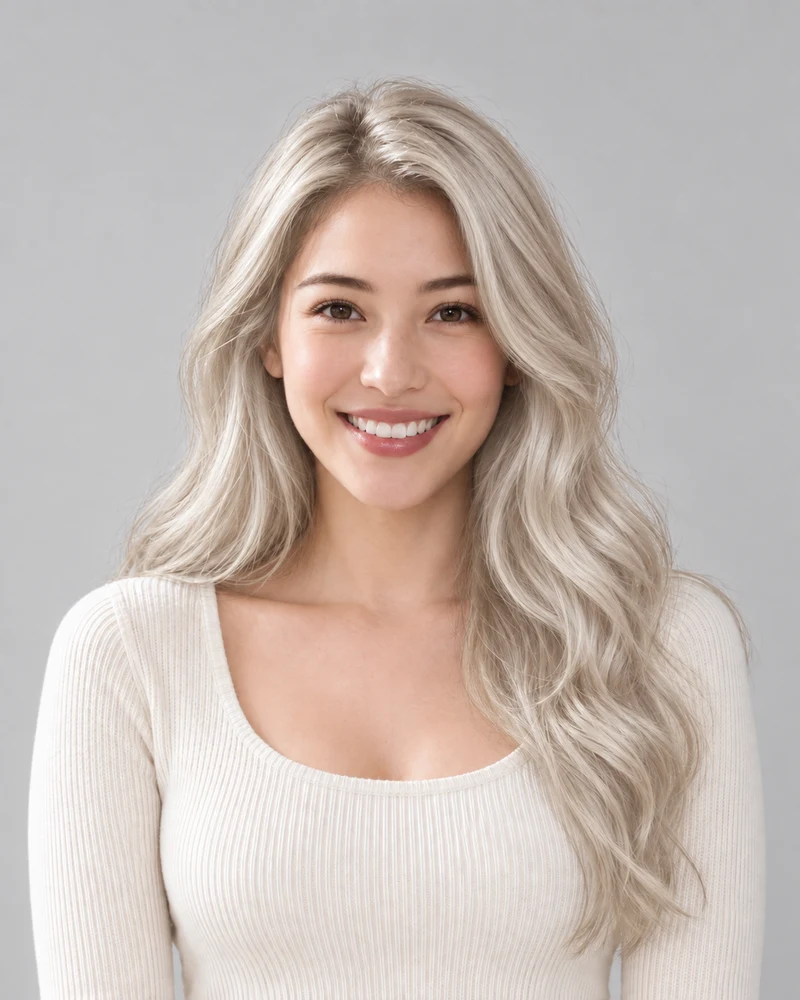
Each row moves one slider and holds the other two, shown on the same model. Select a photo to load its mix into the simulator above.
How light or dark the hair is, on the colorists' 1–10 scale. Lighter levels take more lightening in real life.
The same depth can lean ash or golden. Tone is what you see in the shine.
Up to halfway it makes the natural shade richer; past halfway a fashion hue takes over, here a red.
Photos show the site's AI-generated example model at each mix. A simulation previews a color on a photo; it isn't a dye formula.
Level 9 · Soft cool · Natural
#D2C5B0
Depth
Ash blonde· very close match
At the salon
Use the simulator's depth and tone as a starting point for a conversation. Bring the nearest catalogue shade and a saved preview so your colorist can discuss the real coloring process.
Big changes
A simulation shows the end color, even when it is far lighter than your hair today. In real life, going from dark to very light often takes lightening over more than one visit.
Mix a shade, add a photo and preview it. The sliders are free; each preview uses credits.
Upload a clear, front-facing photo in daylight, or try a sample portrait first.
Set depth, tone and vividness, or tap a preset, and watch the swatch update live. Past halfway, pick a fashion hue.
Send your exact mix or the nearest catalog shade, drag the before/after slider, then try another mix on the same photo.
Compare shades side by side, find colors that suit you or check your current one.
Mixing, credits, accuracy, and what to tell your colorist.
Upload a photo, mix a shade with the depth, tone and vividness sliders (or tap a preset like copper or rose gold) and press Simulate on my photo. The tool aims to change only your hair color, so you see the new color with your own face, cut and skin tone.
Mixing shades and matching them to the catalog is free and needs no account. Seeing a mix on your photo needs a free account and uses a few credits per image. New accounts get free credits to start.
Depth picks a level on the colorists’ 1–10 scale, tone moves it between ash, golden and copper, and vividness first makes the natural shade richer, then, past halfway, adds a fashion hue such as pink, blue or green. The result is always a real HEX color, capped at what dyed hair can actually show.
Every mix is matched to the closest of our named catalogue shades. Simulating the named shade sends a tuned description (for example, a cool ashy mushroom brown with no red), which often gives more consistent results than a bare HEX code. Your exact mix is always one tap away.
It works on a still photo rather than a live camera: you upload a picture and get back an edited copy with the new hair color. That makes it a hair dye virtual try-on you can save, compare and show someone later.
Push vividness past 50% and a hue strip appears with pink, red, copper, green, teal, blue, purple and magenta. Depth still matters: a light level gives pastels, a mid level gives jewel tones, and a dark level only gives a tint, just like real dye.
No simulation can promise that. Your starting color, old dye, gray and hair condition all change the real result, and fashion shades fade. Use the simulation to choose a direction, then let a colorist assess your hair; a strand test is the honest final check.
Simulate two or three mixes on the same photo, compare them with the before/after slider, download the one you like and show it to your colorist together with its level and tone.
It works on short and long cuts, straight to coily textures, and gray or white hair. It aims to keep your cut and texture and change only the color.
Your photo is used to make your preview. Previews you create are listed under My results in your account.
Still have a question? Email us at support@haircolorchangeai.com.
Three sliders, a live swatch and the nearest catalogue shade, then the color on your own photo.