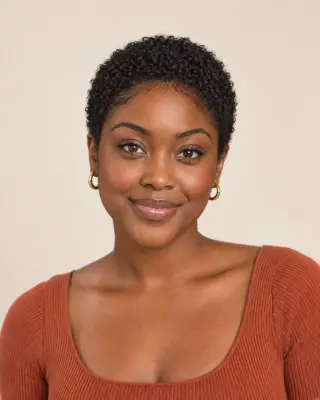
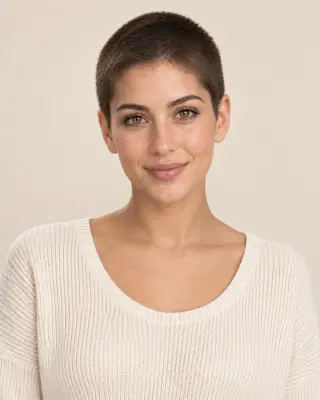

Your virtual buzz cut preview
Buzz Cut Filter — Preview Your Buzz
See a #0 to #8 buzz, a skin fade or a bleached buzz on your photo. Compare clipper lengths before you book the barber.
No photo handy? Try a sample:
Choose a Buzz Cut for Your Photo
Selected:#2 buzz cut
Designed to shorten your hair while keeping your face and natural hairline.
6 buzz cuts · Straight, wavy and curly hair · Free credits for new accounts
The clipper guide
Explore 6 Buzz Cut Levels and Styles
Compare the length, scalp visibility and upkeep of each cut. All six previews share one portrait, so only the clipper length, fade or color changes.


#2 buzz cut
The classic, everyday buzz.
- Guard and length
- A #2 guard: about 6 mm (1/4 inch) on the top, sides and back.
- Scalp visibility
- Faintly visible in bright light, less so on dark, dense hair.
- Upkeep
- A touch-up every 2–3 weeks keeps the length even.
Buzzcut Before & After on Different Hair
Compare AI-created buzz cut previews on long waves, natural curls and straight black hair. Drag each slider to see the change.
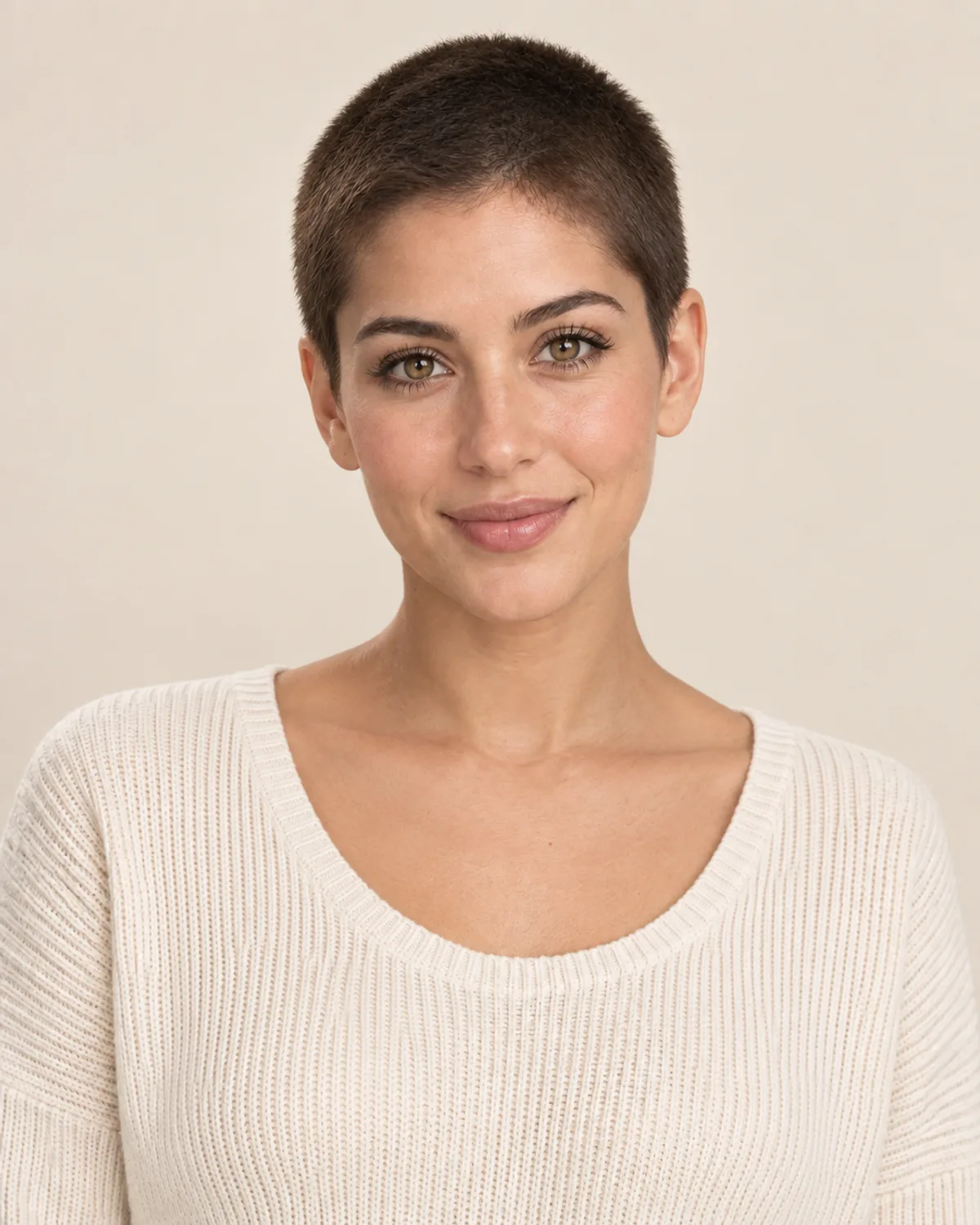
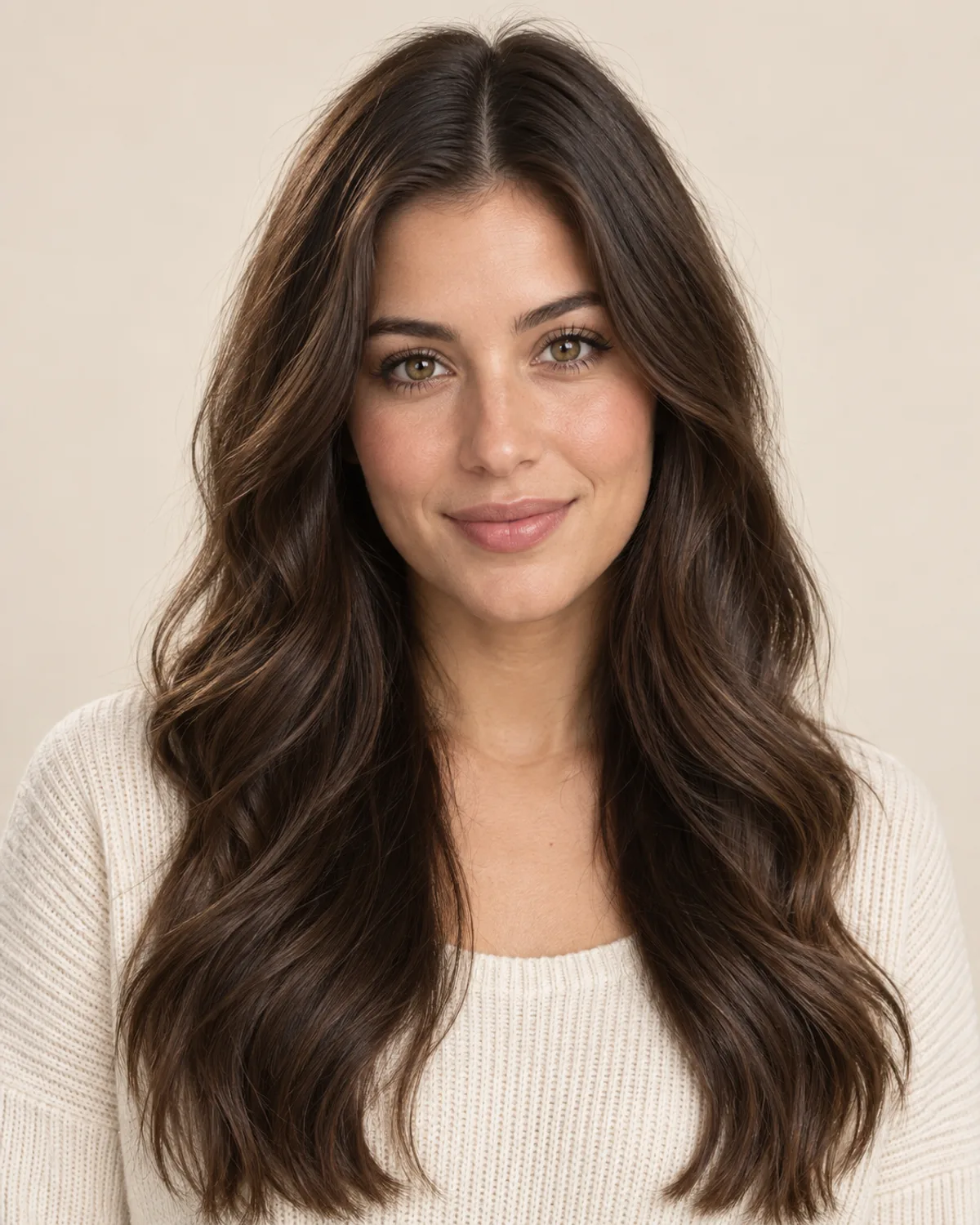
A Women's Buzz Cut at a #2
Long waves clipped to a #2. The preview shows the face, ears and neckline with nothing hiding them.
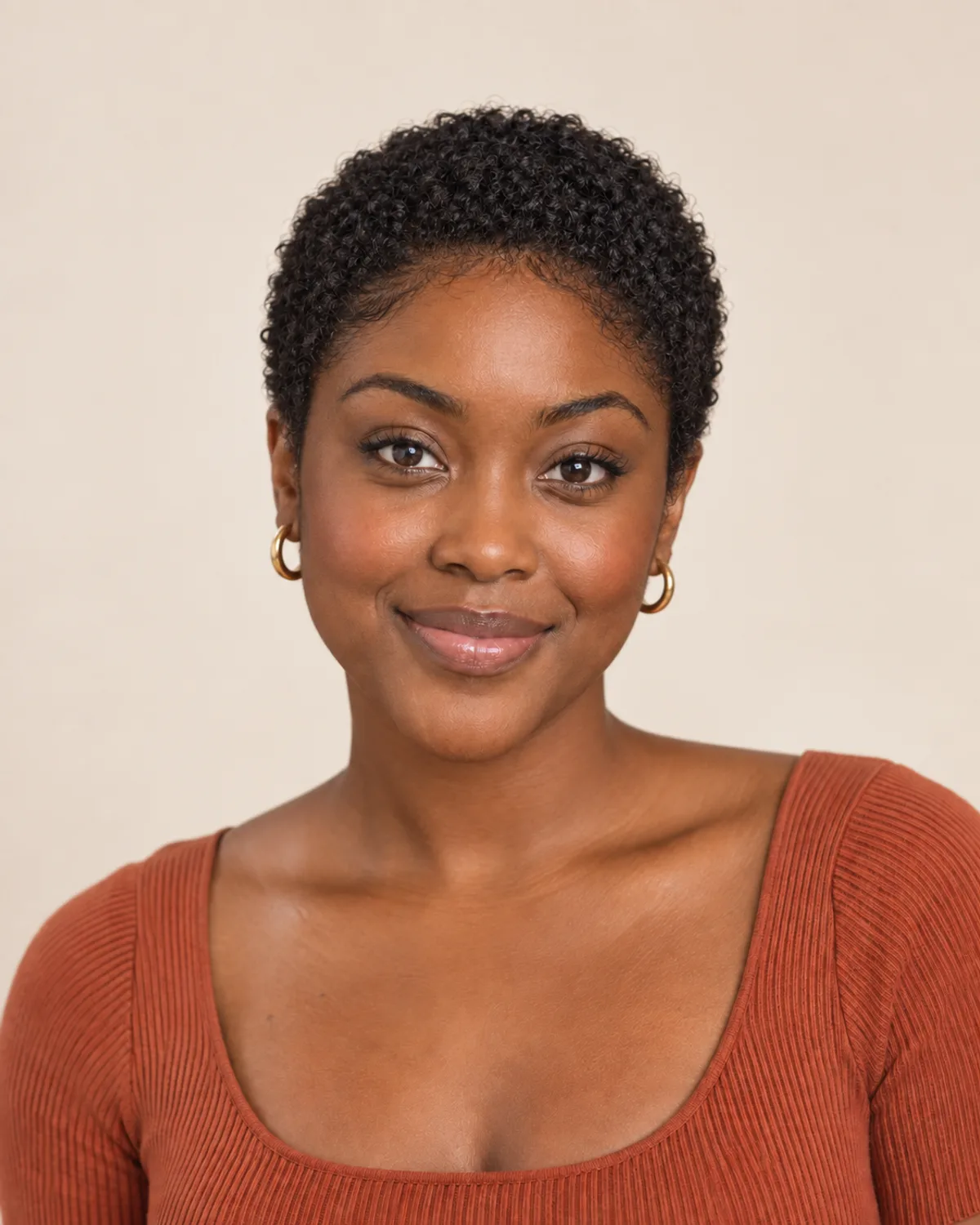
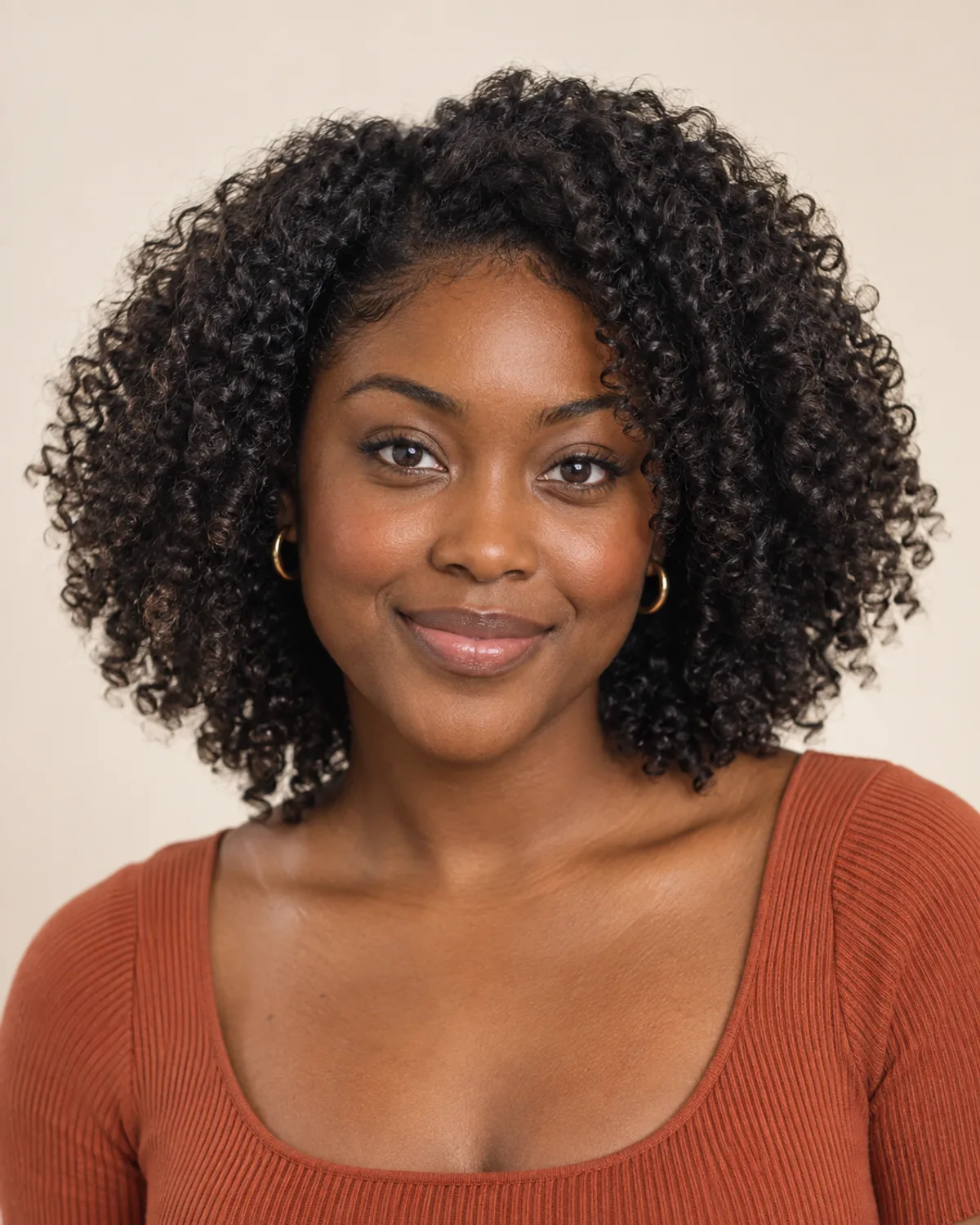
Natural Curls Buzzed to a #4
A #4 leaves a short layer of tight coils instead of flattening them. Notice how the curls sit close to the head.
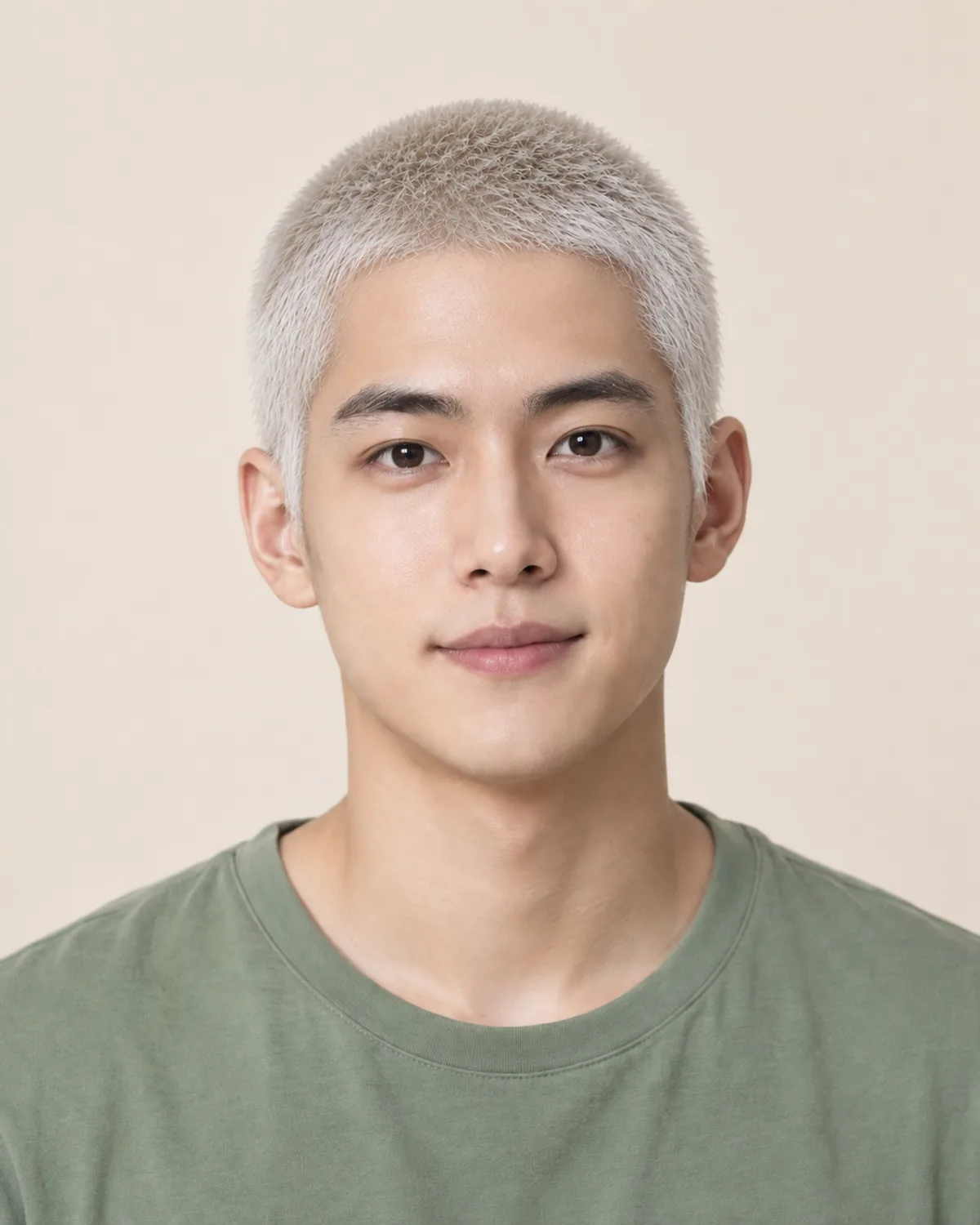

A Bleached Buzz on Straight Black Hair
Straight black hair clipped to a #2 and lifted to platinum. Compare the contrast with the skin tone before booking bleach.
Know If a Buzz Cut Will Look Good on You
A buzz cut is easy to live with and slow to undo: hair grows back at roughly half an inch a month. Check these five details before you choose a guard.
Short hair shows bumps, flat spots and scars. A front-facing preview can't show the back, so look at your crown and the back of your head in two mirrors too.

The preview shows the front. Use two mirrors to check the crown and the back.
Dark, dense hair buzzes into an even shadow. Fine or light hair shows more scalp at the same guard, so a longer guard often looks fuller.
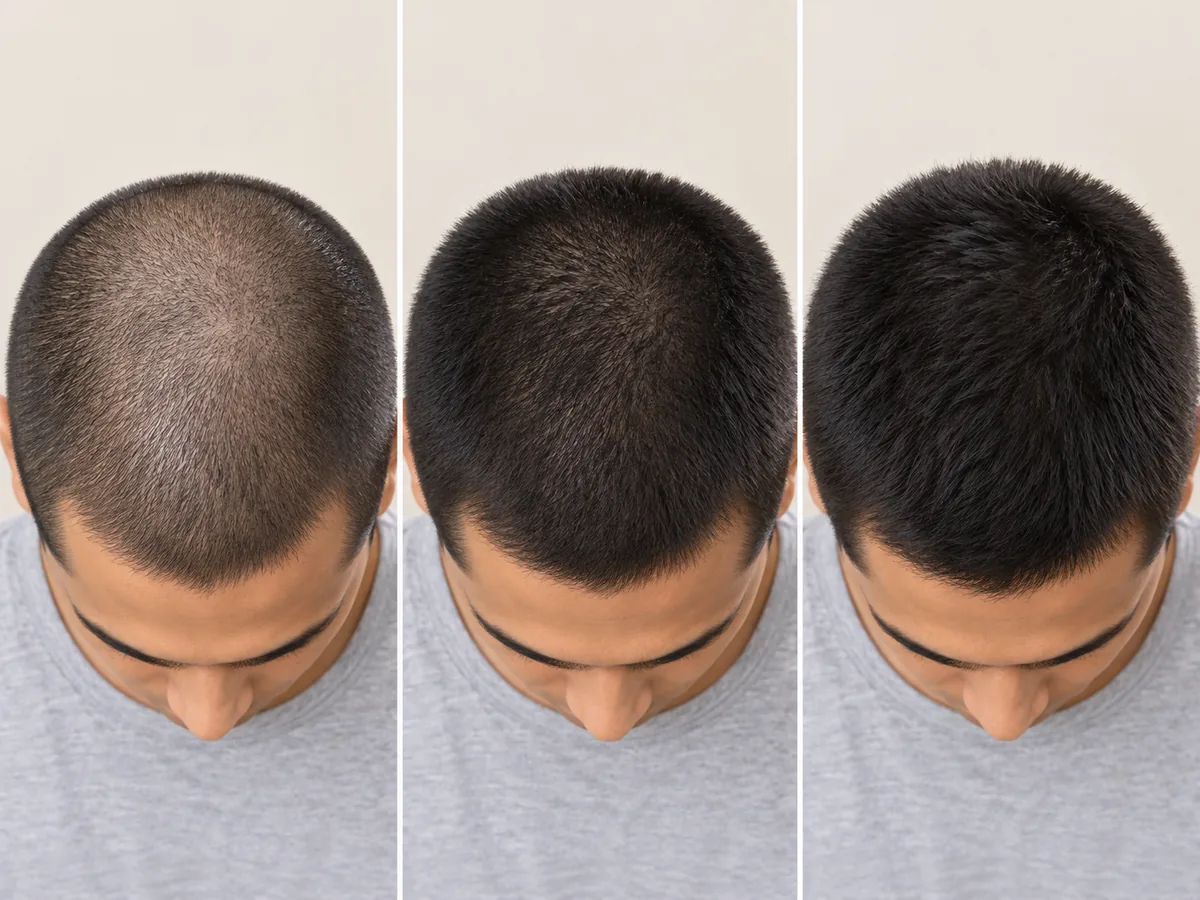
The same dark hair at a #0, #2 and #4. Each longer guard hides more of the scalp.
With little hair on top, your hairline, temples and ears frame your face. The filter is designed to keep your own hairline, so look at it closely in the preview.

At a #0, the hairline, temples and ears become part of the look.
An even buzz is one guard all over and easy to keep up at home. A fade blends the sides down to skin for a sharper shape, and a clean blend is usually a barber's job.
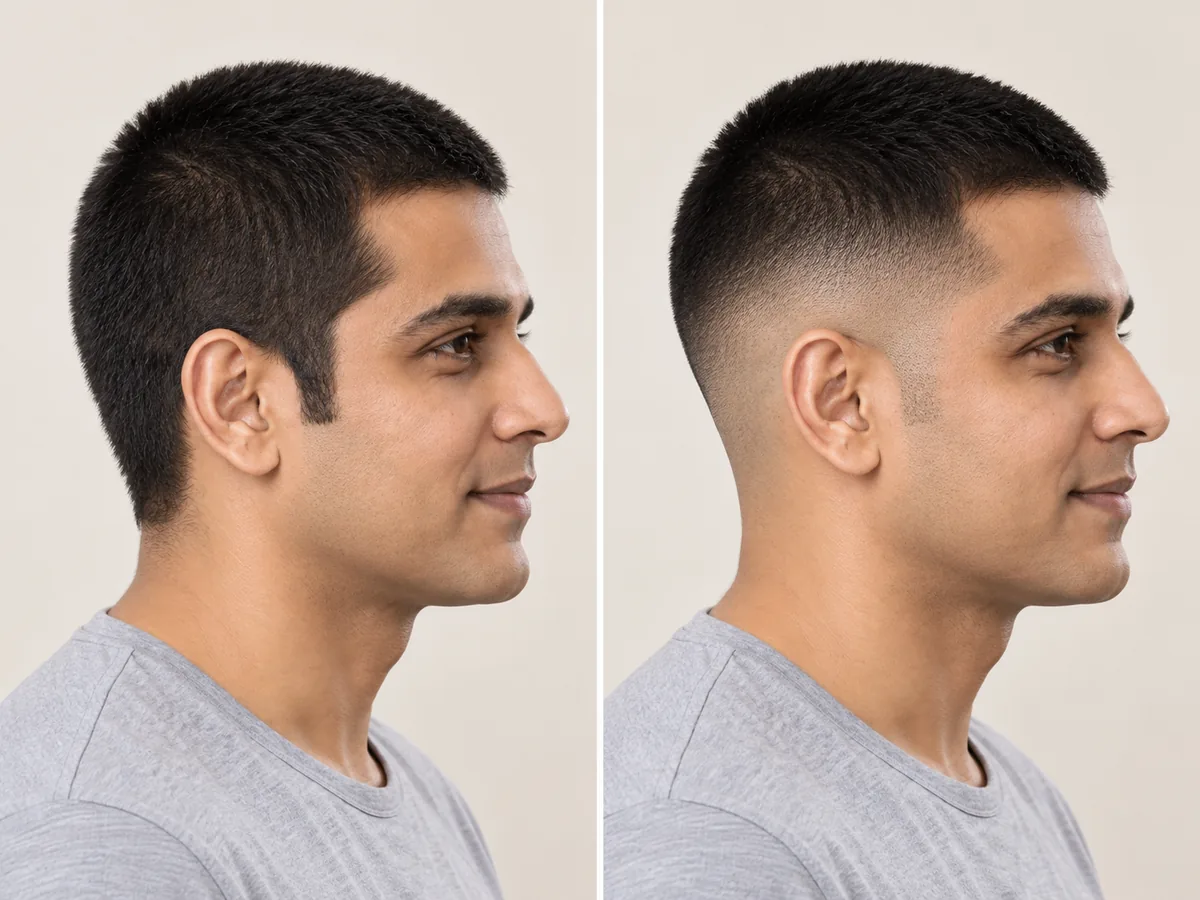
One length all over, or sides faded to skin. The top length stays the same.
A buzz needs a touch-up every few weeks to hold its shape, and growing it out takes months. A fade or bleach adds regular barber or colorist visits.
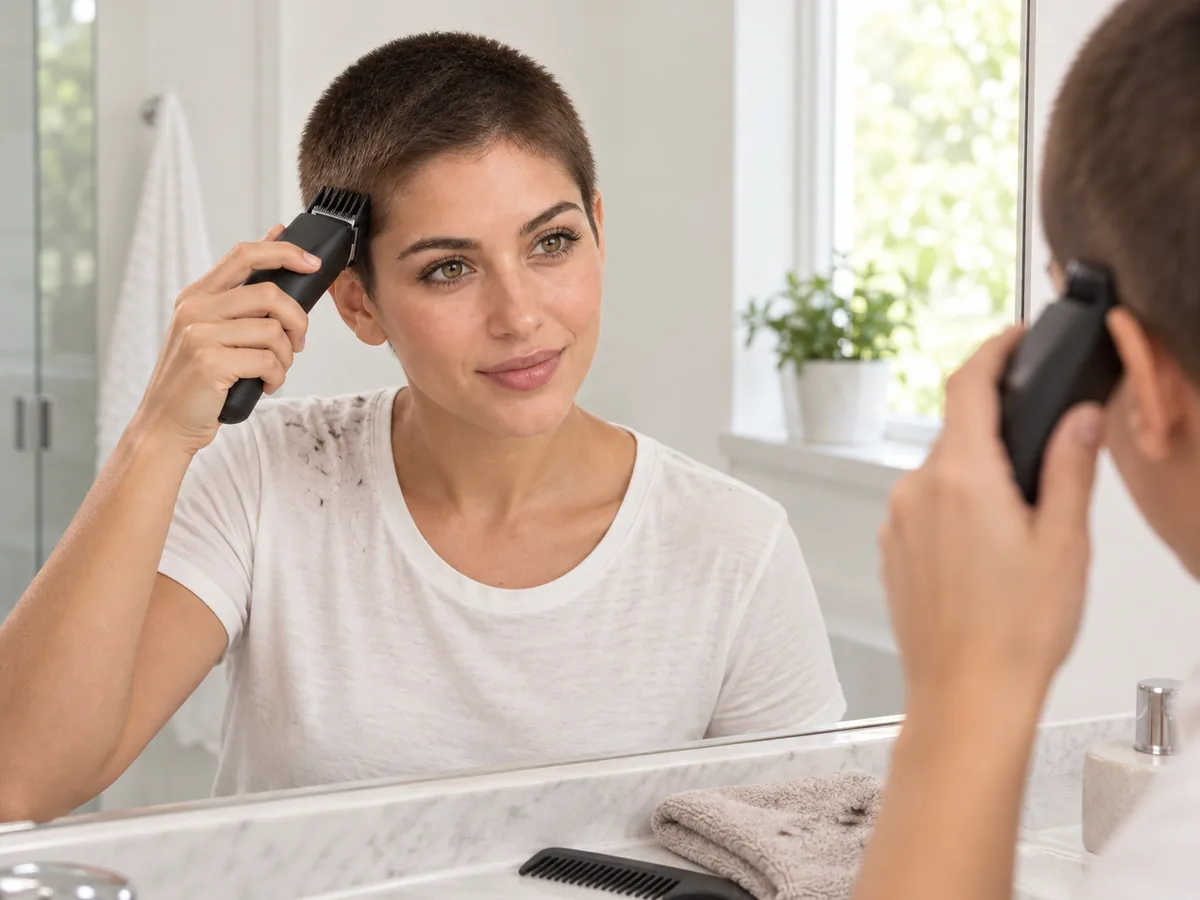
Regular clipper touch-ups keep a one-length buzz even between barber visits.
How to try a buzz cut
Use the Buzz Cut Simulator in 3 Steps
Upload a photo, choose a clipper length and compare your preview.
Step 01
Start with a Clear, Front-Facing Photo
Use a portrait with even light, your hairline visible and long hair pushed back. You can also start with a sample photo in the tool.
- Even light, hair off your face, no hats.
- JPG, PNG or WebP · Up to 10 MB

Step 02
Choose the Buzz Cut You Want to Preview
Choose from four clipper lengths, a skin fade or a bleached buzz. Generate a preview to see the cut on your photo.
- A #0, #2, #4 or #8, a fade or a bleach.
- Select a style, then generate your preview.

#0 buzz cut

#2 buzz cut

Skin fade buzz cut
Step 03
Compare Lengths and Save a Favorite
Compare your preview with the original, try another length on the same photo, then download a result to show your barber.
- Look at your hairline, ears and scalp.
- Save a result, or try another length.
Before After
After
AI-created illustrations. Your preview will depend on your photo.
Beyond the preview
Take Your Buzz Cut Preview to the Barber
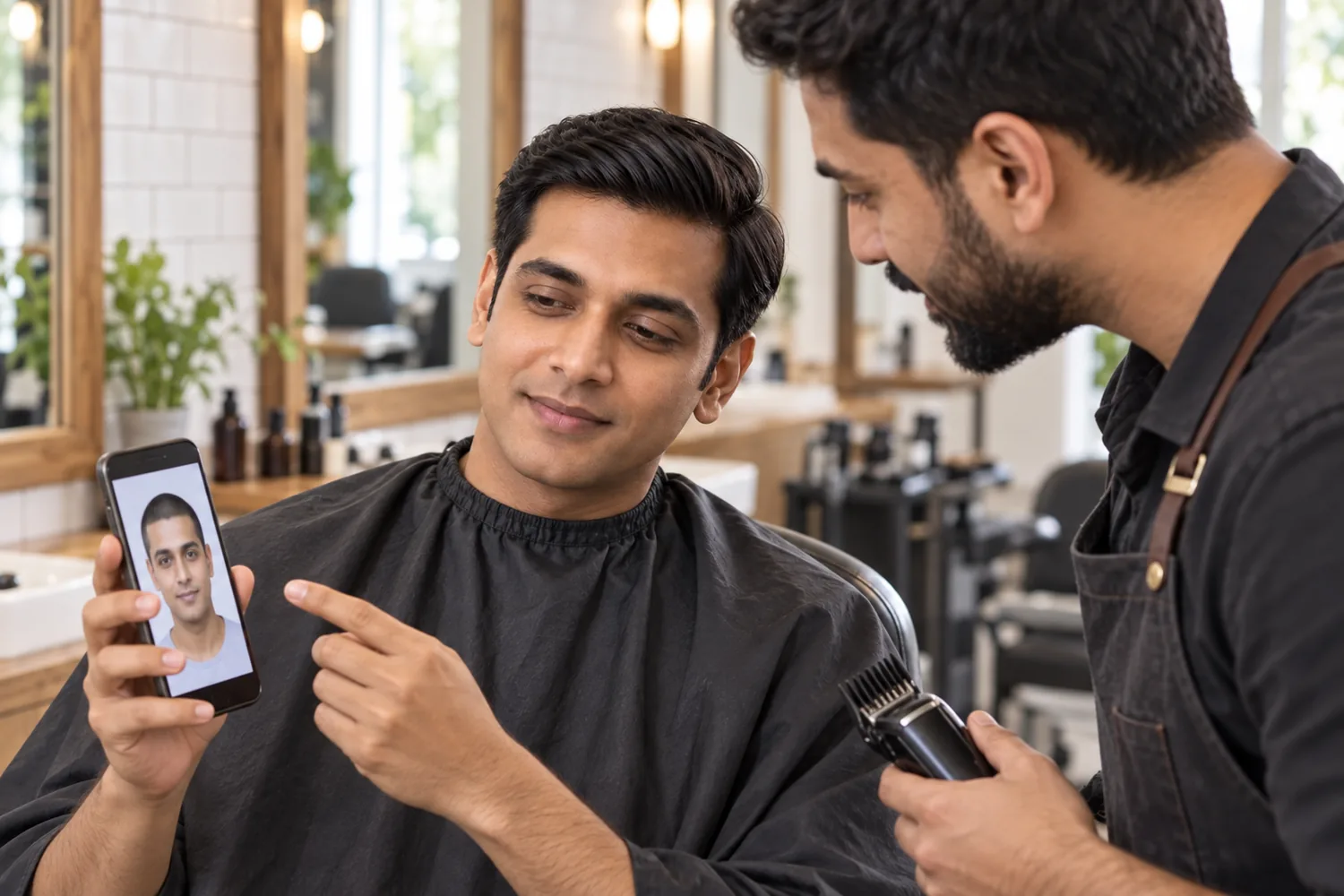
Save a preview and go over these four details with your barber, so they can adapt the cut to your hair and head shape.
Guard Number and Length
Give the number and the length in millimeters; guards vary slightly between brands.
One Length or a Fade
Say if you want one guard all over, or where a fade should start: low, mid or high.
Neckline and Edges
Ask for a tapered, rounded or squared nape, and whether to keep your natural front hairline.
Upkeep and Color
Ask how often to come back, and talk to a colorist about scalp care before a bleached buzz.
AI Buzz Cut Filter Tips and Answers
Preview details, credits, guard numbers and photo requirements.
Upload a photo, choose a length or style and select Buzz my hair. Compare the preview with your original or try another length. AI previews help you explore a look; the real cut depends on your hair and head shape. For a longer checklist, read the post "Should I Get a Buzz Cut?" on our blog.
New accounts receive free credits to try the tool. Generating previews uses credits; check the amount shown in the tool before generating. You can review additional credits on the pricing page.
There is no single buzz cut number. On common clipper guards, a #0 is about 1.5 mm, a #1 about 3 mm, a #2 about 6 mm, a #3 about 10 mm, a #4 about 13 mm and a #8 about 25 mm. Sizes can differ by a millimeter or two between brands, so show your barber the preview as well as the number.
The tool is designed to shorten your hair while keeping your face, natural hairline and hair color; only the bleached buzz changes the color. Generative edits may introduce small differences, and a front-facing photo can't show the back of your head. A preview shows a length, not how your hair will grow.
Camera apps offer creator-made buzz cut lenses that come and go, and Instagram no longer hosts third-party effects. Live lenses usually lay one fixed look over your camera feed. This filter edits a photo you upload instead, so you can compare six buzz cuts on the same picture and save the one you like.
The filter works on any portrait, and the examples above include a women's #2 buzz and natural curls at a #4. A buzz reveals your ears, neck and hairline, so a preview is a useful first look at such a big change. The edit is designed to keep your face and makeup the same.
The edit is designed to follow your natural texture, so curls and coils should show as short, tight curls, most clearly at a #4 or #8. Fine or thinning hair shows more scalp at short guards, so compare a #2 with a #4. Our blog post "Buzz Cut for Thinning Hair" covers this in more detail. AI results can vary.
Use a sharp, front-facing photo with even light and your hairline visible. Push long hair back, and avoid hats, hoods and heavy shadows. The tool accepts JPG, PNG and WebP files up to 10 MB.
Still have a question? Email us at support@haircolorchangeai.com.
Explore Bald, Beard and Platinum Looks
Preview a shaved head, facial hair or a new color.



See Yourself with a Buzz Cut First
Choose a length, compare your preview and save a reference for your next barber visit.
Free credits for new accounts · Previews use credits