Save 30% yearly

Hairstyle Identifier — Find Your Haircut

Upload a photo of a haircut, from a screenshot to a friend's picture, to get its likely name, the details that define it and a brief for your stylist. Then try the closest style on your own photo.

No photo handy? Try an example

Hairstyle identification

Your result will include

  • The hairstyle's name

    The name to search for, how sure the match is, and other names for it.

  • What defines it

    Length, texture, layers, fringe, parting and sides — what a stylist looks at.

  • A brief for your stylist

    Words you can copy and show at the salon or barbershop.

  • Try it on you

    The closest styles, ready to try on your own photo in step 2.

Free with an account — 20 identifications a day. Your photo is used only for this identification.

Free with an account, 20 readings a day · 120 styles to try on · Try-ons use credits

Worked examples

Sample Haircut Identifier Reports

Each report shows what a reading includes: the likely name, other names, visible details, cut versus styling and a brief for your stylist. Select a match to try it on your photo.

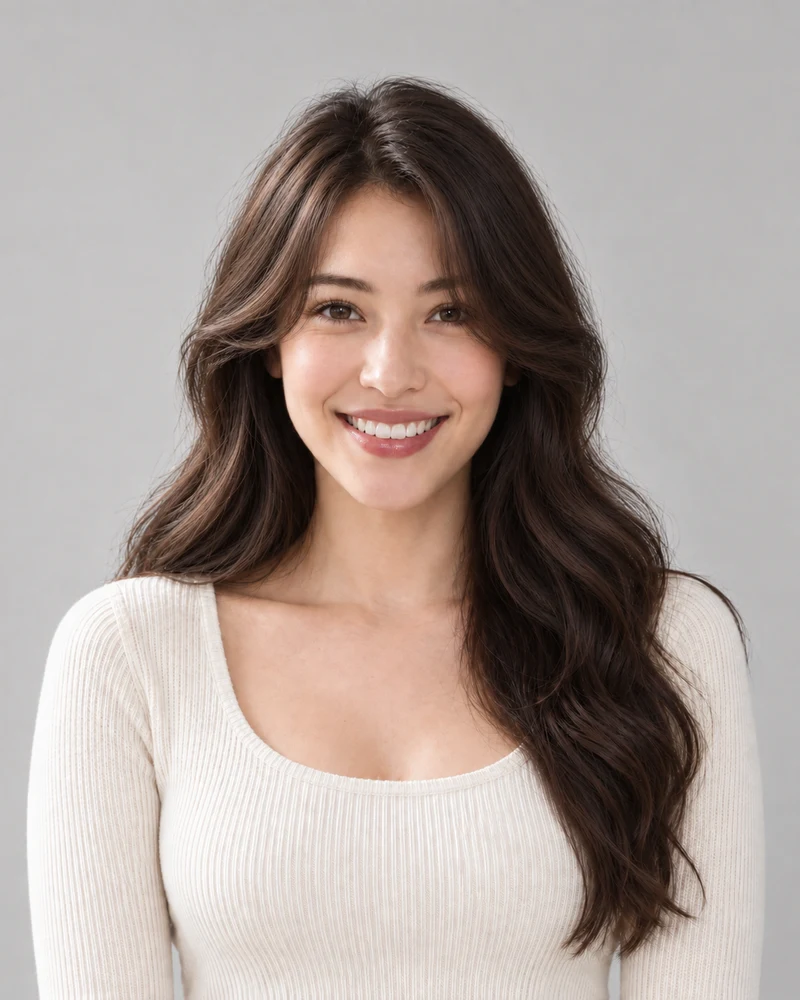
Reference photo: Curtain bangs
Reference photo of the site's AI-generated example model.
Most likelyHigh match

Curtain bangs

Also called: Curtain fringe · Middle-part bangs · Bardot bangs

Length
Long, well past the shoulders
Texture
Soft natural waves (2A–2B)
Layers
Long face-framing layers
Fringe
Parted in the middle, sweeping to both sides
Parting
Middle part

Cut or styling?

The fringe and face-framing layers are cut in; the swoop comes from a round-brush blow-dry each morning.

Show your stylist

“I'd like curtain bangs: a fringe parted in the middle, shortest at the bridge of my nose and blending into my cheekbones. Please keep my length and add long face-framing layers so the bangs grow out softly.”

Closest styles to try on you

These worked examples were written for the example photos and don't use your daily readings. A reading of your own photo is an AI estimate and can differ.

Hairstyle Names That Get Mixed Up

Many searches for a haircut's name come down to one of these mix-ups. Each look shows the detail that tells it apart; select a photo to try it on.

  • Wolf Cut, Shag and Mullet

    Wolf cut

    Choppy crown volume and curtain bangs, tapering to wispy ends.

    Short shag

    Layers all over and a soft fringe; no long tail at the back.

    Modern mullet

    Short on top and at the sides, clearly longer at the nape.

  • French Bob, Bob and Lob

    French bob

    Jaw-length or shorter, often with a fringe and loose texture.

    Chin-length bob

    Ends at the chin in a clean, even line.

    Lob (long bob)

    Longer — between the chin and the collarbone.

  • Fade, Undercut and Skin Fade Buzz

    Low fade

    Sides blend gradually from short to skin, with length on top.

    Undercut

    Sides one short length, with a sharp line where the long top starts.

    Skin fade buzz cut

    Clipper-short all over, faded to skin on the sides.

  • Curtain, Wispy and Blunt Bangs

    Curtain bangs

    Parted in the middle, sweeping out to the cheekbones.

    Wispy bangs

    Thin and see-through; the forehead shows between strands.

    Blunt bangs

    Thick and cut straight across in one solid line.

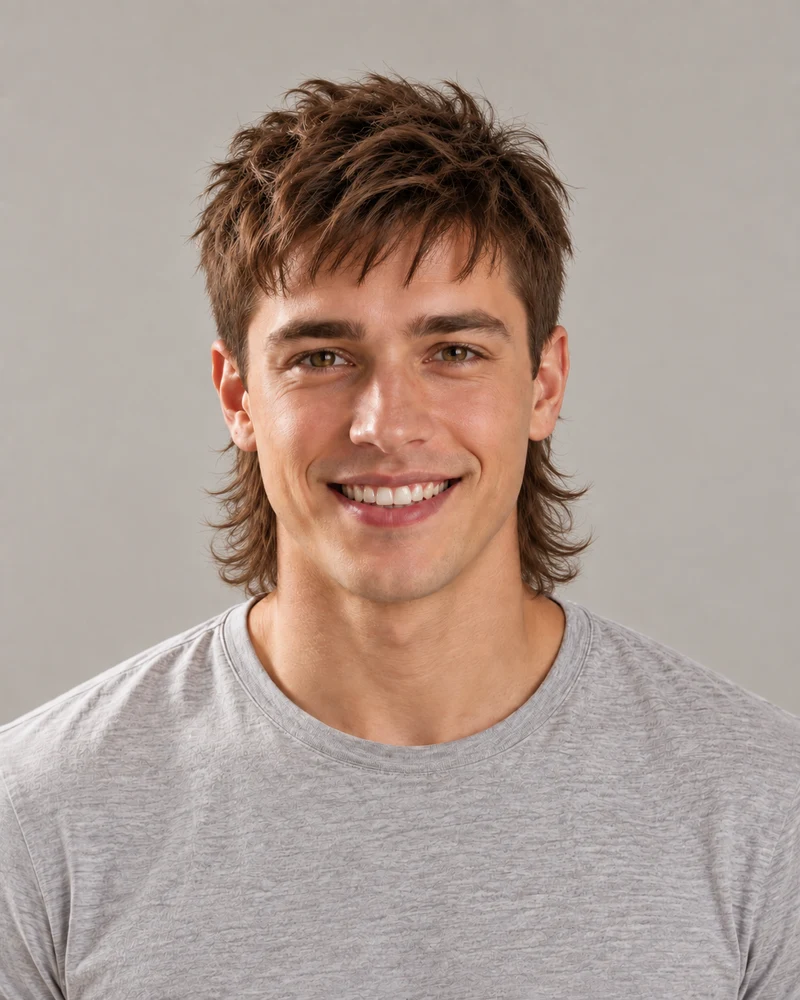
A tightly cropped mullet portrait with the crown and outer hair outline cut off
Tight crop
The same mullet photo uncropped, showing the longer hair at the nape
Whole haircut
Same photo: the close crop removes part of the haircut's outline.

Before you upload

Photos for the Hairstyle Finder

The identifier reads what it can see. A photo that shows the top, sides and ends gives it a much better chance of naming the cut instead of guessing.

  • Keep the full hair outline visible; a tight crop can hide the crown, sides or ends.
  • Wear your hair down and loose: hats, hoods and ponytails hide the cut.
  • Use even daylight and skip heavy beauty filters.
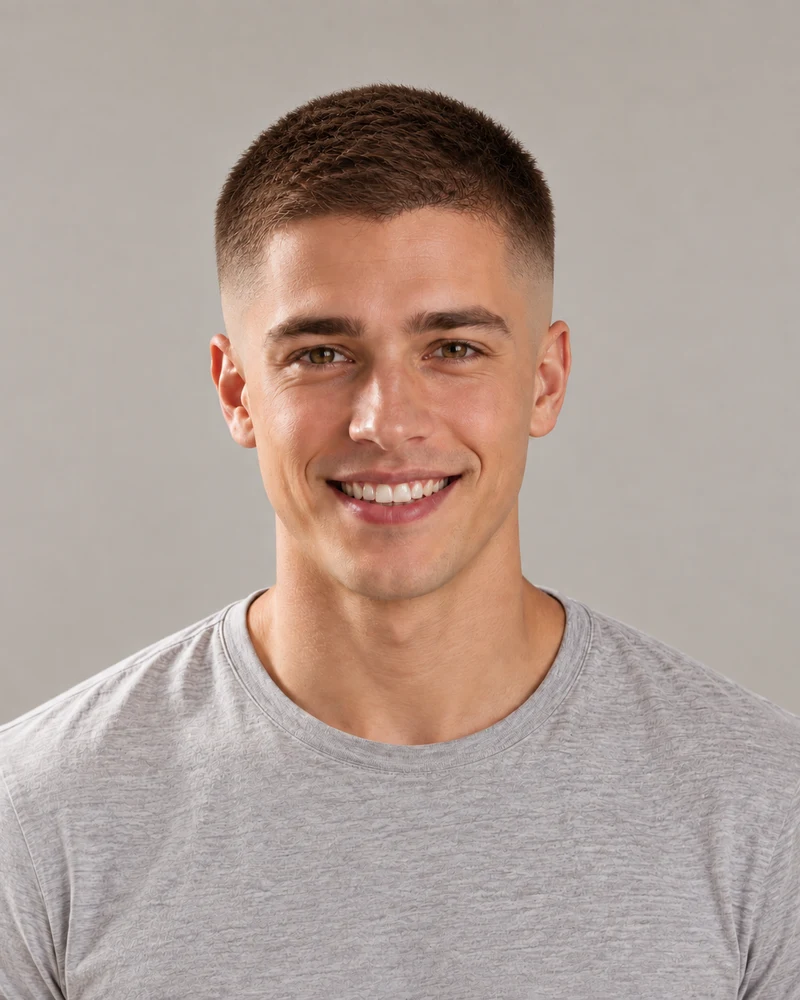
Front view of a skin fade buzz cut on the example model
Front view
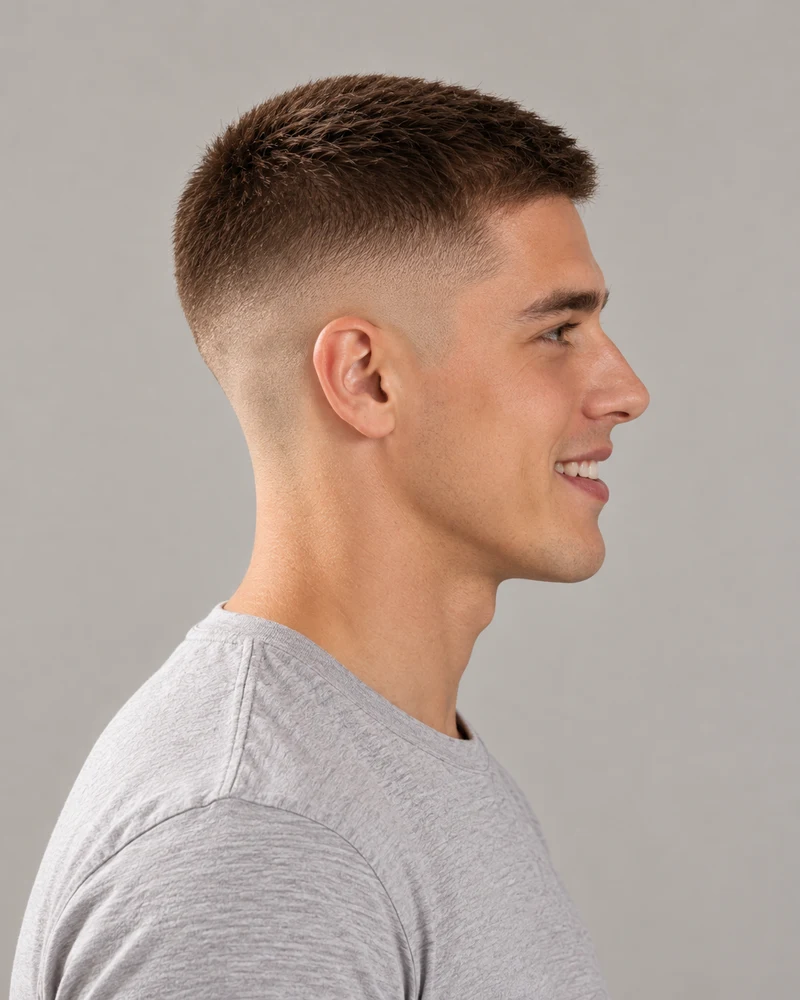
Side view of the same skin fade buzz cut, showing where the fade starts
Side view
Front and side views of the same skin fade.

Fades and short cuts

Side Views for Men's Haircuts

Fades, tapers and undercuts differ at the sides and back. Choose a side or three-quarter photo when those details are the focus. The tool reads one photo at a time.

  • A front view shows the top; a side view shows where the fade starts.
  • Use a clear side view to make the transition and exposed skin easier to see.
  • Confirm guard numbers with your barber; a photo can't measure length.

How to Use the Haircut Finder

Three steps, from a reference photo to the look on your own photo.

1

Upload a photo of the look

A screenshot, a celebrity photo or a picture of a friend — anything that shows the haircut clearly.

2

Get its name and details

See the name, other names for it, what defines it and a brief to show your stylist.

3

Try it on your own photo

Tap a match and the tool moves to step 2 with that style selected. Upload a selfie to preview it on you before you book.

Hairstyle Identifier FAQ

Answers to what people ask before they take a photo to the salon.

Upload a clear photo of the hairstyle to the identifier above. You get its most likely name, other names for it, the details that define it — length, texture, layers, fringe, parting and sides — and a brief you can show your stylist. Then you can try the closest styles on your own photo.

Many cuts have two or three names: a lob is a long bob, a French crop and a textured fringe overlap, and names differ between salons and countries. The identifier gives the most common name first and lists the others under “Also called”, so you can search them all and use whichever your stylist knows.

With a free account you can identify up to 20 photos a day, and the worked examples work without one. Trying a style on your own photo uses credits, and new accounts get free credits to start.

It recognizes men's cuts like fades, tapers, undercuts, crops, quiffs, mullets and buzz cuts, and for short cuts it estimates the fade height and a clipper guard number, the details a barber asks about. If the fade is what you care about, upload a side or back view too.

Screenshots, Pinterest pins, magazine photos and celebrity pictures all work, as long as the hair is clear. The identifier only looks at the hair: it doesn't identify or name the person in the photo.

Each result has a “Cut or styling?” note that says which part comes from the scissors and which from heat tools, product, a perm or extensions. That matters: curls from a wand won't come from a haircut alone, so it saves you asking for a cut that can't deliver the photo.

Every result lists the closest styles from the hairstyle catalogue. Tap one and the tool moves to step 2 with that style selected: upload your own photo to preview the cut on you, with a new hair color if you like. Your identification stays in step 1, so you can go back to it at any time.

It is reliable for clear, well-lit photos of common cuts. The match level drops when part of the cut is hidden, the photo is filtered, or the look sits between two styles — a long shag and a wolf cut, say. Then the result says so and suggests the closest options, so treat it as a strong starting point for the talk with your stylist.

It names braids and updos like Dutch braids, buns and half-up styles, and describes curls by type, from loose 2A waves to 4C coils. For protective styles it can name the look, though a braider will still want to see your own hair in person.

The photo is resized in your browser and sent to the AI model that reads the hairstyle. The identification isn't saved unless you copy it. If you then try a style on your own photo, that edit follows the hairstyle changer's terms.

Still have a question? Email us at support@haircolorchangeai.com.

Find the Name of Your Haircut

Upload a photo for the name and a brief for your stylist, free with an account. Trying the look on your photo uses credits.