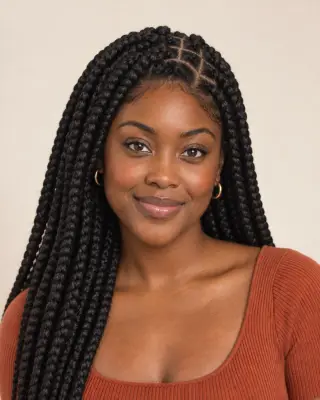
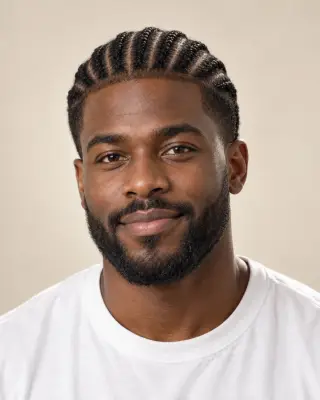

Your AI braids preview
AI Braids Filter — See Braids on You
Preview knotless braids, cornrows, Fulani braids and more on your photo. Compare the parts, size and length before you book a braider.
No photo handy? Try a sample:
Choose Braids for Your Photo
Selected:Knotless braids
Designed to braid your hair while keeping your face and natural hair color.
7 braid styles · Coily, curly, wavy and straight hair · Free credits for new accounts
The braids lookbook
Explore 7 AI Braids Styles on Your Photo
Compare the parts, length and wear of each style. Five looks share one portrait; Dutch braids and men's box braids use separate examples.
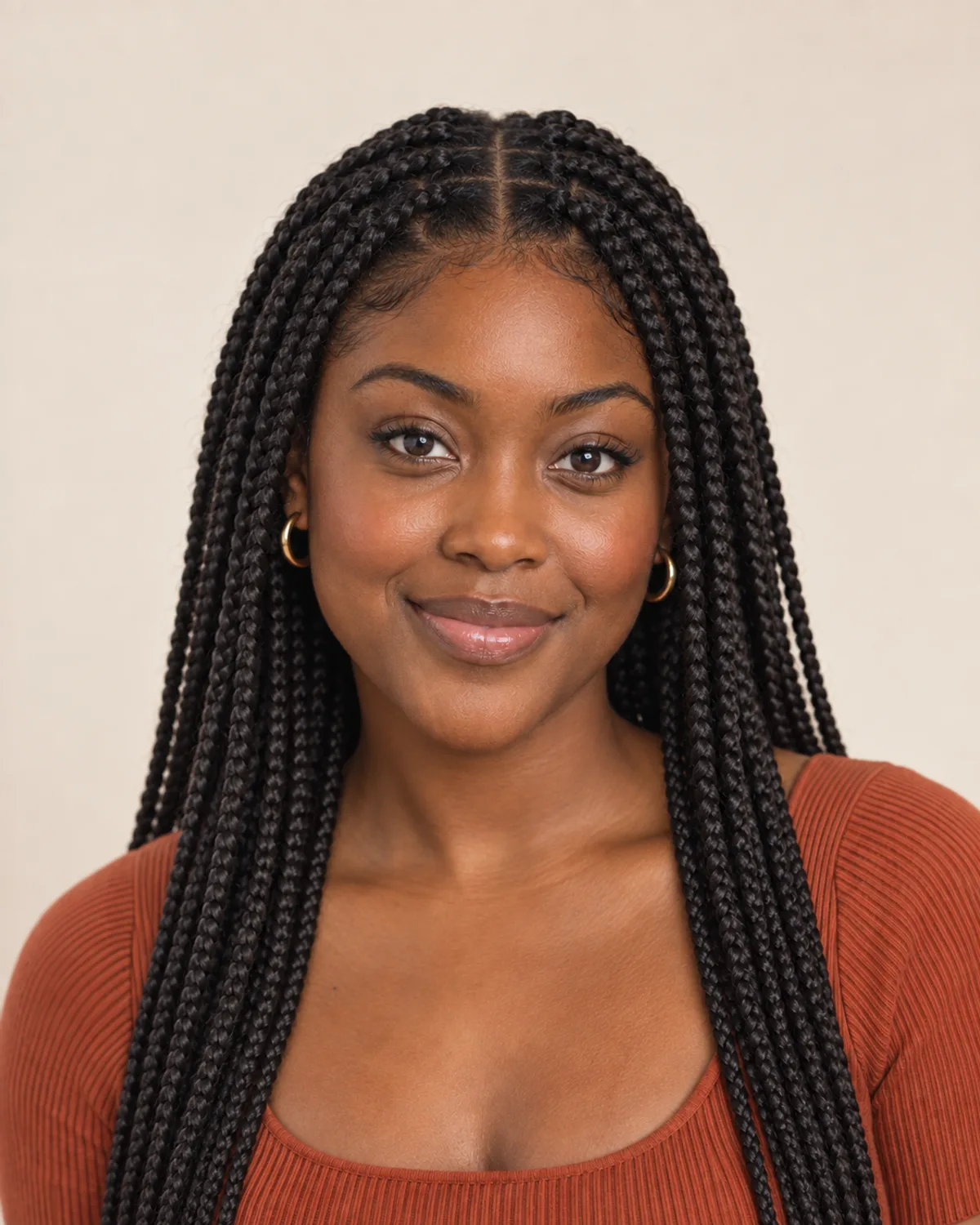
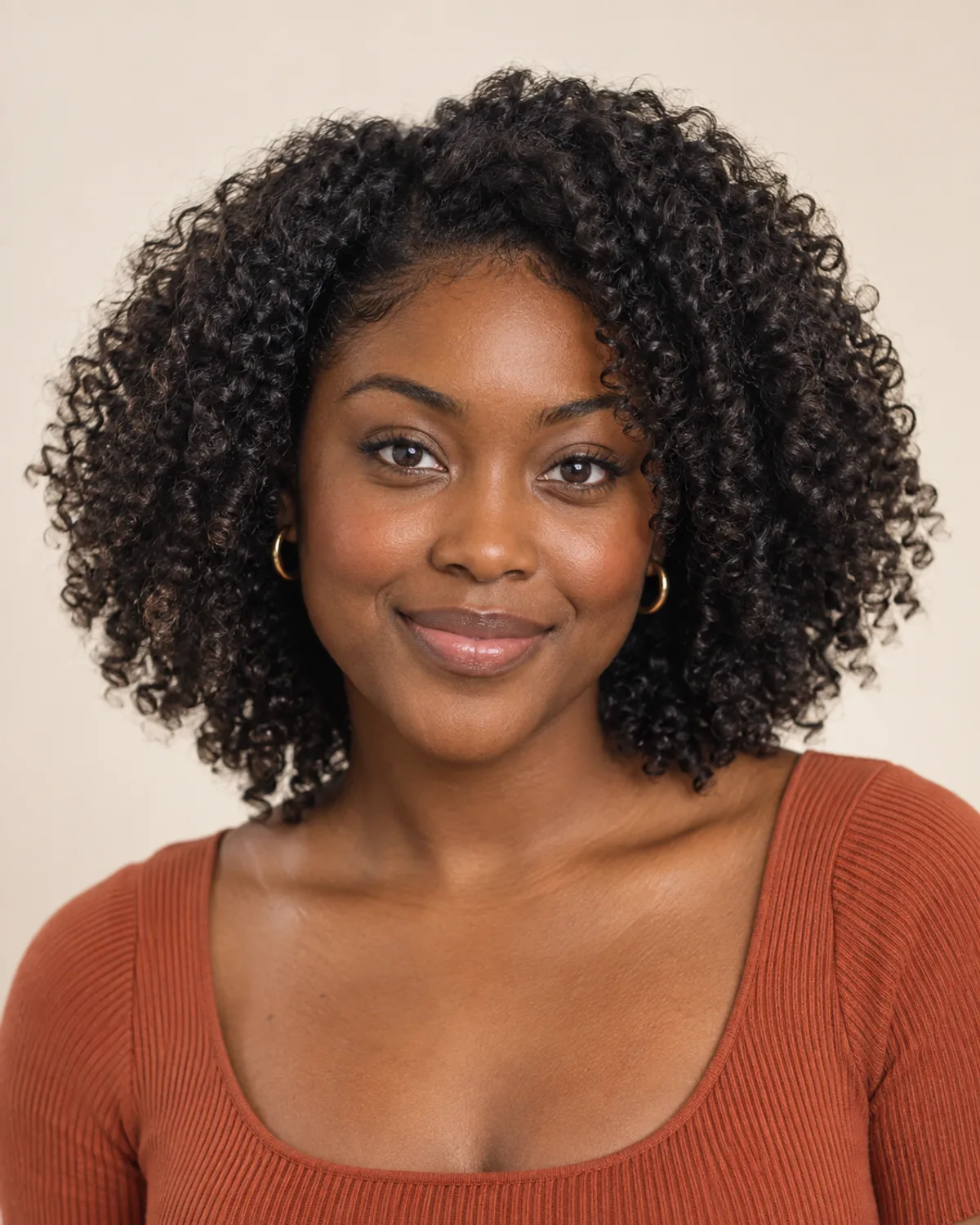
Knotless braids
Flat roots and a smooth, lightweight finish.
- Parts and size
- Even square parts with medium braids about the width of a pencil.
- Length
- Braiding hair is fed in gradually, here down to the mid-back.
- Install and wear
- Often a long install; no knot at the root means less bulk at the scalp.
Braids Before & After on Different Textures
Compare AI-created braids previews on short coils, long waves and a straight lob. Drag each slider to see the change.
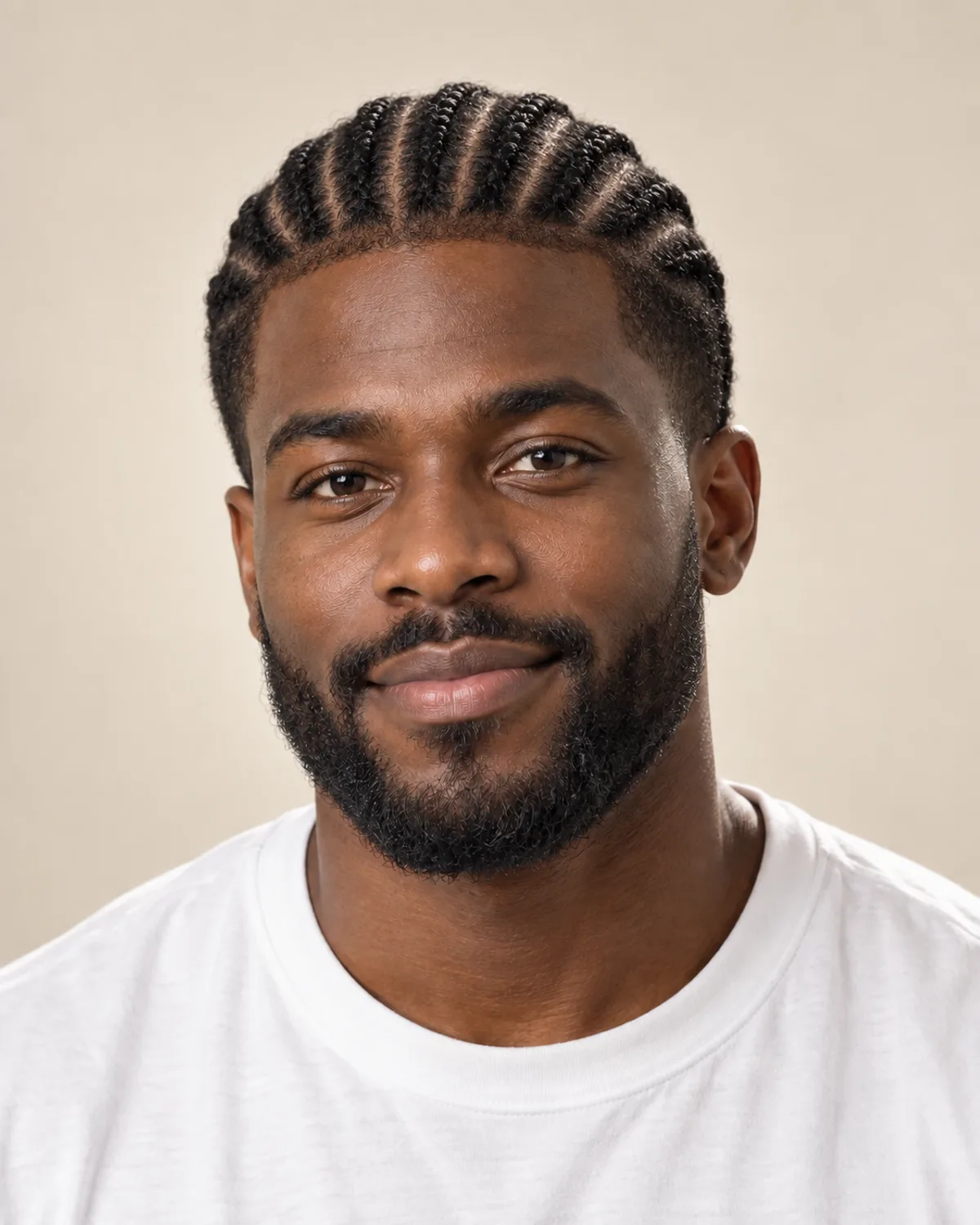
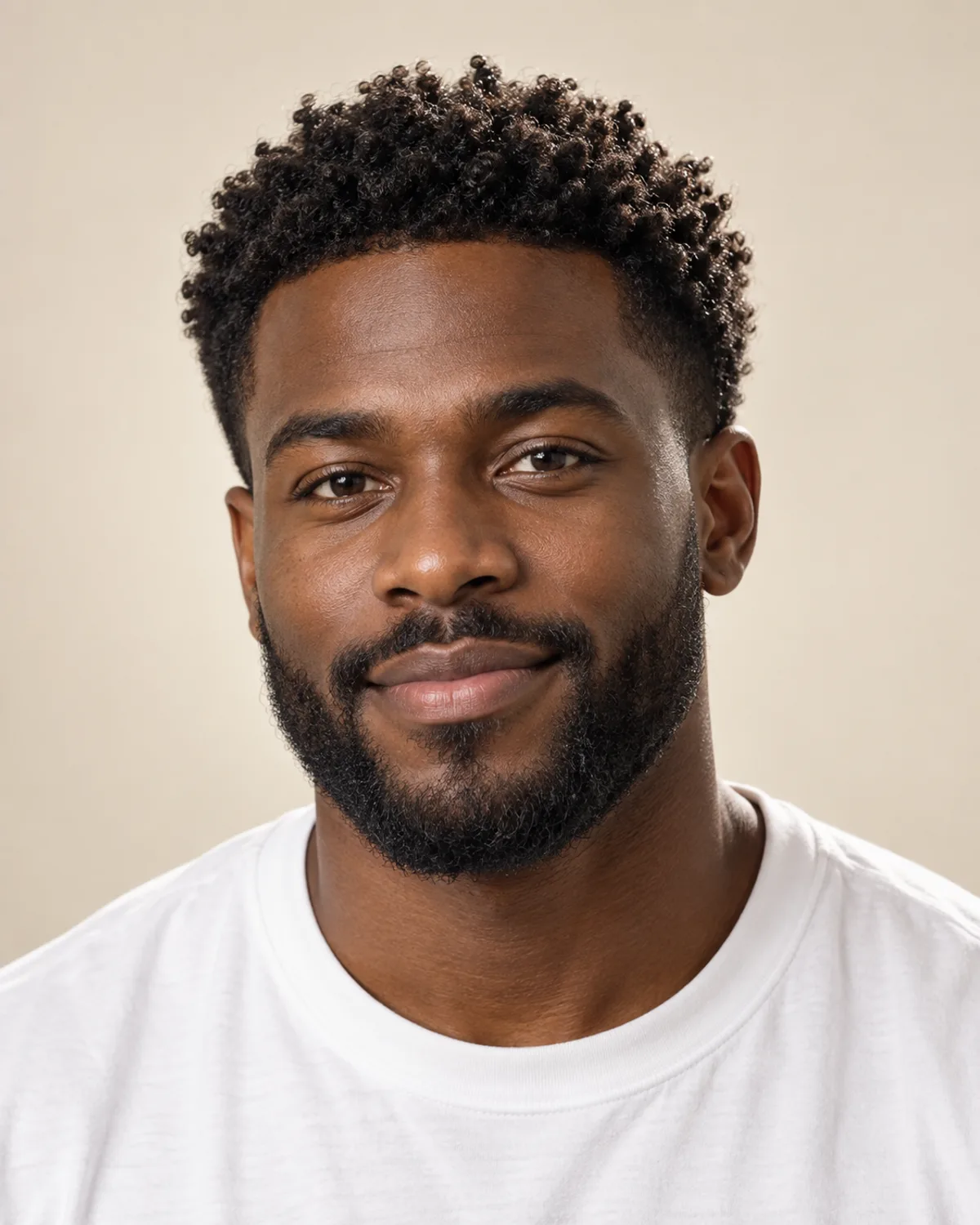
Cornrows for Men on Short Natural Coils
Straight-back rows braided from his own short coils, with the beard left as it is. Compare the clean lines and how the rows frame the face.
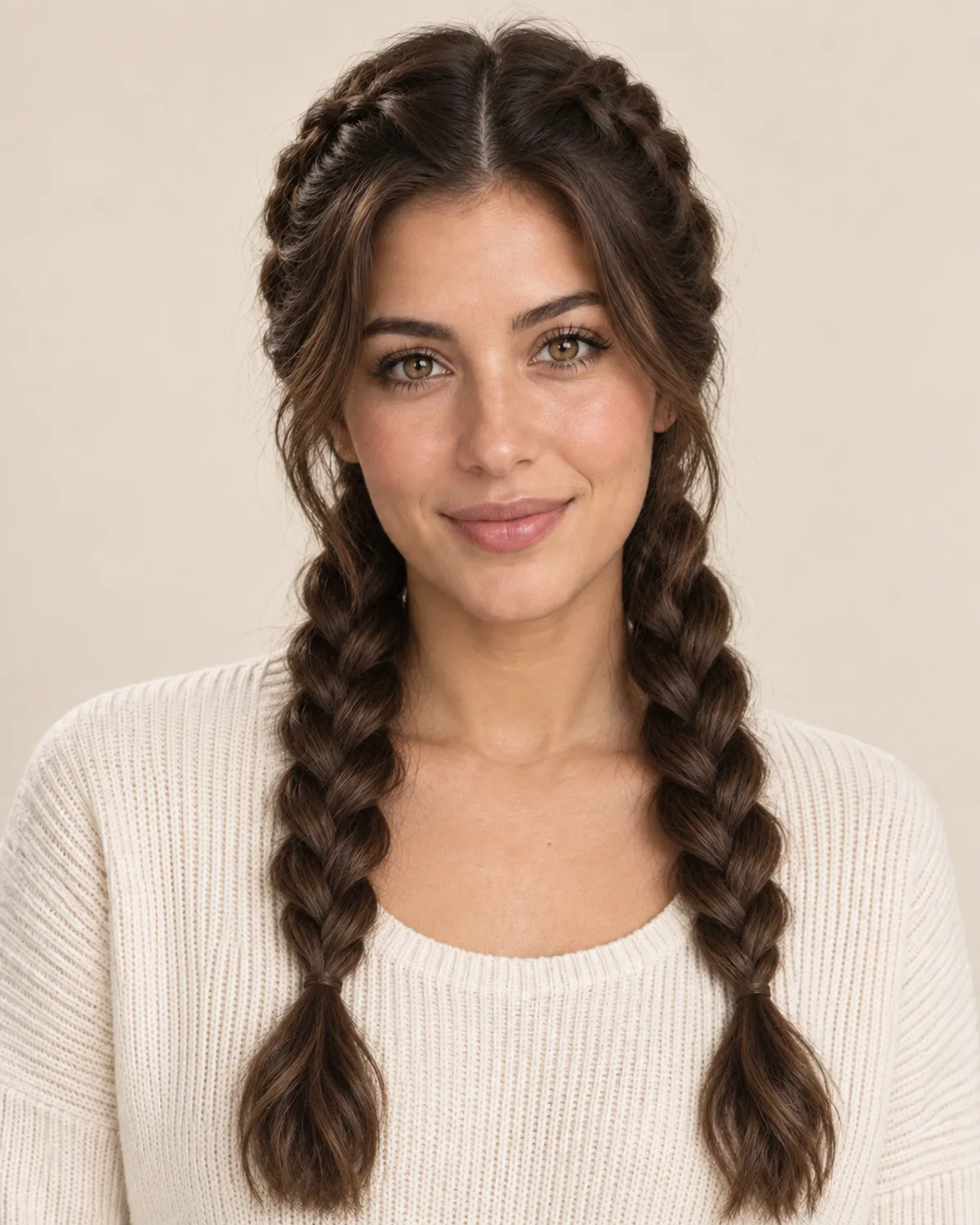
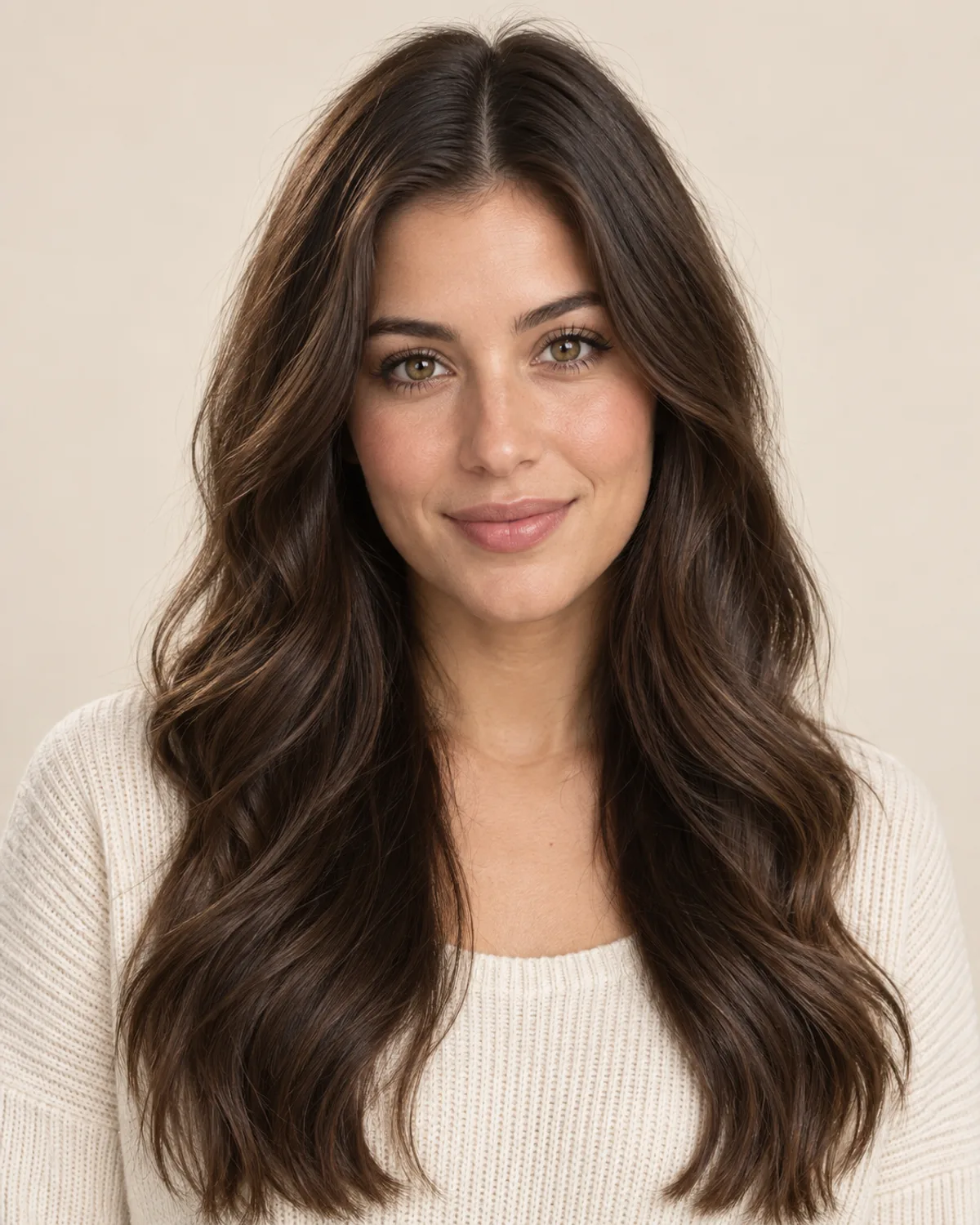
Dutch Braids on Long, Wavy Hair
Two raised braids from a center part, made from her own hair — at this length, no added hair is needed. Notice how the braids sit on top of the head.
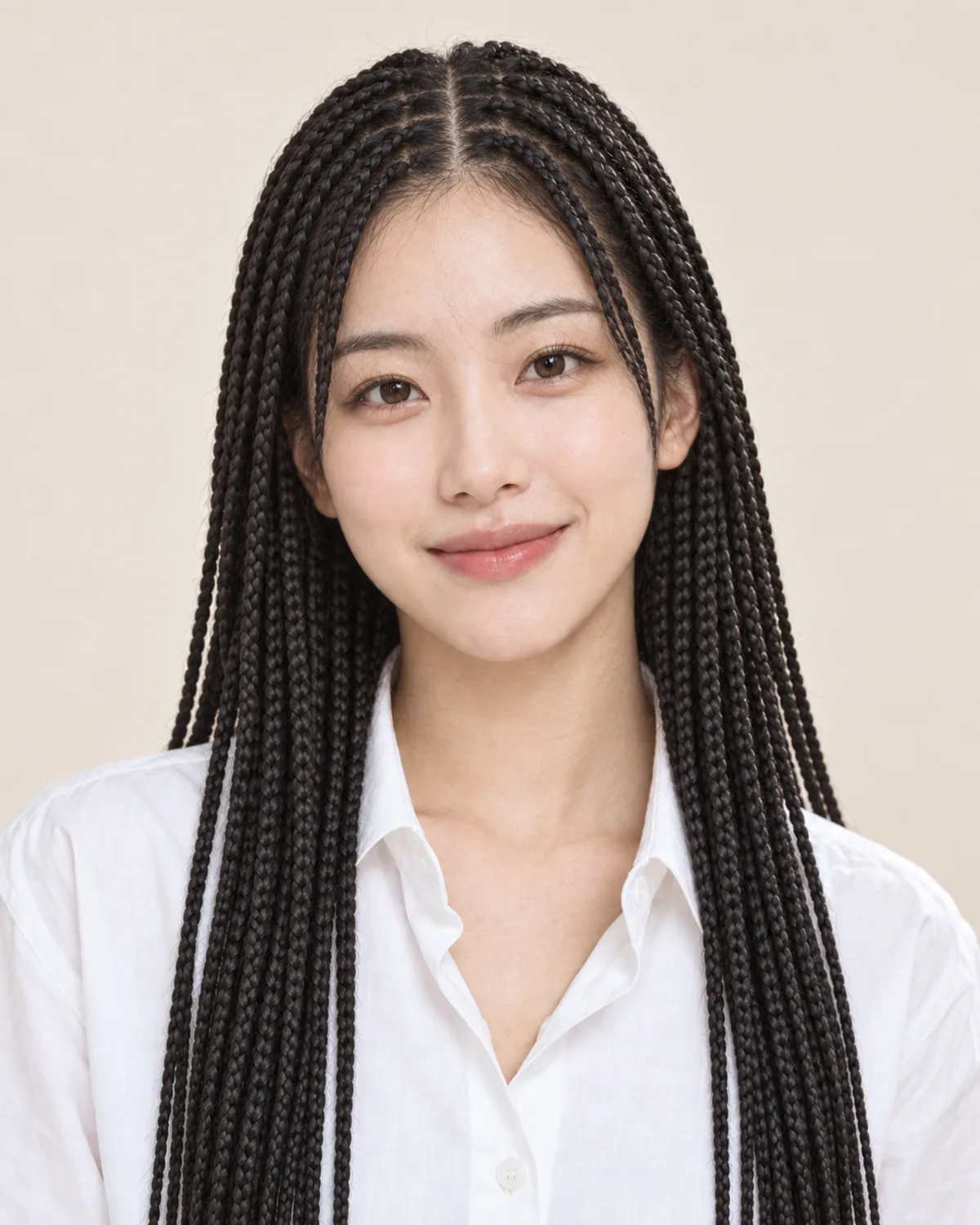

Knotless Braids with Added Length
A straight, shoulder-length lob becomes long knotless braids with matched braiding hair. Silky hair can slip, so ask your braider how they'll keep the roots secure.
Plan Your Braids with 5 Simple Checks
A preview shows the finished look. Parts, length, install time, tension and scalp care decide how the braids feel and wear — talk them through with your braider.
Smaller braids mean more parts, more time and a finer look; bigger braids install faster and read bolder. Very small braids can be harder on fine or fragile hair, so decide on size and part pattern together.
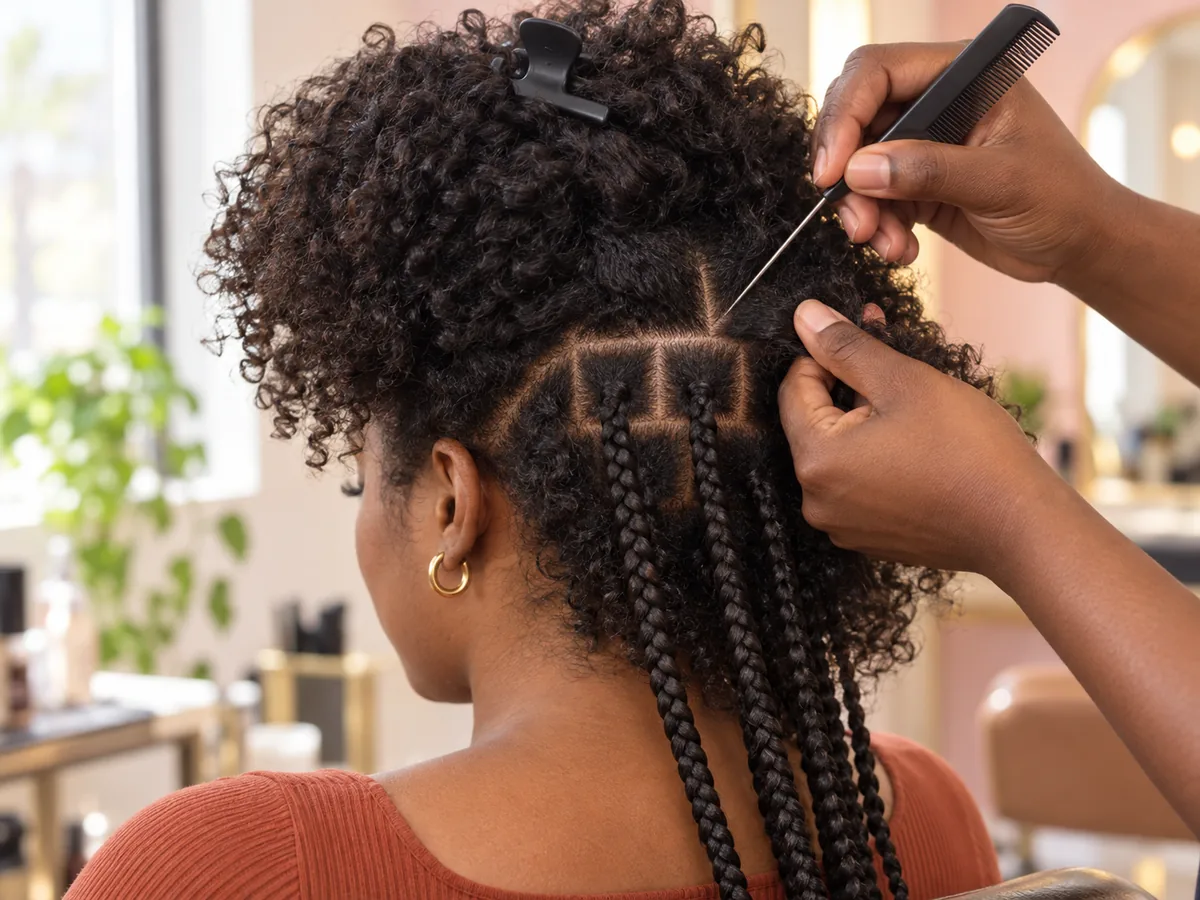
Part size sets braid size. Agree on both before the install begins.
Cornrows and Dutch braids can use your own hair. Knotless, box, Fulani and boho braids usually add braiding hair for length and fullness — and longer, heavier braids put more weight on your roots.
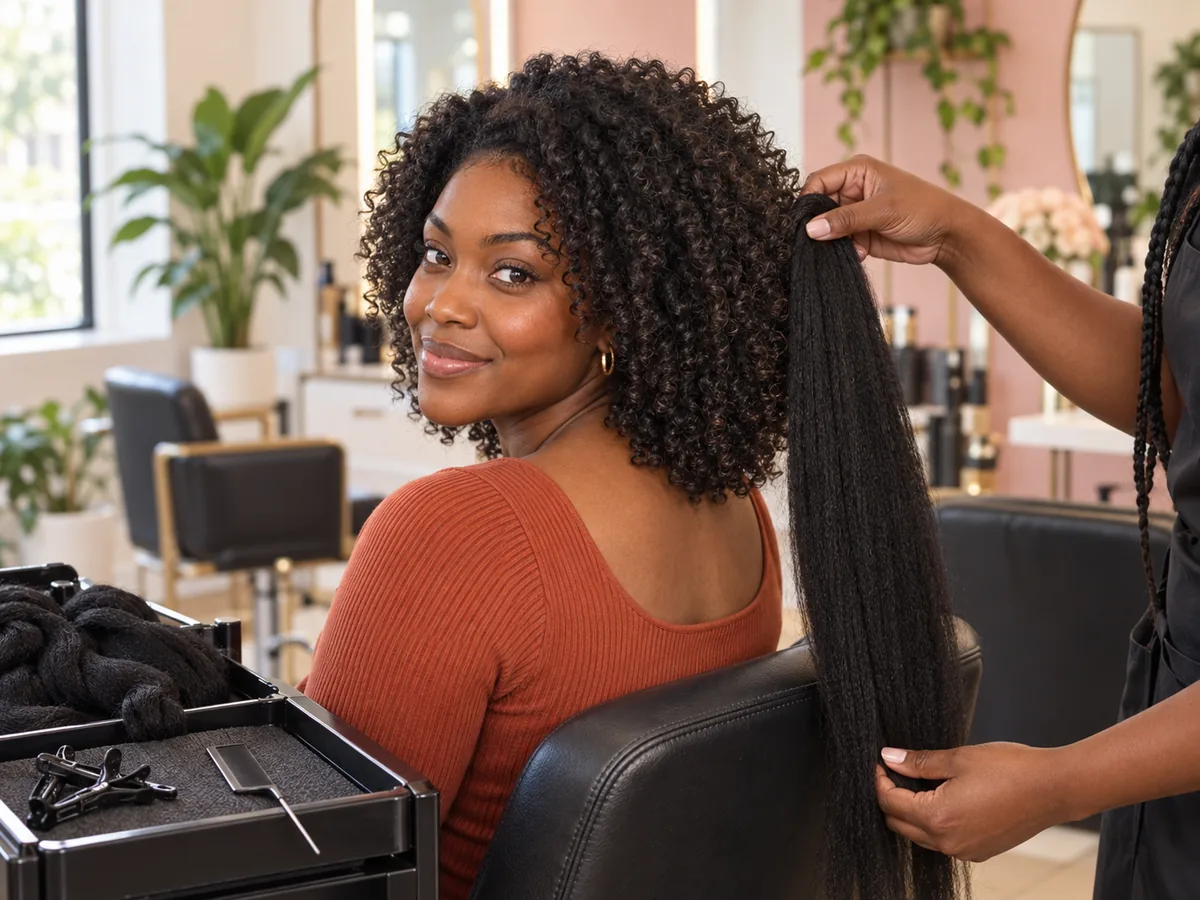
Added hair sets the length. Longer braids also add weight at the roots.
Small, long or boho braids can take most of a day; bigger or shorter braids take less time. Ask your braider how long the install will take and when they suggest taking the braids out.
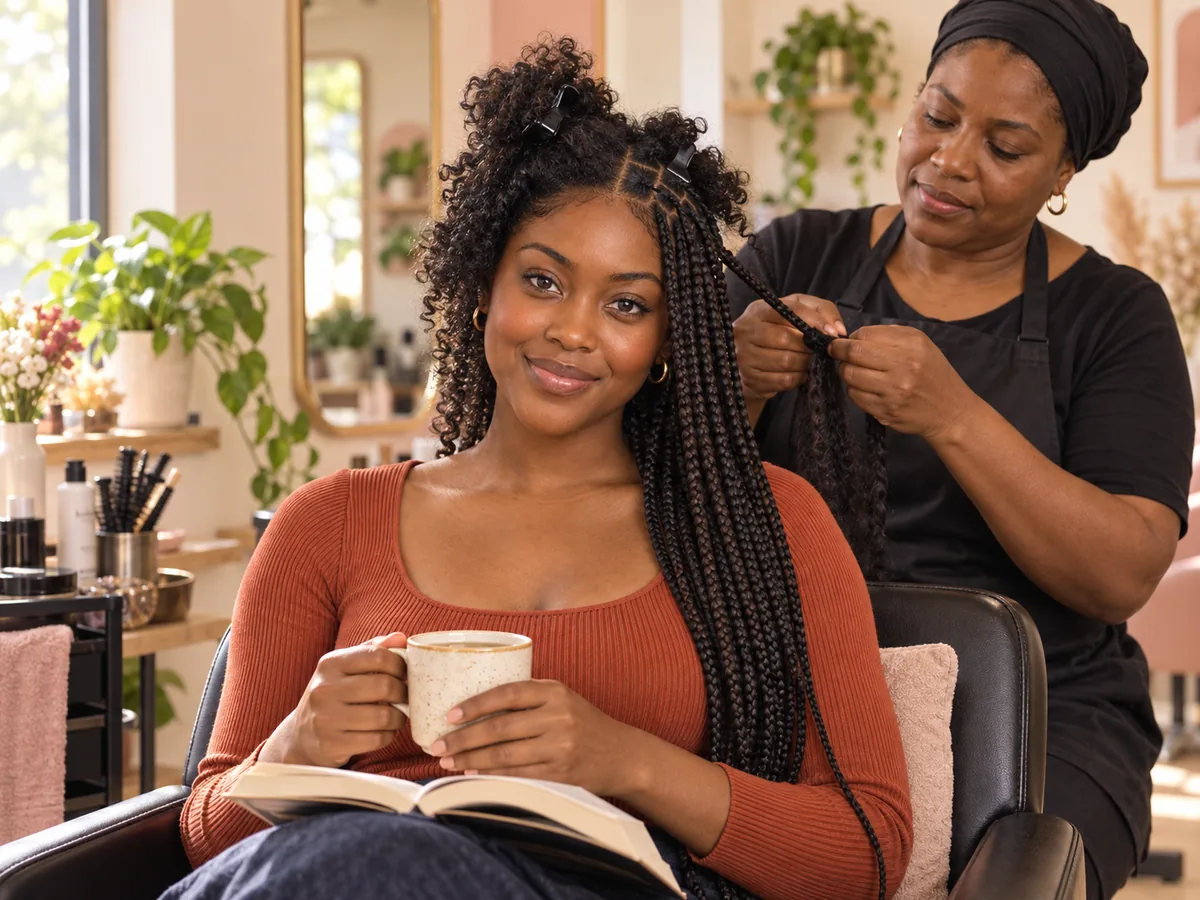
Long installs are common. Plan breaks and something to pass the time.
Braids shouldn't hurt. Tight braids, heavy extensions and back-to-back installs can lead to traction alopecia along the hairline. Speak up if a braid feels tight, and ask for bigger, looser braids at the front.
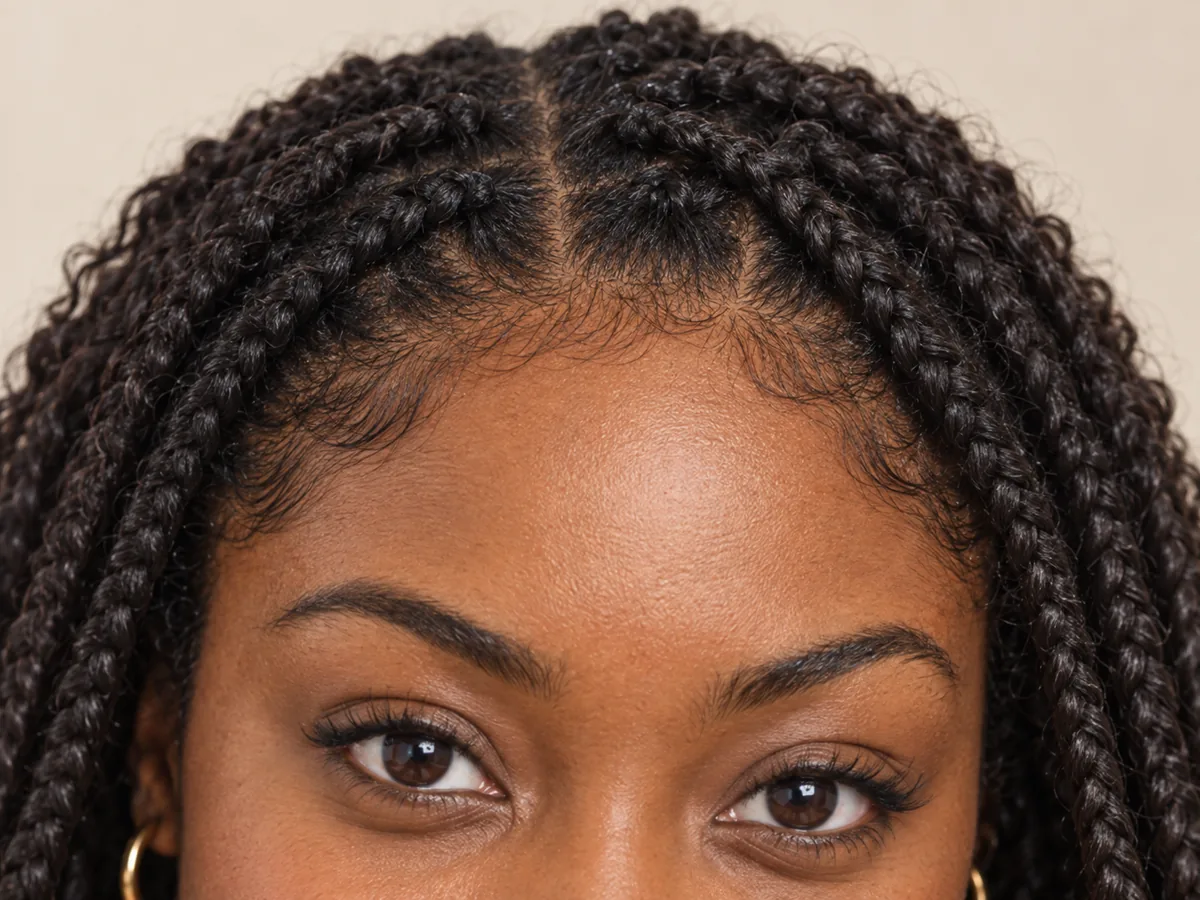
Soreness, bumps or small pimples along the hairline are signs of too much tension.
Cleanse your scalp every week or two, apply a light oil or moisturizer along the parts, and sleep in a satin scarf or bonnet. Take the braids out on time and let your hair rest before the next install.
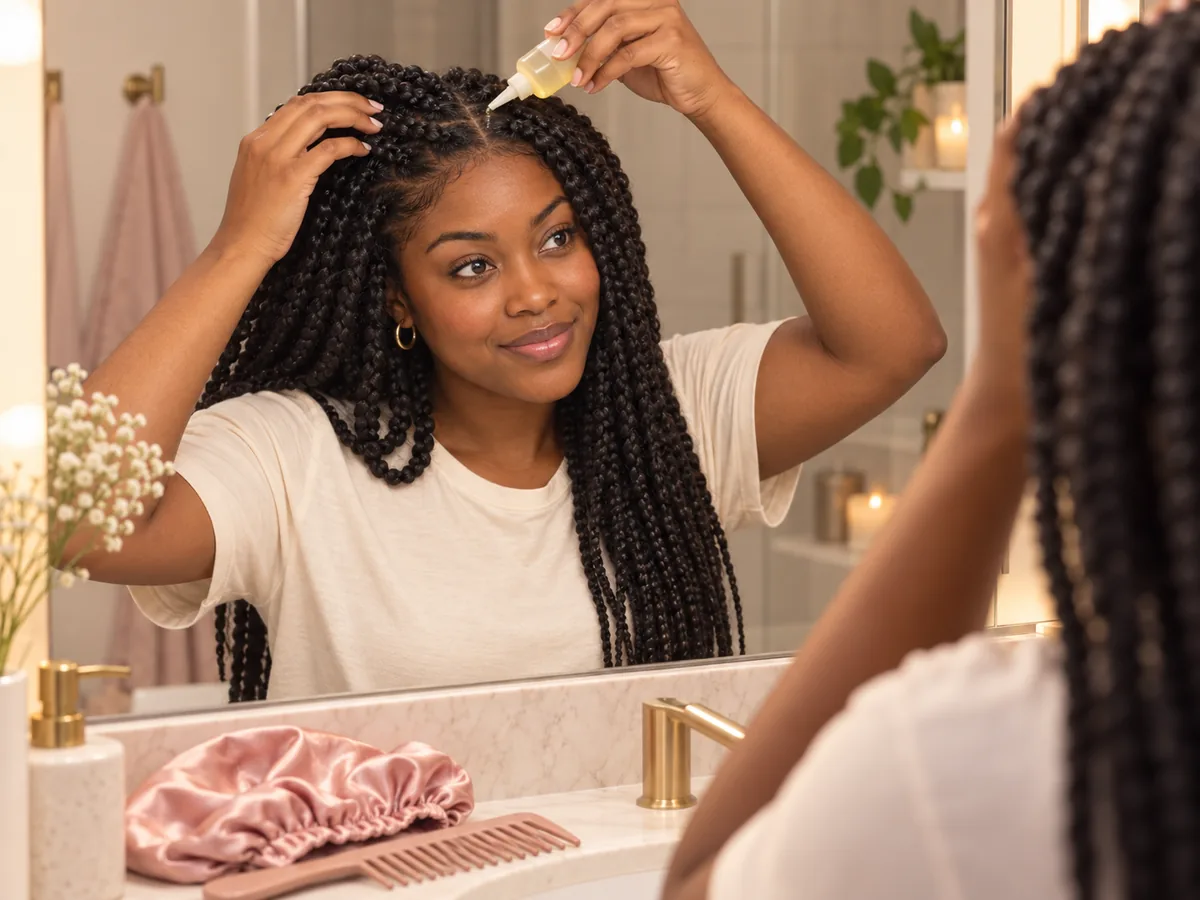
A clean, moisturized scalp and a satin bonnet at night help braids stay neat.
How to try on braids
Use the AI Braids Generator in 3 Steps
Upload a photo, choose a braid style and compare your preview.
Step 01
Start with a Clear Photo of Your Hairline
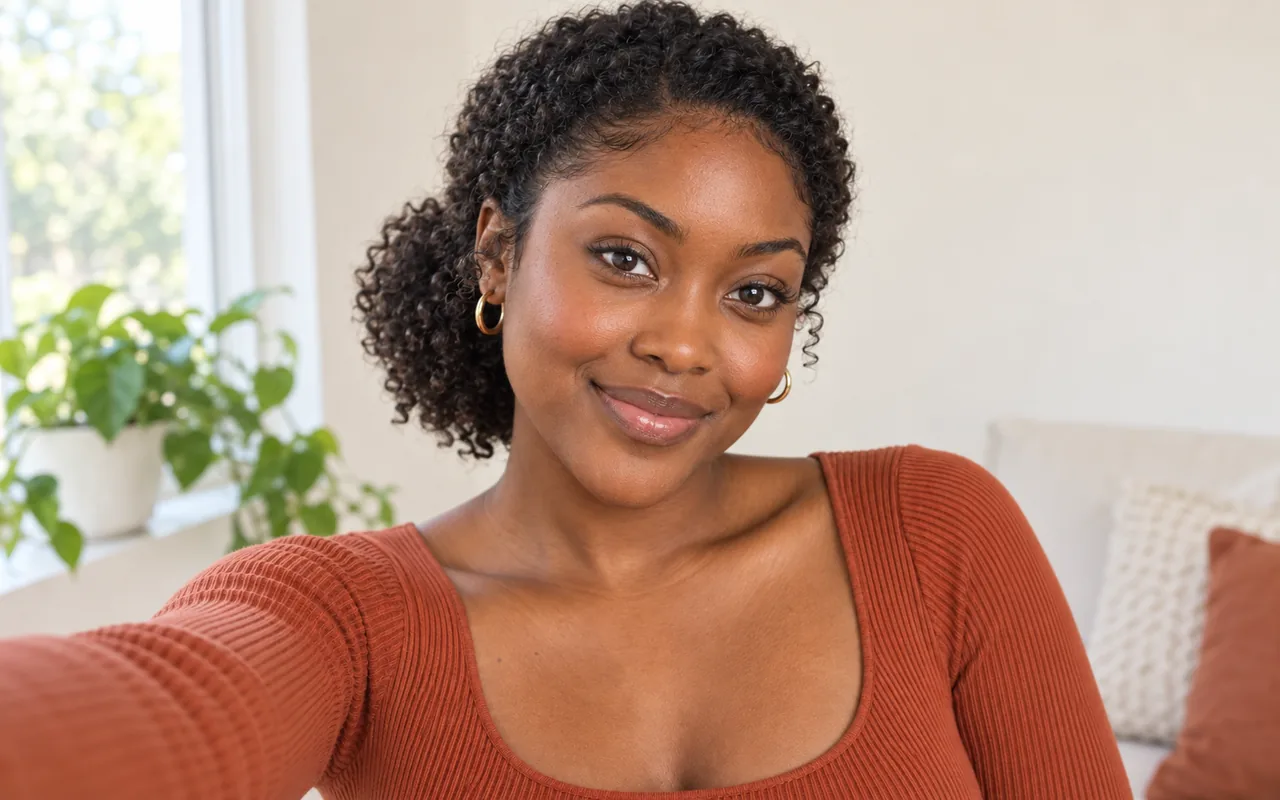
Use a front-facing portrait with even light and your hairline and edges visible. You can also start with a sample photo in the tool.
- Even light, visible edges, no hats or scarves.
- JPG, PNG or WebP · Up to 10 MB
Step 02
Choose the Braid Style You Want to See
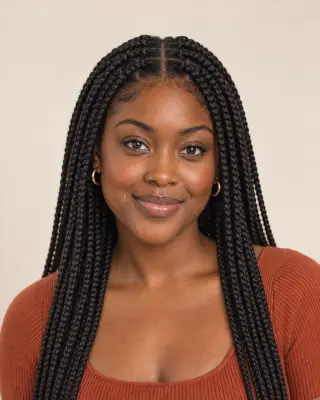
Choose from seven styles, including knotless braids, box braids, cornrows and Fulani braids. Generate a preview to see the braids on your photo.
- Knotless, box, cornrows and more.
- Select a style, then generate your preview.
Knotless braids
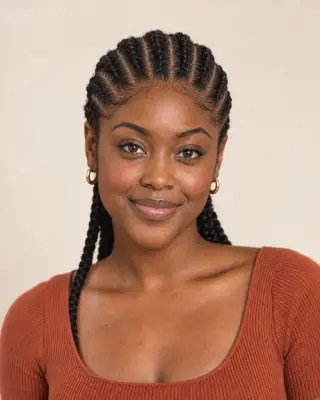
Cornrows
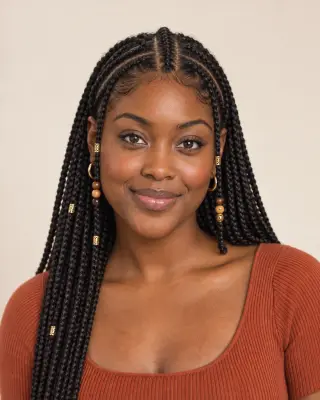
Fulani braids
Step 03
Compare Your Preview and Save a Favorite
Compare your preview with the original, then download a result to keep or to show your braider.
- Compare the parts, length and hairline.
- Save a result, or try another style.
Before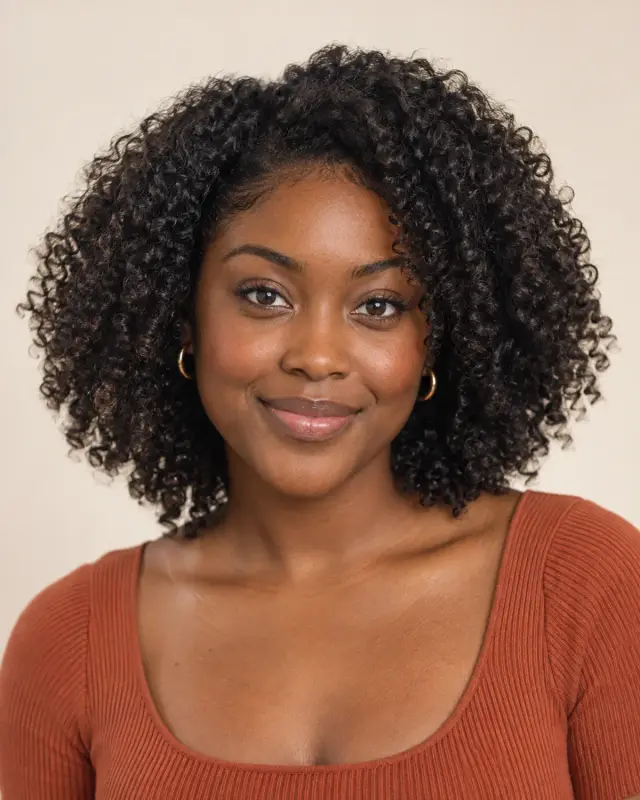 After
After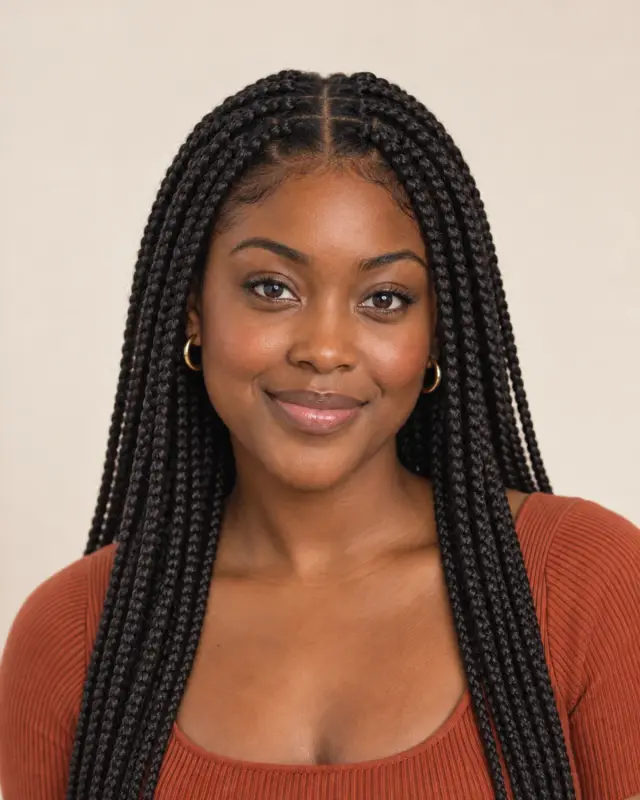
AI-created illustrations. Your preview will depend on your photo.
Beyond the preview
Bring Your Braids Preview to Your Braider
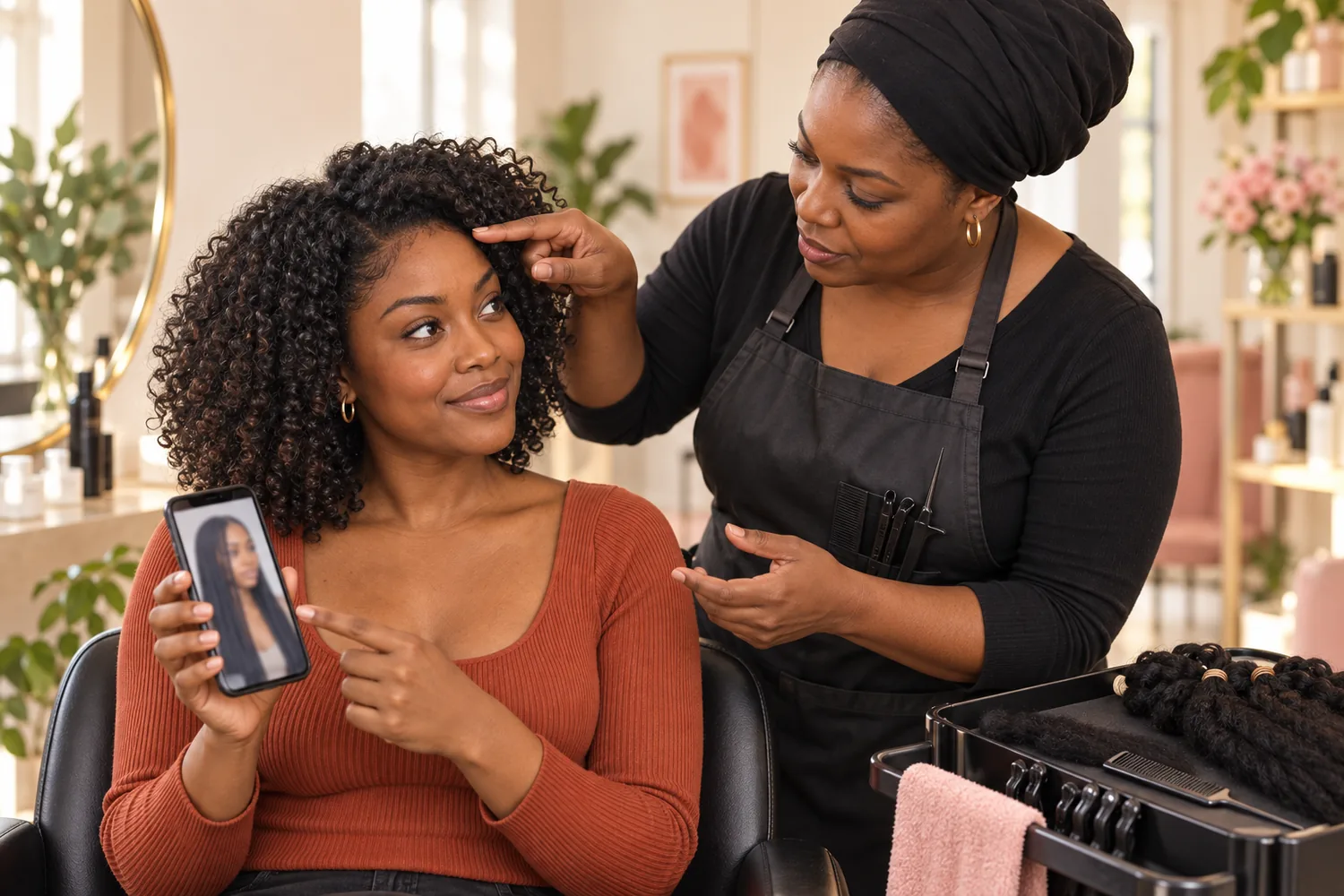
Save a preview and go through these four details with your braider, so the install suits your hair, your edges and your schedule.
Parts and Braid Size
Point out the part pattern and braid width you like in the preview.
Length and Braiding Hair
Agree on the length, the type of braiding hair and the color match.
Tension at the Edges
Ask for light tension at the hairline, and say so if anything pulls.
Time and Aftercare
Confirm the install time, how long to wear the braids and scalp care.
Braids Filter Tips and Common Questions
Preview details, credits, photo requirements and braid care.
Upload a photo, choose a braid style and select Add braids. Compare the preview with your original or try another style. AI previews help you explore a look; your real braids depend on your hair and your braider's work.
New accounts receive free credits to try the tool. Generating previews uses credits; check the amount shown in the tool before generating. You can review additional credits on the pricing page.
The edit is designed to start the braids at your own hairline and, where a style needs more length than you have, to add braiding hair matched to your natural color. A preview shows a look, not a plan: your braider can tell you how much hair and length your install needs.
Braids are a long-standing protective style for coily and curly hair, including 4C, and braiders also work with wavy and straight hair. In real life, silky or straight hair can slip, so ask your braider how they'll keep the braids secure. AI results can vary, so compare the preview with your original.
Choose cornrows or men's box braids. Their examples use a separate men's portrait with short natural coils and a beard. The edit is designed to change only your hair and keep your beard and face; compare the result with your original before choosing a preview.
The edit is designed to keep your natural hair color and match any added braiding hair to it. Generative edits may introduce small differences, so compare the result with your original. To try a new shade, use the hair color try-on.
Many braiders suggest taking box and knotless braids out within about six to eight weeks, and cornrows sooner. Keep tension light, cleanse and moisturize your scalp, and rest your hair between installs. Pain, bumps or thinning edges mean the braids are too tight — take them out and talk to your braider or a dermatologist. A preview can't assess your hair or scalp health.
Use a sharp, front-facing photo with even light and your forehead, hairline and edges visible. Pull loose hair back from your face and avoid hats, scarves and headbands. The tool accepts JPG, PNG and WebP files up to 10 MB.
Still have a question? Email us at support@haircolorchangeai.com.
Explore Locs, Wigs and Natural Curls
Preview another protective style or texture.
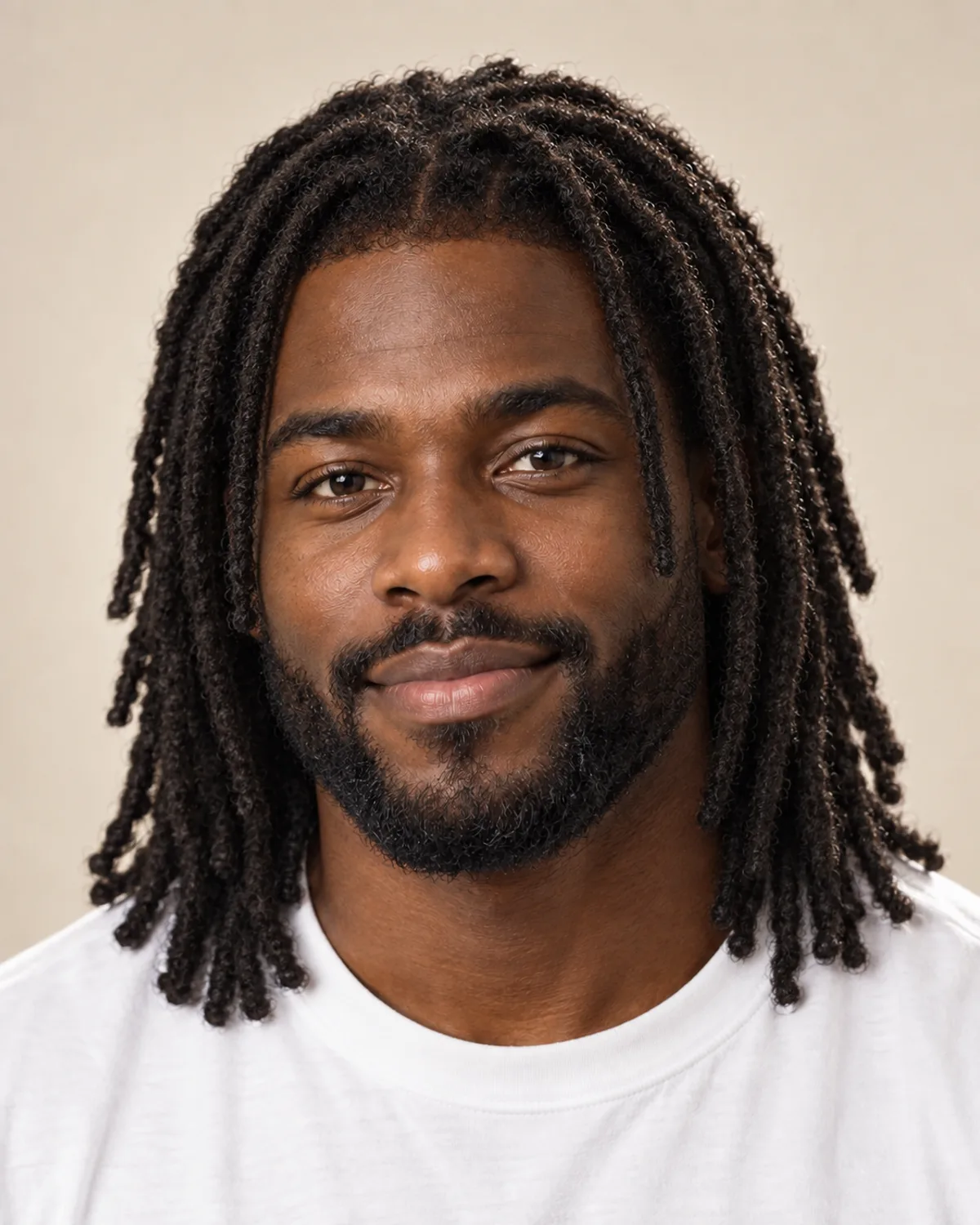
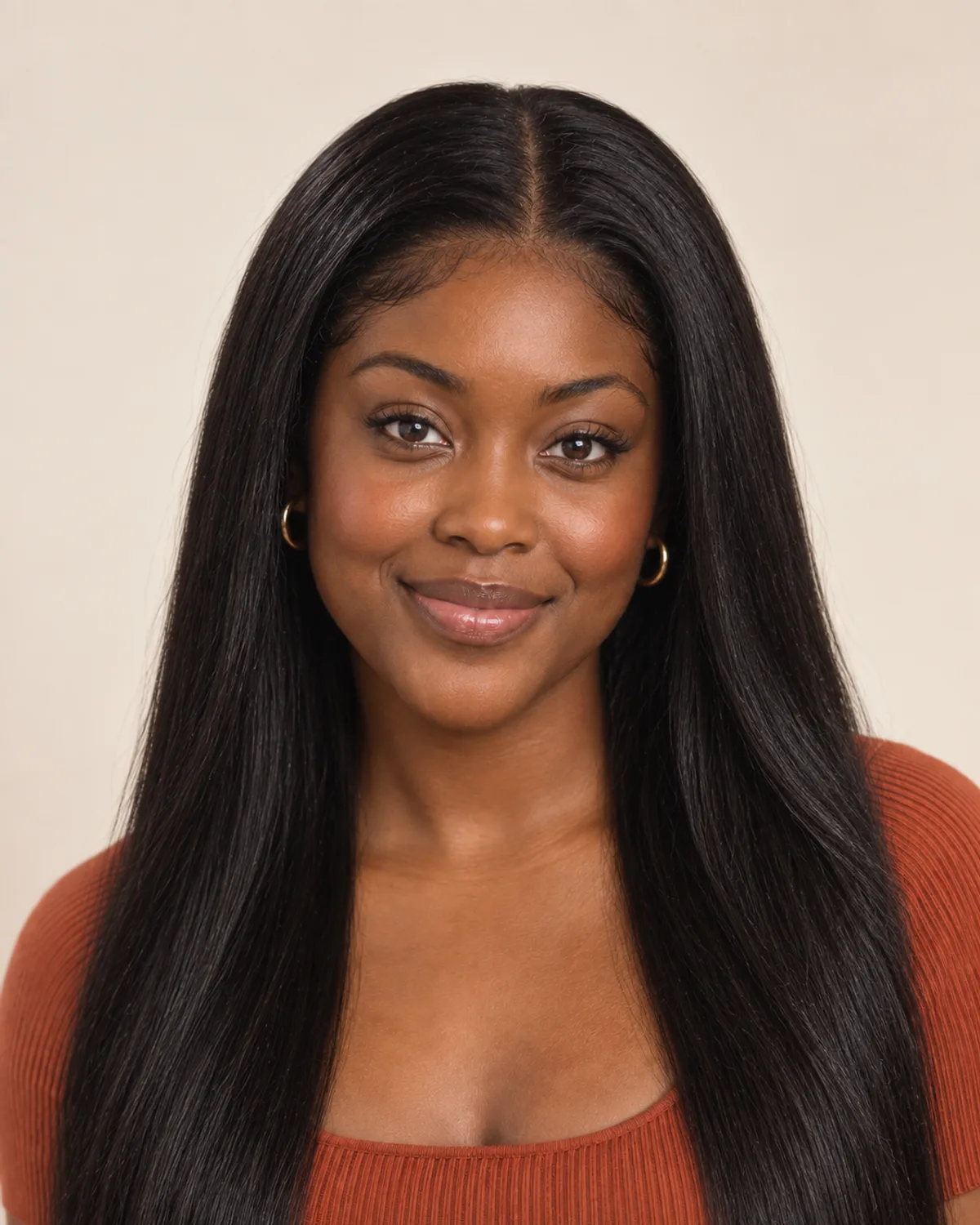
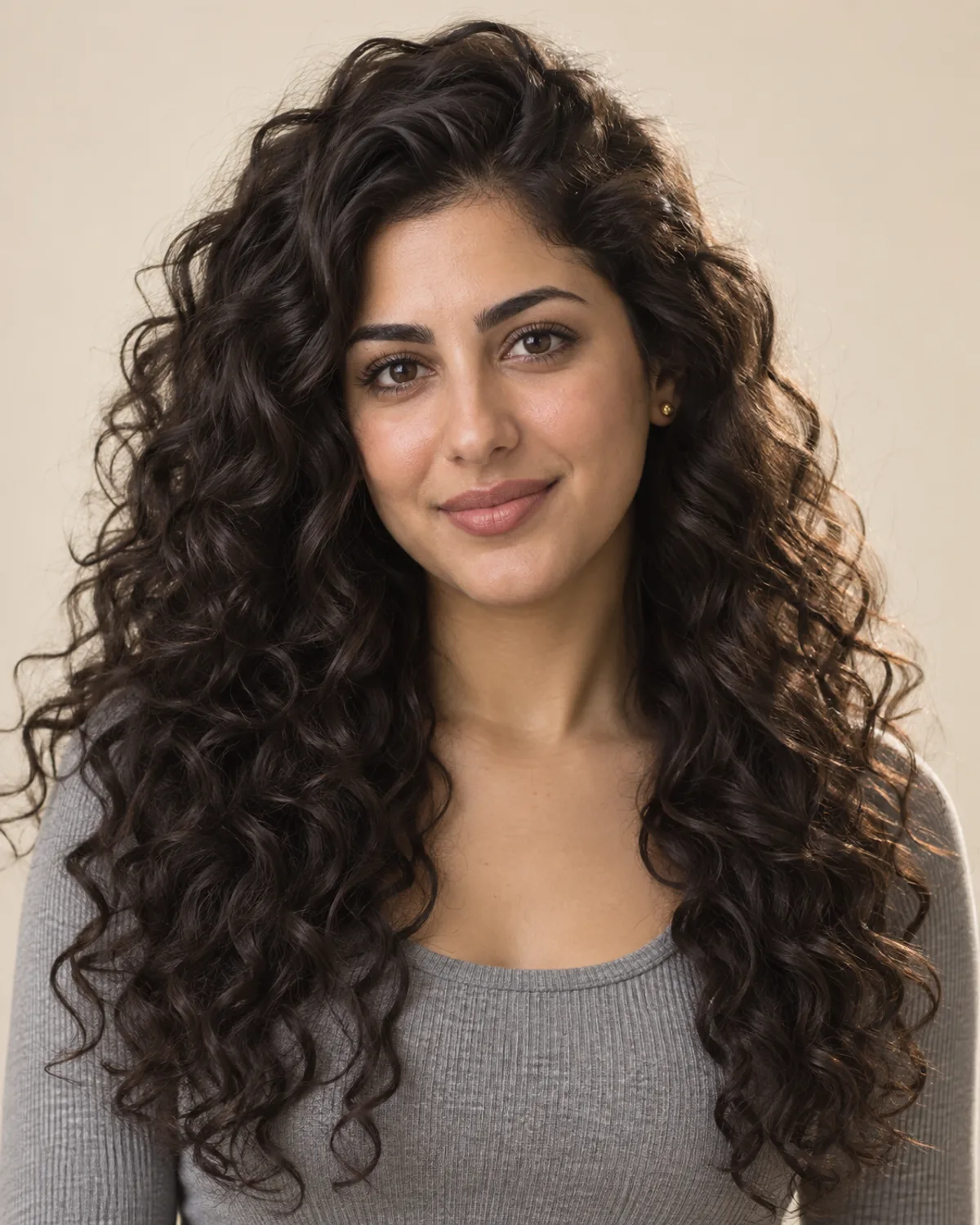
Try the Braids AI Filter on Your Photo
Choose a braid style, compare your preview and save a reference for your braider.
Free credits for new accounts · Previews use credits