

Your virtual long hair preview
Long Hair Filter — Try Length First
Preview layers, waves, curls and men's longer lengths on your photo. See the length before you spend months growing it out.
No photo handy? Try a sample:
Choose a Long Hairstyle for Your Photo
Selected:Long face-framing layers
Designed to change the length and shape of your hair while keeping the rest of your look.
6 long styles · Women's and men's lengths · Free credits for new accounts
The long hair edit
Explore 6 Long Hair Looks for Women and Men
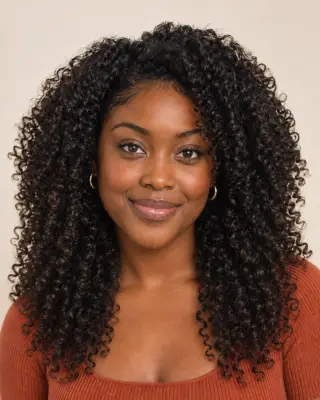
Compare where each length falls, how it is shaped and what it takes day to day. Four women's looks share one portrait; the two men's lengths use separate examples.


Long face-framing layers
Movement and shape that frame the face.
- Where it falls
- Past the shoulders to about mid-chest, with shorter pieces at the front.
- Layers and shape
- Face-framing pieces from the cheekbones blend into longer layers.
- Daily care
- Air-dries with some movement; a quick blow-dry refreshes the front pieces.
Long Hair Before & After Across Hair Types
Compare AI-created long hair previews on a men's short cut, natural curls and a chin-length bob. Drag each slider to see the change.

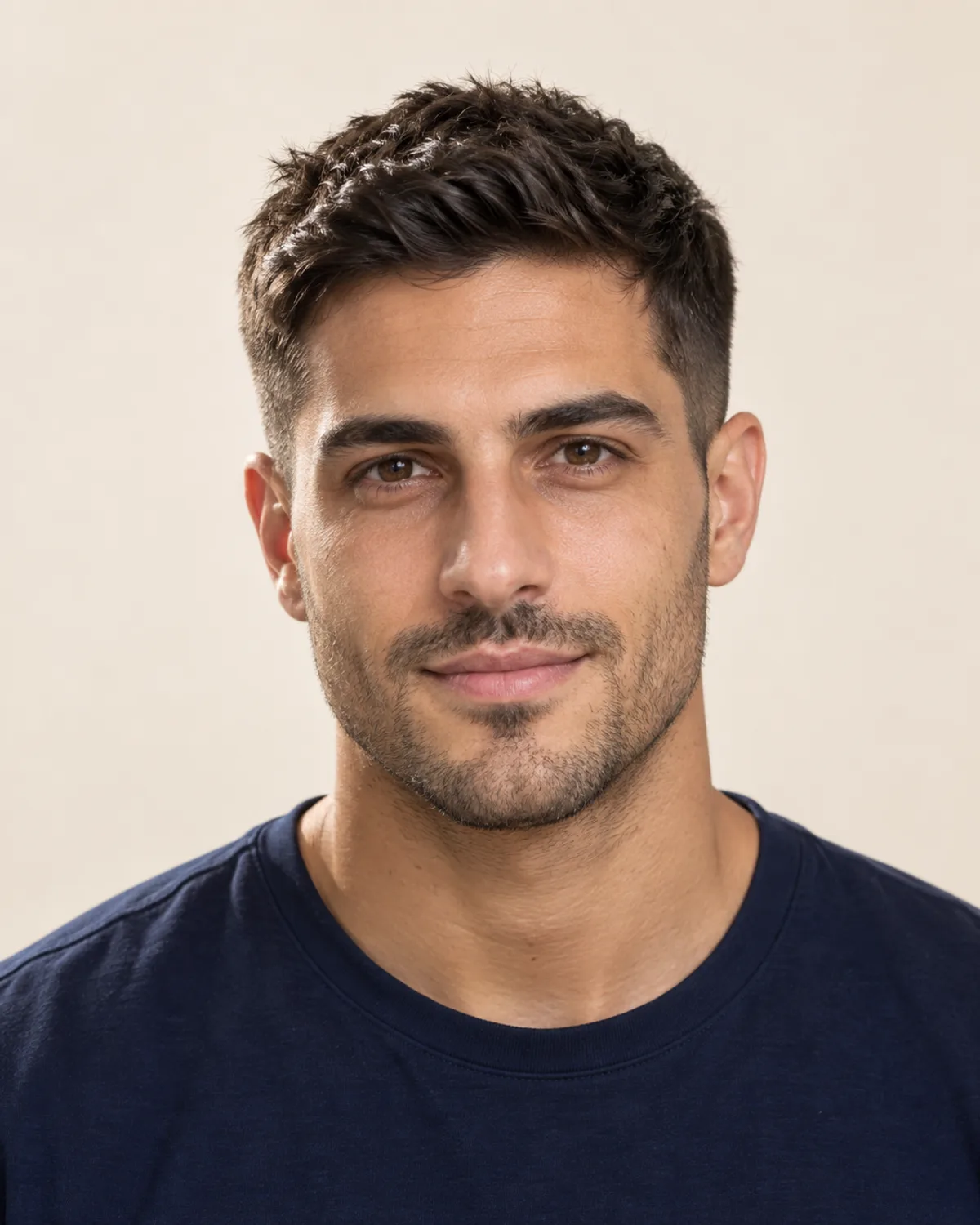
Men's Long Hair from a Short Textured Cut
A short textured cut grown out until the ends rest on the shoulders. Compare the new length with the same face, stubble and hairline.
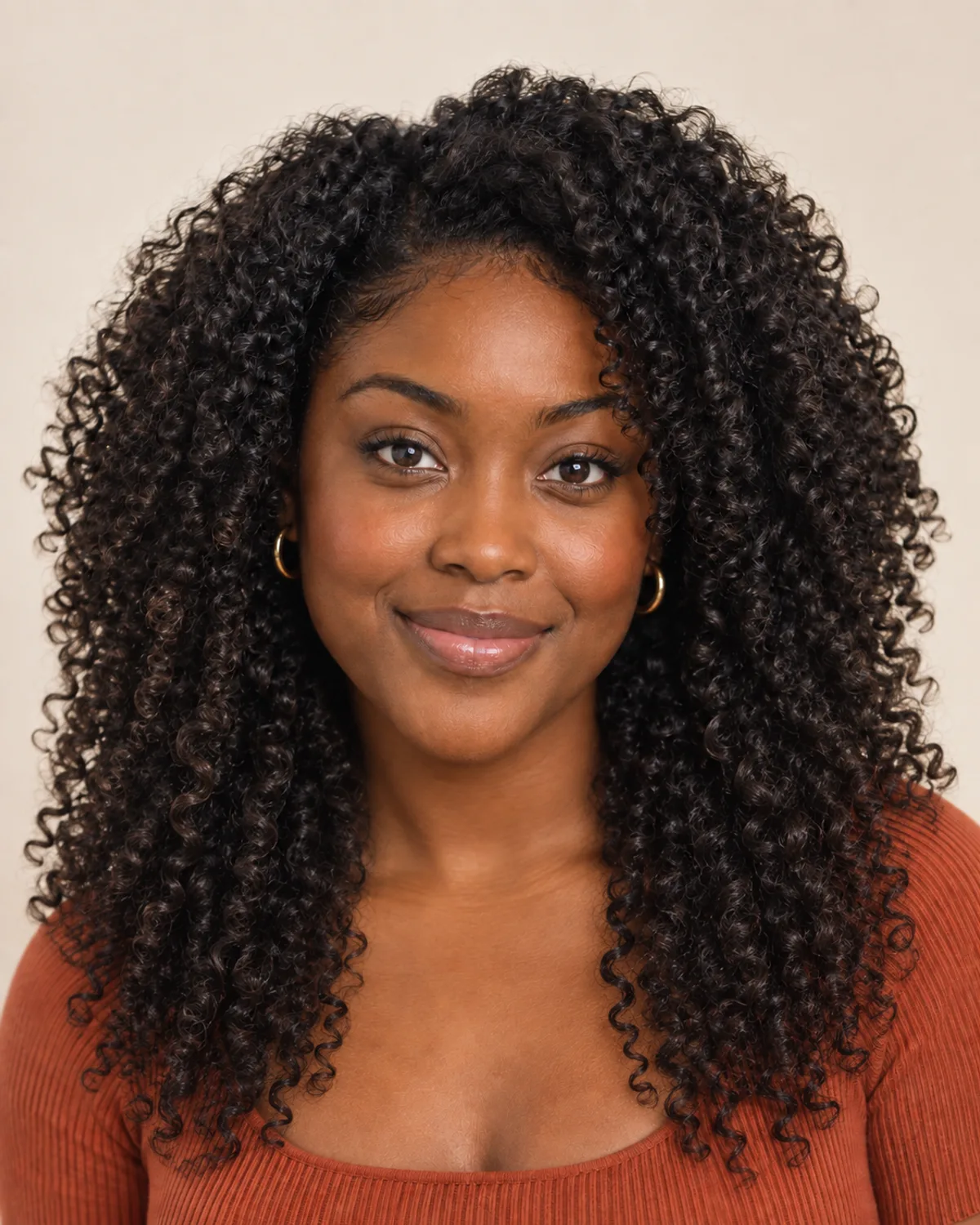
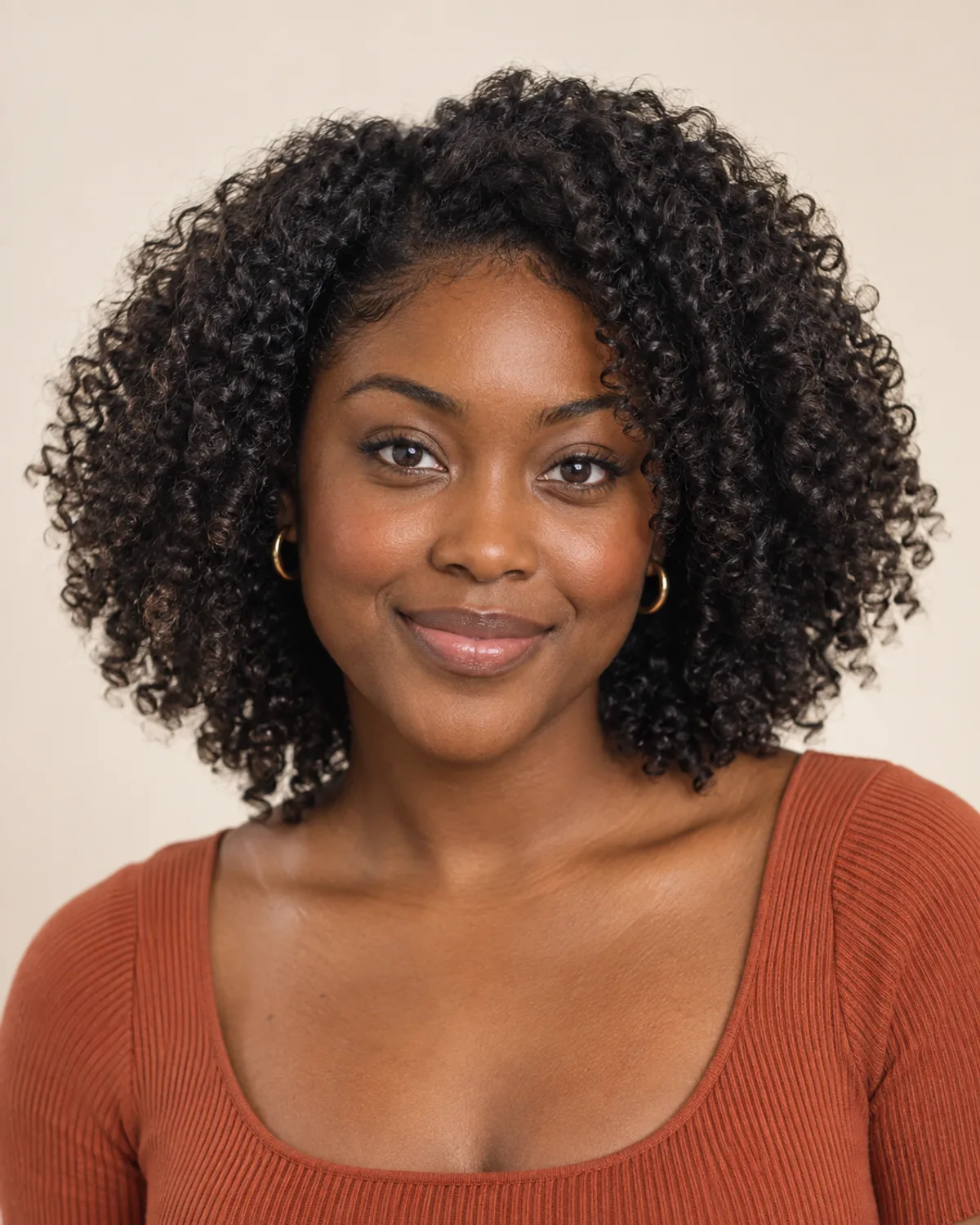
Natural Curls Grown Past the Shoulders
The curl pattern stays; only the length changes. Notice how much volume long curls carry at the sides.


From a Graying Bob to Long Layers
A chin-length bob grown past the shoulders with its natural gray kept. Face-framing layers keep the extra length from feeling heavy.
5 Checks Before You Grow Long Hair
Length, layers, texture and routine all change how long hair wears. Check these details before you commit to growing it out.
Hair that drapes over the front of your shoulders looks shorter than the same hair down your back. Decide where you want the ends to land in front, such as the collarbone or chest, and at the back.
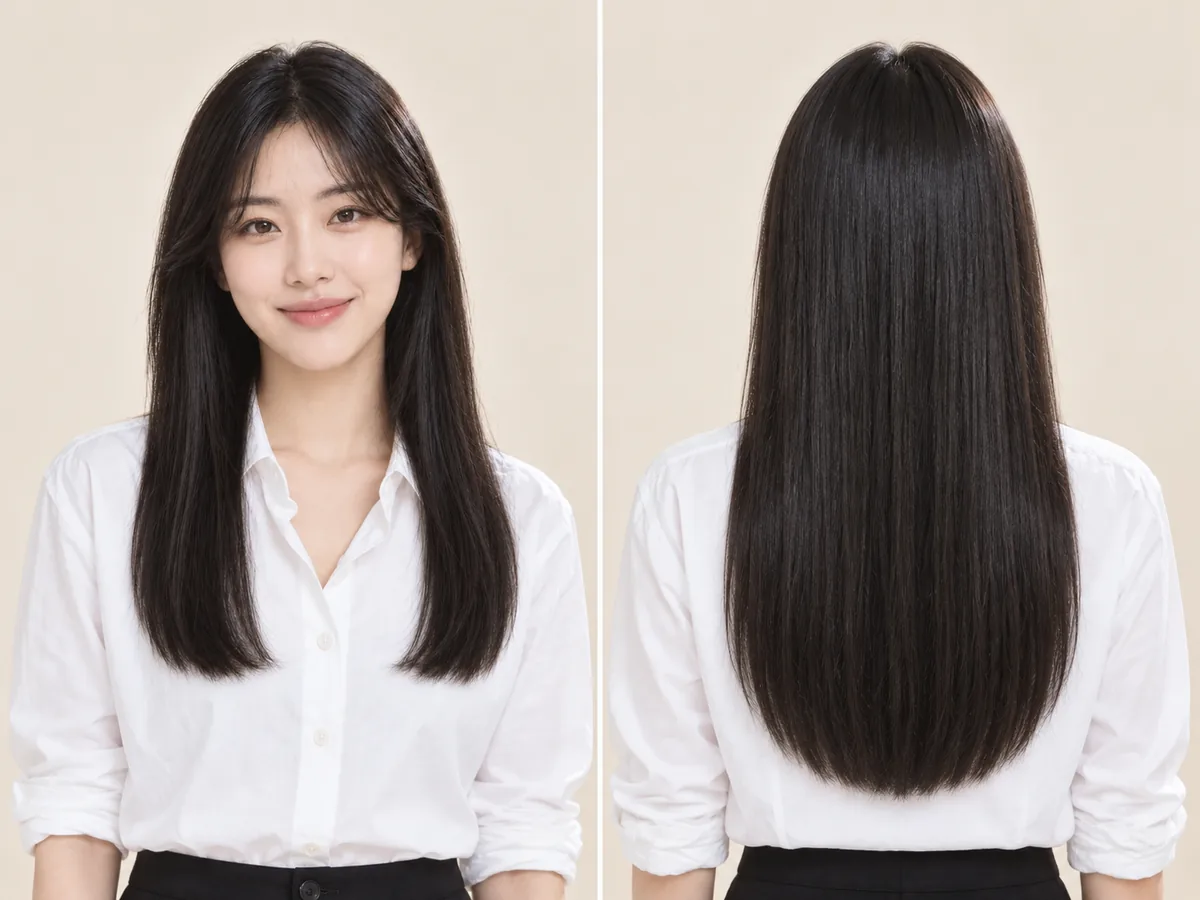
The same length from two sides. In front, the ends sit higher where the hair drapes over the shoulders.
Layers add movement and stop long hair from hanging flat, especially around the face. A one-length cut keeps the ends fuller, which can help fine hair look thicker.
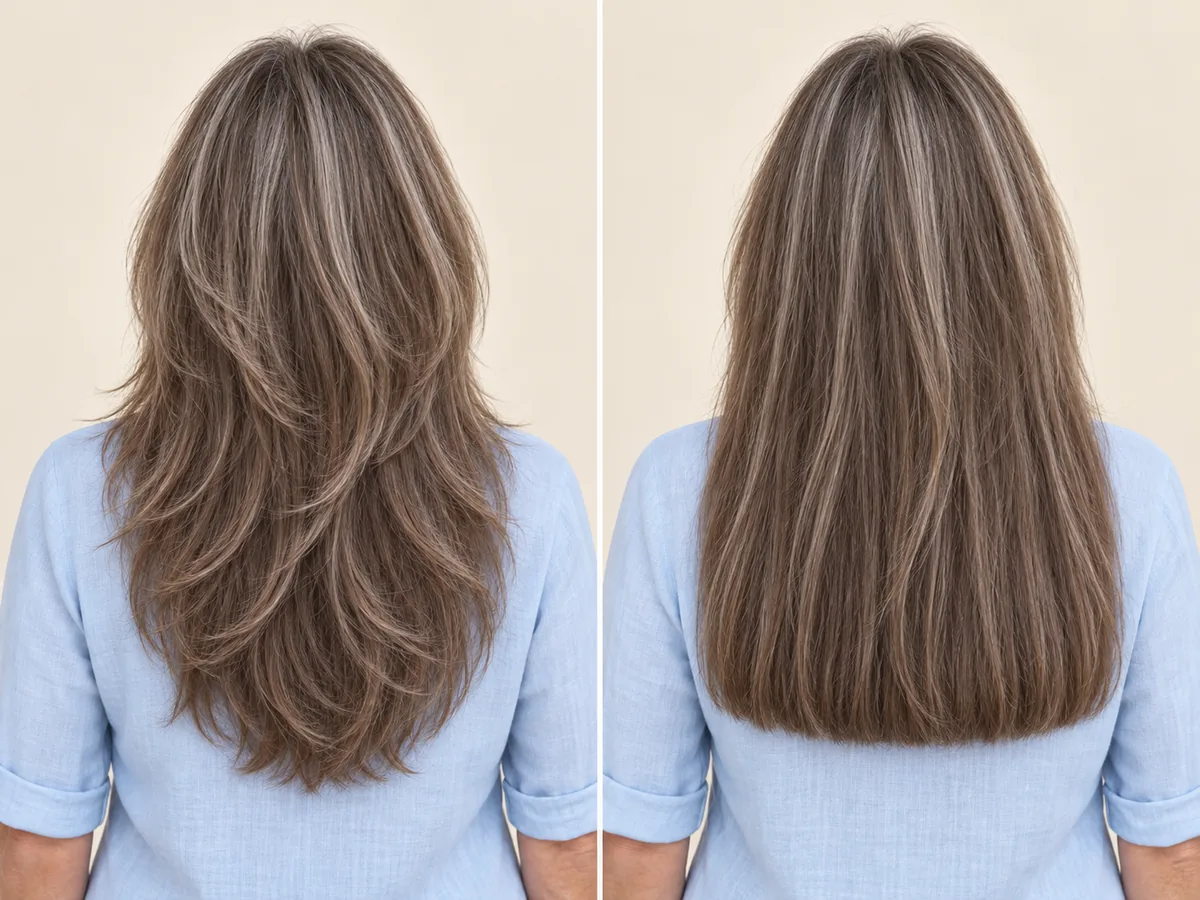
Layered ends taper and move; a one-length cut keeps a fuller line at the bottom.
Curly and coily hair shrinks as it dries, so it needs more length before it looks long. Waves often loosen as hair gets longer and heavier. Judge the length on dry hair in its natural state.
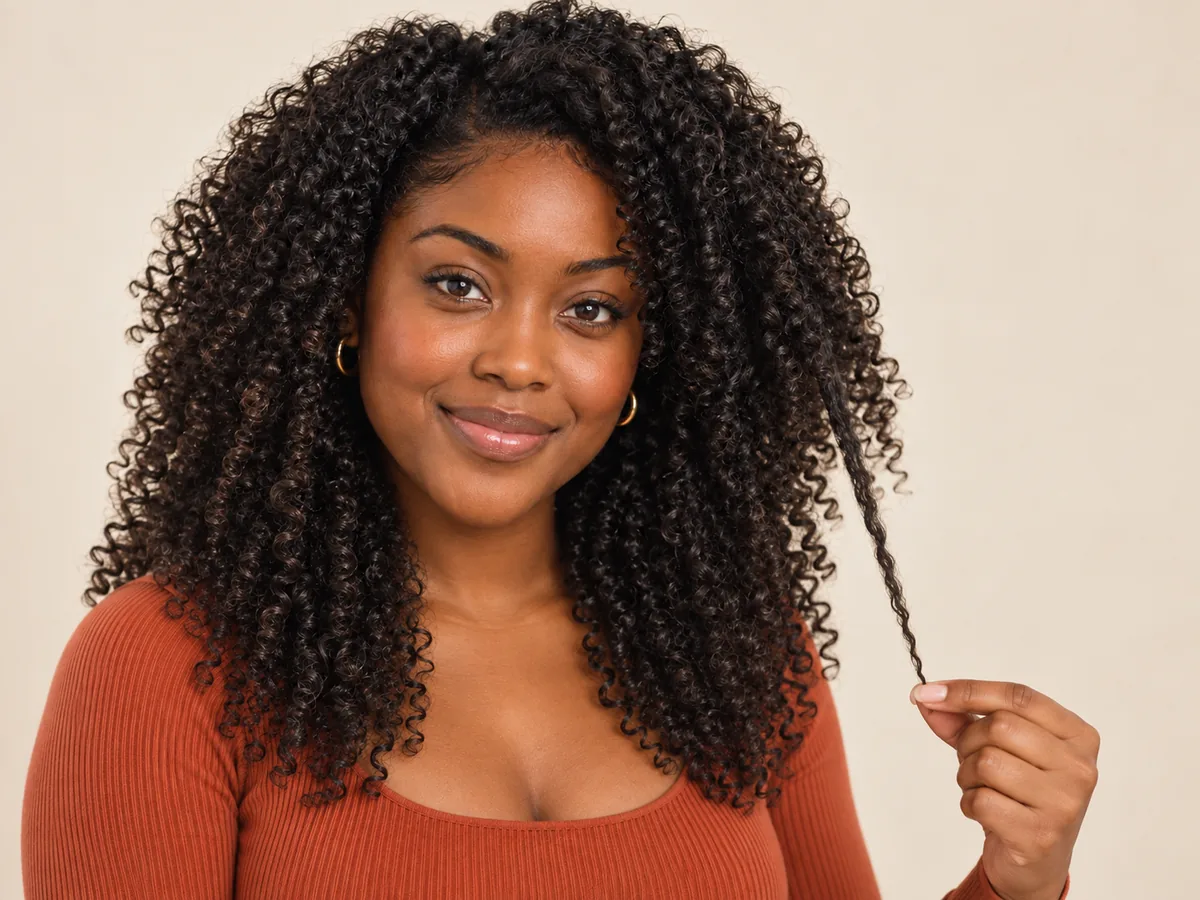
One stretched curl shows the length that shrinkage hides.
Most grow-outs pass through an awkward stage around ear-to-chin length. Small shape-up trims at the nape, around the ears and at the ends keep it tidy while the length builds.
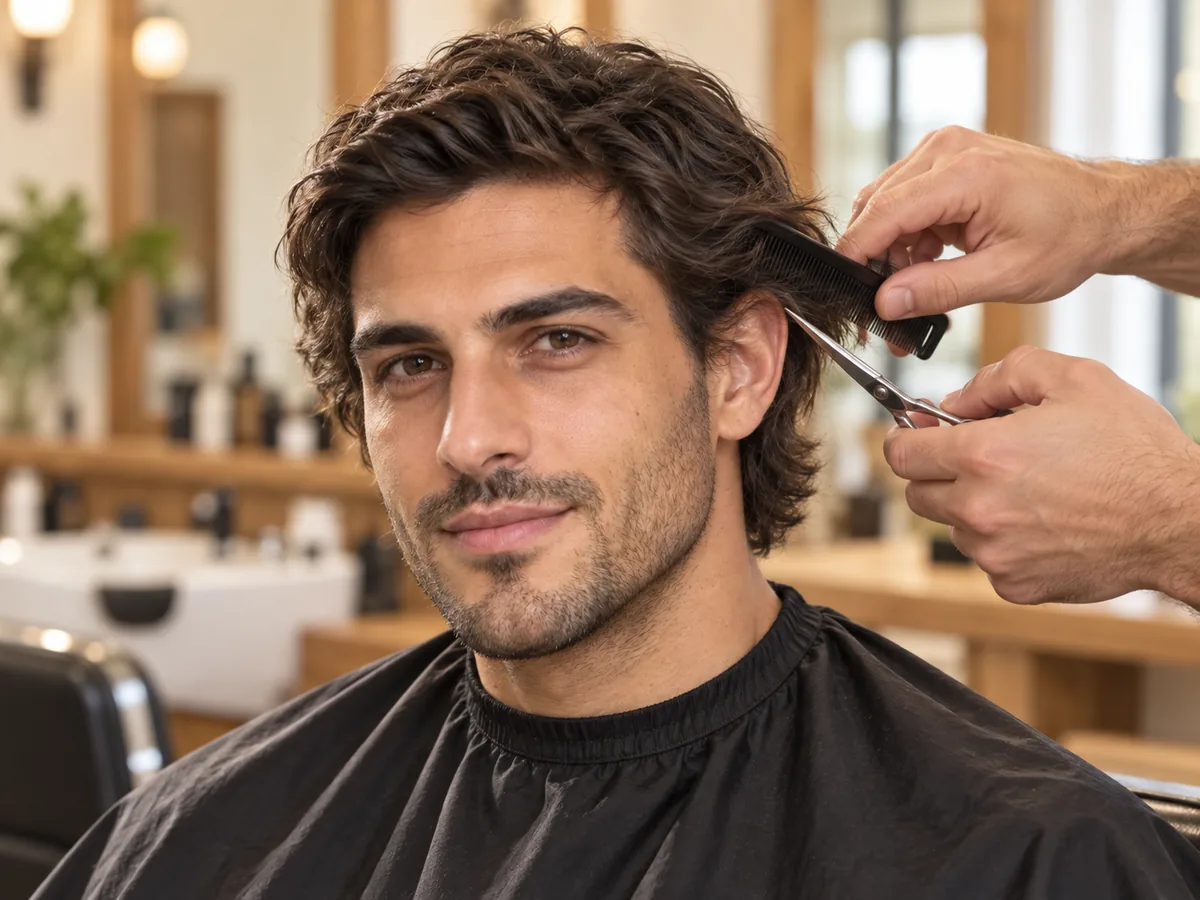
A light shape-up tidies the sides and nape without taking off the length you are growing.
Long hair takes longer to wash, dry and detangle, and it can get in the way at work or during sport. Think about the time you want to spend and how you will wear it tied back.

Detangle from the ends up. Longer hair needs a little more time after every wash.
How to try on long hair
Try the Long Hair Filter Online in 3 Steps
Upload a photo, choose a long style and compare your preview.
Step 01
Start with a Clear Photo and Your Hair Down
Use a front-facing portrait with even light, your hair down and your shoulders in the frame. You can also start with a sample photo in the tool.
- Even light, hair down, shoulders in the frame.
- JPG, PNG or WebP · Up to 10 MB

Step 02
Choose the Long Style You Want to Preview
Choose from six styles, including long layers, waves, curls and two men's lengths. Generate a preview to see the length on your photo.
- Layers, straight, waves, curls and men's lengths.
- Select a style, then generate your preview.

Long face-framing layers

Long soft waves

Long curls
Step 03
Compare Your Look and Save a Favorite
Compare your preview with the original, then download a result to keep or to show your stylist.
- Check the length in front, the layers and the ends.
- Save a result, or try another length.
Before After
After
AI-created illustrations. Your preview will depend on your photo.
Beyond the preview
Plan Your Grow-Out with Your Stylist

Save a preview and talk through these four points with your stylist or barber, so each visit moves you toward the length you want.
Target Length
Show where you want the ends to land in front and at the back.
Layers Along the Way
Ask which layers to keep or add as the length grows in.
Trims That Keep Length
Agree on small shape-ups that tidy the ends without losing progress.
Extensions or Growing Out
Ask whether extensions could bridge the gap and how they would be matched.
Long Hair AI Tips and Common Questions
Preview details, credits, photo requirements and limits.
Upload a photo, choose a long style and select Add length. Compare the preview with your original or try another style. The edit is designed to change the length and shape of your hair while keeping your face and hair color; generative edits may introduce small differences, so compare before you decide.
New accounts receive free credits to try the tool. Generating previews uses credits; check the amount shown in the tool before generating. You can review additional credits on the pricing page.
The filter shows a finished length on your photo. It cannot predict how fast your hair will grow, how thick it will look at that length or whether it will reach it. Growth, breakage and hair health vary from person to person; if you are worried about thinning or slow growth, talk to a dermatologist.
Choose Men's shoulder-length hair or Men's long flow to preview a longer length on your photo. The edit is designed to keep your face, hairline and any beard or stubble. Their examples use two separate men's portraits to show the intended shape.
The edit is designed to keep your natural texture while adding length, unless the style names a different one: Long straight hair shows a sleek, straight finish, and Long curls is designed to keep an existing curl pattern. AI results can vary, and real curls may sit higher than the preview once they dry.
Growing out keeps your own hair but takes time and a few in-between stages. Extensions and wigs add length right away, but they need color and texture matching, care and, for some methods, a professional fitting. A preview can help you settle on the length and style first, whichever route you choose.
You don't need to write a long hair AI prompt: choosing a style supplies the instructions for you. The tool edits a still photo you upload; it does not create videos or work as a live camera filter.
Use a sharp, front-facing photo with even light, your hair down and your shoulders in the frame. Avoid hats, ponytails, buns and heavy shadows. The tool accepts JPG, PNG and WebP files up to 10 MB.
Still have a question? Email us at support@haircolorchangeai.com.
Explore Wigs, Shorter Cuts and Curls
Preview instant length, a shorter cut or a new texture.
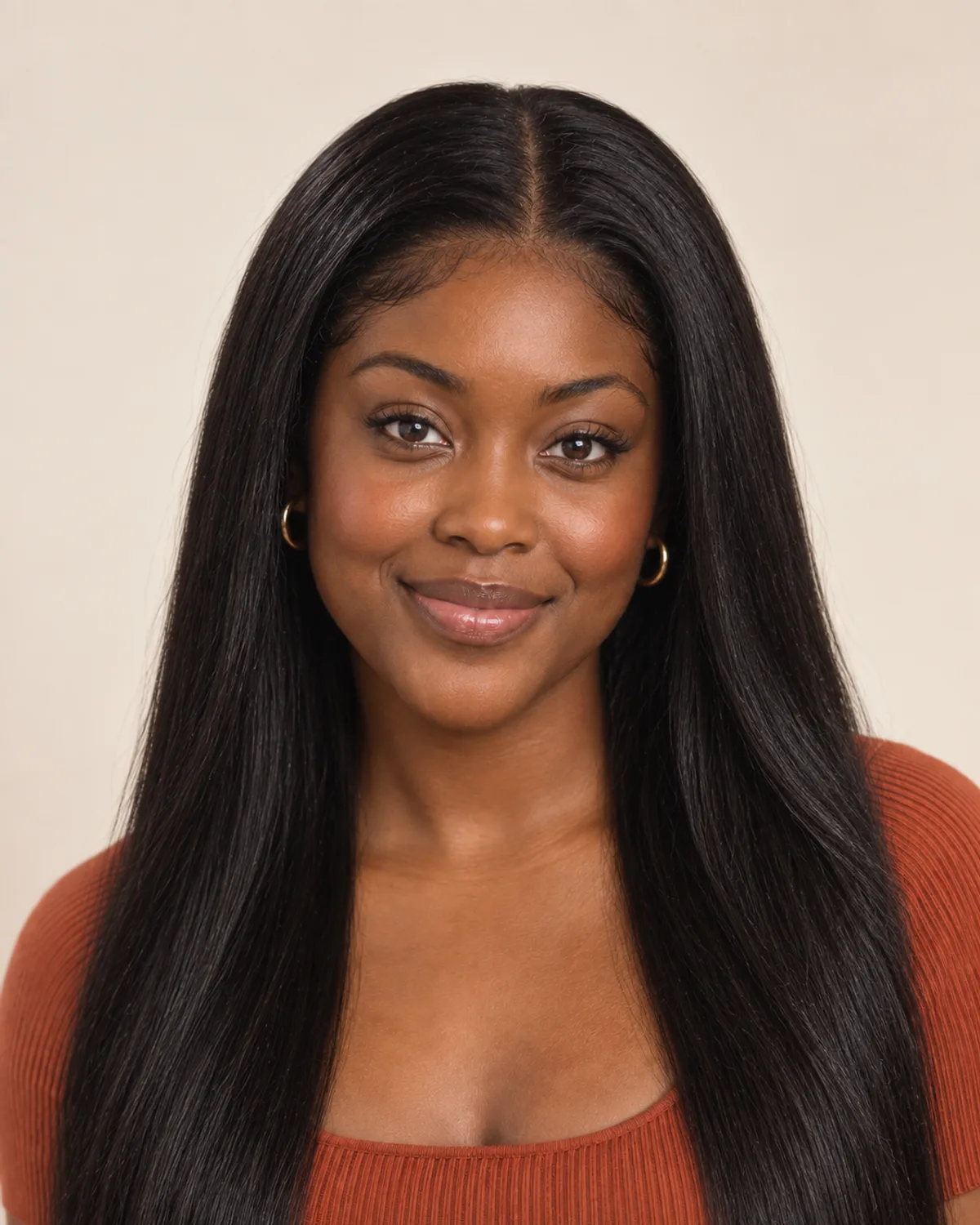
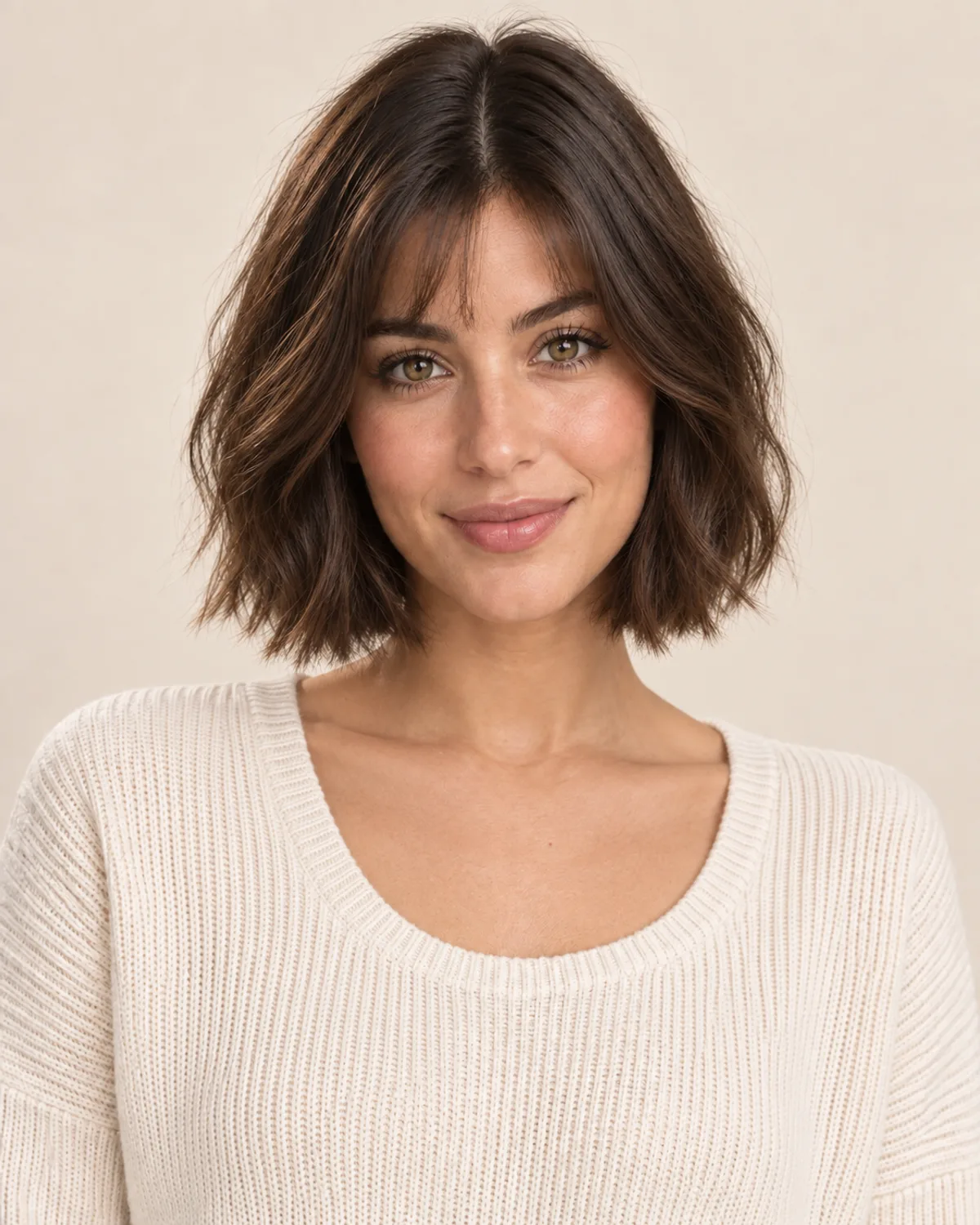
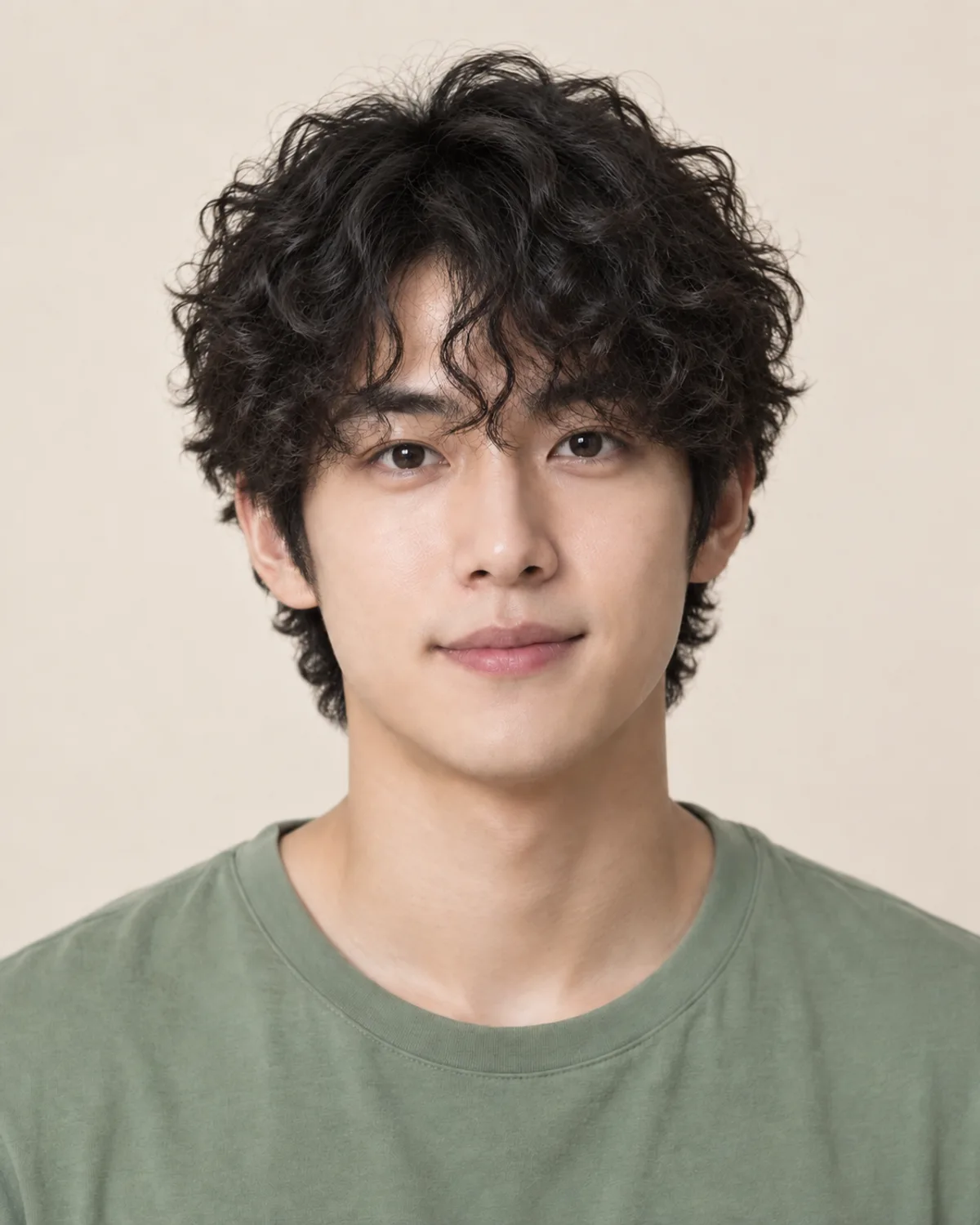
See How You'd Look with Long Hair
Choose a long style, compare your preview and save a reference before you start growing it out.
Free credits for new accounts · Previews use credits