


Your virtual wig preview
Virtual Wig Try-On — Before You Buy
Preview a lace front, waves, curls, a bob and more on your photo. Compare the length, hairline and color before you choose a wig.
No photo handy? Try a sample:
Choose a Wig for Your Photo
Selected:Straight lace front
Designed to replace your visible hair while keeping your face and the rest of your photo.
8 wig styles · Any hair length, or none · Free credits for new accounts
The wig edit
Compare 8 Wigs You Can Try On Virtually
Compare the length, hairline and everyday wear of each wig. Six women's wigs share one portrait; the gray wig and the men's hair system use separate examples.


Straight lace front
Long and sleek, with a soft, natural-looking front.
- Length & texture
- Silky-straight natural black, falling well past the chest.
- Hairline & part
- A lace front along the forehead; the center part can shift within the lace.
- Everyday wear
- Detangle from the ends up; long hair can catch on collars and bag straps.
Wig Try-On Before & After Examples
Compare AI-created wig previews on natural curls, a graying bob and short men's hair. Drag each slider to see the change.
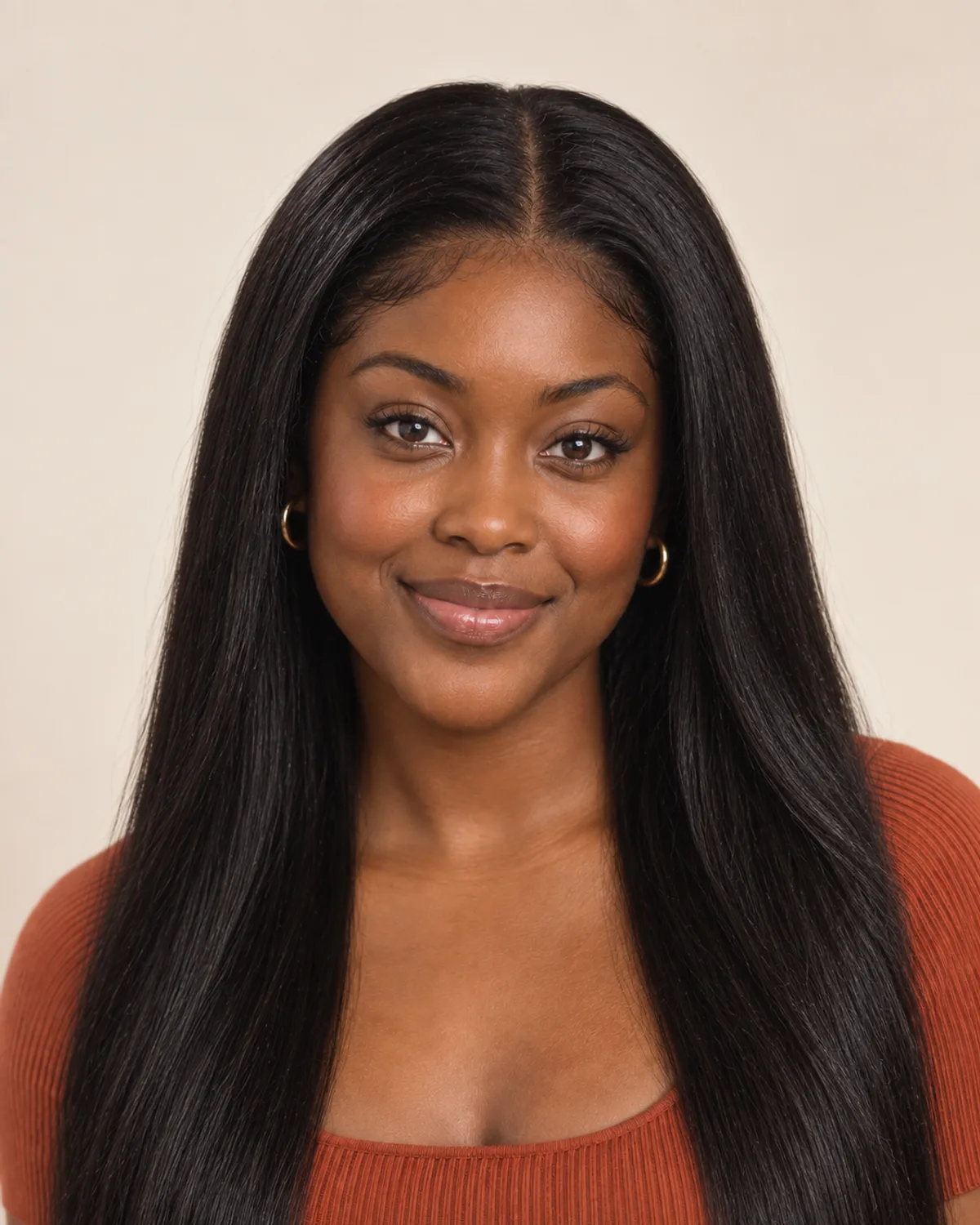

Straight Lace Front Over Natural Curls
A long, straight lace front changes length and texture in one step. In real life, natural hair is usually braided or wrapped flat underneath, with no heat or relaxer.


A Short Gray Wig in Place of a Bob
Soft silver layers with lift at the crown. A gentle way to see whether gray suits you, or to plan a light, easy wig as hair thins.


A Men's Hair System for a Fuller Top
A fuller top and a natural front hairline, blended into his own hair at the sides. Compare the look before booking a consultation.
Choose the Right Wig with 5 Simple Checks
A preview shows the style and color. Length, hairline, fiber and how you'll wear it decide whether you enjoy it all day, so check these before you buy.
Long wigs weigh more, feel warmer and can tangle at the collar; short styles are lighter and quicker to put on. Think about your day as well as the look.
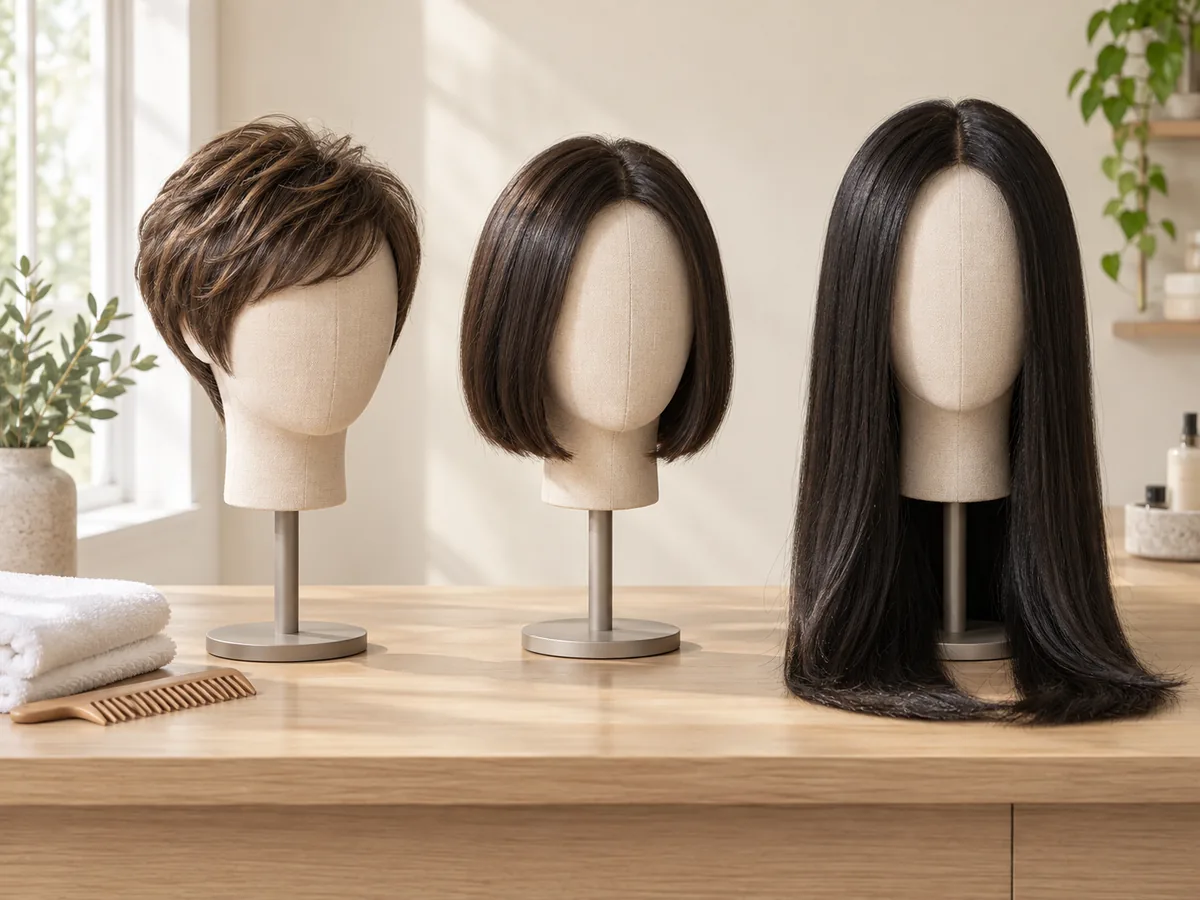
Short, medium and long: each length changes the weight, warmth and upkeep.
A lace front softens the edge at the forehead, so you can wear hair back or move the part within the lace. A basic cap has a firmer edge that is easiest to hide under bangs or hair falling forward.
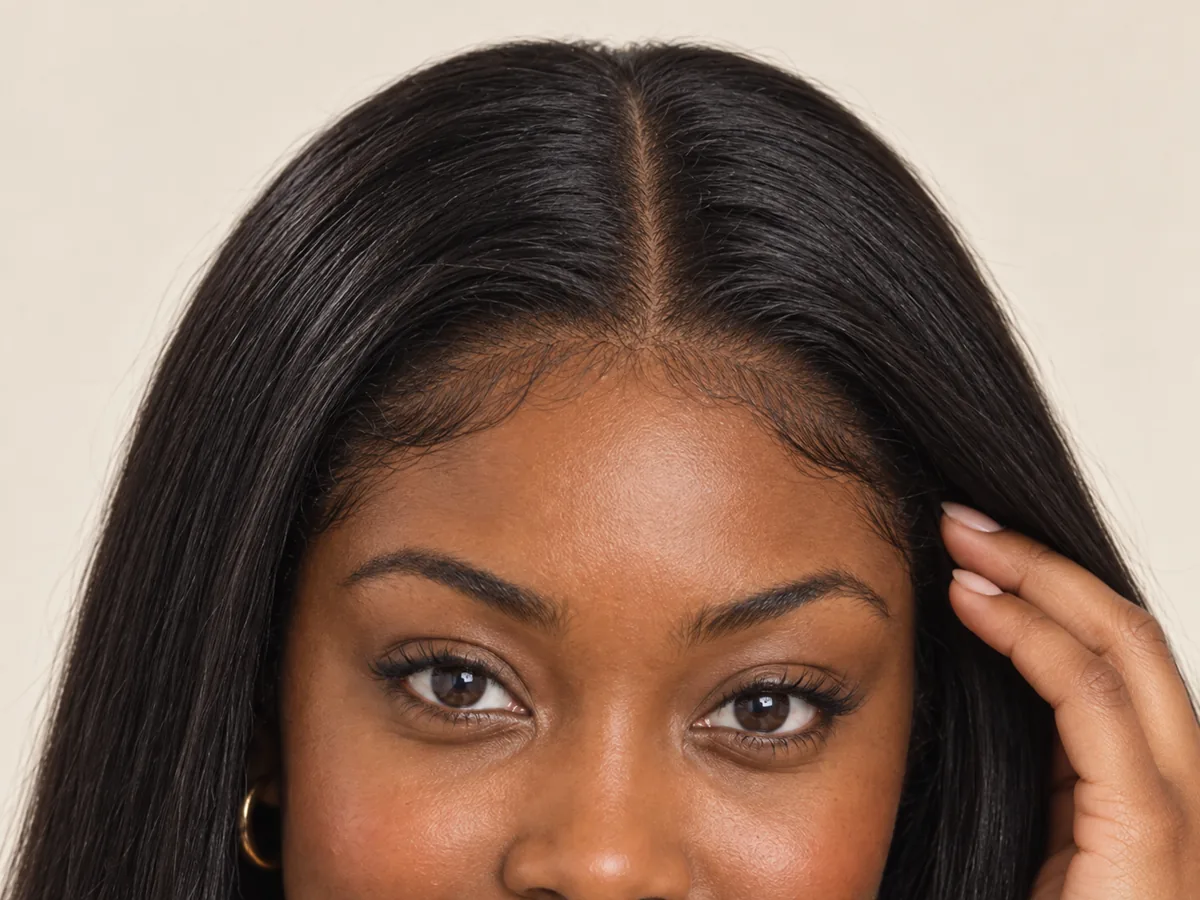
The front edge and the part are where a wig looks natural, or doesn't.
Honey and copper tend to suit warm undertones, ash and silver cool ones. A darker root at the part often looks more natural, and softer shades can flatter as skin changes with age.

Compare shades near your face in daylight, not only under shop lighting.
Human hair can be heat-styled and colored but needs restyling after washing. Synthetic fiber keeps its style and usually costs less; only fiber labeled heat-friendly can take a low-heat tool.
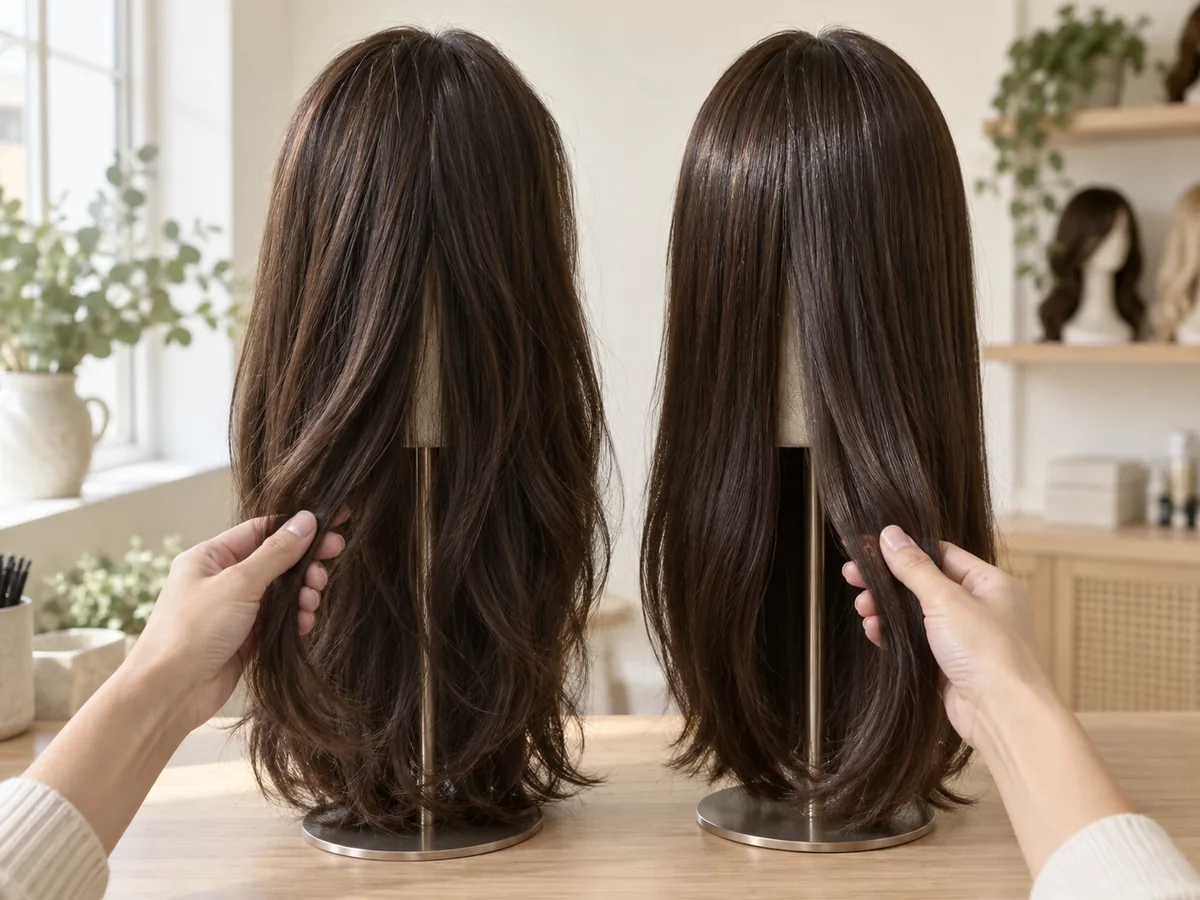
Feel, shine and care differ. Ask which fiber a wig uses before you buy.
Daily wear, work and special occasions ask for different things. If your scalp is tender after chemo or with alopecia, look for a soft, breathable cap, and keep a scarf or soft hat for days off.
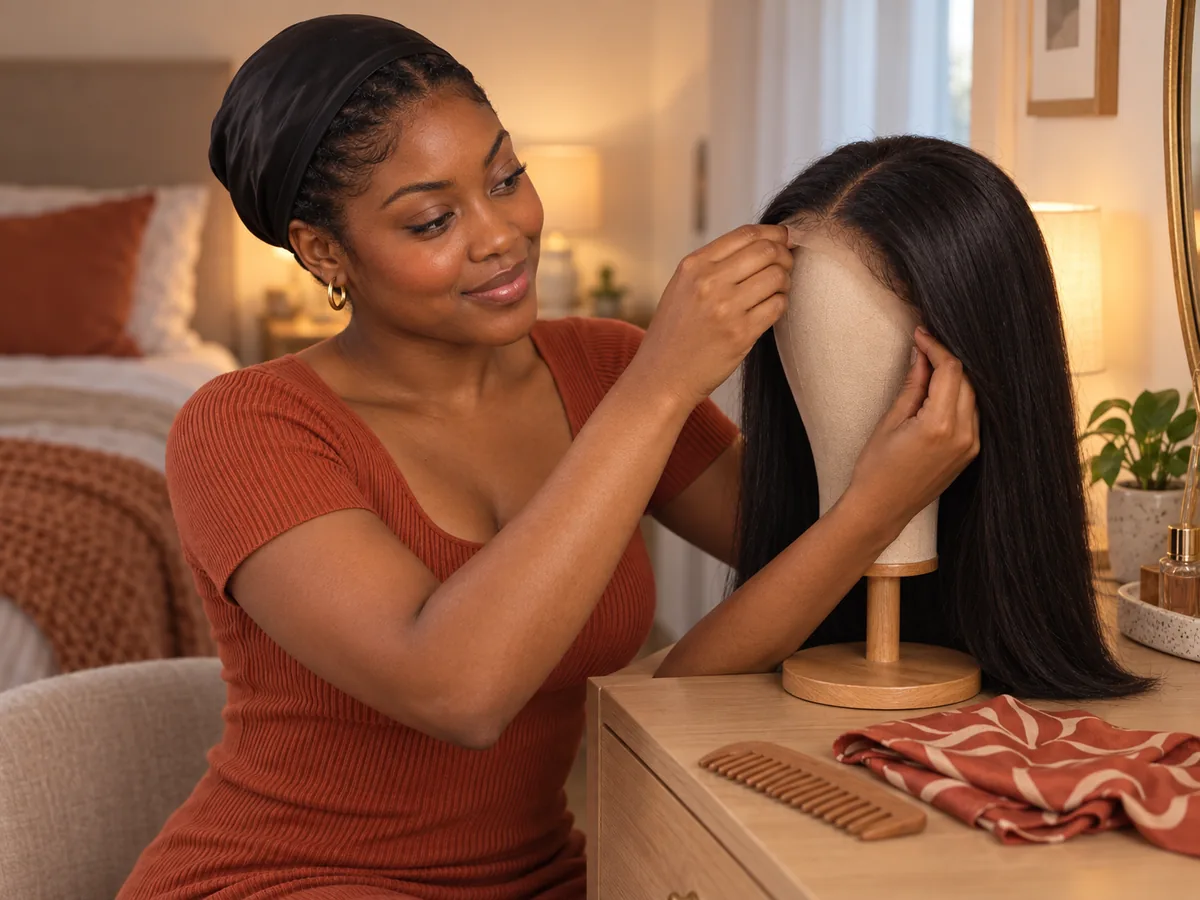
Many people mix a wig, a soft cap and a scarf through the week.
How to try on wigs virtually
Try On Wigs with Your Picture in 3 Steps
Upload a photo, choose a wig and compare your preview.
Step 01
Start with a Clear, Front-Facing Photo
Use a sharp portrait with even light and your face and hairline visible. Any hair length works, and you can also start with a sample photo in the tool.
- Even light, a visible hairline, no hats.
- JPG, PNG or WebP · Up to 10 MB

Step 02
Choose the Wig You Want to Try On
Choose from eight styles, from a long lace front to a pixie wig or a men's hair system. Generate a preview to see it on your photo.
- Lace front, body wave, curly and more.
- Select a wig, then generate your preview.

Straight lace front

Curly wig

Copper bob wig
Step 03
Compare the Look and Save a Favorite
Compare your preview with the original, then download a result to keep or to show a wig specialist.
- Compare the length, hairline and color.
- Save a result, or try another wig.
Before After
After
AI-created illustrations. Your preview will depend on your photo.
Beyond the preview
Bring Your Preview to a Wig Fitting

A try-on shows style and color, not size. Save a preview and go through these four details with a wig specialist before you buy.
Cap Size and Comfort
Have your head measured and ask about adjustable straps and soft, breathable caps.
Lace and Hairline
Compare lace shades against your skin and see how the front edge sits.
Fiber and Care
Ask how human hair and synthetic fiber handle heat, washing and restyling.
Cut and Color
Check the shade in daylight and ask about trimming the front to suit your face.
Virtual Wig Try-On Tips and Common Questions
Preview details, credits, photos and fit.
Upload a photo, choose a wig and select Try on wig. The AI replaces your visible hair with that wig's style, length and color, and a slider lets you compare it with your original. Previews help you explore a look; a real wig can differ in density, shine and lace.
New accounts receive free credits to try the tool. Generating previews uses credits; check the amount shown in the tool before generating. You can review additional credits on the pricing page.
There is no separate app to install. The virtual wig try-on runs in the browser on your phone or computer, so you can upload a selfie from your camera roll. Instead of a live camera filter, this AI wig try-on edits the photo you upload, so you can compare several wigs on the same picture.
As a starting point, long straight wigs can lengthen a round or square face, curls and waves add width to a long face, and jaw-length bobs often suit oval and heart shapes. Skin tone, hairline and how you'll wear the wig matter just as much, so compare a few on your own photo.
Use a sharp, front-facing photo with even light and your face and hairline visible. Long hair is fine; tucking it behind your shoulders helps with short wigs. Avoid hats, headbands and heavy shadows. The tool accepts JPG, PNG and WebP files up to 10 MB.
A try-on is a visual preview, not a fitting. It can't measure your head or tell you a cap size, and a real wig can differ in density, shine and lace. Use the preview to narrow down style and color, then check size and comfort by measuring your head or visiting a wig specialist.
Some people try wigs before treatment starts, while it's easier to match their usual style and color; others after hair loss. You can use an older photo or a recent one. The scalp may be tender, so a wig specialist or your care team can help with a soft cap and a comfortable fit. Some health plans cover a wig prescribed as a cranial prosthesis; check with your insurer.
Choose the men's hair system to preview a fuller top with a natural front hairline, blended into your own hair at the sides. Its example uses a separate men's portrait. A hair system studio or an experienced barber can advise on attachment and upkeep.
Still have a question? Email us at support@haircolorchangeai.com.
Explore More Styles, Braids and Colors
Preview a new cut, a protective style or a new shade.
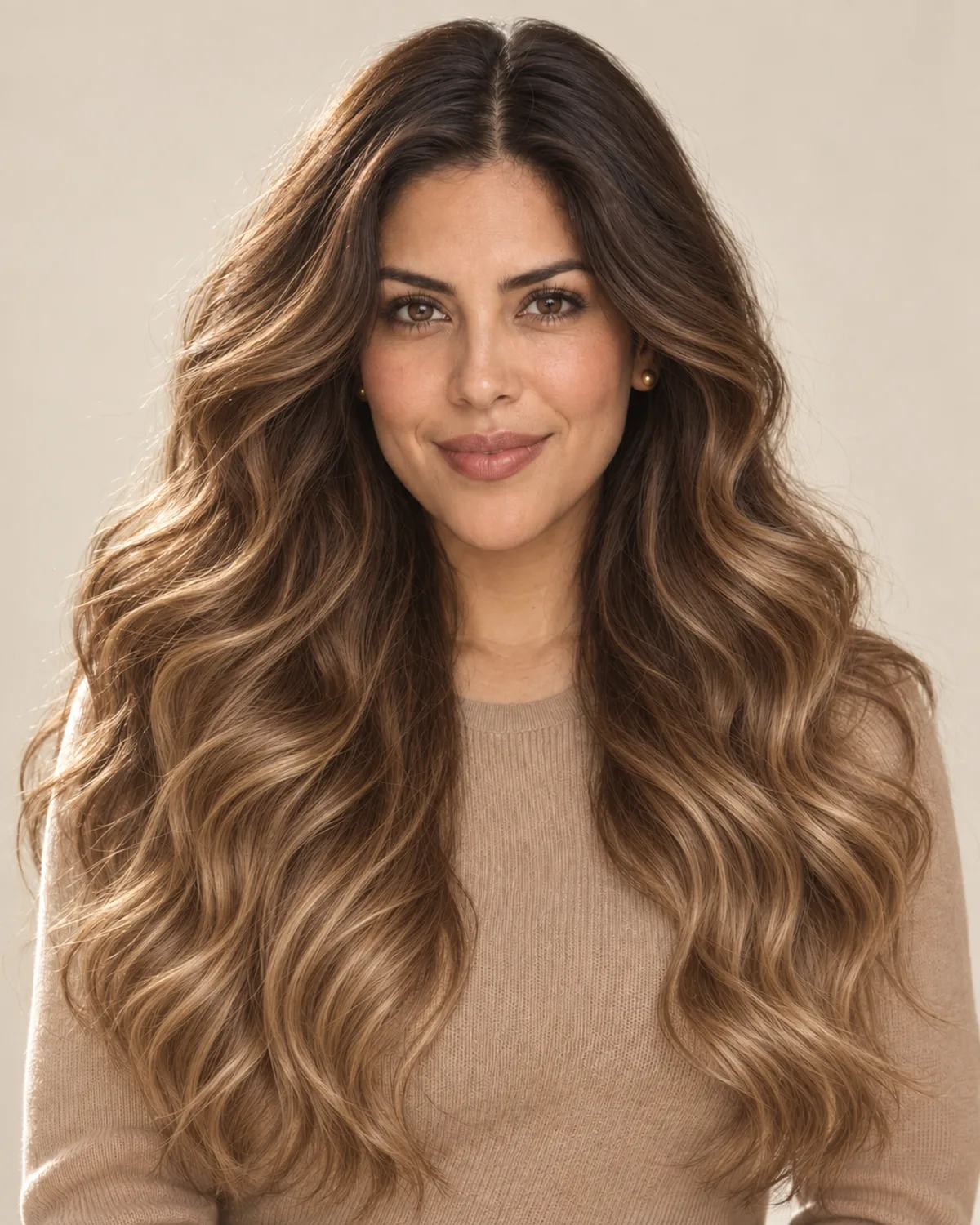
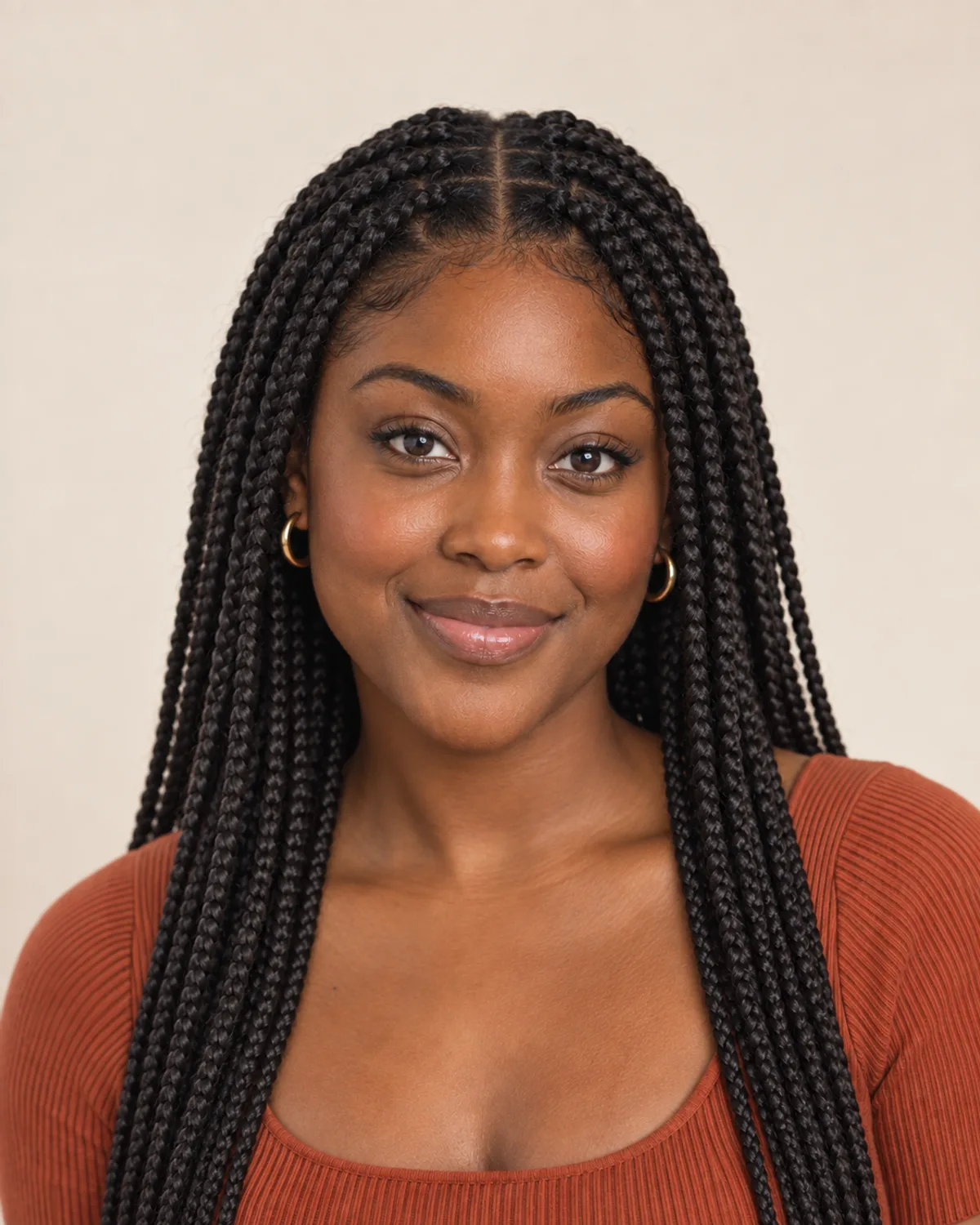

Find Your Next Wig with a Virtual Try-On
Choose a wig, compare your preview and save a reference for your wig fitting.
Free credits for new accounts · Previews use credits