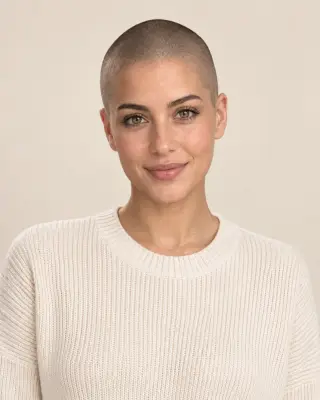
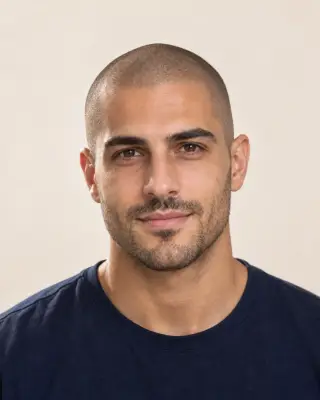
Your virtual bald preview
Bald Filter — Try Before You Shave
Preview a clean-shaven or stubble head on your photo, or compare common balding stages. See the look before you pick up the razor.
No photo handy? Try a sample:
Choose a Bald Look for Your Photo
Selected:Clean-shaven bald
Designed to change only the hair on your head while keeping your face, brows and beard.
6 shaved and balding looks · For men and women · Free credits for new accounts
The bald edit
Explore 6 Shaved Head and Balding Looks
Compare the scalp, hairline and upkeep of each look. Five share one men's portrait; the widening part uses a separate women's example.


Clean-shaven bald
Razor-smooth, with your whole head shape on show.
- Scalp on show
- Bare skin from the forehead to the crown.
- Hairline and edges
- No hairline at all; your brows and ears frame the face.
- Everyday upkeep
- Frequent razor shaves, plus moisturizer and sun protection.
Bald Before & After on Different Hair Types
Compare AI-created bald previews on short textured hair, long waves and natural coils. Drag each slider to see the change.
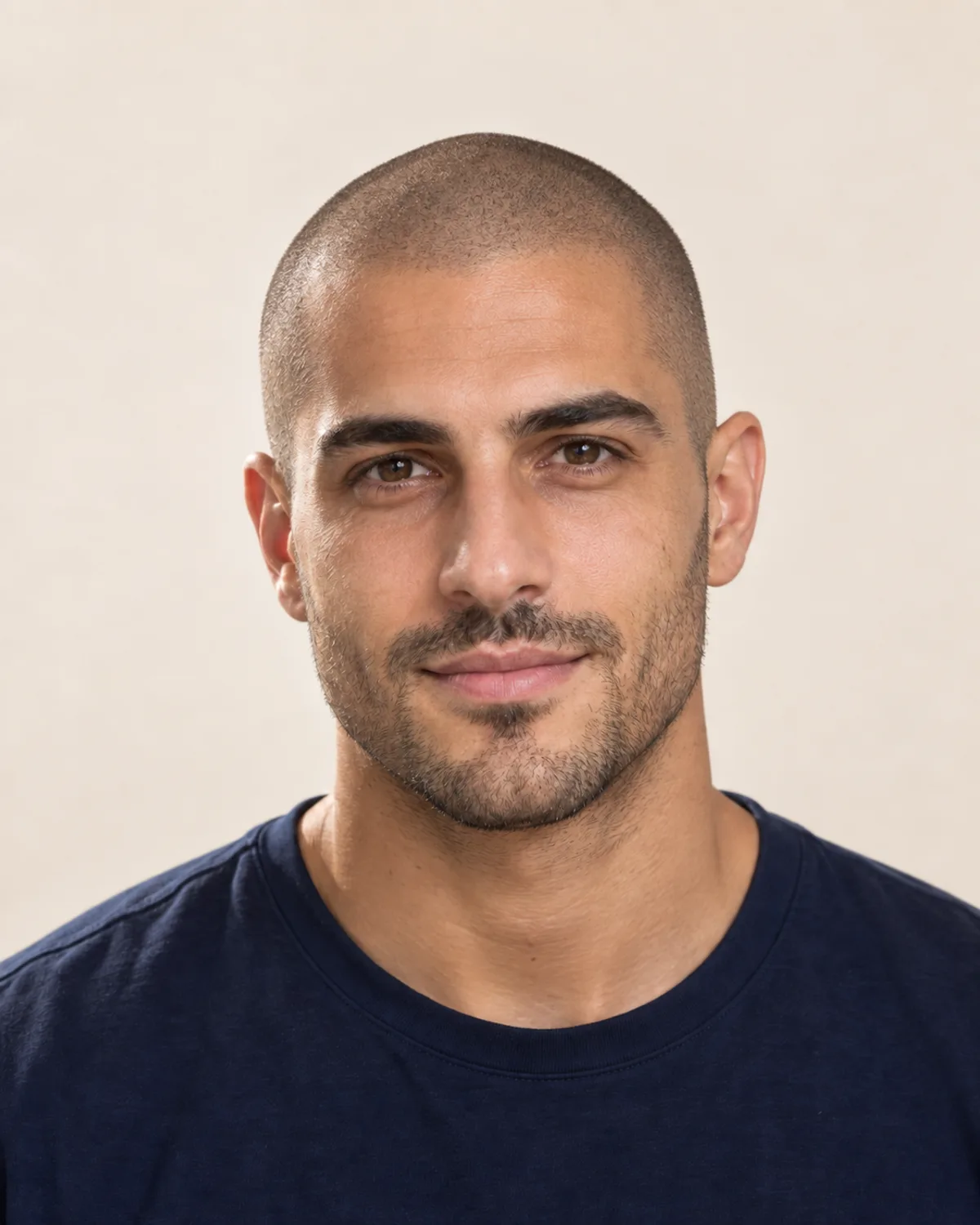
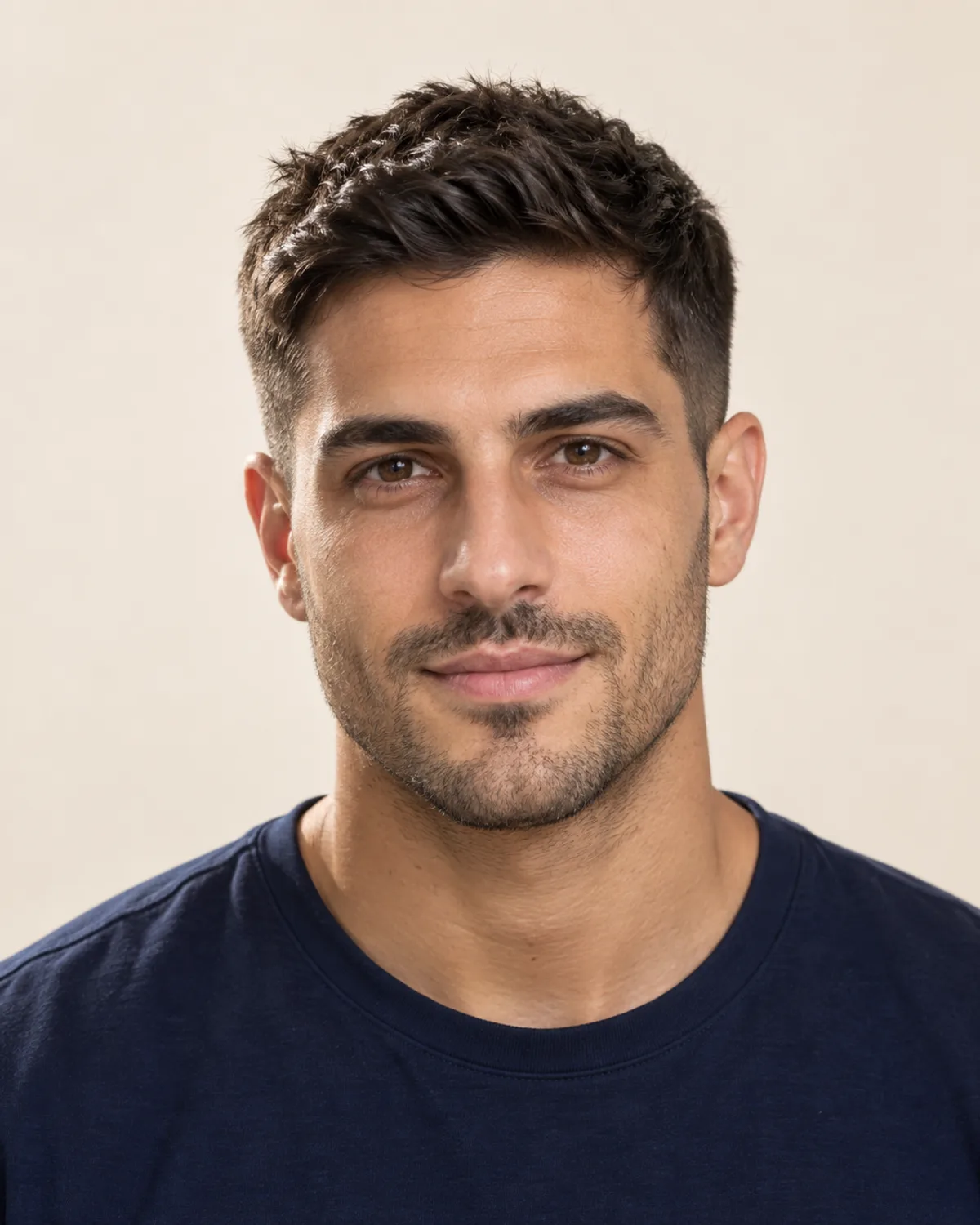
Shaved Head with a Stubble Beard
Short textured hair is taken down to a light shadow while the facial stubble is kept. Notice how the beard frames the face once the top is gone.
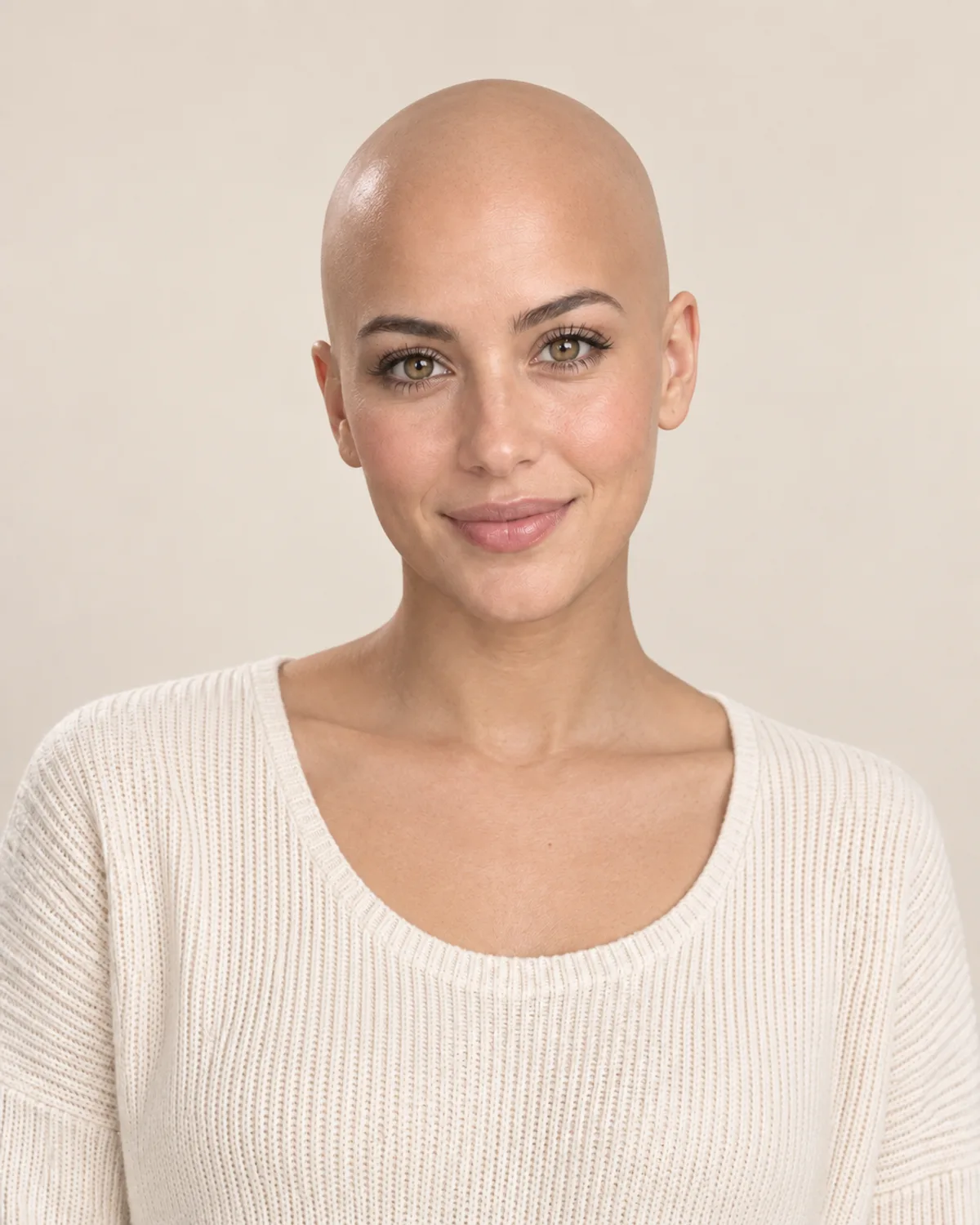
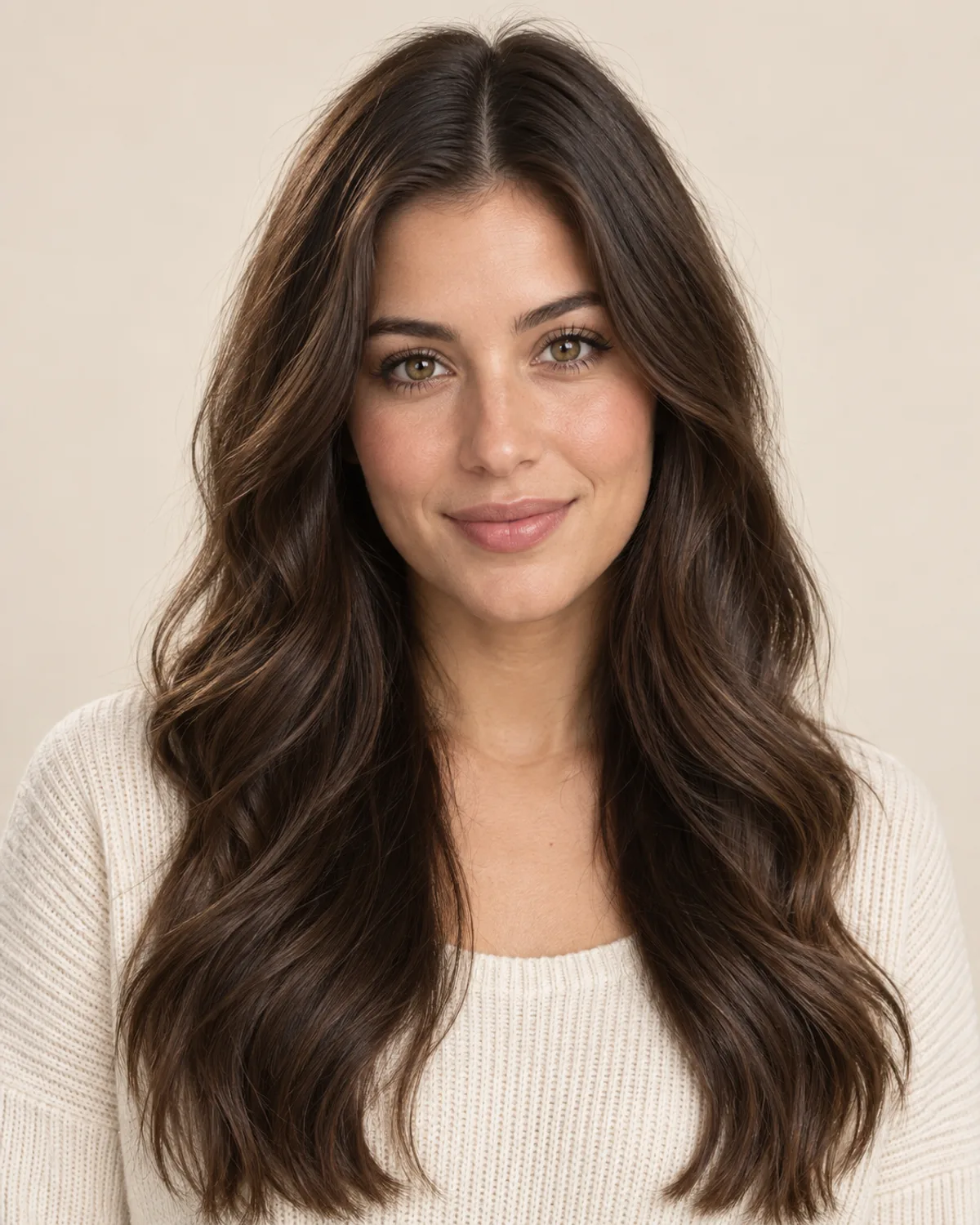
From Long Waves to a Clean-Shaven Head
The biggest change on this page: long hair comes off and the ears and neck appear. Compare how the face, brows and makeup are kept.


Natural Coils to a Clean-Shaven Head
Short coils are taken down to smooth skin while the short beard stays. See how the beard's outline carries more of the look.
Plan Your Shaved Head with 5 Simple Checks
Head shape, length, facial hair and scalp care all change how a bald look feels day to day. Check these before you pick up the razor.
Hair can hide flat spots, bumps and the curve at the back of the head. The preview shows the front, so smooth damp hair flat and check your profile in a mirror too.
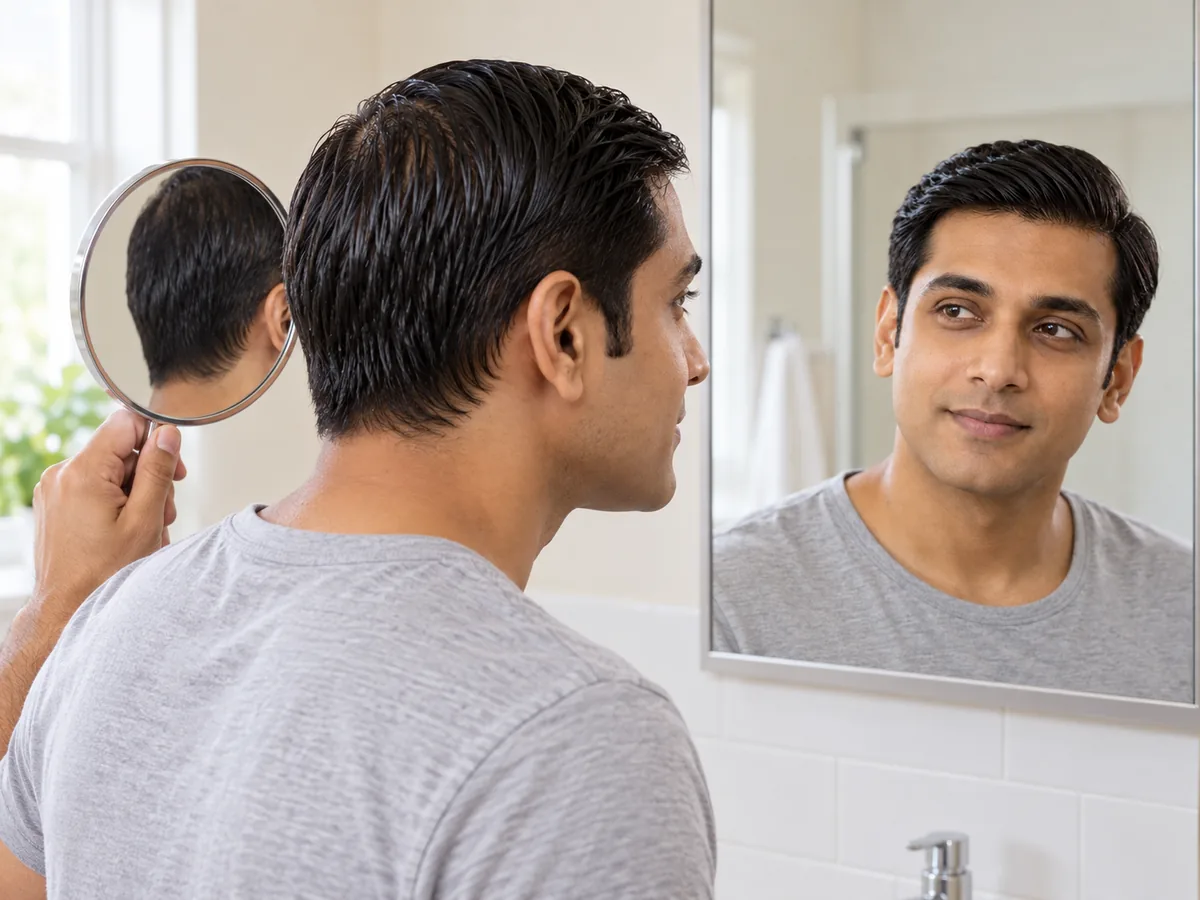
Damp hair smoothed flat gives a rough idea of the shape a shave would reveal.
A razor-smooth head shows every contour and needs frequent shaving. A short stubble shadow keeps a trace of your hairline and softens the contrast of a pale scalp.
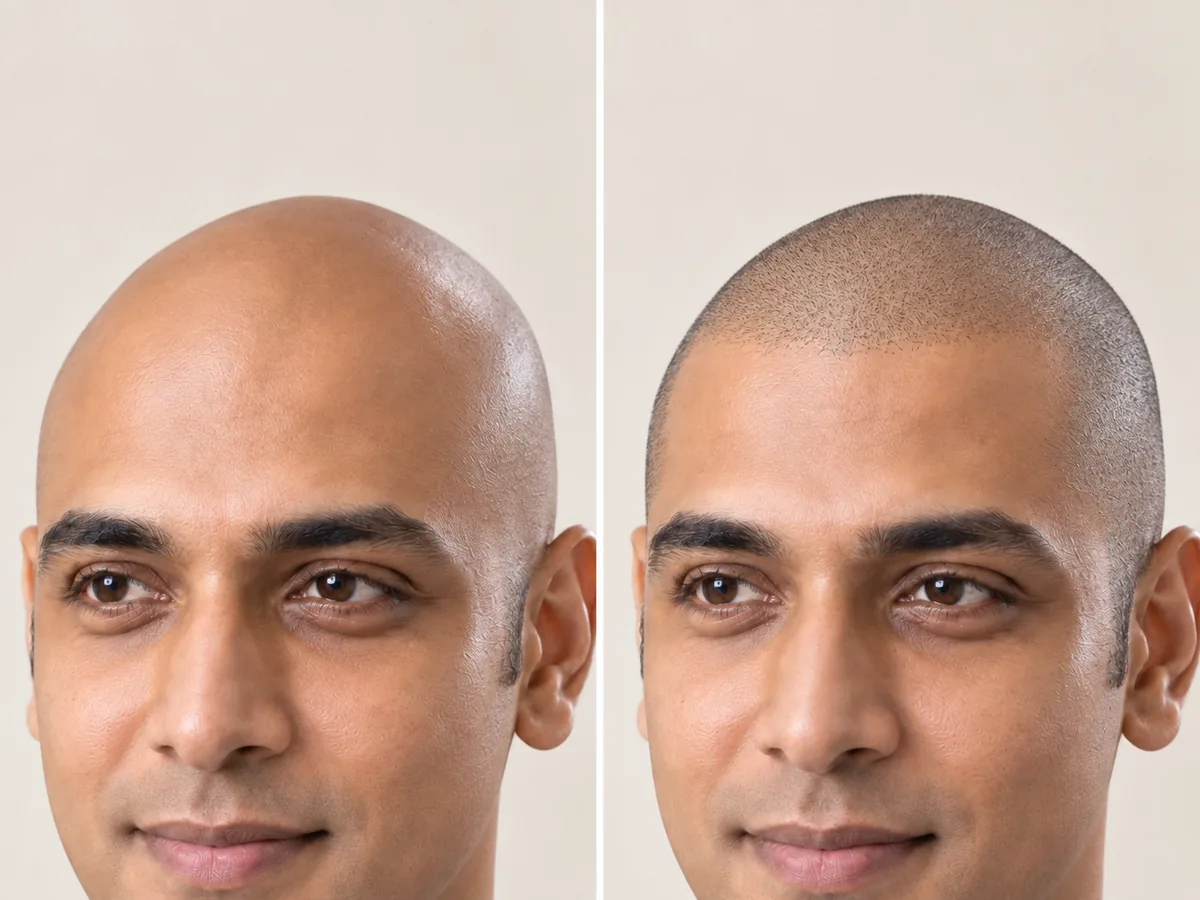
Smooth skin or a light shadow: the two looks differ most along the hairline.
With no hair on top, facial hair does more of the framing. The edit is designed to keep your beard and brows, so you see the combination you'd really have.
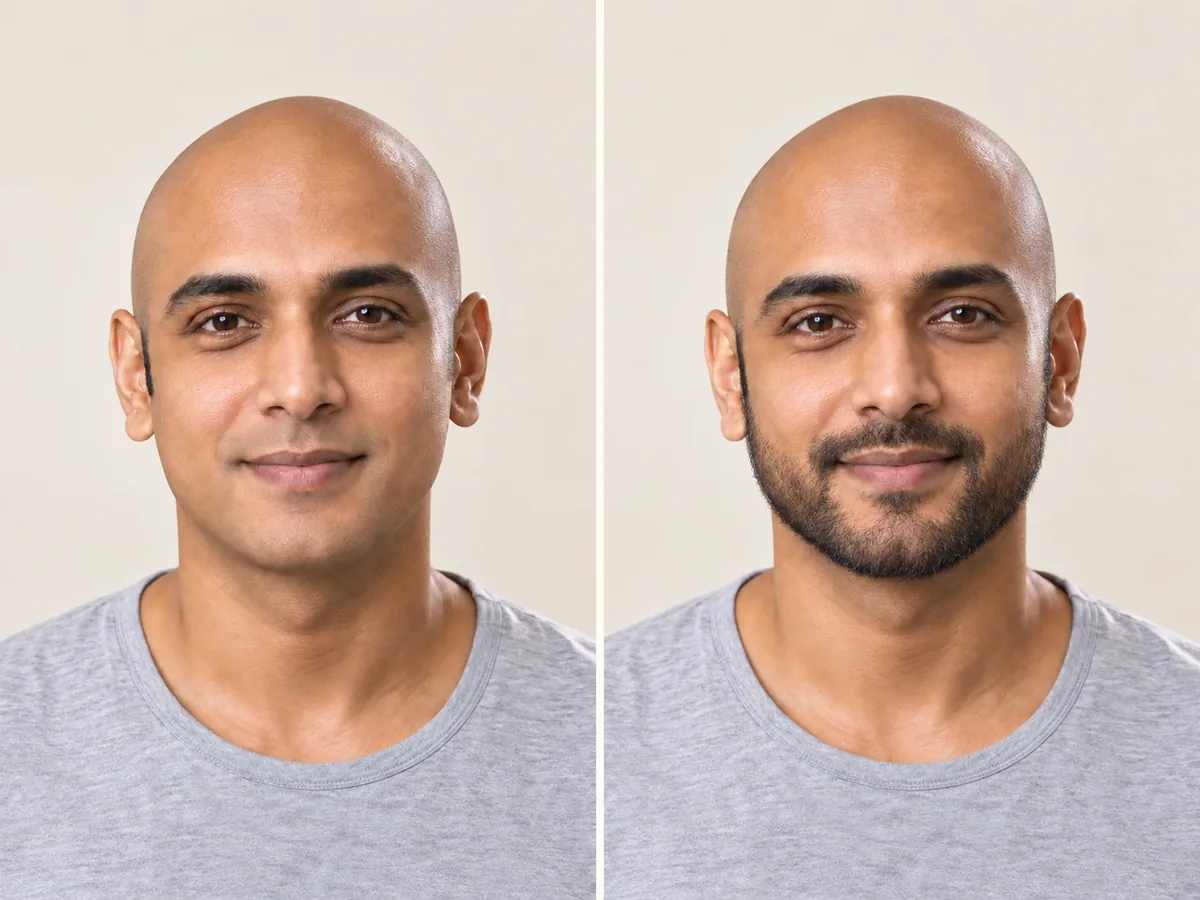
The same shaved head with and without a short beard. Facial hair changes the balance of the face.
A newly bare scalp is often paler than your face and can burn or dry out. Plan on sunscreen or a hat outdoors, a light moisturizer, and time for regular shaves.

Sun protection and moisturizer become part of the routine once the scalp is bare.
If your hair is thinning, preview a balding stage beside a clean shave and see which feels more like you. A preview isn't a prediction; for sudden or patchy loss, see a dermatologist.

Look at your temples and crown in good light, then compare them with the previews.
How to try a bald look
See Yourself Bald in 3 Simple Steps
Upload a photo, choose a look and compare your preview.
Step 01
Start with a Clear Photo of Your Hairline
Use a front-facing portrait with even light, your forehead visible and long hair pushed back. You can also start with a sample photo in the tool.
- Even light, a visible hairline, no hats.
- JPG, PNG or WebP · Up to 10 MB

Step 02
Choose a Shaved or Balding Look
Pick a clean shave or stubble, or a balding stage such as a receding hairline or a widening part. Generate a preview to see it on your photo.
- Clean-shaven, stubble and balding stages.
- Select a look, then generate your preview.

Clean-shaven bald

Shaved head with stubble

Widening part
Step 03
Compare Your Preview and Save a Favorite
Compare the preview with your original, then download a result to keep or to show your barber.
- Compare your head shape, brows and beard.
- Save a result, or try another look.
Before After
After
AI-created illustrations. Your preview will depend on your photo.
Beyond the preview
Bring Your Bald Preview to the Barber
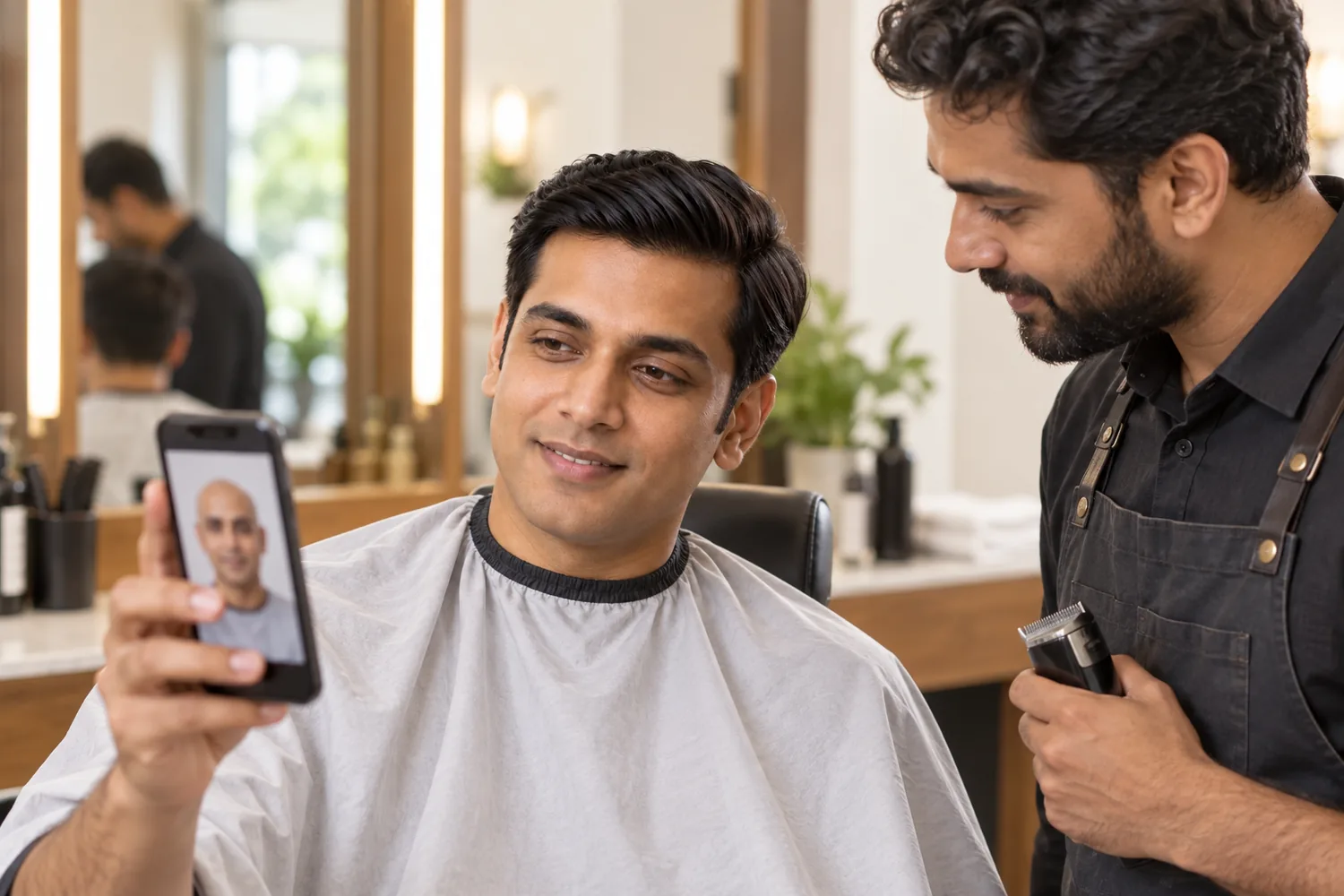
Save a preview and talk through these four details with your barber before the clippers come out.
Shave Length
Say whether you want smooth skin or a light shadow, or go shorter in stages.
Beard and Sideburns
Decide how your beard and sideburns meet the shaved head.
Head Shape and Scalp
Ask about bumps, scars or dry patches a preview can't show.
Upkeep at Home
Ask which razor or trimmer, and what aftercare, suit your skin.
Bald Head Filter Tips and Common Questions
Preview details, credits, photo tips and hair-loss questions.
Upload a photo, choose a look such as Clean-shaven bald or Shaved head with stubble, and select Make me bald. Compare the preview with your original or try another look. AI previews help you explore a look; your real head shape and scalp may differ.
New accounts receive free credits to try the tool. Generating previews uses credits; check the amount shown in the tool before generating. You can review additional credits on the pricing page.
Clean-shaven bald is razor-smooth with no shadow. The stubble look shows a head a day or two after shaving: a faint, even shadow that still traces your hairline and often looks softer. Try both on the same photo to compare.
The receding hairline, thinning crown, horseshoe and widening part show common patterns of hair loss on your photo. They are visual previews, not medical predictions, and can't tell whether or when you'll lose hair. If you notice sudden, patchy or unexplained hair loss, a dermatologist or doctor can help find the cause.
The tool is designed to change only the hair on your scalp while keeping your eyebrows, beard, face and background. Generative edits may introduce small differences, so compare the result with your original. It also can't see bumps, scars or birthmarks hidden under your hair.
Clean-shaven bald and Shaved head with stubble work on any photo, including long hair. Widening part shows a thinning pattern that is common in women; its example uses a separate women's portrait. The receding hairline and horseshoe follow male-pattern shapes.
Some people shave their heads because of alopecia or before chemotherapy and want to see the change first. A preview can help you picture a shaved head in your own time. It can't show how a condition or treatment will affect your hair; your care team is the best guide for that.
Use a sharp, front-facing photo with even light and your forehead and hairline visible. Push long hair back, and avoid hats, headbands and heavy shadows. Only use photos of yourself or of people who have agreed to it. The tool accepts JPG, PNG and WebP files up to 10 MB.
Still have a question? Email us at support@haircolorchangeai.com.
Explore More Cuts, Beards and Wigs
Preview a buzz cut, a new beard or a wig.
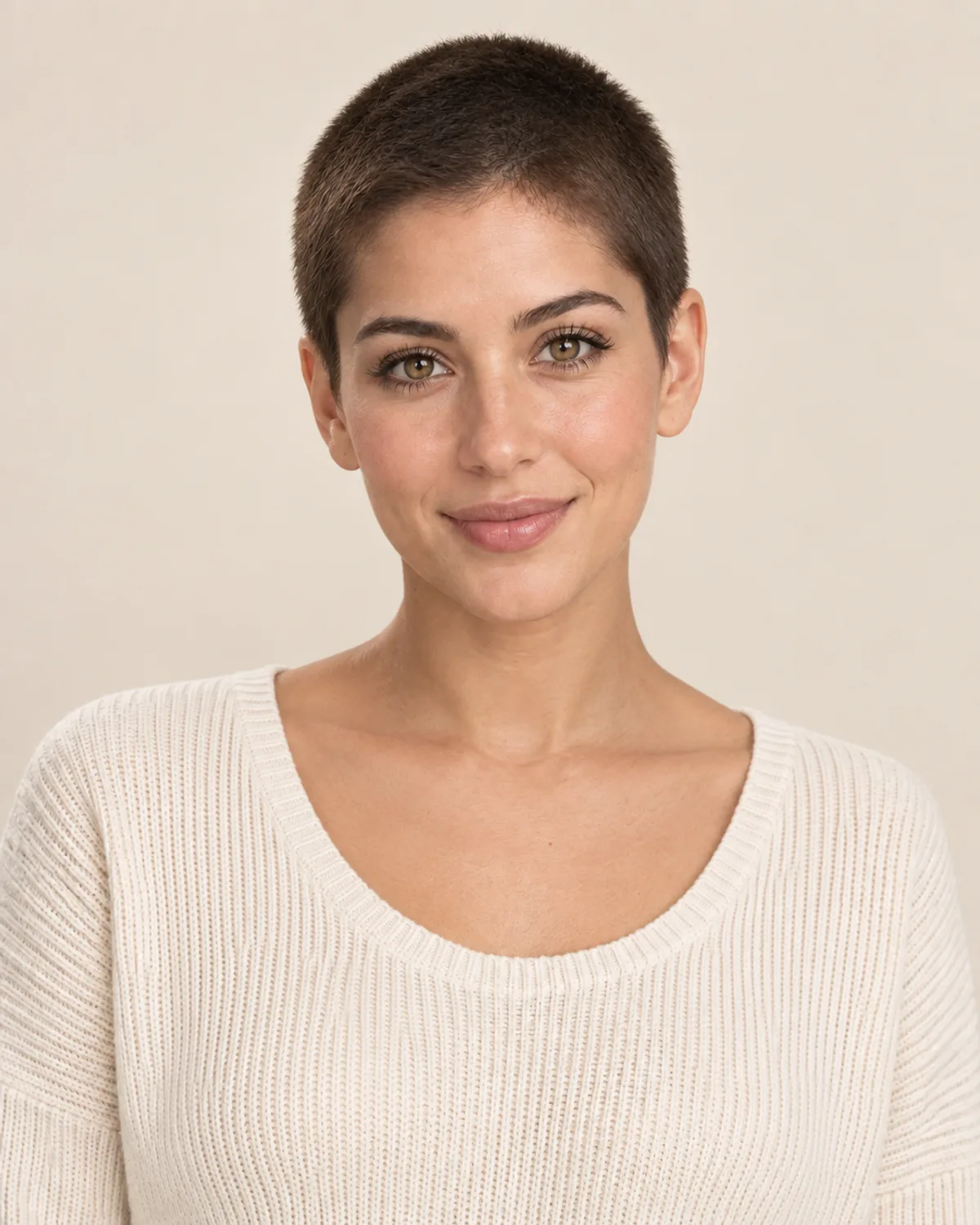


Try a Shaved Head with the AI Bald Filter
Choose a look, compare your preview and save a reference before you shave.
Free credits for new accounts · Previews use credits