
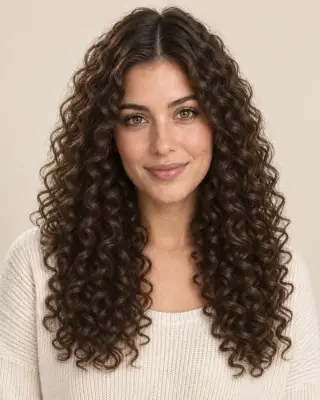

Your virtual curl preview
Curly Hair Filter — Try Curls First
Preview loose waves, spirals and tight coils on your photo. Compare curl size and volume before you change your hair routine.
No photo handy? Try a sample:
Choose a Curl Type for Your Photo
Selected:Spiral curls (3B)
Designed to change your curl pattern while keeping your cut, color and face.
6 curl types from 2A to 4C · Women's and men's styles · Free credits for new accounts
From waves to coils
Compare 6 AI Curl Types from Waves to Coils
Compare the curl size, shrinkage and everyday care of each pattern. Five looks share one portrait; the men's curly top uses a separate example.
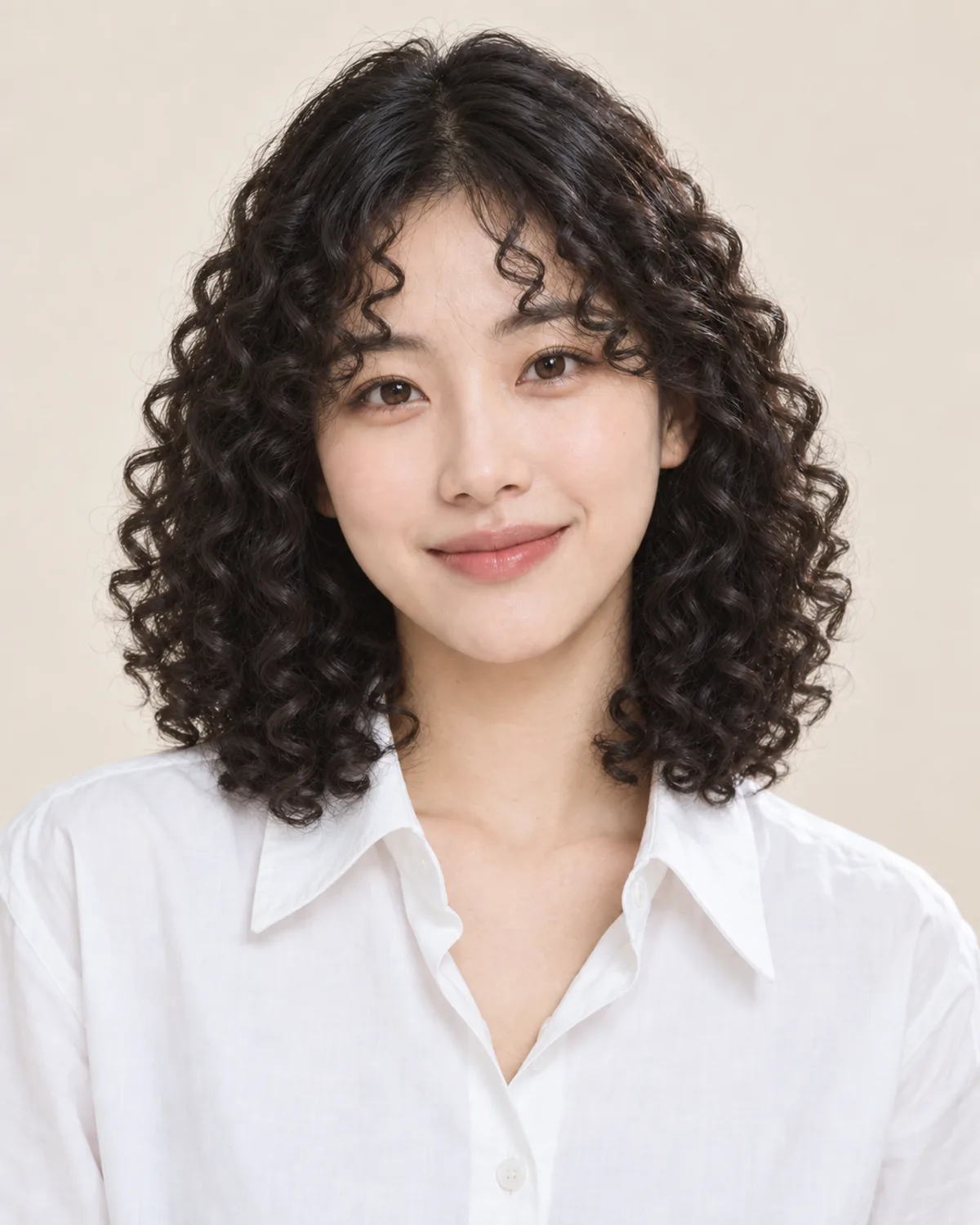

Spiral curls (3B)
The classic curly look, springy from root to tip.
- Curl size
- Springy 3B spirals about the width of a marker.
- Shrinkage and volume
- Noticeable: a lob can spring up toward the chin, with fuller volume at the jaw.
- Everyday care
- Moisture comes first: a rich conditioner, a cream or gel, then diffuse or air-dry.
Curly Hair Before & After on Different Cuts
Compare AI-created curl previews on long waves, a men's cut and a gray bob. Drag each slider to see the change.
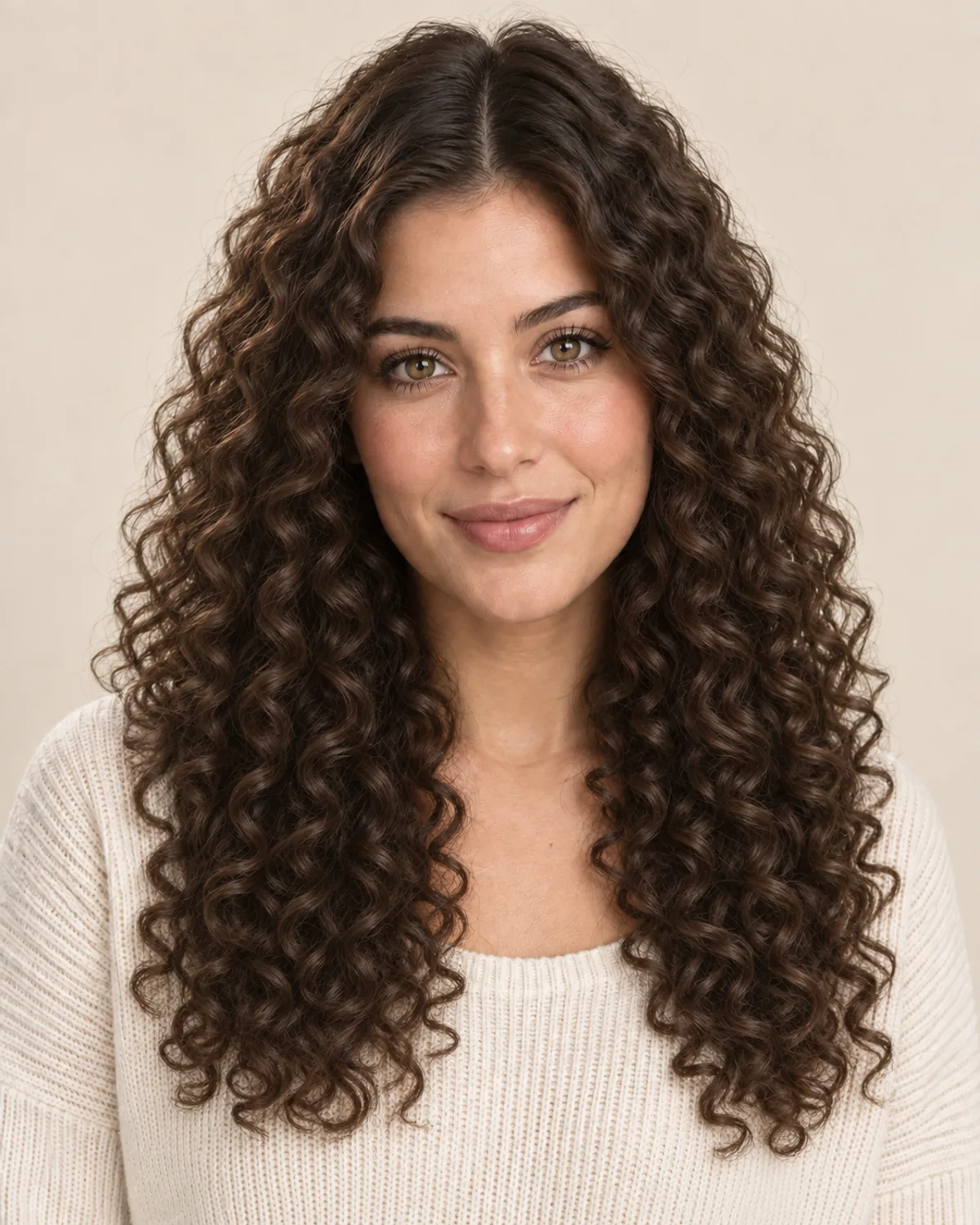
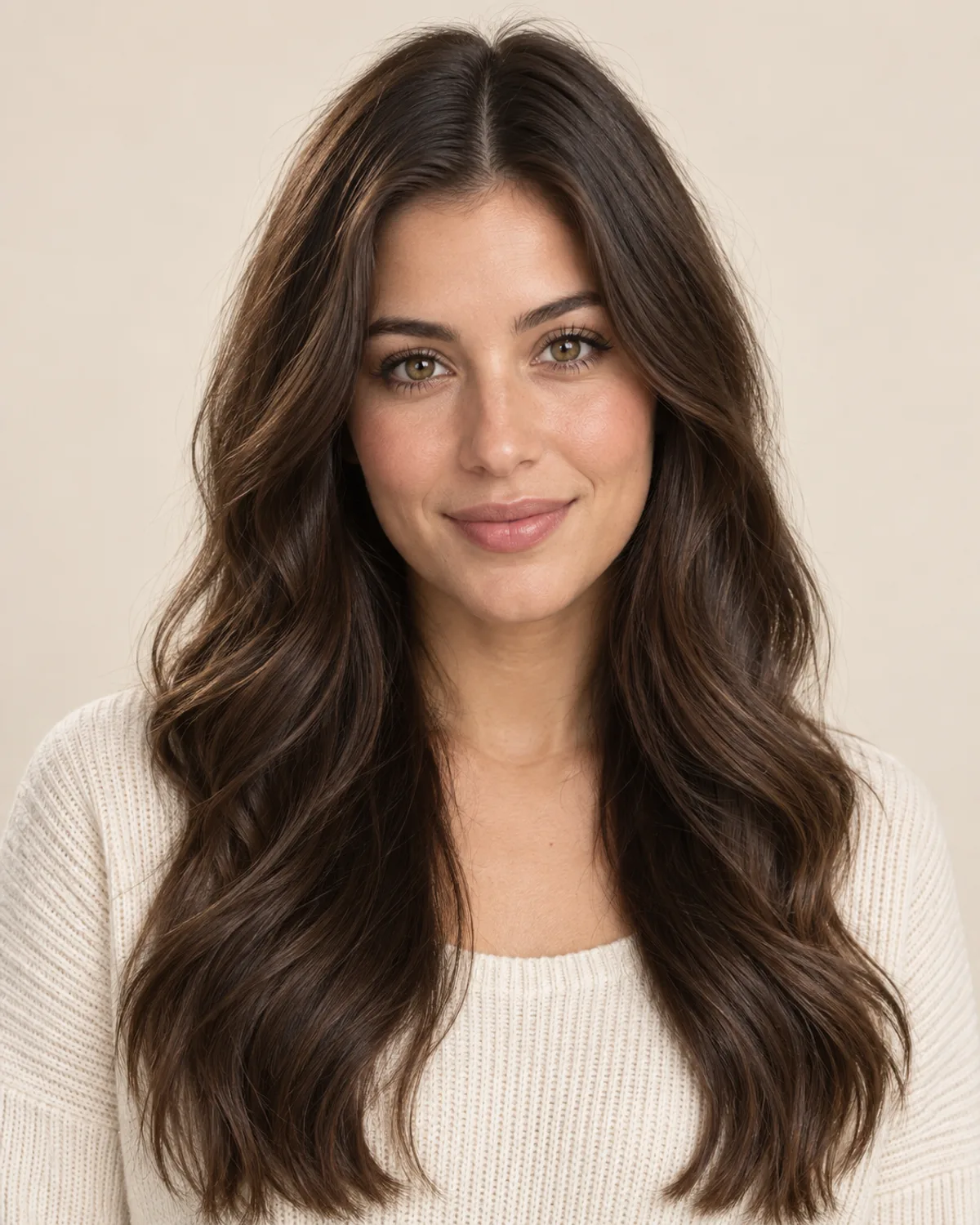
From Natural Waves to Spiral Curls
Naturally wavy hair tightened into 3B spirals. Notice the extra volume and how the curls spring up shorter.

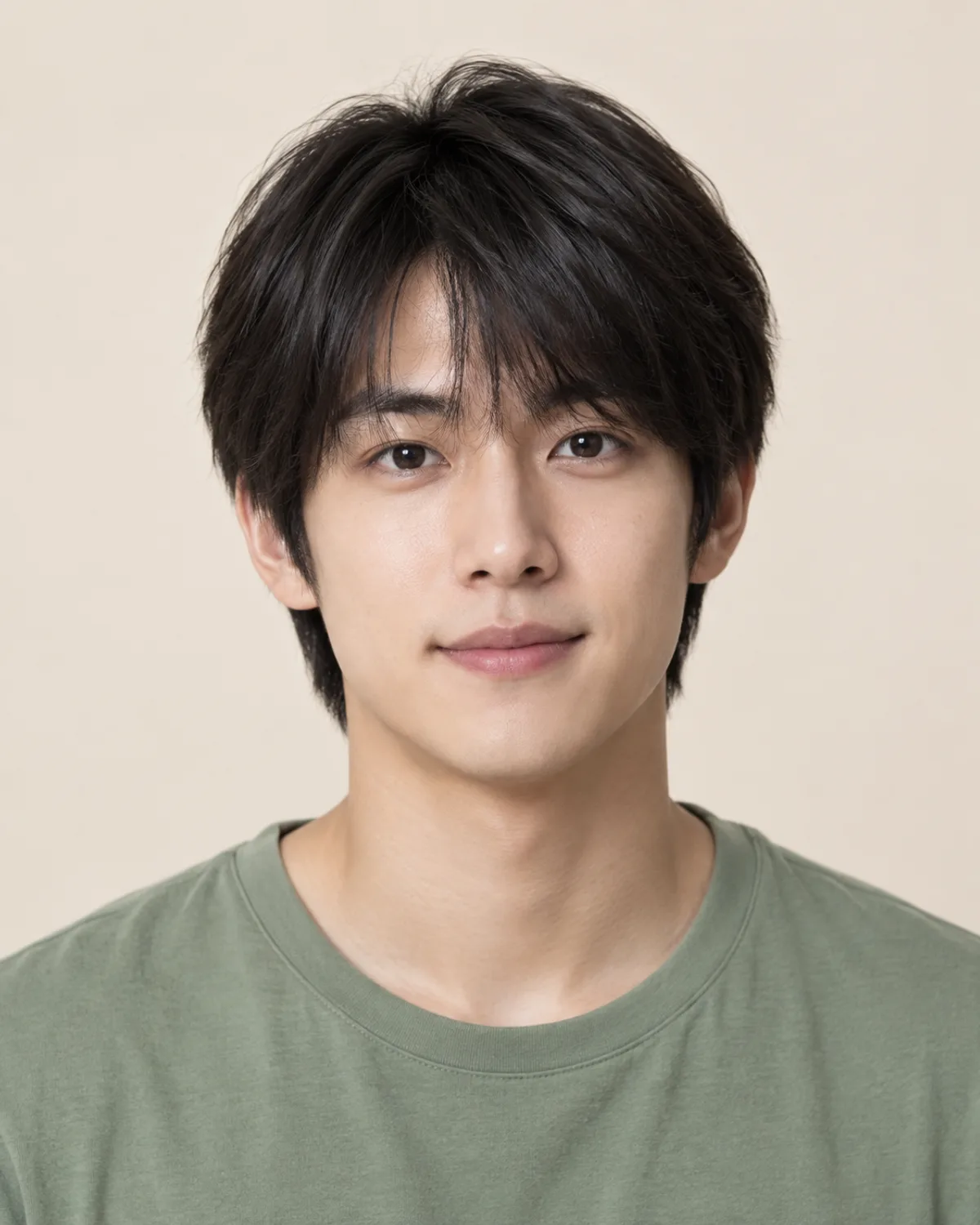
Loose Waves on a Men's Cut
Straight, medium-length hair with soft 2A waves. A subtle change that adds movement on top without much width.


Ringlets on a Gray Bob
Bouncy 3A ringlets on a chin-length bob, with the gray kept. Notice the added width at the jaw.
Choose Your Curls with 5 Simple Checks
Curls change your volume, length and routine as much as your look. Check these details before you style, cut or perm.
Curl types run from 2A waves to 4C coils. Looser patterns add movement; tighter ones add volume and a rounder shape. Preview two or three sizes to find your range.
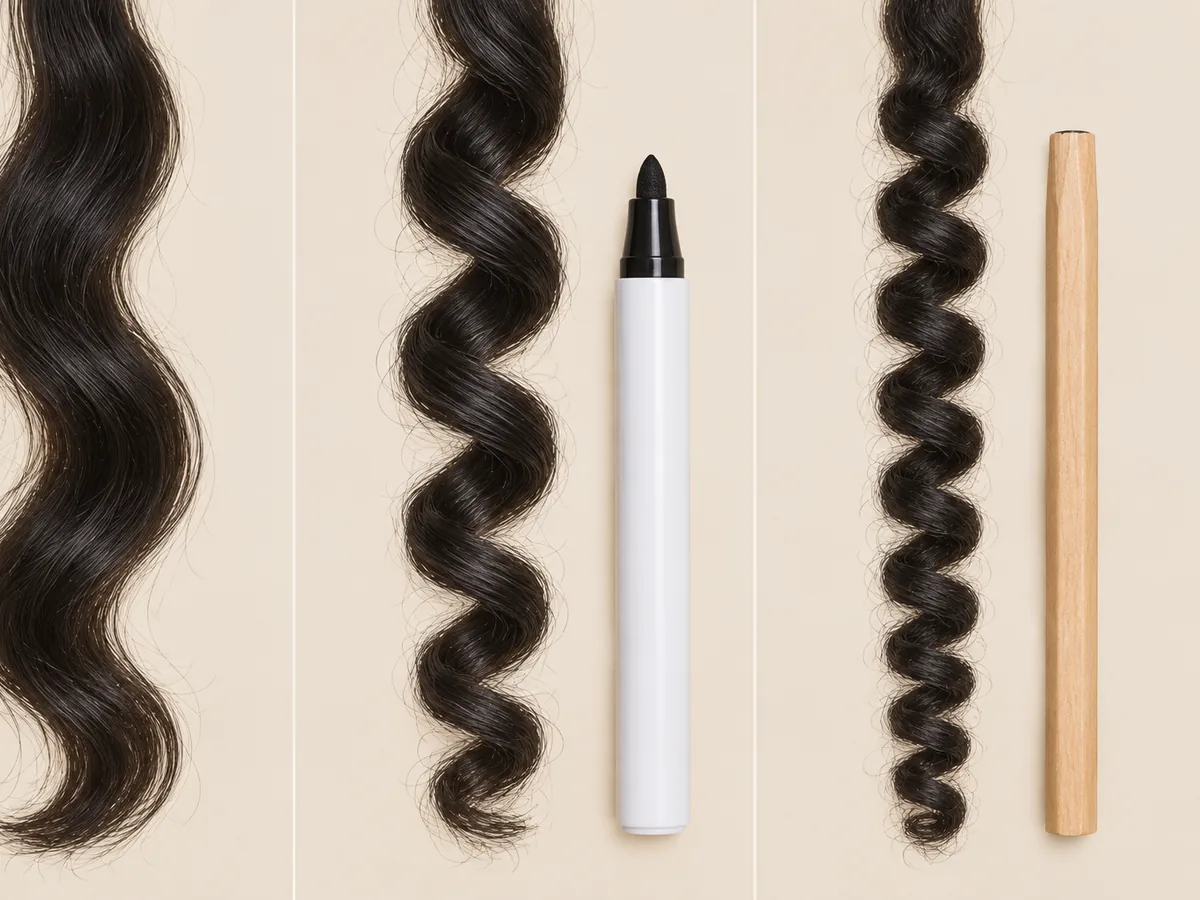
From left: a 2A wave, a 3B spiral and a tight coil. Curl size is often compared with a marker or a pencil.
Curls spring up as they dry, so tighter patterns look shorter than wet or stretched hair. Plan any cut around your dry, curly length, not the wet one.
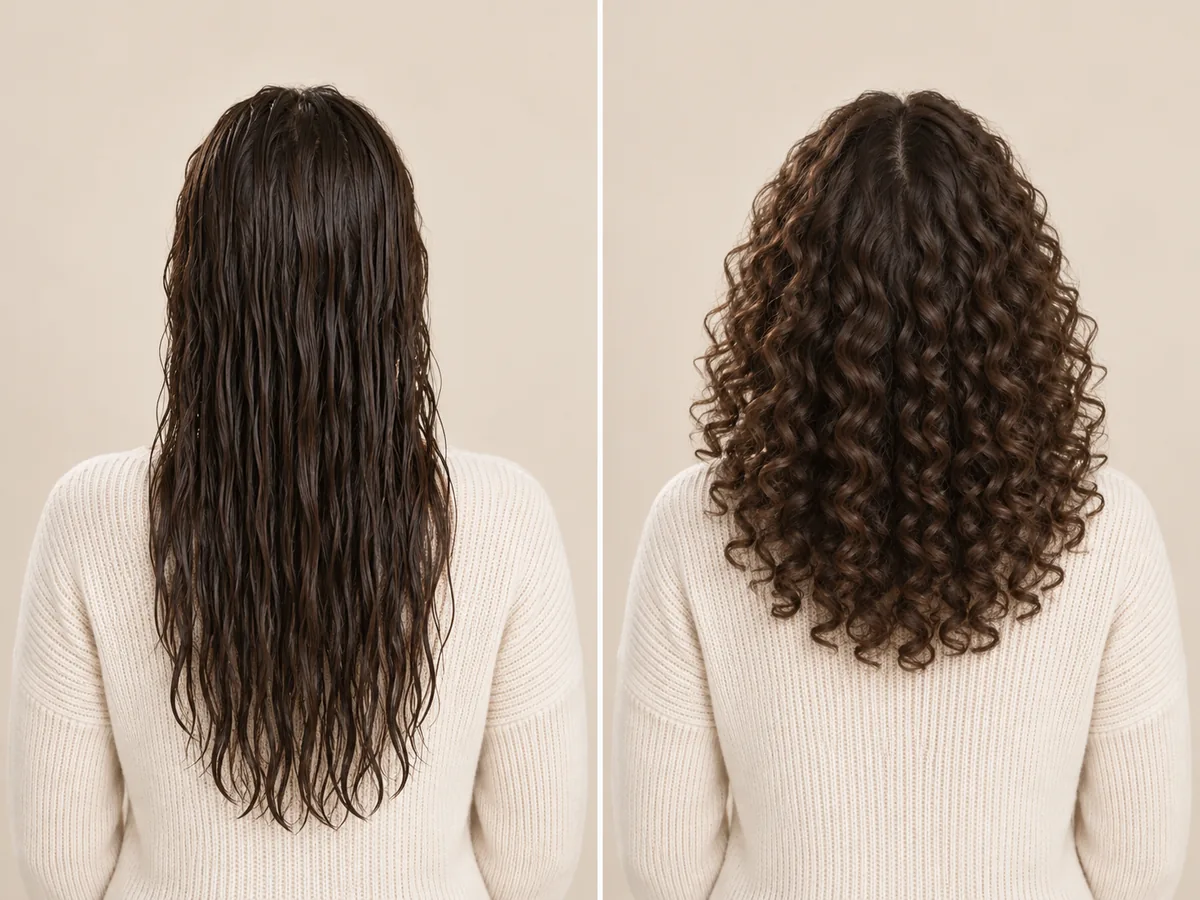
Wet hair hangs at its full length; dry curls spring up. Judge length by the dry result.
Curls add width. That can balance a long or narrow face; on a rounder face, look for height at the crown rather than width at the cheeks.
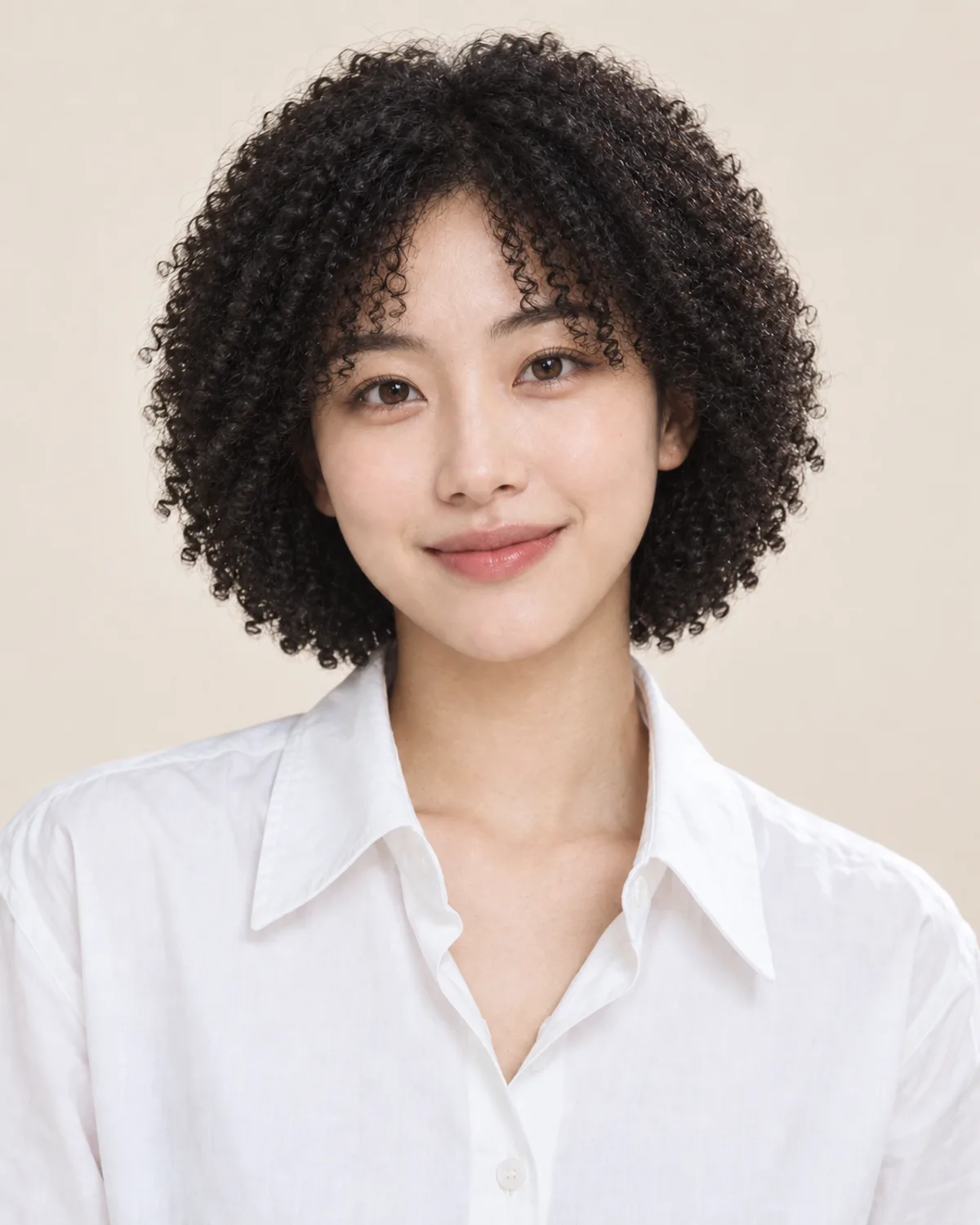
Curly hair isn't less work, it's different work. A wash-and-go sets styler in soaking-wet hair to air-dry; a diffuser dries curls with gentle airflow. Allow extra drying time.

A diffuser cups the curls and spreads the airflow, so they can dry without being blown apart.
Hair that bends when it air-dries is often wavy underneath, and the right routine may bring that out. Straight hair needs heat styling, a heatless set or a perm — only a stylist who checks your hair can say whether a perm will take.

A preview shows the look; a stylist checks your hair's condition and history before recommending a perm.
How to try on curls
Preview How You'd Look with Curly Hair
Upload a photo, choose a curl type and compare your preview.
Step 01
Use a Clear Photo with Your Hair Down
Use a front-facing portrait with even light and your hair down and visible to the ends. You can also start with a sample photo in the tool.
- Even light, hair down, no hats or ponytails.
- JPG, PNG or WebP · Up to 10 MB

Step 02
Choose the Curl Type You Want to Try
Choose from six curl types, from loose waves to tight coils or the men's curly top. Generate a preview to see the curls on your photo.
- Waves, ringlets, spirals, coils and more.
- Select a curl type, then generate your preview.

Loose waves (2A–2B)

Spiral curls (3B)

Tight coils (4A–4C)
Step 03
Compare Your Curls and Save a Favorite
Compare your preview with the original, try other curl sizes and download a result to keep or show your stylist.
- Compare curl size, volume and length.
- Save a result, or try another curl type.
Before After
After
AI-created illustrations. Your preview will depend on your photo.
Beyond the preview
Take Your Curl Preview to a Stylist
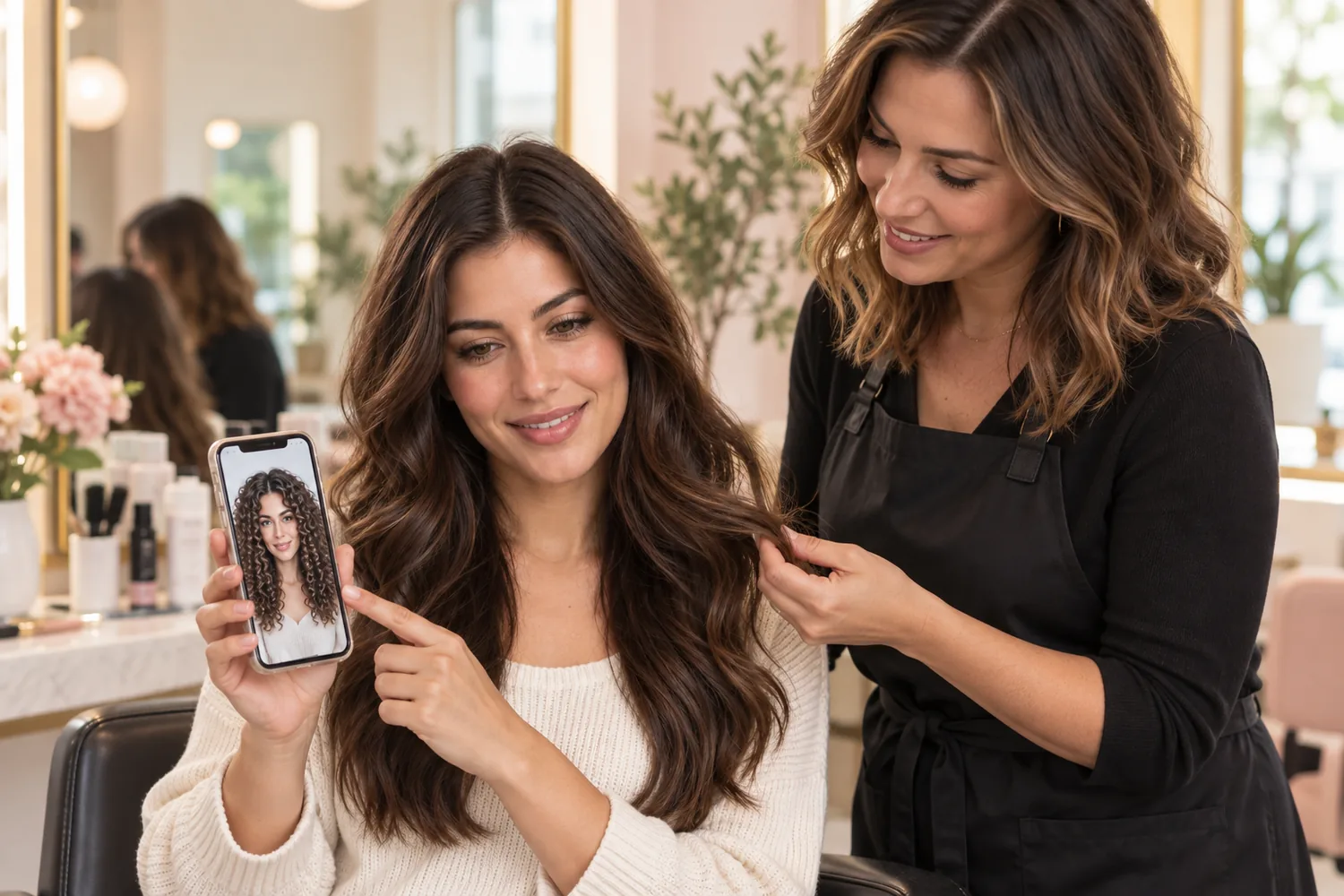
Save a preview and discuss these four details with a stylist who knows curly hair, so the look can be adapted to your real hair.
Curl Size
Show the pattern you like, from soft waves to tight coils.
Cut and Shrinkage
Ask for a shape that works at your dry, curly length.
Natural Curls or a Perm
Ask whether a new routine, a heatless set or a perm suits your hair; only an in-person check can tell.
Daily Routine
Be clear about wash days, drying time and the products you want to use.
Curly Hair Filter Tips and Common Questions
Preview details, credits and photo requirements.
Upload a photo, choose a curl type and select Make it curly. Compare the preview with your original or try another curl size. AI previews help you explore a look; real curls depend on your hair, cut and routine.
New accounts receive free credits to try the tool. Generating previews uses credits; check the amount shown in the tool before generating. You can review additional credits on the pricing page.
These labels come from a curl-typing chart widely used for curly hair. Type 2 is wavy, type 3 is curly and type 4 is coily; the letters A to C go from looser to tighter. Many heads mix two or three patterns.
Straight hair often shows the biggest change. The edit is designed to change the curl pattern while keeping your cut, parting and color, with the slight shrinkage real curls have. Natural texture comes from your hair itself, so straight hair won't simply grow in curly.
A preview shows how a curl pattern might look on your photo. It can't assess your hair's condition, color history or how it will respond to a perm; a stylist can check that in person. To preview salon perm styles, try the perm filter.
The tool is designed to change only the curl pattern, keeping your cut, color, highlights and gray. Tighter curls can look shorter, as real curls do. Generative edits may introduce small differences, so compare the result with your original.
Choose the men's curly top for relaxed curls that fall toward the forehead, or try any curl type on your own cut. The edit is designed to leave beards and stubble as they are. Its example uses a separate men's portrait.
Use a sharp, front-facing photo with even light and your hair down and visible to the ends. Avoid ponytails, hats and heavy shadows; the tool can only curl the hair it can see. It accepts JPG, PNG and WebP files up to 10 MB.
Still have a question? Email us at support@haircolorchangeai.com.
Explore More Perms, Lengths and Colors
Preview a salon perm, a new length or a new color.

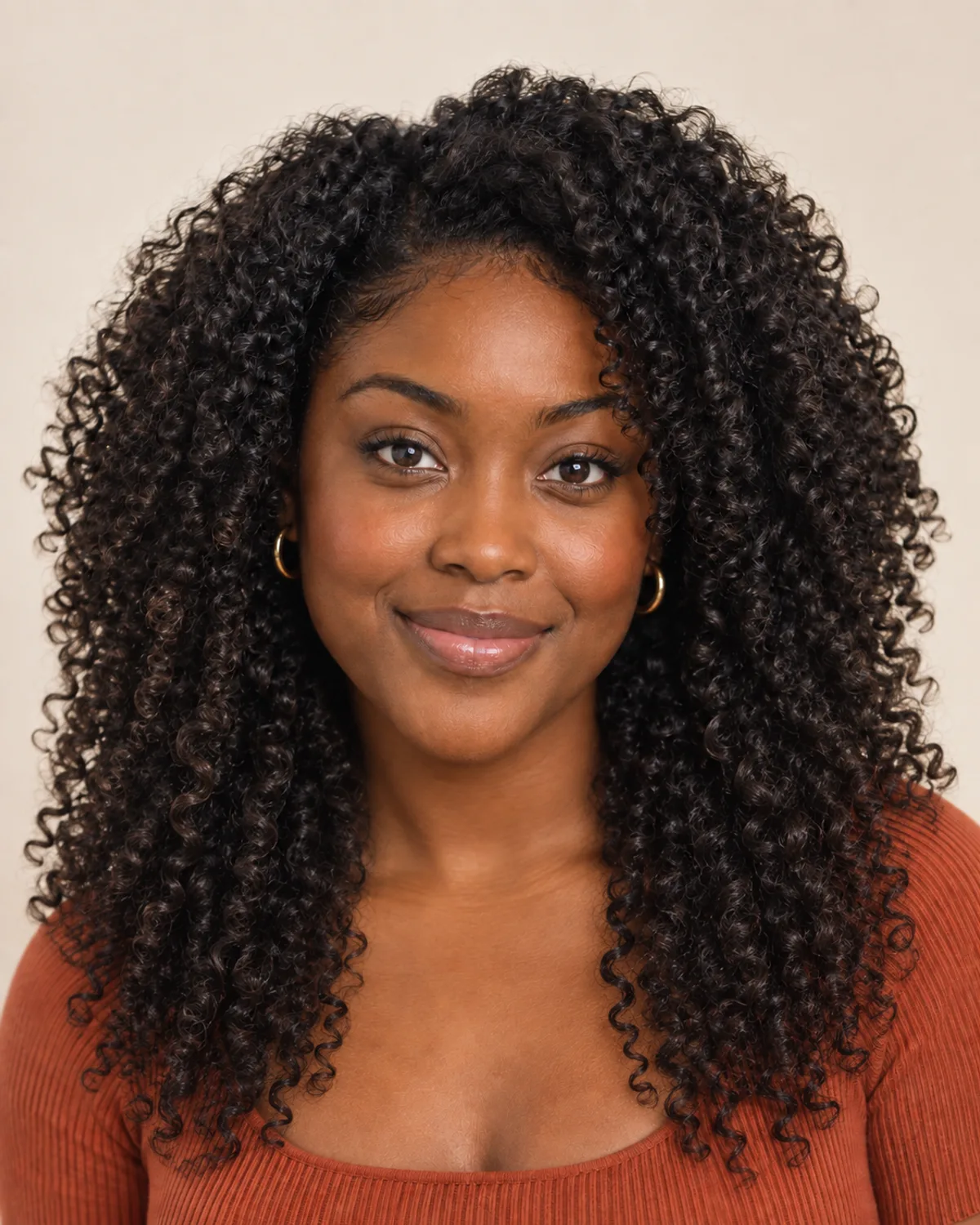
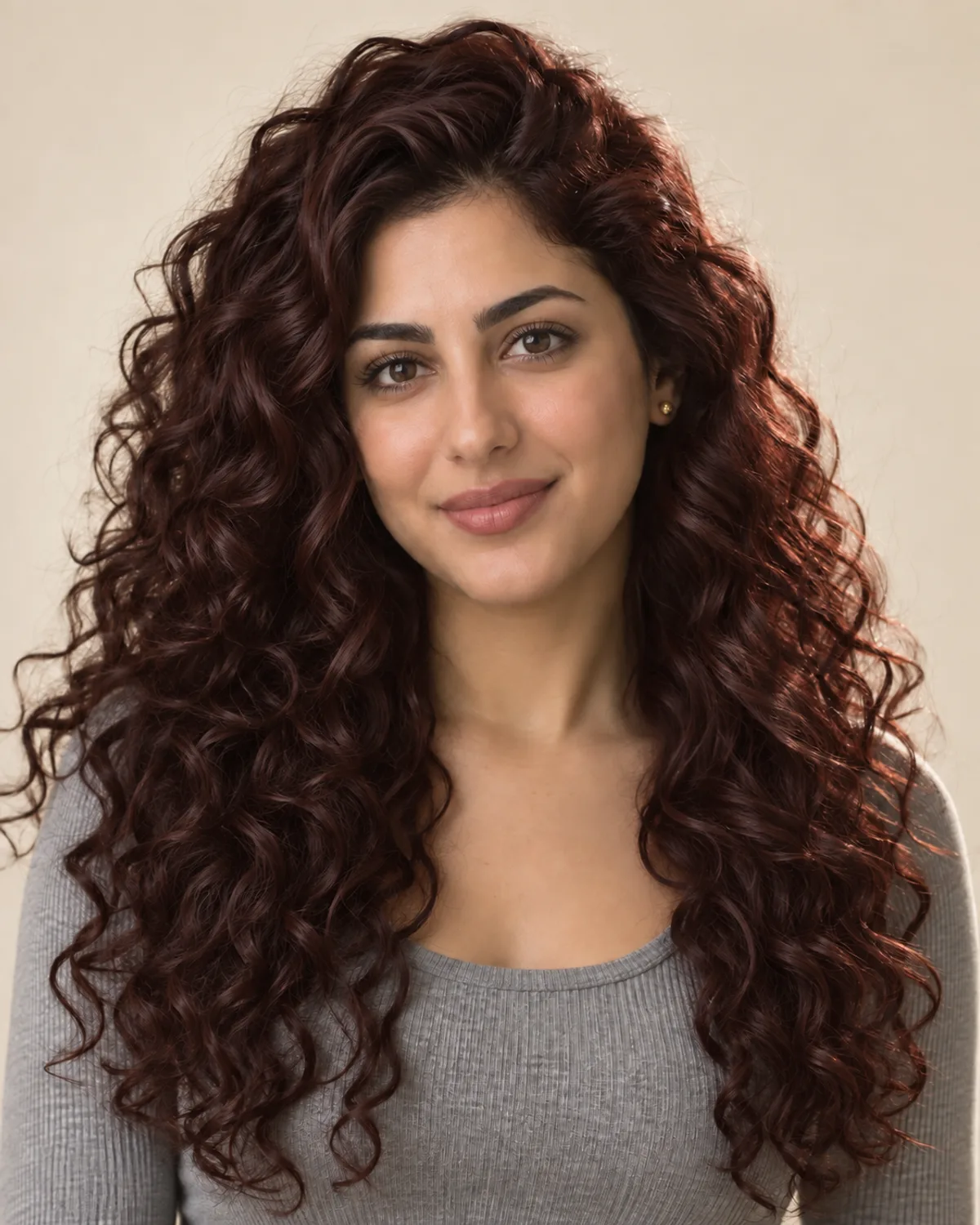
See What You'd Look Like with Curly Hair
Choose a curl type, compare your preview and save a reference for your next styling routine or salon visit.
Free credits for new accounts · Previews use credits