
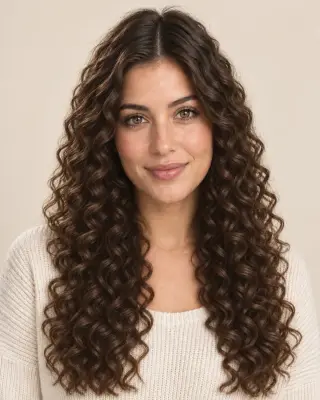

Your virtual perm preview
Perm Filter — Try Before You Perm
Preview body wave, spiral, digital and more on your photo. Compare curl size and volume before you book a perm.
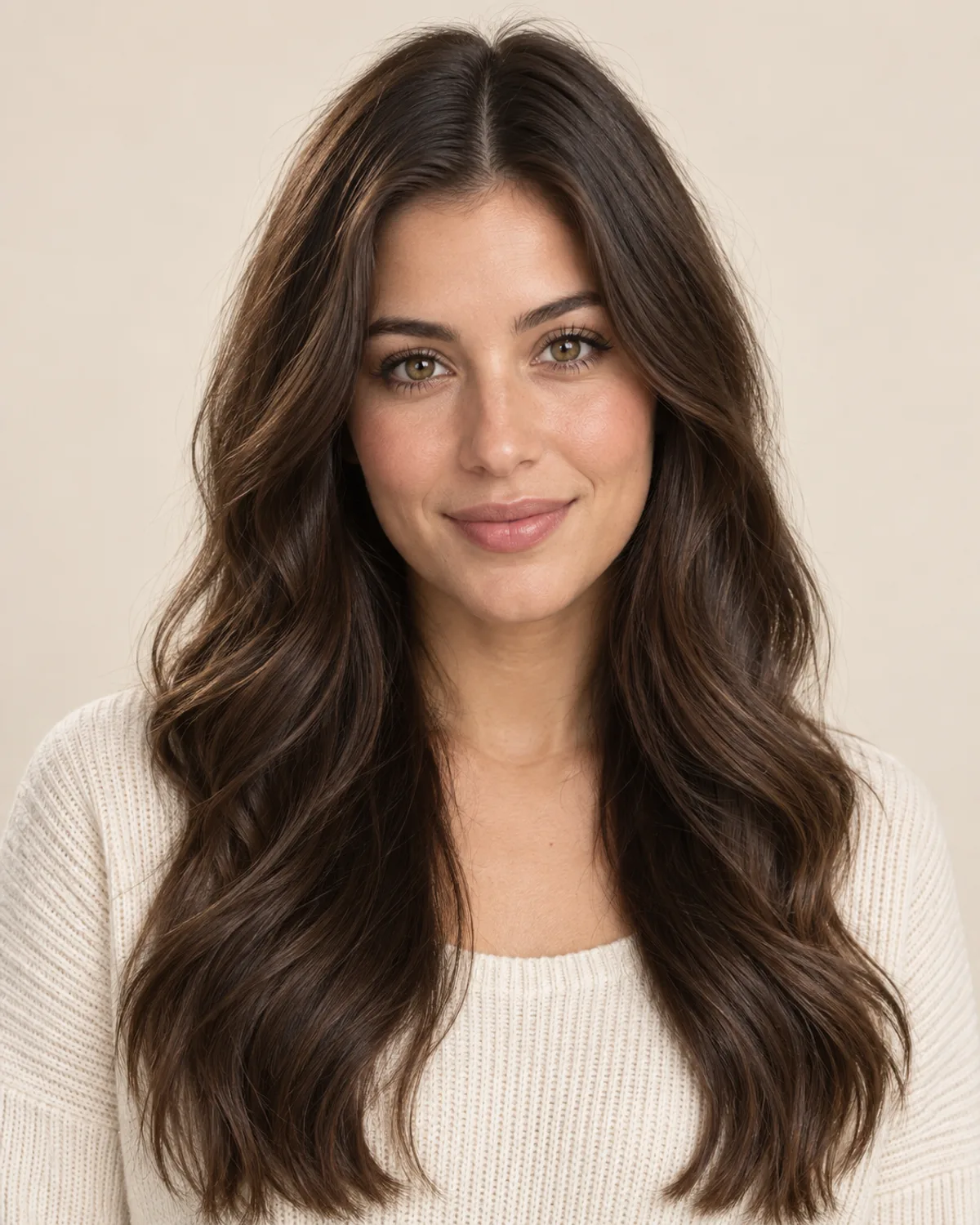
No photo handy? Try a sample:
Choose a Perm for Your Photo
Selected:Body wave perm
Designed to change your curl pattern while keeping the rest of your look.
6 perm types · Women's and men's perms · Free credits for new accounts
The perm edit
See What You'd Look Like with a Perm
Compare the curl pattern, best hair and upkeep of six perm types. Five women's perms share one straight-haired portrait; the men's perm uses a separate example.


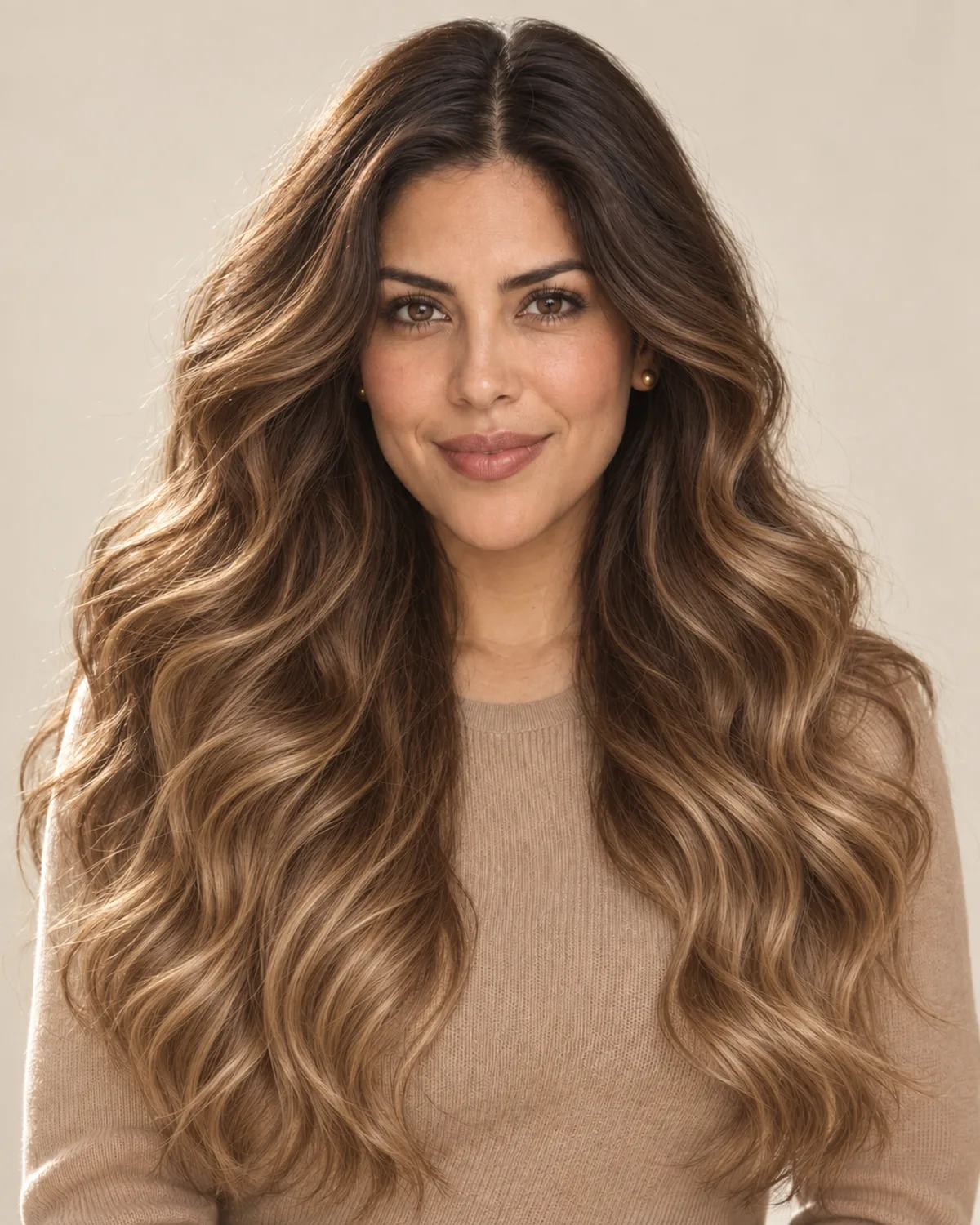
Body wave perm
Soft movement and lift, more wave than curl.
- Curl pattern
- Large, loose S-shaped waves set on big rods.
- Works best on
- Straight or fine hair, chin length or longer, that needs body.
- Everyday upkeep
- Loose waves tend to relax sooner; a light cream and air-drying keep them soft.
AI Perm Filter Before & After Examples
Compare AI-created perm previews on straight men's hair, long waves and a graying bob. Drag each slider to see the change.
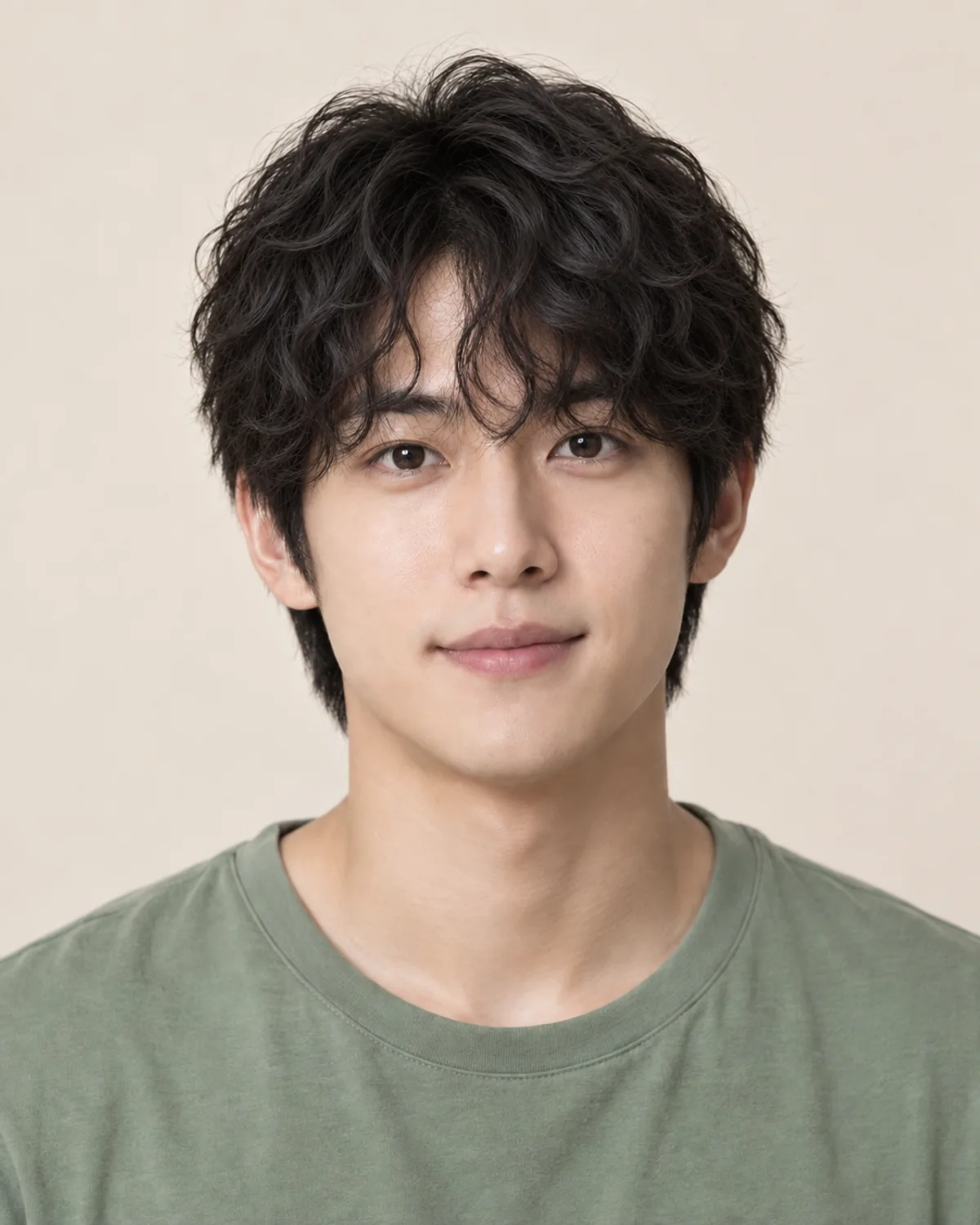
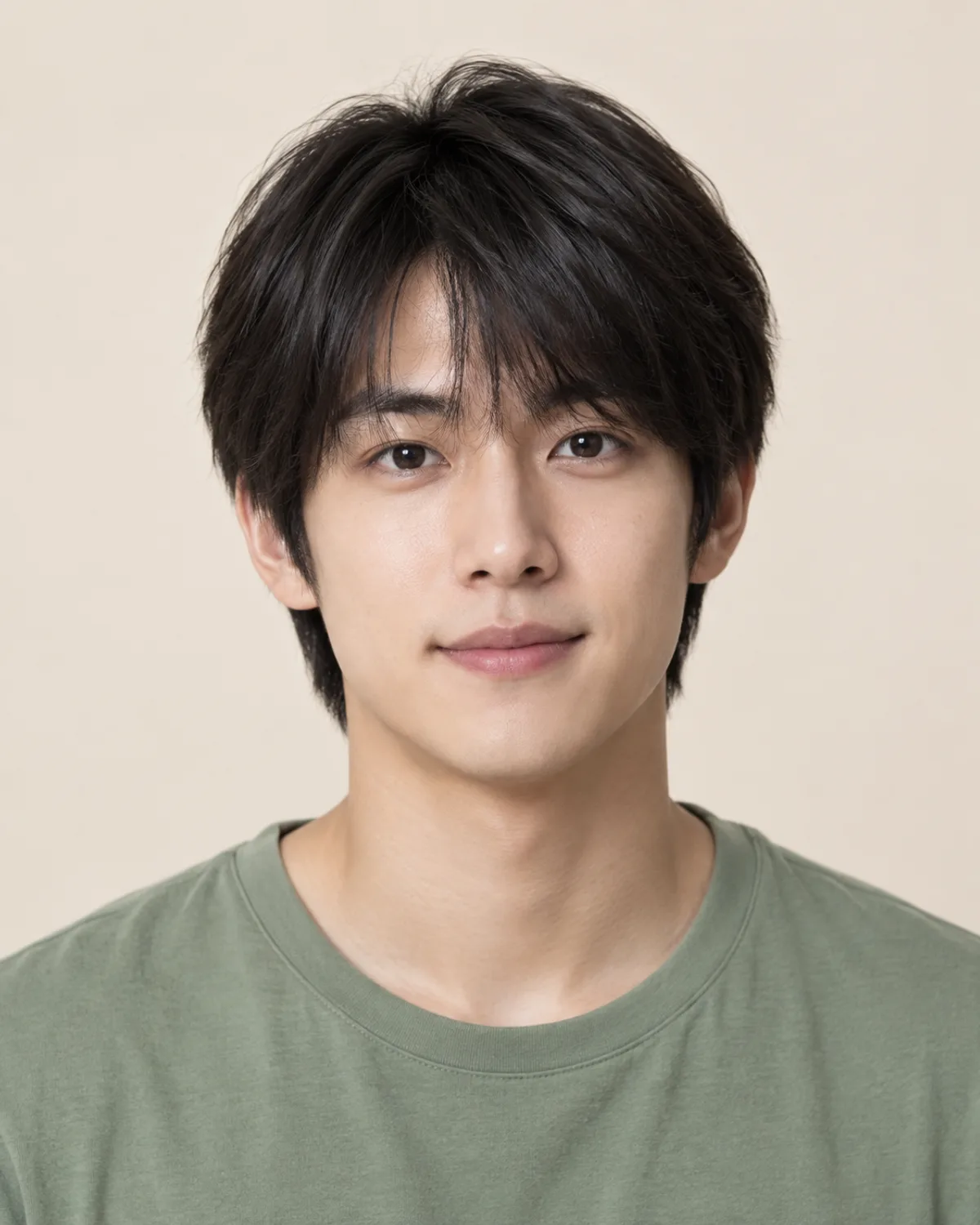
Men's Perm on Straight Hair
Loose curls on top add texture to flat, straight hair. Compare how the curls sit on the forehead and crown.
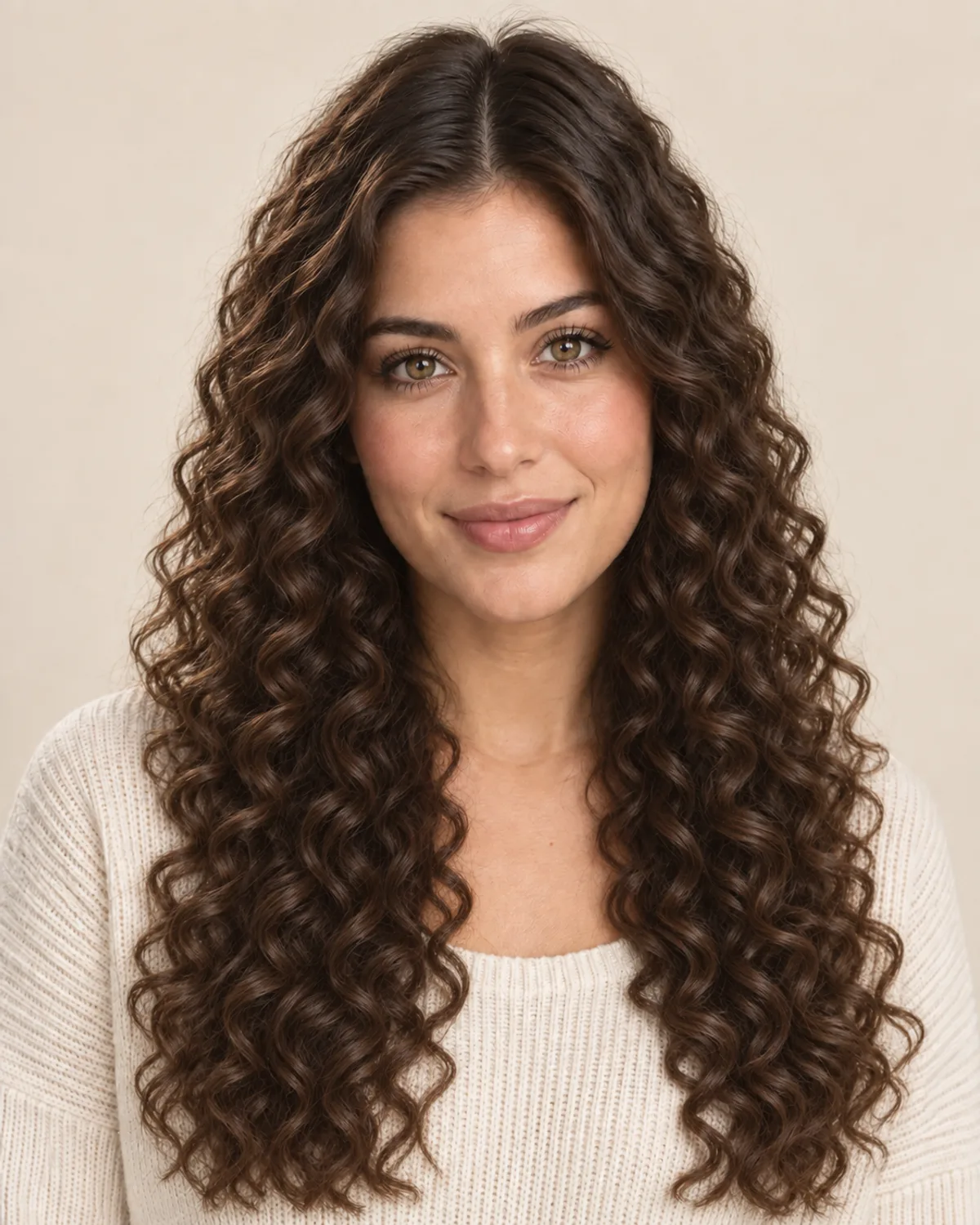
Spiral Perm on Long, Wavy Hair
Defined ringlets add volume from root to tip. Notice how long hair looks fuller and a little shorter with curls.


Body Wave on a Graying Bob
Soft waves and lift add body to a chin-length bob, while the natural gray blend stays as it is.
Choose Your Perm with 5 Simple Checks
A perm is a chemical service that stays in your hair for months. Check these details before you book, then confirm them with your stylist.
Perm solution reshapes the bonds inside each hair. Bleached, heavily colored or heat-damaged hair may not hold a curl evenly, so ask your stylist about a strand test.
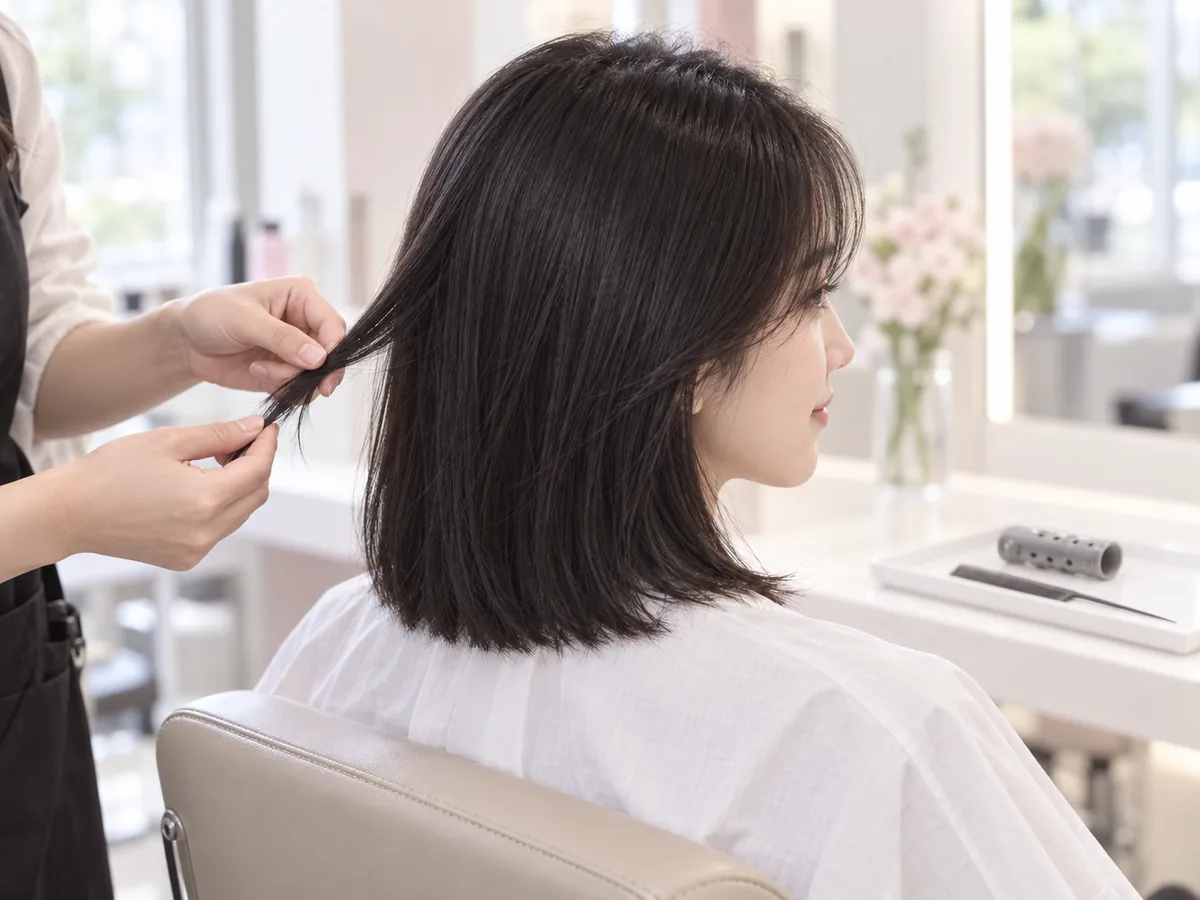
A strand test shows how your hair responds before the whole head is permed.
Rod size sets the curl: large rods give waves, small rods give tight curls. Spirals and beach waves suit longer hair, and curls sit higher, so hair looks shorter.
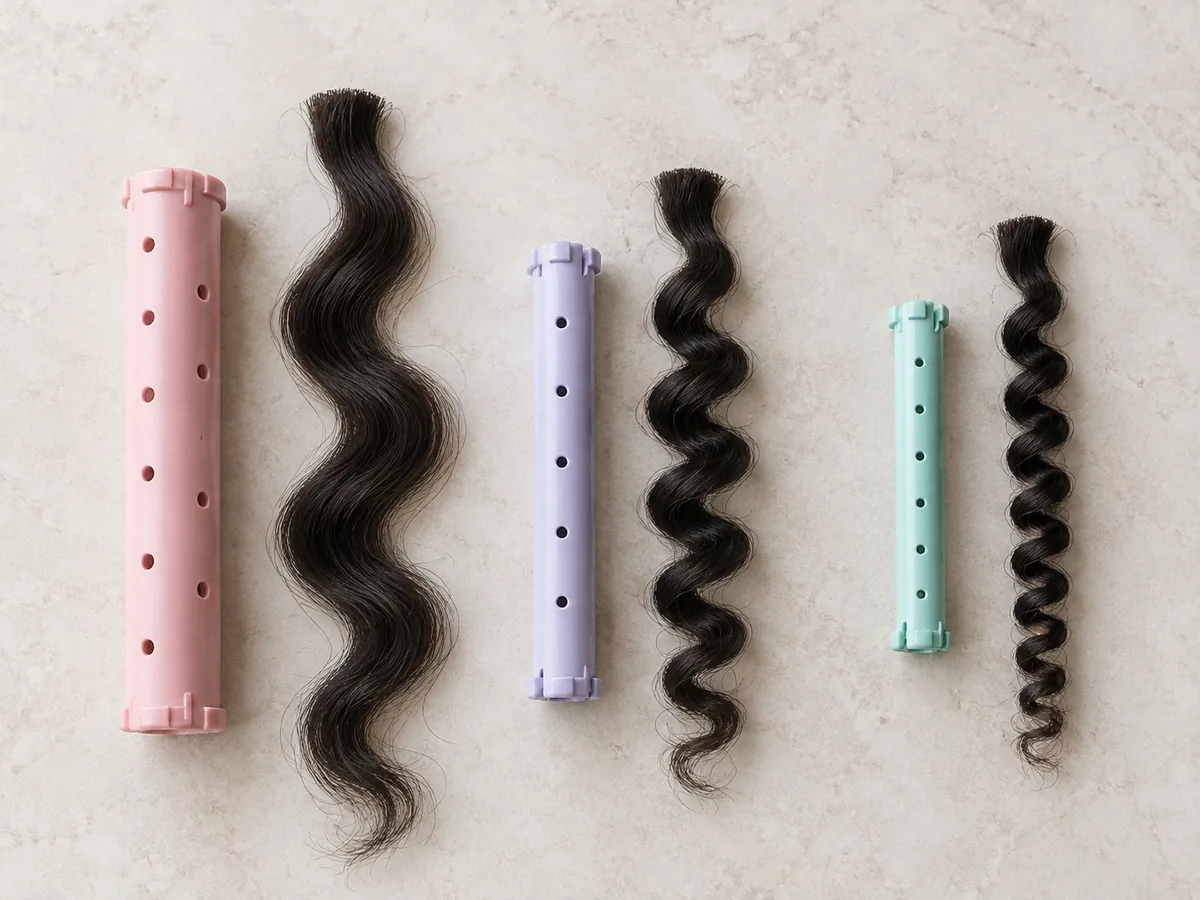
Bigger rods, looser waves. Talk about rod size along with the look you want.
A traditional perm usually looks most defined when damp, while a digital perm is designed to show its curl once dry. Ask which finish to expect day to day.
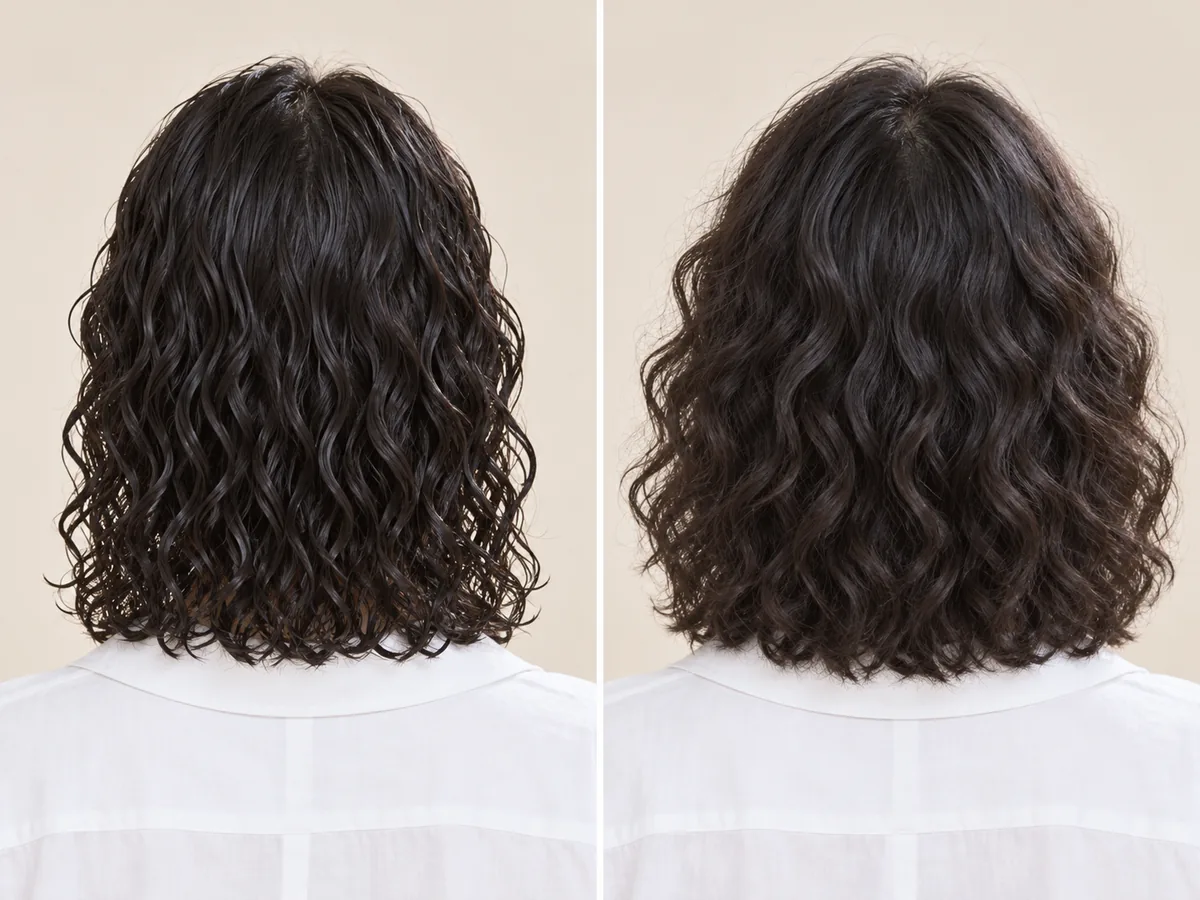
The same perm, damp and dry. Decide which finish you want to wear most days.
A perm doesn't wash out; it relaxes and grows out, leaving straighter roots. How long it holds depends on your hair, the perm type and your aftercare.
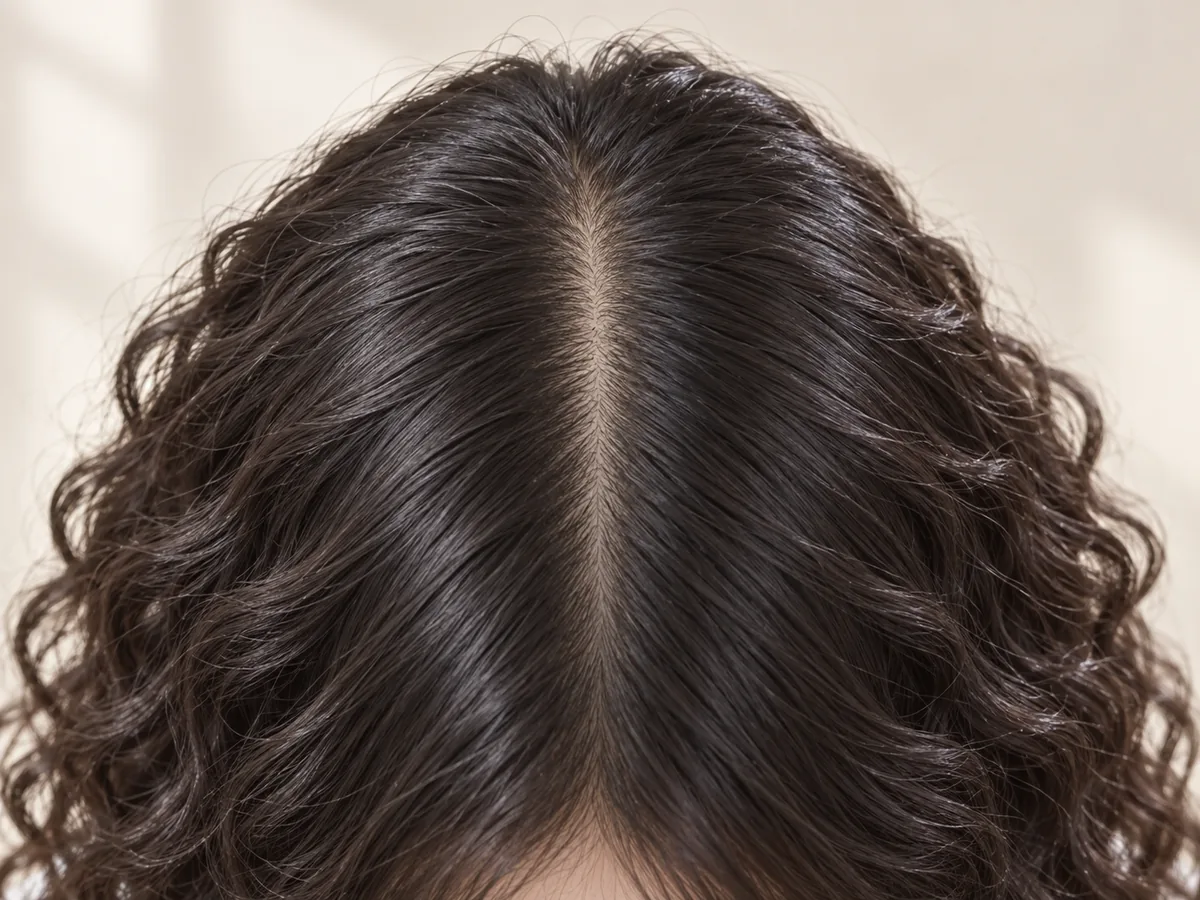
New growth comes in straight. Plan trims or a touch-up for the in-between stage.
Stylists often advise waiting a day or two before the first wash, then using a gentle shampoo, conditioner and a wide-tooth comb. Air-dry or diffuse on low heat.
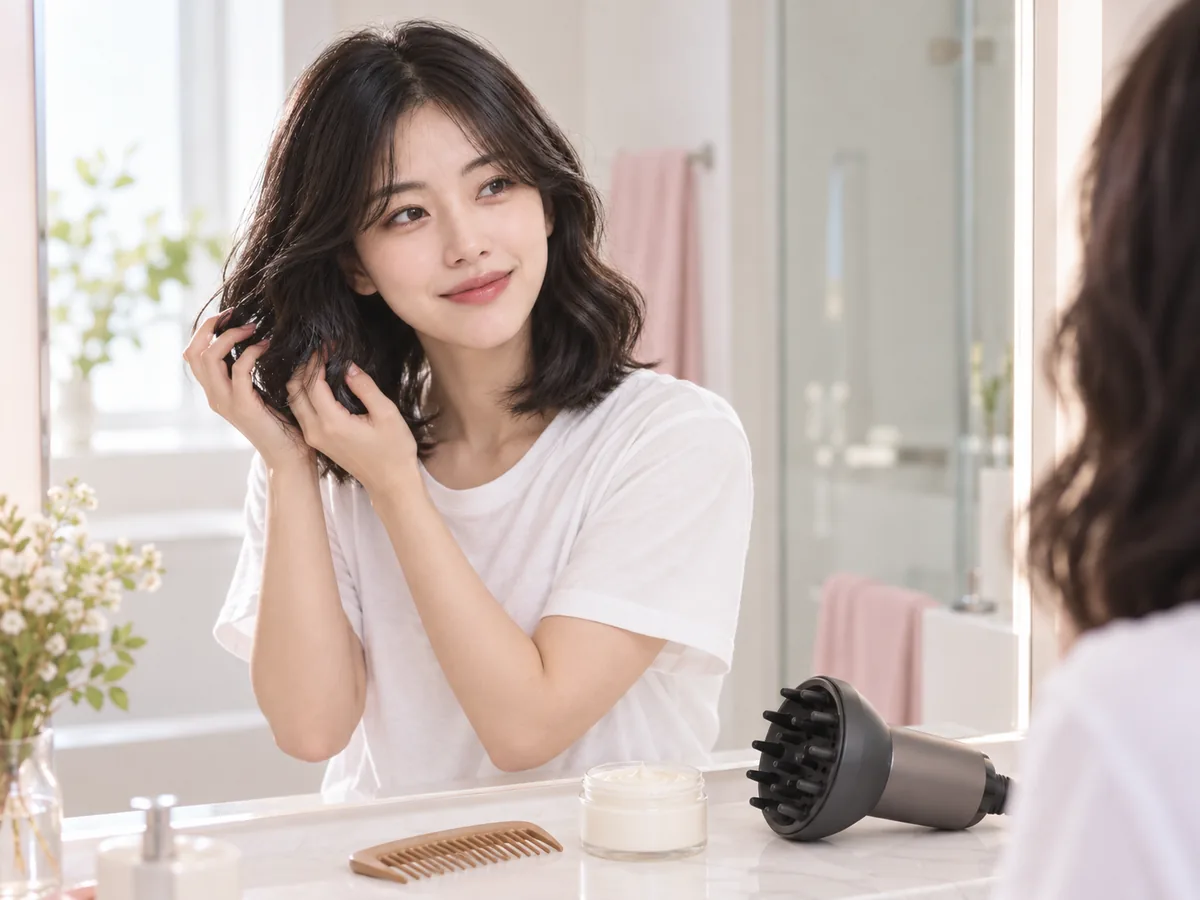
Gentle products and a wide-tooth comb help curls keep their shape between salon visits.
How to try on a perm
Use the Perm Generator in 3 Simple Steps
See what you will look like with a perm: upload a photo, choose a perm type and compare.
Step 01
Start with a Clear, Well-Lit Photo
Use a front-facing portrait with even light and your hair down around your face. You can also start with a sample photo in the tool.
- Even light, hair down, no hats or hoods.
- JPG, PNG or WebP · Up to 10 MB

Step 02
Choose the Perm You Want to Preview
Choose from six perm types, including body wave, digital and spiral perms. Generate a preview to see the curl on your photo.
- Body wave, digital, spiral and more.
- Select a perm, then generate your preview.

Body wave perm

Korean digital perm

Spiral perm
Step 03
Compare Your Curls and Save a Favorite
Compare your preview with the original, then download a result to keep or discuss with your stylist.
- Compare curl size, volume and length.
- Save a result, or try another perm.
Before After
After
AI-created illustrations. Your preview will depend on your photo.
Beyond the preview
Bring Your Perm Preview to a Consultation

Save a preview and go through these four details with your stylist. Only they can judge whether your hair suits a perm; the preview shows the look.
Curl Size and Rods
Show the curl you like and ask which rod size would create it.
Hair Condition and History
Mention any bleach, color, keratin or relaxer treatments, and ask about a strand test.
Length After the Perm
Curls sit higher than straight hair, so agree on length before any trim.
Aftercare and Grow-Out
Ask how to wash and style the curls, and how the perm will grow out.
Perm Filter Tips and Common Questions
Preview details, credits and photo requirements.
Upload a photo, choose a perm type and select Add a perm. Compare the preview with your original or try another perm. AI previews help you explore a look; the final result depends on your real hair.
New accounts receive free credits to try the tool. Generating previews uses credits; check the amount shown in the tool before generating. You can review additional credits on the pricing page.
Start with the effect you like: a body wave adds soft volume, a beach wave gives undone texture, a digital perm creates bouncy curls, and spiral or classic perms bring defined curls. Compare your favorites, then consider your length, hair condition and routine.
Choose Men's perm to see what you'd look like with a perm as a guy: loose, textured curls on top while the sides stay neat. Its example uses a separate men's portrait to show the intended shape.
The tool is designed to change the curl pattern while preserving your length, color and the rest of your photo. Generative edits may introduce small differences, so compare the result with the original. A real perm can also make hair look a little shorter.
The preview shows how a curl pattern could look; it does not assess your hair's health or whether it can take a perm. If your hair is bleached, colored or heat-damaged, ask a stylist for a consultation and a strand test before booking.
Camera lenses such as Snapchat perm filters typically add curls to a live camera view. This perm generator edits a still photo of your own hair, so you can try six perm types on the same photo and save the results you like.
Use a sharp, front-facing photo with even light and your hair down and visible around your face. Avoid hats, hoods, tied-back hair and heavy shadows. The tool accepts JPG, PNG and WebP files up to 10 MB.
Still have a question? Email us at support@haircolorchangeai.com.
Explore More Curls, Lengths and Colors
Preview natural curls, a new length or a new color.
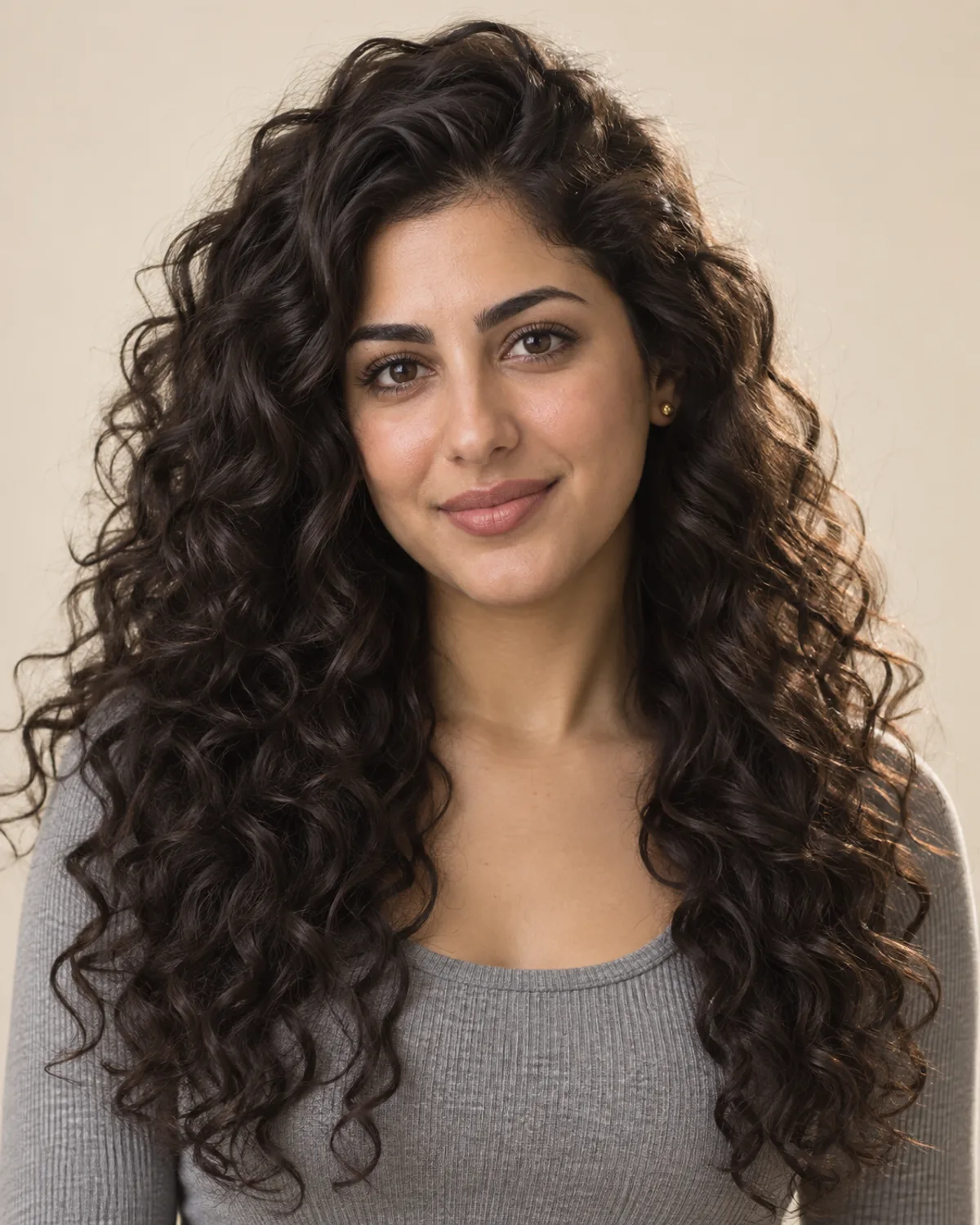
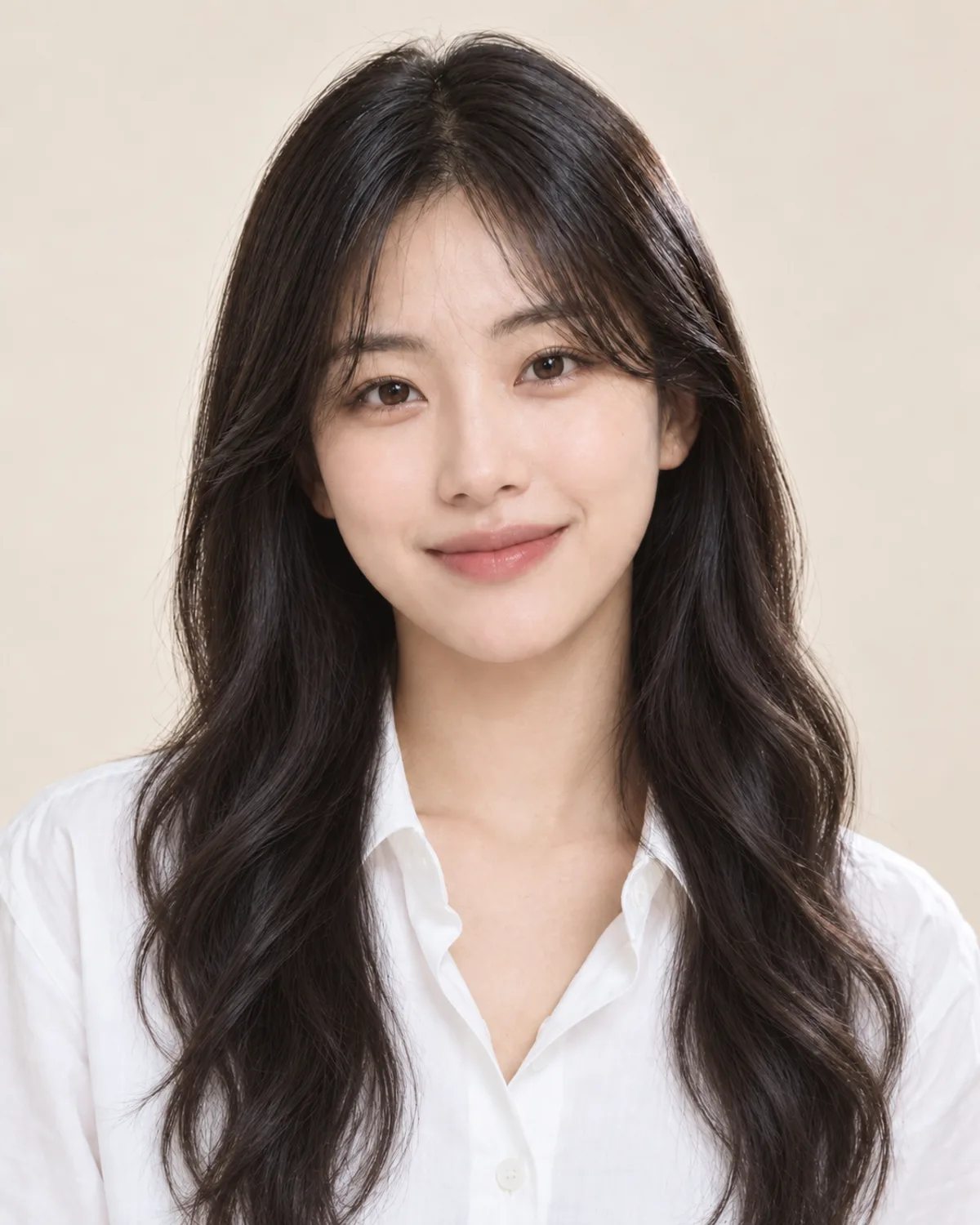
Try the Perm Filter for Guys and Girls
Choose a perm, compare your preview and save a reference for your salon consultation.
Free credits for new accounts · Previews use credits