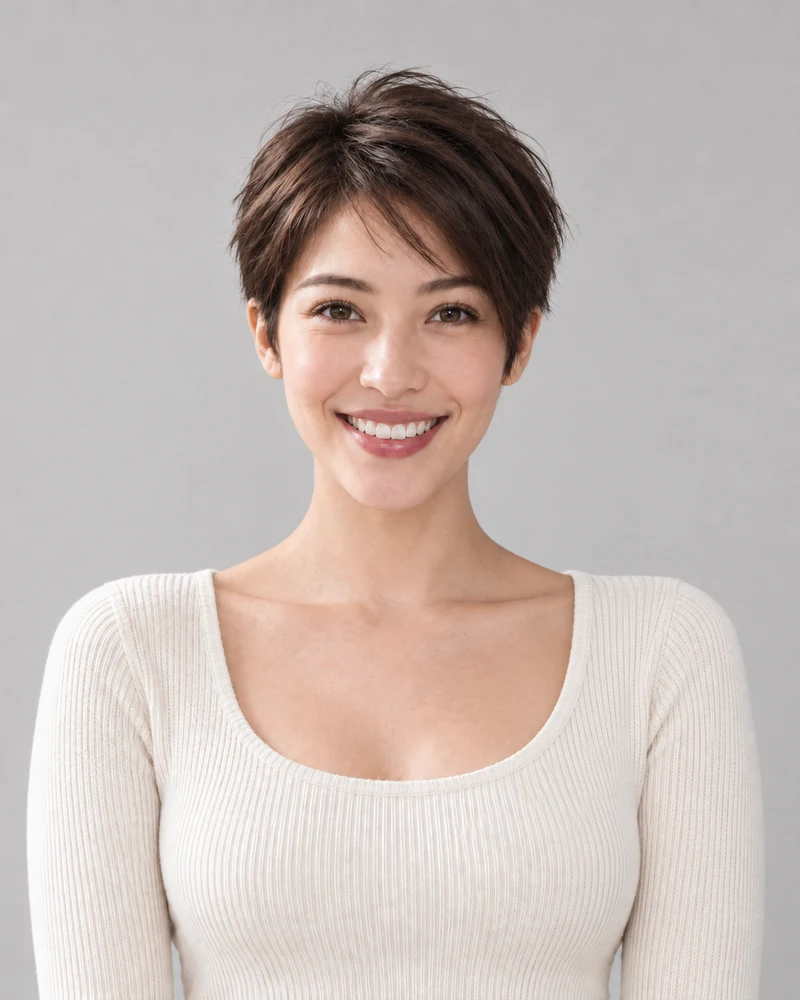
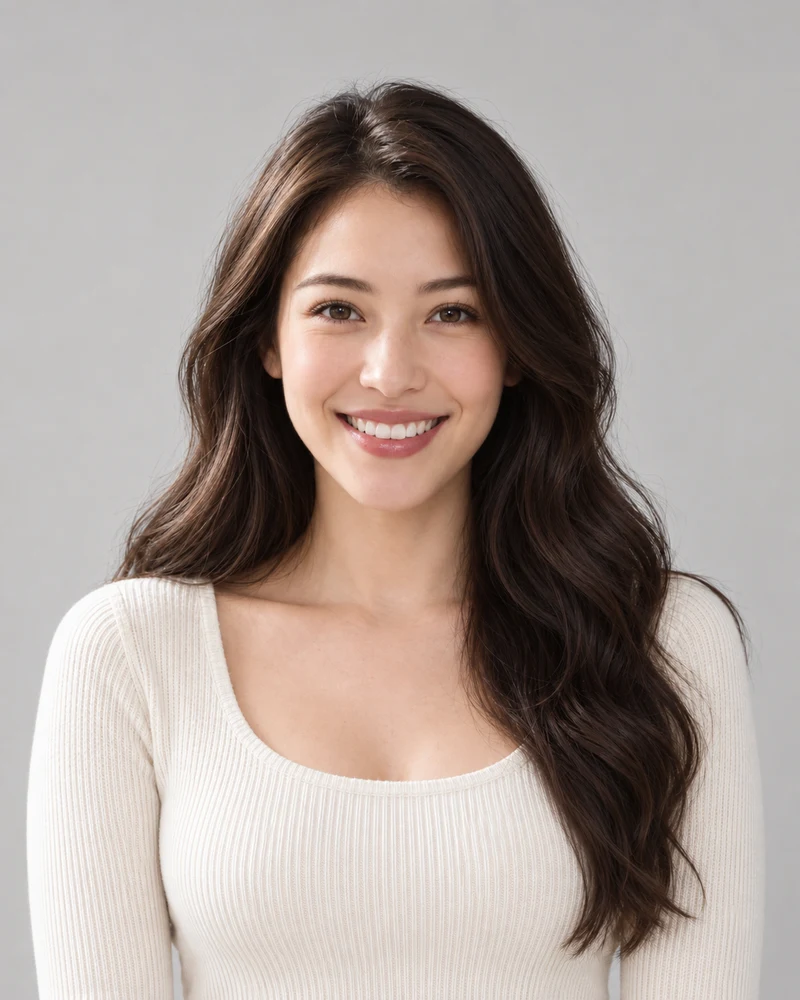
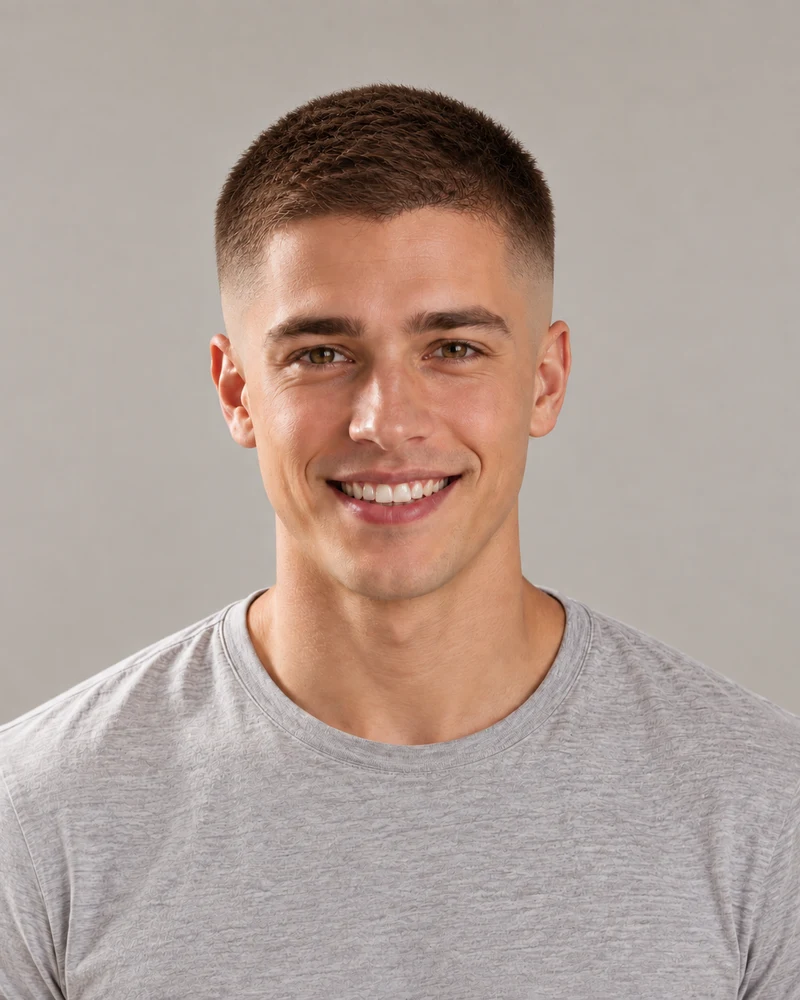

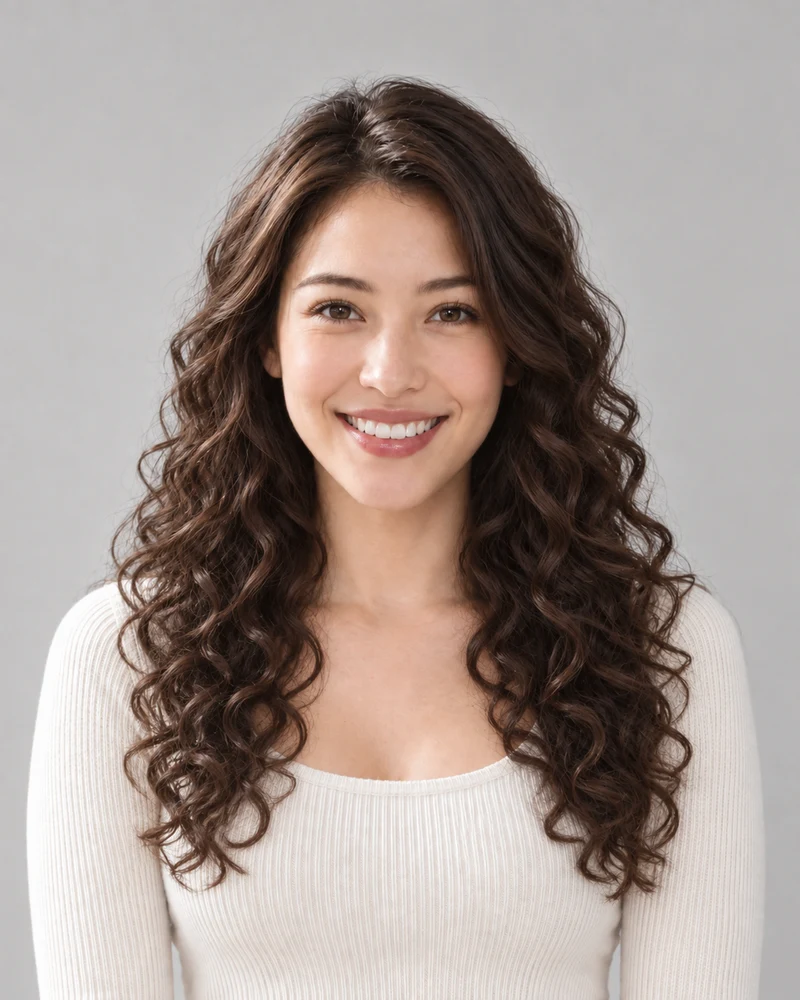
Save 30% yearly

AI Hairstyle Changer — Try a New Look

Explore 120 styles, from bobs and bangs to fades, curls and braids. Try a cut on your photo, with an optional new hair color.

No photo handy? Try a sample:

Choose a hairstyle

Hair color (optional — keep yours or pick a new one)

Selected:Pixie cut

Only your hair changes. Your photo is used for this edit and never shown publicly.

Your photo, your choice of cut. Compare before you commit.

The complete style collection

Explore All 120 Hairstyle Options

Browse every available look for women and men. Choose a style to load it into the photo tool above.

Showing 1–12 of 75 stylesChoose a card to try it on
Page 1 of 7

One style per preview. Some looks appear in both collections. Example portraits are AI-generated.

See the Change Before Your Haircut

Slide across these AI-generated examples to compare length and shape. Your own preview will depend on your photo.

Portrait with Pixie cut
Original photo before the hair color change
BeforeAfter

From long waves to a pixie

The biggest change a haircut can make, and the one most worth seeing before the scissors come out.

Portrait with Skin fade buzz cut
Original photo before the hair color change
BeforeAfter

A skin fade for men

Short, sharp and low-maintenance: the sides blend down to skin while the top stays tidy.

Portrait with Long curls
Original photo before the hair color change
BeforeAfter

Explore longer curls

See how fuller, longer curls look while keeping the same face and natural color.

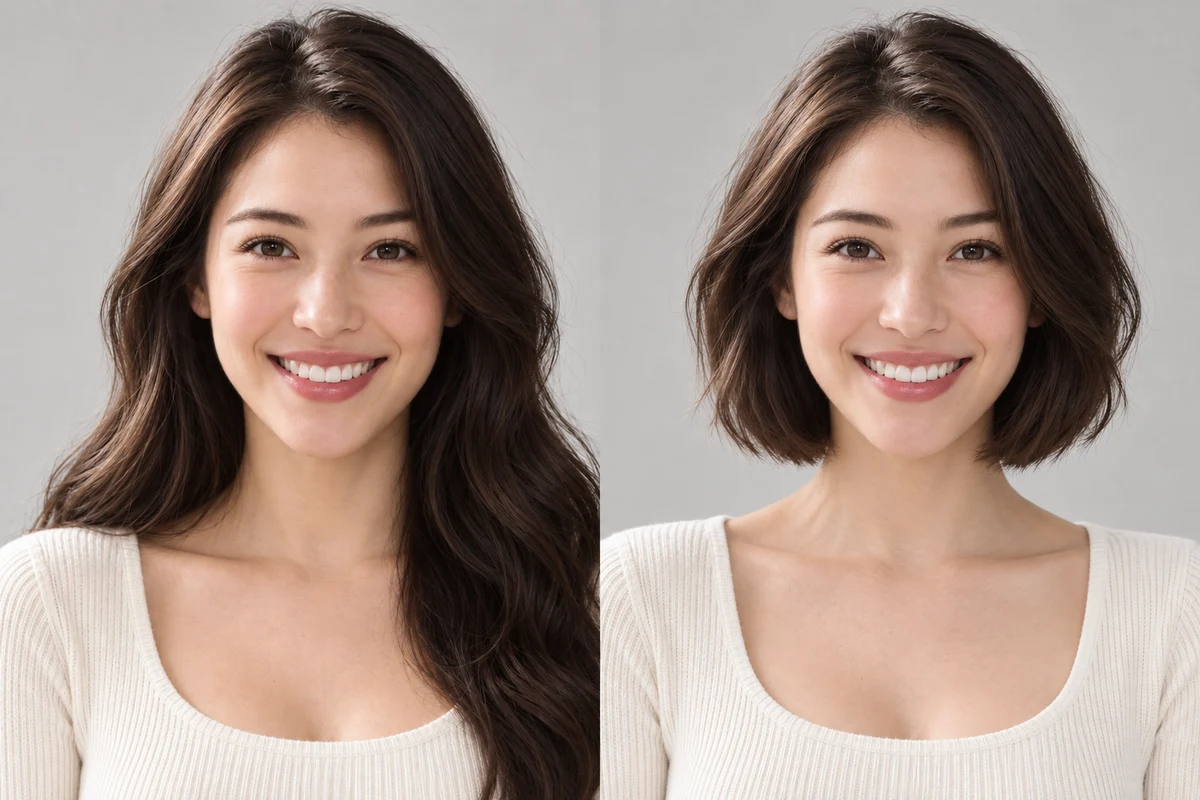
The approved female model with long dark-brown waves and a chin-length bob, shown side by side.
Compare the outline, fringe and volume around your face.

Start with the silhouette

Find Your Length and Shape

Start with one noticeable change: a shorter outline, a softer fringe or more movement through the lengths. Compare cuts on the same photo so the hairstyle stays the focus.

  • Explore short, medium and long options before narrowing your choice.
  • Keep the color unchanged first; add a new shade after choosing a cut.
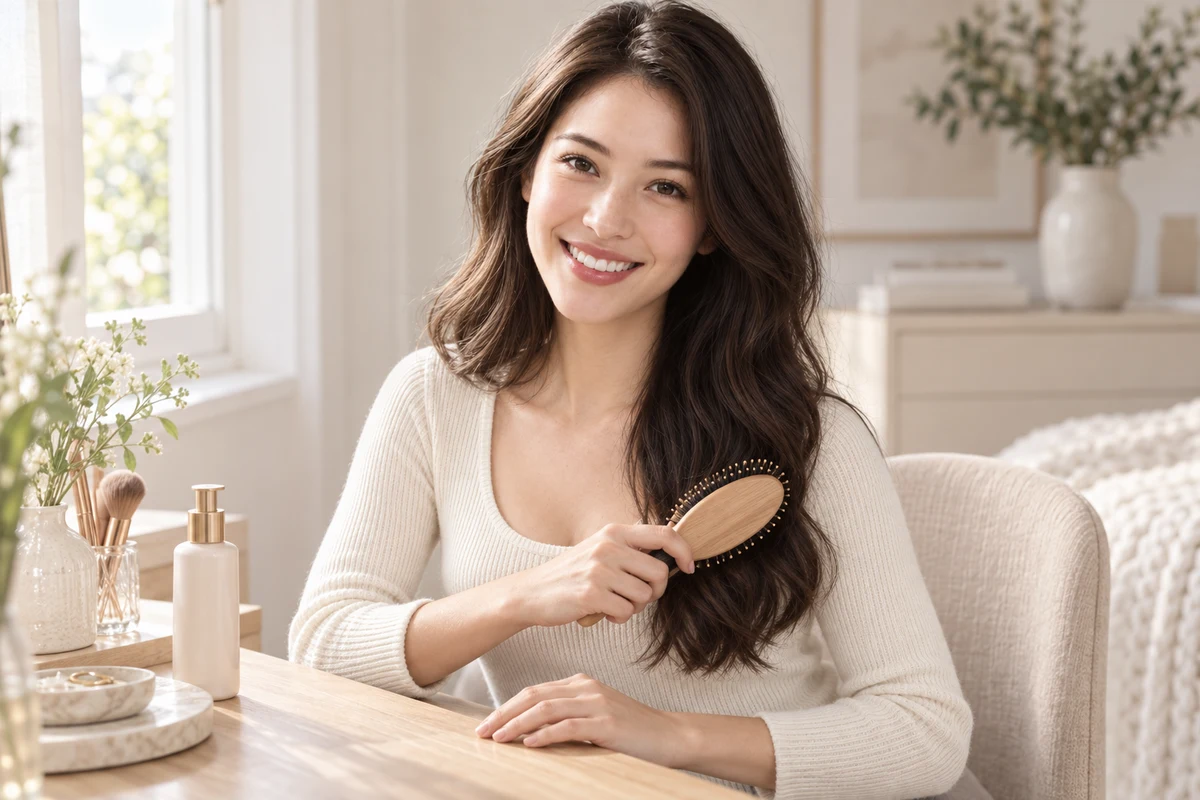
The same female model brushing her dark-brown waves at a light oak dressing table.
Use the preview as inspiration; consider your everyday routine too.

A look that fits your day

Match the Cut to Your Routine

A good reference should make sense beyond the photo. Your natural texture, styling time and preferred trim schedule all matter when choosing what to try next.

  • Consider how your natural curls or waves will sit at a shorter length.
  • Ask about styling and trims, especially for fringes and close fades.
The approved male model and female stylist discussing a haircut reference on a tablet in a bright salon.
Bring the idea, then refine it with a professional.

From preview to appointment

Take a Clear Reference to Your Stylist

Save a look you like and point out the parts you want: the fringe, length or shape at the sides. A stylist can help adapt the idea to your texture and growth pattern.

  • Discuss what to keep as well as what to change.
  • Treat an AI preview as a reference, not a guaranteed salon result.

Try a New Hairstyle in Three Steps

One photo is all you need to start exploring.

1

Upload a photo

A clear, front-facing selfie with your hair visible — or one of our sample portraits.

2

Pick a hairstyle

Choose any available look, then add a new hair color if you like.

3

Compare and decide

Drag the slider, try more styles on the same photo, and save your favorite to show your stylist.

AI hairstyle changer FAQ

Answers to the questions people ask before they try a new look.

Upload a photo, choose a hairstyle and select Try this hairstyle. Once your preview is ready, use the before-and-after slider to compare it with your original photo.

You can try it free: new accounts get free credits, and after that each preview costs a few credits. It runs in your browser, with no app to download.

Yes. Pick a hairstyle, then one of the colors under it — a pixie cut in platinum blonde, say — and both change in one preview. Bald and beard styles are hairstyle-only.

Yes. Switch the picker to Men for fades, undercuts, quiffs, slick backs, crew cuts, side parts, mullets, wolf cuts, buzz cuts, longer styles and beards.

Browse the complete collection on this page for the current selection. It includes short cuts, bobs, layers, bangs, curls, updos, braids, buzz cuts, bald looks and facial-hair options. Use the gender and category filters or search by name.

The edit is designed to preserve your facial features and change the requested hairstyle. AI results can vary, so compare the preview with your original before saving it.

A sharp, front-facing photo in soft light, with your whole head in the frame and your hair loose. Avoid hats, heavy shadows and beauty filters.

It keeps your natural hair color and texture and follows the light in your photo, so the result looks like your own hair after a real cut. It is still a preview — your stylist has the final word.

Yes. Compare a pixie, bob or lob on your photo before cutting. A preview helps you explore the silhouette; your stylist can advise how it will work with your hair.

Yes. The AI hair color changer offers preset shades and a custom HEX option. The color quiz can also suggest starting shades to try.

Still have a question? Email us at support@haircolorchangeai.com.

Preview Your Next Look on Your Photo

Choose a hairstyle, compare the change and save a reference you like.